


Quick Start: Creating App Tutorials With Camtasia
Category: Tutorials
- views: 506
- date: 15 January 2026
- posted by: 0nelove
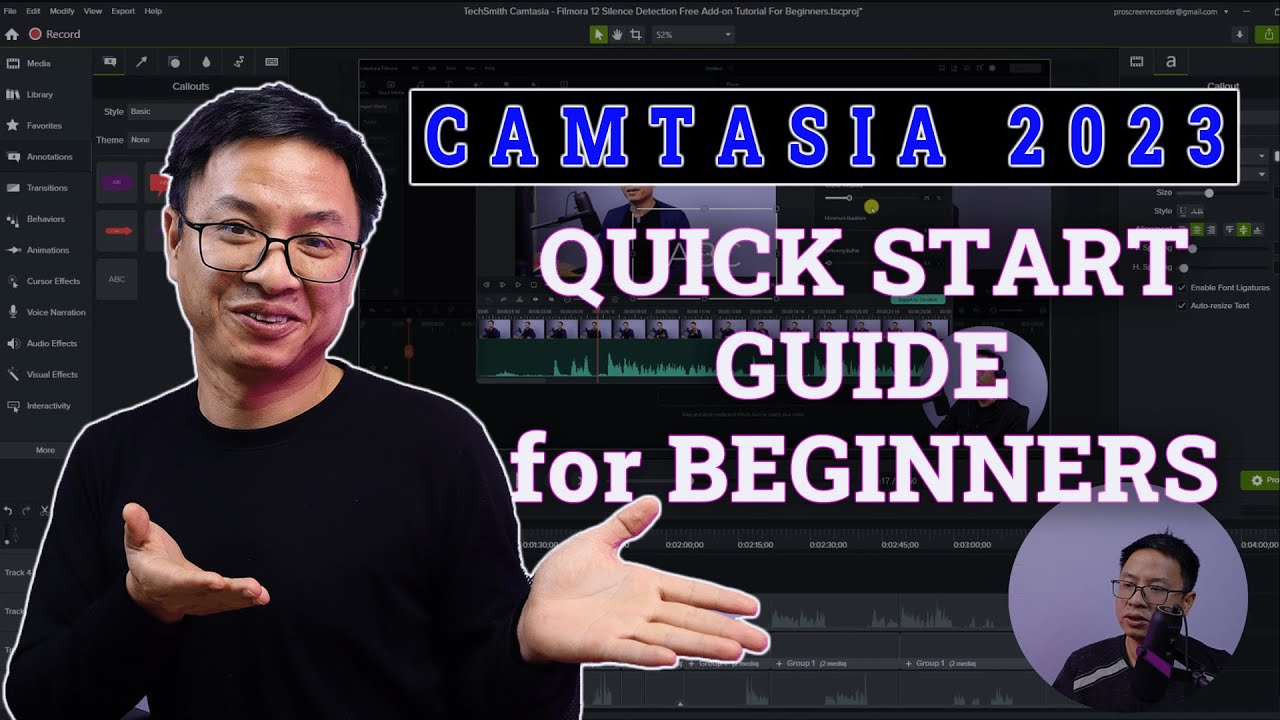
Quick Start: Creating App Tutorials With Camtasia
Published 1/2026
Created by Ken Whitaker
MP4 | Video: h264, 1920x1080 | Audio: AAC, 44.1 KHz, 2 Ch
Level: Intermediate | Genre: eLearning | Language: English + subtitle | Duration: 27 Lectures ( 2h 42m ) | Size: 3.2 GB
Learn the fundamentals for creating professional screen recordings in one afternoon with TechSmith Camtasia 2026
What you'll learn
Set up your recording environment to get professional results.
Plan for your screen recording (outline, script, slide deck) that will delight the learner.
Record, arrange, and optimize your recording, voiceover, animation, and basic annotations/visual effects.
Adding that special touch (INtro, OUTro, lower third headings) before exporting to a video or learning site.
Requirements
Some experience with taking screenshots and basic screen recording with tools like Snagit, Premiere Pro, Final Cut, Camtasia, or Articulate. You'll need a copy of Camtasia 2026 (or later) on either macOS (preferred) or Windows. For AI-generated voiceovers, you'll need access to TechSmith Camtasia, and for posting your videos for review: TechSmith Screencast.
Description
This course contains the use of artificial intelligence.This course provides all you need to know for producing app (and PowerPoint) screen recordings with TechSmith Camtasia. The course comprises approximately 3 hours of video instruction, quizzes, a complete workbook, and sample project files. You'll learn about writing effective scripts, configuring your system for proper screen resolution, adding lower third headings, adding impactful INtros/OUTros, emphasizing UI elements with annotations, using TechSmith Audiate for AI-generated voiceovers, and exporting final tutorial videos to video hosting sites (or learning management systems).Although the first set of lessons uses the author's voice narration, many subsequent lessons use AI-generated voice-overs (converted from text scripts using Audiate). This gives you the opportunity to "test drive" and evaluate which Audiate voiceover artist is best for your own screen recordings.Because Camtasia offers a comprehensive suite of video recording and editing features, Quick Start: Creating App tutorials with Camtasia focuses on teaching ONLY what you need to create professional screen-recording tutorials. As an established Upwork freelancer, I have helped many clients improve their makeshift screen recordings posted on social media sites. There appears to be a trend, however, in which clients want guidance to create their own tutorials. If you are someone who wants a "quick start" to do your own screen recordings, then this course may be the answer.In addition to video instruction, you'll get a complete full-color workbook to use as a reference guide. (How many video courses include a textbook? Not many!)Requirements:You'll need a copy of Camtasia 2026 (or later) on either macOS (preferred) or Windows. For AI-generated voiceovers, you'll need access to TechSmith Audiate. For posting your videos for review, TechSmith Screencast.
Who this course is for
If you don't have time to spend weeks learning everything about Camtasia, this course is for you. In fact, the author creates video tutorials on Upwork as a freelancer and encounters potential clients who want to record their app (or presentation) but don't have time to learn how to do it themselves.
https://rapidgator.net/file/db6aa80fb624c6de8bb64e8d24952e83/Quick_Start_Creating_App_Tutorials_with_Camtasia.part4.rar.html
https://rapidgator.net/file/185435db3f91545b87409b7b8611e0de/Quick_Start_Creating_App_Tutorials_with_Camtasia.part3.rar.html
https://rapidgator.net/file/1610f96b73540eae9c0dbf8d824e2a79/Quick_Start_Creating_App_Tutorials_with_Camtasia.part2.rar.html
https://rapidgator.net/file/47ac00174f7eaae2fc7ef470f4499502/Quick_Start_Creating_App_Tutorials_with_Camtasia.part1.rar.html
https://nitroflare.com/view/1DA529A03DD9420/Quick_Start_Creating_App_Tutorials_with_Camtasia.part4.rar
https://nitroflare.com/view/F8CD8B107818654/Quick_Start_Creating_App_Tutorials_with_Camtasia.part3.rar
https://nitroflare.com/view/8B4C0E64DA08A7A/Quick_Start_Creating_App_Tutorials_with_Camtasia.part2.rar
https://nitroflare.com/view/8D3665A1E0C41A3/Quick_Start_Creating_App_Tutorials_with_Camtasia.part1.rar
We need your support!
Make a donation to help us stay online

Bitcoin (BTC)
bc1q08g9d22cxkawsjlf8etuek2pc9n2a3hs4cdrld

Bitcoin Cash (BCH)
qqvwexzhvgauxq2apgc4j0ewvcak6hh6lsnzmvtkem

Ethereum (ETH)
0xb55513D2c91A6e3c497621644ec99e206CDaf239

Litecoin (LTC)
ltc1qt6g2trfv9tjs4qj68sqc4uf0ukvc9jpnsyt59u

USDT (ERC20)
0xb55513D2c91A6e3c497621644ec99e206CDaf239

USDT (TRC20)
TYdPNrz7v1P9riWBWZ317oBgJueheGjATm
Information |
|||
 |
Users of GUESTS are not allowed to comment this publication. | ||