


Awesome Html (Incl. A11Y, Aria, Css, Html5 Api'S, Pwa, Seo)
Category: Tutorials
- views: 265
- date: 31 August 2025
- posted by: AD-TEAM

Awesome Html (Incl. A11Y, Aria, Css, Html5 Api'S, Pwa, Seo)
Published 5/2025
MP4 | Video: h264, 1920x1080 | Audio: AAC, 44.1 KHz
Language: English | Size: 9.51 GB | Duration: 13h 54m
Awesome HTML Course with interactive CodeSandboxes. Learn HTML online with pleasure.
What you'll learn
Introduction to HTML;
Basic Structure of an HTML Document;
Essential HTML Tags;
Forms and User Input;
HTML5 and Semantic Elements;
Advanced HTML Features;
CSS Integration with HTML;
Introduction to jаvascript with HTML;
Building Responsive Web Designs;
Web Accessibility;
SEO Basics with HTML;
HTML Best Practices and Performance Optimization;
HTML5 APIs and Advanced Features;
Common Challenges and Debugging Tips;
Additional Resources and Reading Materials;
Much More!
Requirements
Excitement to learn!
0 Prior knowledge is required;
You can learn HTML solely based on our course.
Description
This course is unlike any HyperText Markup Language (HTML) course you will find online.Join a live online community and a book & course taught by industry experts and learn about HTML. We aim to build an ecosystem of Information Technology (IT) certifications and online courses in cooperation with the technology industry. We believe it will give our students 100% confidence in the pacing market in an open-source environment. We are just at the beginning of our way, so it's even better for you to join now!Short and to the point; why should you take the course:Always happy to answer your questions on Udemy's Q&A's and outside :)Learn about topics, such as:Introduction to HTML;Basic Structure of an HTML Document:Anatomy of an HTML Document (``, ``, ``, ``);Essential HTML Tags:Headings (`` to ``);Paragraphs and Text Formatting (``, ``, ``, ``, ``);Lists (`
- `);Hyperlinks (``);Images (``);Tables (``, ``, ``, ``);Line Breaks (`
`) and Horizontal Rules (`
`);Forms and User Input:Text Inputs, Radio Buttons, Checkboxes (``)Select Menus and Option Elements (``, ``)Submit and Reset Buttons (``, ``)Form Validation Basics (``);Advanced Form Features (``);Best Practices in Form Design;Practical Examples and Exercises;HTML5 and Semantic Elements:The Importance of Semantic Markup;Commonly Used Semantic Elements (``, ``, ``, ``, ``);Practical Applications and Real-World Scenarios;SEO and Semantic HTML;Advanced HTML Features:Multimedia (``, ``);Canvas (``);Geolocation;Web Storage (Local Storage, Session Storage);Drag and Drop;Iframes (``);SVG (Scalable Vector Graphics) (``);Data Attributes (`data-*`);CSS Integration with HTML:Basics of Cascading Style Sheets (CSS);Types of CSS (Inline, Internal, External);CSS Frameworks;CSS Preprocessors;Flexbox and Grid Layouts;Introduction to jаvascript with HTML:Embedding jаvascript in HTML;External jаvascript Files;DOM Manipulation;Event Handling;Building Responsive Web Designs:Mobile-First Approach;Flexible Layouts and Units;Content Prioritization;Optimized Images and Media;Testing and Iteration;Web Accessibility;SEO Basics with HTML;HTML Best Practices and Performance Optimization;HTML5 APIs and Advanced Features:Geolocation API;Web Storage API;Canvas API;Web Workers;WebSocket API;Drag and Drop API;Audio and Video API;File API;WebRTC API;Media Capture and Streams API;Offline Applications and Service Workers;Common Challenges and Debugging Tips;Additional Resources and Reading Materials;Much More!Real Life examples.The course explains the topic fully in-depth.120 unique interactive Tap2Play CodeSandboxes.Course Updatesv1.0.0: October 28, 2024.Launch of the course.v1.1.0: May 5, 2025.Post-recording improvements.
[b]Overview
Section 1: Welcome
Lecture 1 Welcome
Section 2: Introduction to HTML
Lecture 2 What is HTML?
Lecture 3 Setting Up the Environment
Lecture 4 Basics of Document Object Model (DOM)
Section 3: Basic Structure of an HTML Document
Lecture 5 Anatomy of an HTML Document
Lecture 6 Declaration, Head, and Body Sections
Lecture 7 Understanding DOCTYPE
Section 4: Essential HTML Tags
Lecture 8 Headings ( to )
Lecture 9 Paragraphs and Text Formatting (bold, italic, underline, more)
Lecture 10 Creating Lists
Lecture 11 Hyperlinks ()
Lecture 12 Displaying Images ()
Lecture 13 Creating Tables (, , , )
Lecture 14 Line Breaks () and Horizontal Rules ()
Lecture 15 Summary: Essential HTML Tags
Section 5: Forms and User Input
Lecture 16 Structure of an HTML Form
Lecture 17 Text Inputs, Radio Buttons, Checkboxes
Lecture 18 Select Menus and Option Elements
Lecture 19 Submit and Reset Buttons
Lecture 20 Form Validation Basics
Lecture 21 Advanced Form Features
Lecture 22 Styling Forms
Lecture 23 Best Practices in Form Design
Lecture 24 Practical Examples and Exercises
Lecture 25 Step-by-Step Guide: Building a Comprehensive Registration Form
Lecture 26 Step-by-Step Guide: Dynamic Form with jаvascript
Lecture 27 Summary: Forms and User Input
Section 6: HTML5 and Semantic Elements
Lecture 28 Introduction to Semantic Elements
Lecture 29 Semantic Markup: The Backbone of the Modern Web
Lecture 30 Commonly Used Semantic Elements
Lecture 31 Best Practices for Using Semantic Elements
Lecture 32 Challenges and Considerations
Lecture 33 Practical Applications and Real-World Scenarios
Lecture 34 Example: Semantic SPA Structure
Lecture 35 Enhancing Accessibility and SEO in SPAs
Lecture 36 Example: Article with Microdata for Rich Snippets
Lecture 37 Evolution and Future Trends in HTML5 and Semantic Elements
Lecture 38 Increased Emphasis on Accessibility
Lecture 39 Semantic Elements for Complex Web Applications
Lecture 40 Integration with Emerging Web Technologies
Lecture 41 Enhanced Support for Machine Learning and AI
Lecture 42 SEO and Semantic HTML
Lecture 43 Example: Semantic Headings
Lecture 44 Example: Semantic Navigation
Lecture 45 Benefits of Semantic HTML for SEO
Lecture 46 Accessibility Implications
Lecture 47 Example: Proper Heading Structure
Lecture 48 Example: Form Labels and Inputs
Lecture 49 Example: Use of `` and `` Landmarks
Lecture 50 ARIA Roles and Attributes
Lecture 51 Example: ARIA Role for a Live Region
Lecture 52 Example: ARIA Role for a Slider
Lecture 53 Conclusion: Accessibility Implications
Lecture 54 Case Study: Semantic HTML in Large-Scale Web Applications
Lecture 55 Implementation: Homepage Structure
Lecture 56 Implementation: Product Listing with Semantic Markup
Lecture 57 Benefits of Semantic HTML
Lecture 58 Summary: HTML5 and Semantic Elements
Section 7: Advanced HTML Features
Lecture 59 Multimedia Integration Elements
Lecture 60 Canvas for Graphics
Lecture 61 Geolocation
Lecture 62 Web Storage
Lecture 63 Drag and Drop
Lecture 64 Iframes
Lecture 65 SVG (Scalable Vector Graphics)
Lecture 66 Data Attributes
Lecture 67 Summary: Advanced HTML Features
Section 8: CSS Integration with HTML
Lecture 68 Basics of Cascading Style Sheets (CSS): Selectors
Lecture 69 Basics of Cascading Style Sheets (CSS): Properties and Values
Lecture 70 Basics of Cascading Style Sheets (CSS): Box Model
Lecture 71 Basics of Cascading Style Sheets (CSS): CSS Comments
Lecture 72 Types of CSS: Inline CSS
Lecture 73 Types of CSS: Internal (Embedded) CSS
Lecture 74 Types of CSS: External CSS
Lecture 75 CSS Frameworks
Lecture 76 CSS Preprocessors
Lecture 77 Flexbox
Lecture 78 Grid Layouts
Lecture 79 Conclusion: CSS Integration with HTML
Section 9: Introduction to jаvascript with HTML
Lecture 80 Embedding jаvascript in HTML
Lecture 81 External jаvascript Files
Lecture 82 DOM Manipulation
Lecture 83 Advanced DOM Manipulation Techniques
Lecture 84 Event Handling
Lecture 85 Advanced Event Handling
Lecture 86 Summary: Introduction to jаvascript with HTML
Section 10: Building Responsive Web Designs
Lecture 87 Responsive Design Principles
Lecture 88 Mobile-First Approach
Lecture 89 Flexible Layouts: Fluid Grids
Lecture 90 Flexible Layouts: Media Queries
Lecture 91 Flexible Units: Percentage (%)
Lecture 92 Flexible Units: Viewport Width (vw) and Viewport Height (vh)
Lecture 93 Flexible Units: Viewport Settings
Lecture 94 Flexible Units: Em (em)
Lecture 95 Benefits and Considerations
Lecture 96 Content Prioritization
Lecture 97 Techniques for Content Prioritization: Visual Hierarchy
Lecture 98 Techniques for Content Prioritization: Content Reorganization
Lecture 99 Benefits of Content Prioritization
Lecture 100 Optimized Images and Media
Lecture 101 Choose the Right File Format
Lecture 102 Optimizing Compression
Lecture 103 Lazy Loading
Lecture 104 Serving Responsive Images
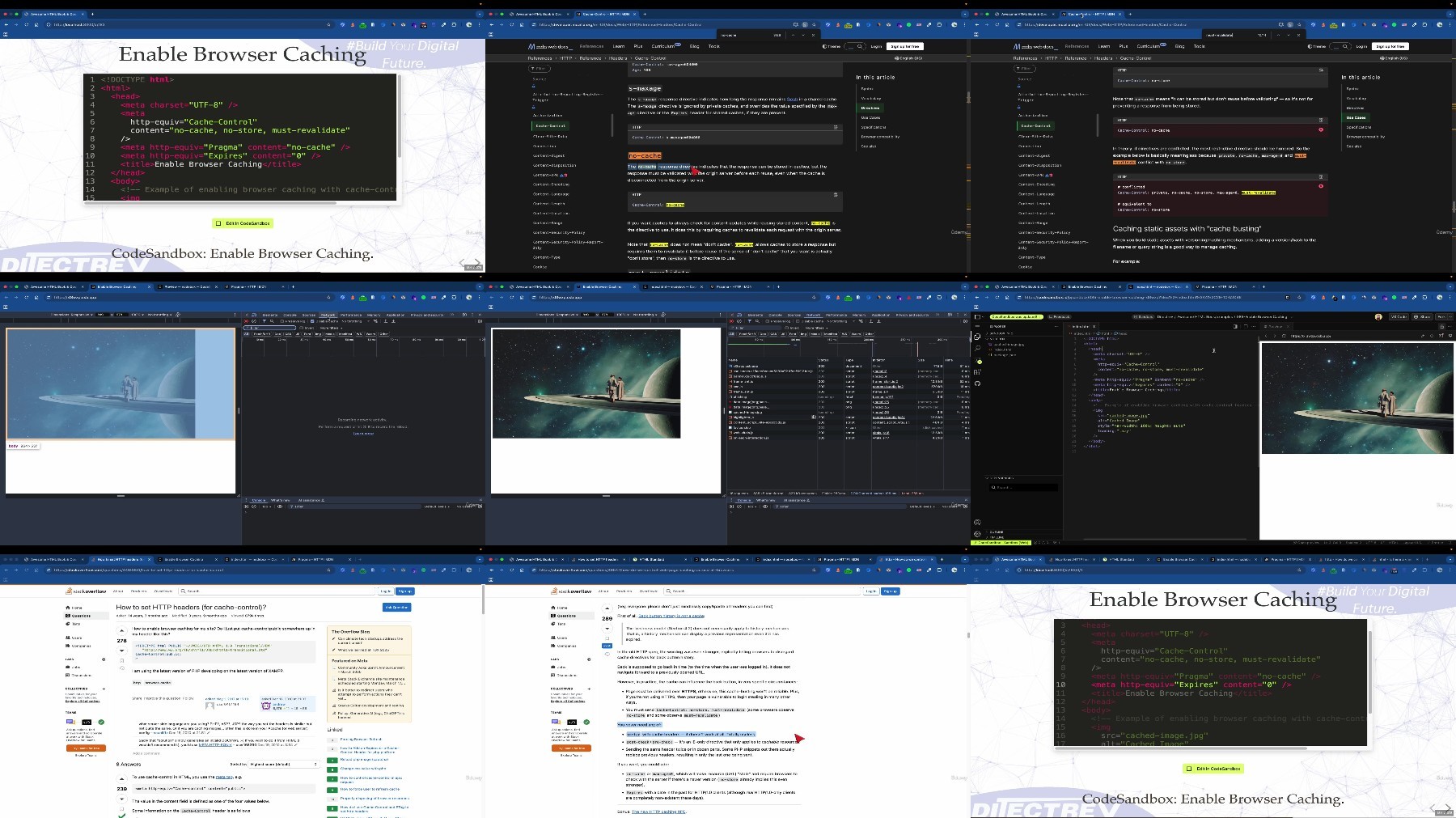
Lecture 105 Enable Browser Caching
Lecture 106 Video Optimization
Lecture 107 Audio Optimization
Lecture 108 Benefits of Optimized Images and Media
Lecture 109 Testing and Iteration
Lecture 110 Conclusion: Responsive Design Principles
Lecture 111 Fluid Layouts with CSS Flexbox
Lecture 112 Responsive Grid Layouts with CSS Grid
Lecture 113 Media Queries for Responsive Design
Lecture 114 Conclusion: Building Responsive Designs
Section 11: Web Accessibility
Lecture 115 Importance and Principles of Web Accessibility
Lecture 116 ARIA (Accessible Rich Internet Applications) Labels and Roles
Lecture 117 Accessibility Features in HTML5
Section 12: SEO Basics with HTML
Lecture 118 Understanding SEO and Its Importance
Lecture 119 HTML Tags and Attributes Important for SEO
Lecture 120 Meta Tags and SEO Best Practices
Lecture 121 Additional SEO Techniques and Best Practices
Section 13: HTML Best Practices and Performance Optimization
Lecture 122 Semantic Markup
Lecture 123 Form Enhancements
Lecture 124 Multimedia Integration
Lecture 125 Mobile Optimization
Lecture 126 Accessibility Features
Lecture 127 Code Organization and Commenting
Lecture 128 HTML Performance Optimization Techniques
Lecture 129 Conclusion: HTML Best Practices and Perfomance Optimization
Section 14: HTML5 APIs and Advanced Features
Lecture 130 Geolocation API
Lecture 131 Web Storage API
Lecture 132 Canvas API
Lecture 133 Web Workers
Lecture 134 WebSocket API
Lecture 135 Drag and Drop API
Lecture 136 Audio and Video API
Lecture 137 File API
Lecture 138 WebRTC API
Lecture 139 Media Capture and Streams API
Lecture 140 Offline Applications and Service Workers
Lecture 141 Conclusion: HTML5 APIs and Advanced Features
Section 15: Conclusion and Next Steps
Lecture 142 Recap of Advanced HTML and HTML5 APIs
Lecture 143 Pathways for Further Learning in Web Development
Lecture 144 Joining Developer Communities and Continuing Education
Section 16: Common Challenges and Debugging Tips
Lecture 145 Cross-Browser Compatibility
Lecture 146 Permission Errors
Lecture 147 Security Restrictions
Lecture 148 Network Connectivity Issues
Lecture 149 Performance Optimization Tools
Lecture 150 Error Handling and Debugging Tools
Lecture 151 Community Support and Documentation
Lecture 152 Continuous Testing and Iteration
Lecture 153 Summary: Common Challenges and Debugging Tips
Section 17: Conclusion: HyperText Markup Language (HTML) Course
Lecture 154 Conclusion: HyperText Markup Language (HTML) Course
Section 18: Additional Resources and Reading Materials
Lecture 155 Online Tutorials and Guides
Lecture 156 Books and Publications
Lecture 157 Community Forums and Discussion Platforms
Lecture 158 Developer Tools and Extensions
Lecture 159 Online Courses and Learning Platforms
Section 19: FREE HTML eBook
Lecture 160 Awesome HTML Book: HyperText Markup Language (HTML)
Section 20: Community
Lecture 161 Our Community & Social Media
Enthusiasts of practical education;,Everyone who has heard about HTML and would like to know more;,Professionalists daily working with technology who want to have a basic grasp of what programming is without burnout;,Sceptical Developers about book & course solely focused on HTML;,Self-paced Learners for whom expensive Bootcamps are unaffordable;,Students interested in Web Development;,Students willing to start a career in Software Development;,Web Developers willing to know A to Z about HTML;
RapidGator
https://rapidgator.net/file/e29ee8706f930da09af9ed33ab5f8c2a/awesome.html.incl..a11y.aria.css.html5.apis.pwa.seo.part1.rar
https://rapidgator.net/file/3e86c089335d561cbe73c74f19ca2be2/awesome.html.incl..a11y.aria.css.html5.apis.pwa.seo.part2.rar
https://rapidgator.net/file/ae2ed027a9996cd05764278e94eecf84/awesome.html.incl..a11y.aria.css.html5.apis.pwa.seo.part3.rar
https://rapidgator.net/file/7816a41ee242fee92304916edcf83d7d/awesome.html.incl..a11y.aria.css.html5.apis.pwa.seo.part4.rar
NitroFlare
https://nitroflare.com/view/0C71455E39E6A8A/awesome.html.incl..a11y.aria.css.html5.apis.pwa.seo.part1.rar
https://nitroflare.com/view/F67632F5E052425/awesome.html.incl..a11y.aria.css.html5.apis.pwa.seo.part2.rar
https://nitroflare.com/view/14D6D81F2357256/awesome.html.incl..a11y.aria.css.html5.apis.pwa.seo.part3.rar
https://nitroflare.com/view/EA65D1FBAE1A41A/awesome.html.incl..a11y.aria.css.html5.apis.pwa.seo.part4.rar
DDownload
https://ddownload.com/k3wkvj5aiqpj/awesome.html.incl..a11y.aria.css.html5.apis.pwa.seo.part1.rar
https://ddownload.com/6xdx5e24dxzj/awesome.html.incl..a11y.aria.css.html5.apis.pwa.seo.part2.rar
https://ddownload.com/0qzid9depecg/awesome.html.incl..a11y.aria.css.html5.apis.pwa.seo.part3.rar
https://ddownload.com/50by5y9vg2vb/awesome.html.incl..a11y.aria.css.html5.apis.pwa.seo.part4.rar
We need your support!
Make a donation to help us stay online

Bitcoin (BTC)
bc1q08g9d22cxkawsjlf8etuek2pc9n2a3hs4cdrld

Bitcoin Cash (BCH)
qqvwexzhvgauxq2apgc4j0ewvcak6hh6lsnzmvtkem

Ethereum (ETH)
0xb55513D2c91A6e3c497621644ec99e206CDaf239

Litecoin (LTC)
ltc1qt6g2trfv9tjs4qj68sqc4uf0ukvc9jpnsyt59u

USDT (ERC20)
0xb55513D2c91A6e3c497621644ec99e206CDaf239

USDT (TRC20)
TYdPNrz7v1P9riWBWZ317oBgJueheGjATm
Information |
|||
 |
Users of GUESTS are not allowed to comment this publication. | ||