


Blender 3D for Beginners: Learn to Model a Gummy Bear
Category: Tutorials
- views: 92
- date: 11 July 2025
- posted by: AD-TEAM
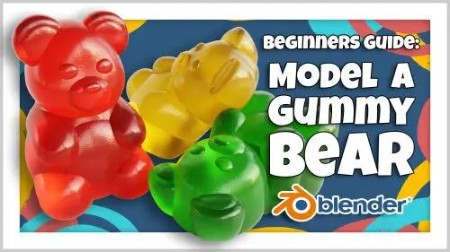
Blender 3D for Beginners: Learn to Model a Gummy Bear
Duration: 3h 33m | .MP4 1280x720, 30 fps(r) | AAC, 48000 Hz, 2ch | 2.48 GB
Genre: eLearning | Language: English
Hi, my name is Harry and I'm a professional 3d artist with over a decade of experience. I've worked most recently as the Studio Director of an award winning architectural visualization studio.
On Skillshare, I specialize in clear, easy to follow beginner's classes. We'll go through each process, step-by-step, to prevent as much confusion as possible.
In this course, I'll walk you through the fun and beginner friendly process of creating a gummy bear in Blender.
We're using Blender for this tutorial, which is an amazing and totally free 3d software. The only barrier to entry is having a computer to run the software on.
A gummy bear might seem like an odd project for a beginner to start with, but it really is a perfect place to start!
In this class, you'll learn:
Blender Interface and Tools: We'll learn about many basic tools and interface elements within Blender while building our gummy bear.
Modeling: Which is how we'll create the body of our gummy bear.
Modifiers: That add effects to our models such as smoothing or mirroring.
Lighting: Which we will use to illuminate our little gummy bear.
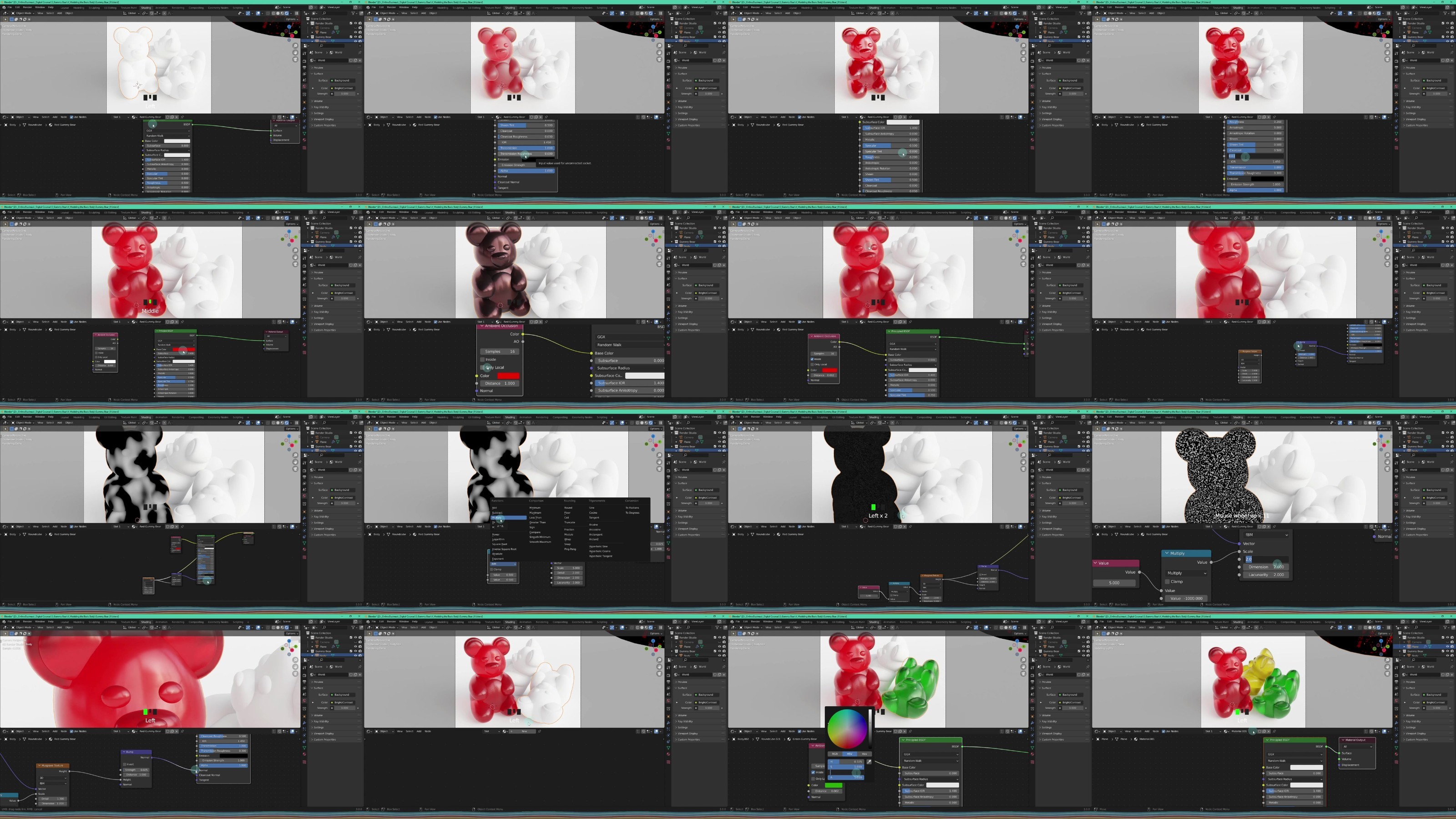
Shading: We'll create a colorful and transparent gummy candy material.
Rendering: Lastly, we'll render a final image of our gummy bear to share with our friends online.
When we're done we'll have a cute little gummy bear to render to our heart's content! The process you learn in this class can easily be applied to make another gummy animal of your own choice.
For our class project, you'll be doing just that! Using all the knowledge you gained during this class, model another gummy animal and share your render with the class!
I'll review every project uploaded to the gallery and give you feedback on what you've done fantastic, as well as anything that could use some adjustment.
I hope you'll join me on this fun beginner's journey through Blender by making your very own gummy bear!
DDownload
https://ddownload.com/t57uedvcj97f/yxusj.Skillshare...Blender.3D.for.Beginners.Learn.to.Model.a.Gummy.Bear.part1.rar
https://ddownload.com/7q08hzkpnj76/yxusj.Skillshare...Blender.3D.for.Beginners.Learn.to.Model.a.Gummy.Bear.part2.rar
https://ddownload.com/xfa6m6jx7gqt/yxusj.Skillshare...Blender.3D.for.Beginners.Learn.to.Model.a.Gummy.Bear.part3.rar
RapidGator
https://rapidgator.net/file/8864dd1f13fff40987881ffed3002a9a/yxusj.Skillshare...Blender.3D.for.Beginners.Learn.to.Model.a.Gummy.Bear.part1.rar
https://rapidgator.net/file/eb0b16f0f81fc46fcfbf93e9b83c91cc/yxusj.Skillshare...Blender.3D.for.Beginners.Learn.to.Model.a.Gummy.Bear.part2.rar
https://rapidgator.net/file/bff8b0ce5ffaf91670b606664a33345a/yxusj.Skillshare...Blender.3D.for.Beginners.Learn.to.Model.a.Gummy.Bear.part3.rar
NitroFlare
https://nitroflare.com/view/707AF0FA4A37994/yxusj.Skillshare...Blender.3D.for.Beginners.Learn.to.Model.a.Gummy.Bear.part1.rar
https://nitroflare.com/view/B66B5AE96632821/yxusj.Skillshare...Blender.3D.for.Beginners.Learn.to.Model.a.Gummy.Bear.part2.rar
https://nitroflare.com/view/565A849090B110B/yxusj.Skillshare...Blender.3D.for.Beginners.Learn.to.Model.a.Gummy.Bear.part3.rar
We need your support!
Make a donation to help us stay online

Bitcoin (BTC)
bc1q08g9d22cxkawsjlf8etuek2pc9n2a3hs4cdrld

Bitcoin Cash (BCH)
qqvwexzhvgauxq2apgc4j0ewvcak6hh6lsnzmvtkem

Ethereum (ETH)
0xb55513D2c91A6e3c497621644ec99e206CDaf239

Litecoin (LTC)
ltc1qt6g2trfv9tjs4qj68sqc4uf0ukvc9jpnsyt59u

USDT (ERC20)
0xb55513D2c91A6e3c497621644ec99e206CDaf239

USDT (TRC20)
TYdPNrz7v1P9riWBWZ317oBgJueheGjATm
Information |
|||
 |
Users of GUESTS are not allowed to comment this publication. | ||