


Adobe InDesign CC – Advanced Training
Category: Tutorials
- views: 135
- date: 28 February 2025
- posted by: AD-TEAM
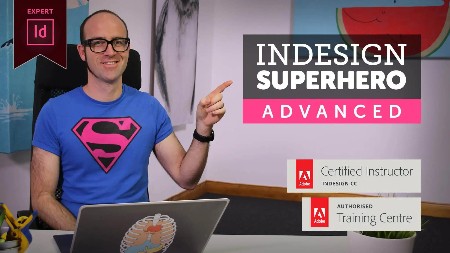
Adobe InDesign CC – Advanced Training
.MP4, AVC, 2500 kbps, 1280x720 | English, AAC, 128 kbps, 2 Ch | 7h 46m | 7.64 GB
Instructor: Daniel Scott
Hi there, my name is Dan. I am an Adobe Certified Instructor and an Adobe Certified Expert for InDesign and I work as a professional graphic designer. This course is about advanced features, productivity & workflow speed tricks using Adobe InDesign.
This course is not for people brand new to InDesign. It's for people who already know and understand the fundamentals.
If you are already happy adding text & images to InDesign documents then this course is for you. Even if you consider yourself a heavy user, I promise there will be things in here that will blow your InDesign mind.
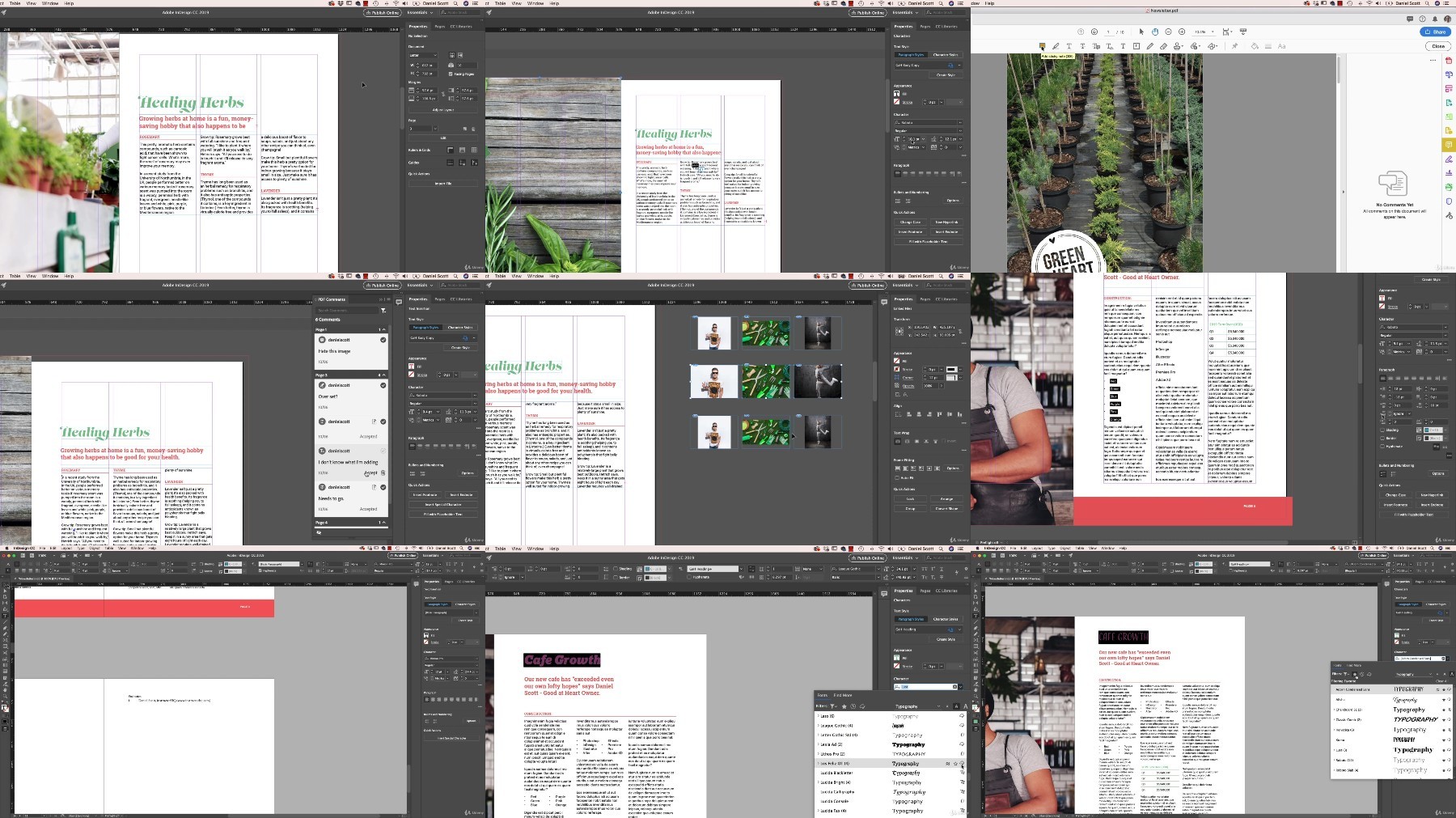
You'll learn advanced font tricks using Typekit & Opentype fonts, font grouping & font pairing. Mastering colour features like the colour theme tool and colour modes as well as professional proofing for colours for print. We'll set permanent defaults for fonts, colours & will learn how to turn hyphenation off for good, once and for all.
What would an advanced InDesign course be without all the tactics to fully control paragraphs, auto expanding boxes, spanning & splitting columns. You'll become a Styles master, using nested styles, grep styles, next styles & advanced object styles.
We'll make beautiful charts & graphs for your InDesign documents. You'll learn the pros & cons of various digital distribution methods including Interactive PDF's, EPUBs & the amazing Publish Online.
You'll become a master of long, text heavy documents, autoflowing, primary text frames & smart text reflow, cross referencing, indexes, text variables & the InDesign book feature. There is entire section dedicated to how to speed up your personal workflow & how to speed up InDesign and get it running super fast.
We look at interactive forms & scripts. There is just so much we cover and I want to share everything here in the intro but I can't. Have a look through the video list, there is an amazing amount we cover here in the course.
If you're one of those people using InDesign and you know there is probably a better way, a faster way to work then this is your course.
Daniel Walter Scott
What are the requirements?
You will need a copy of Adobe InDesign 2018 or above. But you find that 95% of all the features in this course will work with earlier version of InDesign (e.g. CS6). A free trial can be downloaded from Adobe.
What am I going to get from this course?
70 lectures 5+ hours of well structured content.
Create PDF Forms
Master Long Documents.
Advanced Fonts
Master Styles
Shortcut Sheet
Create Charts & Infographics
Create Interactive Documents
Workflow Tactics
Shortcuts & Speed Tips
Advanced Creative Cloud Features
Tips for working with Photoshop & Illustrator
Using Scripts
Exporting, Prepress & Printing tricks
You will get the finished files so you never fall behind.
Downloadable exercise files & cheat sheet.
Forum support from me and the rest of the BYOL crew.
Techniques used by professional graphic designers.
Professional workflows and shortcuts.
A wealth of other resources and websites to help your accelerate your career.
What is the target audience?
This course is for people who already know InDesign and want to take their skills and speed to the maximum level.
This is an advanced InDesign course, so you'll need basic InDesign skills to find this course useful.
This course is perfect for anyone that already knows how to insert images & add text.
If you a completely new to InDesign try my InDesign Essentials course before starting this one.
This course is perfect for anyone that has completed my InDesign Essentials course.
More Info
TurboBit
https://turbobit.net/8fyqvi7k0u2u/11-2019.adobe-indesign-cc-advanced-training.part1.rar.html
https://turbobit.net/fee63axemhpk/11-2019.adobe-indesign-cc-advanced-training.part2.rar.html
https://turbobit.net/rsvx72tej7bf/11-2019.adobe-indesign-cc-advanced-training.part3.rar.html
https://turbobit.net/gg7l6ip3nwbj/11-2019.adobe-indesign-cc-advanced-training.part4.rar.html
https://turbobit.net/wcac5n3n0bd6/11-2019.adobe-indesign-cc-advanced-training.part5.rar.html
https://turbobit.net/ch7qzhf7ys0y/11-2019.adobe-indesign-cc-advanced-training.part6.rar.html
https://turbobit.net/cnd1v81sxwn6/11-2019.adobe-indesign-cc-advanced-training.part7.rar.html
https://turbobit.net/zh591o5d5o60/11-2019.adobe-indesign-cc-advanced-training.part8.rar.html
RapidGator
https://rapidgator.net/file/f74fe832cc124ea2ec64337846003d16/11-2019.adobe-indesign-cc-advanced-training.part1.rar
https://rapidgator.net/file/c1cb0798ce458fb6214f3e3dba6de301/11-2019.adobe-indesign-cc-advanced-training.part2.rar
https://rapidgator.net/file/83b73da14b54d077cb9e4b3a960fc9c8/11-2019.adobe-indesign-cc-advanced-training.part3.rar
https://rapidgator.net/file/944eea08b22f4979c81a945c5a26a1dd/11-2019.adobe-indesign-cc-advanced-training.part4.rar
https://rapidgator.net/file/10ee34c3fd0c72d1a2ff97df2a1bb907/11-2019.adobe-indesign-cc-advanced-training.part5.rar
https://rapidgator.net/file/d85be7f726f977de3bd8c4a240cb9ded/11-2019.adobe-indesign-cc-advanced-training.part6.rar
https://rapidgator.net/file/036ef36cb531d87a74946ccda003ccab/11-2019.adobe-indesign-cc-advanced-training.part7.rar
https://rapidgator.net/file/083dd25c7fa70d4dc57e3a1d930b82b5/11-2019.adobe-indesign-cc-advanced-training.part8.rar
AlfaFile
FileFactory
We need your support!
Make a donation to help us stay online

Bitcoin (BTC)
bc1q08g9d22cxkawsjlf8etuek2pc9n2a3hs4cdrld

Bitcoin Cash (BCH)
qqvwexzhvgauxq2apgc4j0ewvcak6hh6lsnzmvtkem

Ethereum (ETH)
0xb55513D2c91A6e3c497621644ec99e206CDaf239

Litecoin (LTC)
ltc1qt6g2trfv9tjs4qj68sqc4uf0ukvc9jpnsyt59u

USDT (ERC20)
0xb55513D2c91A6e3c497621644ec99e206CDaf239

USDT (TRC20)
TYdPNrz7v1P9riWBWZ317oBgJueheGjATm
Information |
|||
 |
Users of GUESTS are not allowed to comment this publication. | ||