


Complete Blender Course, City Environment, Car-2 Courses
Category: Tutorials
- views: 52
- date: 17 February 2025
- posted by: AD-TEAM
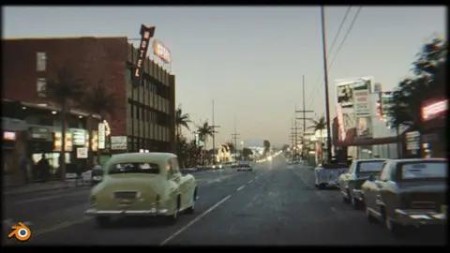
Complete Blender Course, City Environment, Car-2 Courses
Published 10/2023
MP4 | Video: h264, 1920x1080 | Audio: AAC, 44.1 KHz
Language: English | Size: 3.93 GB | Duration: 2h 51m
car-street-retro-realistic - 2 tutorials in one in blender
What you'll learn
I will introduce you to the free 3d program Blender
I will introduce you to modeling, texturing, lighting, rendering, post-processing and more
We will create 2 retro scenes with a car in Blender
I'll show you how to achieve realism faster
Requirements
Free software Blender. No previous experience is necessary
Description
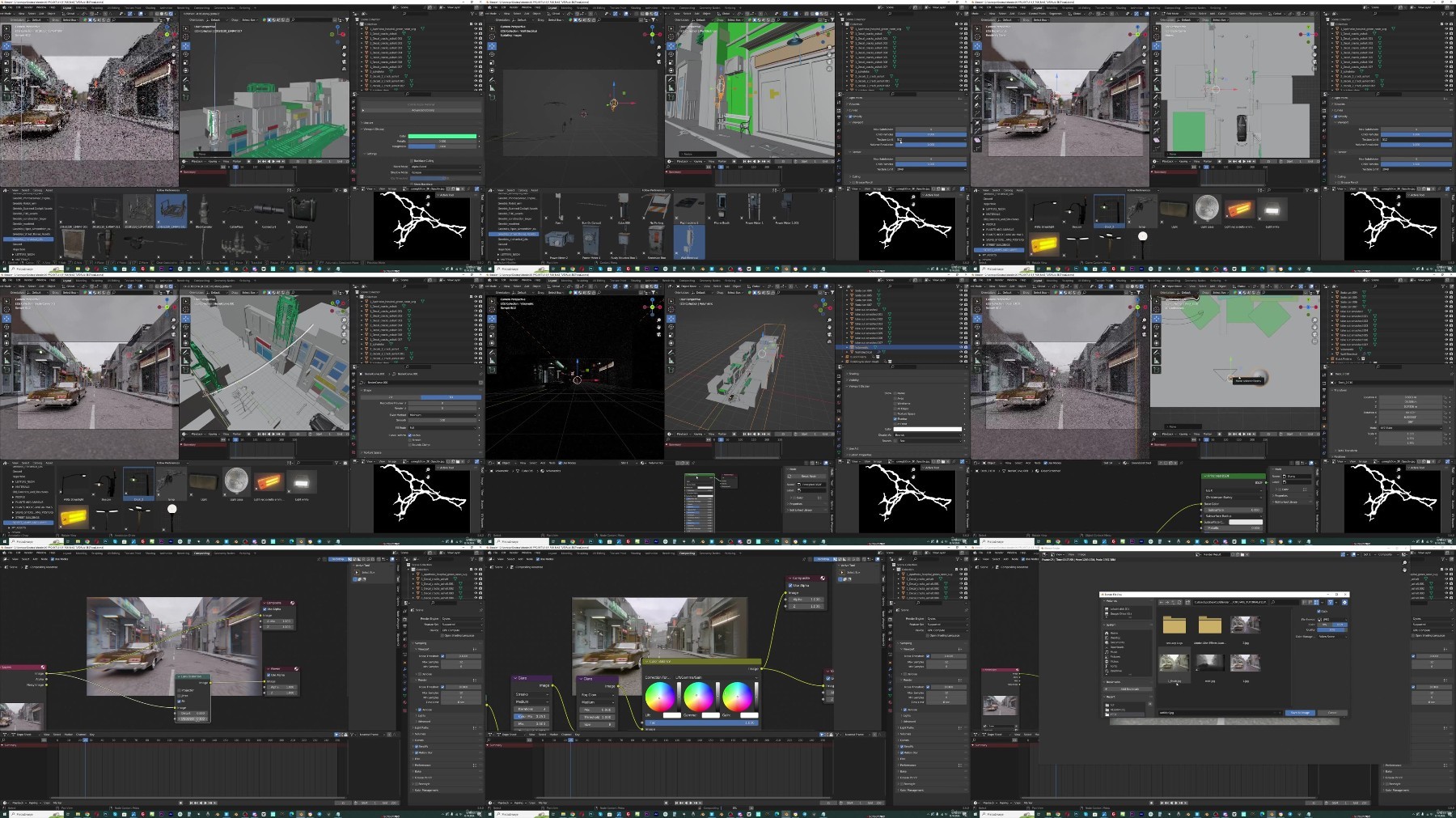
In this Blender tutorial I'm going to show you step-by-step how to create render and animation that will bring us back 50 years in time. But I also recorded a shorter one-hour tutorial where we create one more scene as a bonus.So in this master tutorial, we will create two scenes with a street and a car.I decided to record the creation of two scenes because I use two slightly different methodsIn the first scene, we don't stick too much to the reference image and I mostly use assets from before or from the Internet. In this way, we can quickly and easily reach the final result, in this case in only about one hourIn the second part of the tutorial, which is completely step-by-step, we stick to the reference photo that we will bring to life and turn into animationI will show you how to use the photo not only as a reference but also how to use some of the textures to speed up the process, get closer to the reference, and get a realistic result faster and easierIn addition to the tutorial, I will share with you the final .blend files as well as the 2 assets packs that we use in the tutorialIn the tutorial, we will talk about modeling, texturing, lighting, composition, post-processing.I will show you how to use a reference photo to create 3D models and how to use it as a textureWe will also use several modifiers and talk to the camera, color correction, use the blender compositor, and moreThis is the workflow I've learned in 5 years of experience in Blender and I'm glad to share it with you
Overview
Section 1: Introduction
Lecture 1 Introduction
Lecture 2 Creating scene one part 1
Lecture 3 Creating scene one part 2
Lecture 4 Creating scene one part 3
Lecture 5 Creating scene one part 4
Lecture 6 Scene two - F-spy
Lecture 7 Modeling buildings
Lecture 8 Modeling buildings part 2
Lecture 9 UV-project modifier
Lecture 10 Lighting and cars
Lecture 11 Asphalt texture upgrade
Lecture 12 Bricks texture upgrade
Lecture 13 Hotel modeling
Lecture 14 Shops, trees, poles
Lecture 15 Motion blur
Lecture 16 Volumetrics, reflection on the car
Lecture 17 Shadows and compositor
Lecture 18 Post-processing
For blender beginners as well as more advanced users
TurboBit
https://turbobit.net/wpi4bsksh9fl/.Complete.Blender.course.city.environment.car-2.courses.part1.rar.html
https://turbobit.net/r7s2dk09bjjx/.Complete.Blender.course.city.environment.car-2.courses.part2.rar.html
https://turbobit.net/45xb000gd9gs/.Complete.Blender.course.city.environment.car-2.courses.part3.rar.html
RapidGator
https://rapidgator.net/file/0efce1804f87ec827984431f61b9af1d/.Complete.Blender.course.city.environment.car-2.courses.part1.rar
https://rapidgator.net/file/e583b44eefb3e46ad6954f7c625adaa3/.Complete.Blender.course.city.environment.car-2.courses.part2.rar
https://rapidgator.net/file/d4ddcd91aca4f687f4335c96699683a2/.Complete.Blender.course.city.environment.car-2.courses.part3.rar
AlfaFile
We need your support!
Make a donation to help us stay online

Bitcoin (BTC)
bc1q08g9d22cxkawsjlf8etuek2pc9n2a3hs4cdrld

Bitcoin Cash (BCH)
qqvwexzhvgauxq2apgc4j0ewvcak6hh6lsnzmvtkem

Ethereum (ETH)
0xb55513D2c91A6e3c497621644ec99e206CDaf239

Litecoin (LTC)
ltc1qt6g2trfv9tjs4qj68sqc4uf0ukvc9jpnsyt59u

USDT (ERC20)
0xb55513D2c91A6e3c497621644ec99e206CDaf239

USDT (TRC20)
TYdPNrz7v1P9riWBWZ317oBgJueheGjATm
Information |
|||
 |
Users of GUESTS are not allowed to comment this publication. | ||