


ArcGIS Online level #2: AGOL Story Maps and Dashboards
Category: Tutorials
- views: 46
- date: 16 February 2025
- posted by: AD-TEAM

ArcGIS Online level #2: AGOL Story Maps and Dashboards
Published 2/2025
MP4 | Video: h264, 1280x720 | Audio: AAC, 44.1 KHz, 2 Ch
Language: English | Duration: 39m | Size: 303 MB
Organizational Account, Story Maps, Express Maps, Sidecars and more
What you'll learn
Understand the difference between public and organizational accounts
Create interactive web applications and Story Maps to share your geographic data in an attractive and professional way.
Develop skills in spatial data management, including importing, editing, and analyzing geographic information from multiple sources.
learning to manage users, licenses, and settings in an enterprise environment.
Requirements
Learning projects are included, so no prior knowledge is required. Students will be able to learn everything from scratch.
Description
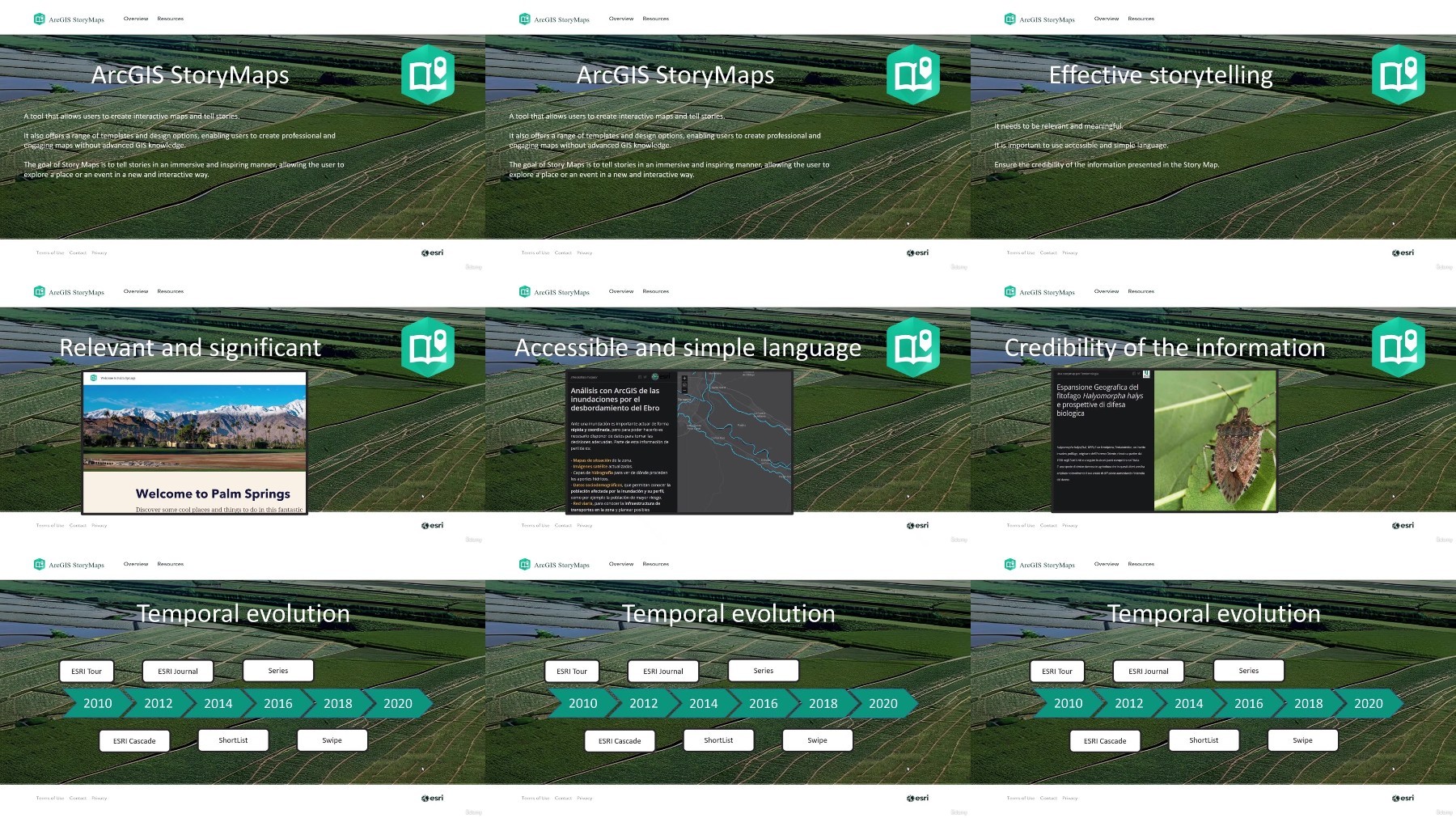
Are you looking to create interactive story maps with ArcGIS Online? This course gives you a complete guide on working with ArcGIS Online Story Maps. You begin by setting up an Esri organizational account with a free 21-day trial. You get hands-on practice with setting up your account, checking the dashboard, tracking activities, managing services, and monitoring credits. The course shows you how to manage team members by adjusting roles, tracking activity, and giving proper access. You also learn how to handle add-on licenses and download ArcGIS Pro so you have the tools you need.Next, you move to managing your organizational panel. The lessons explain how to use the overview tab, adjust settings, customize your home page, and set up groups and custom roles. Short quizzes check your understanding along the way, building a strong base for real projects.After the account section, the course introduces Story Maps. You learn how the Story Maps builder works, see the features it offers, and learn to edit themes and text options. Step by step, you create your first Story Map by building a story with an Explorer Map Tour. You work with a Map Tour widget and ribbon and discover new platform features that give your map a professional look. One session explains the differences between Explore Map Tour and Guided Map Tour so you can decide which fits your project best.The course then shows you practical methods to manage your Story Maps. You learn how to control your content for academic work or business projects using the administration tools offered in the platform. Each part of the course includes a quiz to check your progress and boost your confidence.Once you have the basics down, you move into advanced topics with Express Maps and Sidecars. In the Express Maps section, you start by setting up your map, add linear elements, and work through lessons that help you edit and finish your map. A quiz at the end of this section reinforces your skills. The Sidecars lessons guide you through editing a sidecar, trying out special features and different options in the ribbon, and adding an HTML element to complete your story map. Another quiz at the end makes sure you're ready for the next step.This course stands out by offering practical, step-by-step instructions combined with hands-on assignments and quizzes. You are not just shown what to do; you practice each step, building your skills gradually. By the end of the course, you will know how to set up and manage an organizational account, create and edit Story Maps, and use advanced features like Express Maps and Sidecars.If you want to boost your mapping skills for academic projects or to add value to your professional work, this course is an excellent choice. It gives you clear lessons and practical exercises that help you create impressive, interactive story maps that tell real stories. Sign up now and start building maps that capture your audience's attention.
Who this course is for
GIS Technician, Cartographer, Remote Sensing Specialist, Photogrammetrist, Surveyor, CAD Technician
Environmental Scientist, Conservation Officer, Wildlife Biologist, Forest Manager, Natural Resource Consultant, Park Ranger
Urban Planner, Real Estate Developer, Transportation Analyst, Civil Engineer, Zoning Official, Infrastructure Manager
Market Analyst, Logistics Manager, Emergency Response Coordinator, Business Location Strategist, Risk Assessment Specialist, Public Safety Officer
Homepage
https://www.udemy.com/course/arcgis-online-level-2-agol-story-maps-and-dashboards/
TurboBit
RapidGator
AlfaFile
FileFactory
We need your support!
Make a donation to help us stay online

Bitcoin (BTC)
bc1q08g9d22cxkawsjlf8etuek2pc9n2a3hs4cdrld

Bitcoin Cash (BCH)
qqvwexzhvgauxq2apgc4j0ewvcak6hh6lsnzmvtkem

Ethereum (ETH)
0xb55513D2c91A6e3c497621644ec99e206CDaf239

Litecoin (LTC)
ltc1qt6g2trfv9tjs4qj68sqc4uf0ukvc9jpnsyt59u

USDT (ERC20)
0xb55513D2c91A6e3c497621644ec99e206CDaf239

USDT (TRC20)
TYdPNrz7v1P9riWBWZ317oBgJueheGjATm
Information |
|||
 |
Users of GUESTS are not allowed to comment this publication. | ||