


AutoCAD Plant 3D 2024: The Ultimate Course for Designers
Category: Tutorials
- views: 163
- date: 14 February 2025
- posted by: AD-TEAM

AutoCAD Plant 3D 2024: The Ultimate Course for Designers
.MP4, AVC, 1280x720, 30 fps | English, AAC, 2 Ch | 9h 2m | 5.85 GB
Instructor: José Lira
Master the Art of Industrial Plant Design and Management with AutoCAD Plant 3d from scratch to professional level
What you'll learn
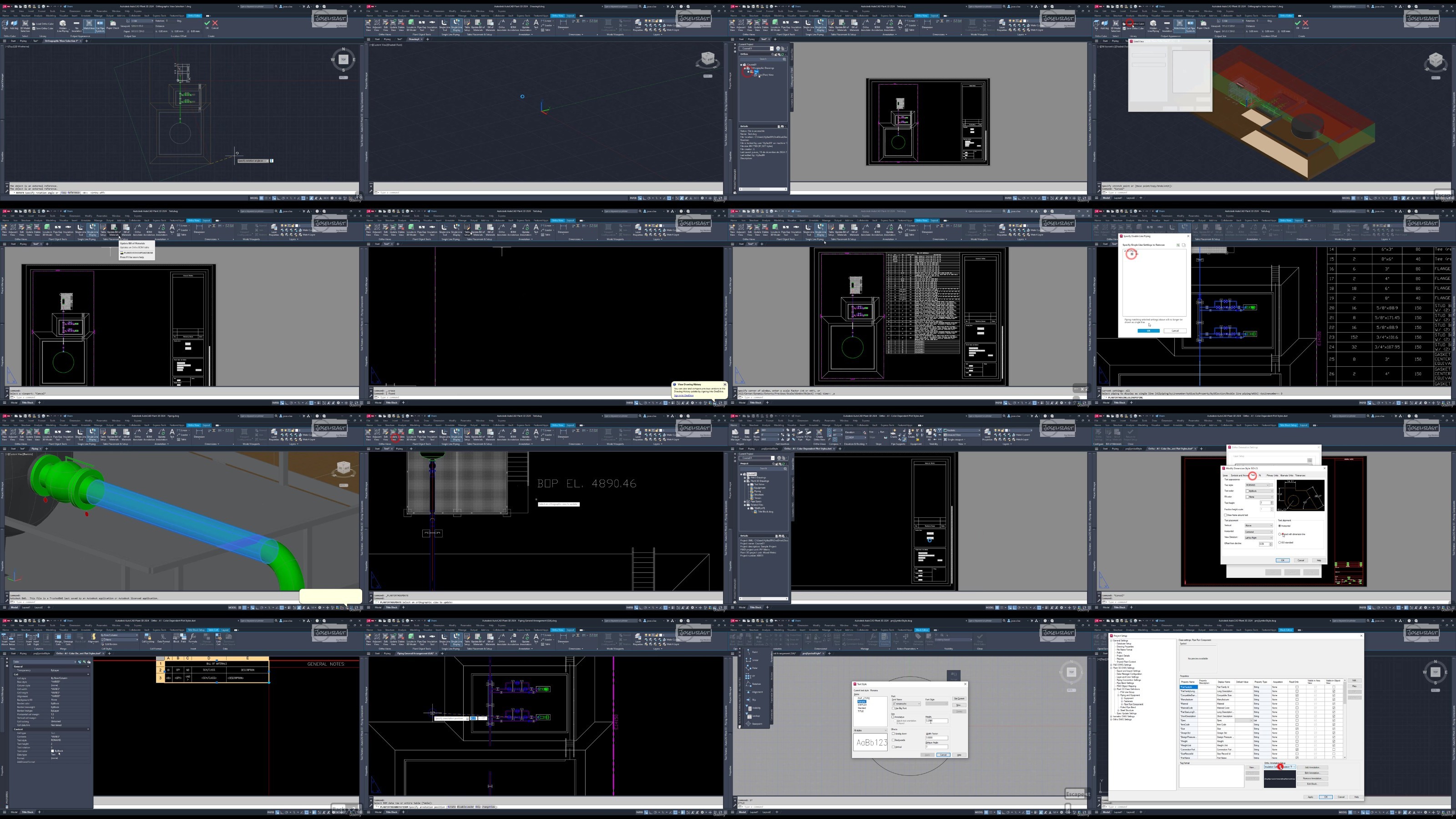
- Lesson 01: Getting started with AutoCAD Plant 3D, creating projects, and setting up workspaces.
- Lesson 02: AutoCAD basics, menu bar, tabs, command bar, properties palette, and 3D solids.
- Lesson 03: Spec Editor, creating and modifying specs, adding valves, fittings, and editing catalogs.
- Lesson 04: Project setup, general settings, P&ID configuration, and isometric drawing setup.
- Lesson 05: P&ID design, inserting equipment, connecting lines, editing valves, and managing data.
- Lesson 06: Creating grids, adding structural members, and designing stairs, platforms, and foundations.
- Lesson 07: Creating equipment from predefined types, parametric shapes, and AutoCAD objects.
- Lesson 08: Routing pipes, inserting custom parts, and adjusting elevation and slope.
- Lesson 09: Inserting parametric supports, support blocks, and customizing supports.
- Lesson 10: Modifying orthographic views, generating views, and working with materials and annotations.
- Lesson 11: Creating and modifying isometric symbols, configuring isometrics, and customizing with IsoConfig.
- Lesson 12: Creating and customizing report templates.
Requirements
It is recommended to have the software to practice the lessons learned, and some knowledge of AutoCAD is also recommended.
Description
This course is designed to equip students with solid skills in AutoCAD Plant 3D, a software that directly competes with CADWorx. The course covers the vast majority of features offered by the software, enabling students to complete an industrial plant project from start to finish, with a strong focus on the piping area. It is highly recommended to practice the knowledge acquired to reinforce learning.
This course is also highly beneficial for professionals who already use AutoCAD Plant 3D but need additional knowledge to achieve an advanced level.
The course is aimed (but not limited) to students, designers, and engineers in the fields of mechanical, chemical, industrial, and civil engineering who seek a more comprehensive understanding of the tool.
More Info
TurboBit
https://turbobit.net/x34ff8myo2iu/AutoCAD.Plant.3D.2024.The.Ultimate.Course.for.Designers.part1.rar.html
https://turbobit.net/6yb6vkgpz14q/AutoCAD.Plant.3D.2024.The.Ultimate.Course.for.Designers.part2.rar.html
https://turbobit.net/urpfttff203p/AutoCAD.Plant.3D.2024.The.Ultimate.Course.for.Designers.part3.rar.html
RapidGator
https://rapidgator.net/file/591099216b8422b209c677c4ad9c255b/AutoCAD.Plant.3D.2024.The.Ultimate.Course.for.Designers.part1.rar
https://rapidgator.net/file/9e0a3ccb303e48514988001165f7b725/AutoCAD.Plant.3D.2024.The.Ultimate.Course.for.Designers.part2.rar
https://rapidgator.net/file/dace205e475c5c62bd09f4cd8581a00c/AutoCAD.Plant.3D.2024.The.Ultimate.Course.for.Designers.part3.rar
AlfaFile
FileFactory
We need your support!
Make a donation to help us stay online

Bitcoin (BTC)
bc1q08g9d22cxkawsjlf8etuek2pc9n2a3hs4cdrld

Bitcoin Cash (BCH)
qqvwexzhvgauxq2apgc4j0ewvcak6hh6lsnzmvtkem

Ethereum (ETH)
0xb55513D2c91A6e3c497621644ec99e206CDaf239

Litecoin (LTC)
ltc1qt6g2trfv9tjs4qj68sqc4uf0ukvc9jpnsyt59u

USDT (ERC20)
0xb55513D2c91A6e3c497621644ec99e206CDaf239

USDT (TRC20)
TYdPNrz7v1P9riWBWZ317oBgJueheGjATm
Information |
|||
 |
Users of GUESTS are not allowed to comment this publication. | ||