


After Effects : Basic VeloCity Course
Category: Tutorials
- views: 107
- date: 12 February 2025
- posted by: AD-TEAM

After Effects : Basic Velocity Course
Published 2/2025
MP4 | Video: h264, 1920x1080 | Audio: AAC, 44.1 KHz
Language: English | Size: 861.58 MB | Duration: 1h 30m
Basic Velocity Editing: Smooth Motion & Beat Sync for Beginners
What you'll learn
Navigating the After Effects Interface
Understanding Keyframes & Graph Editor
Marking Audio Beats Precisely
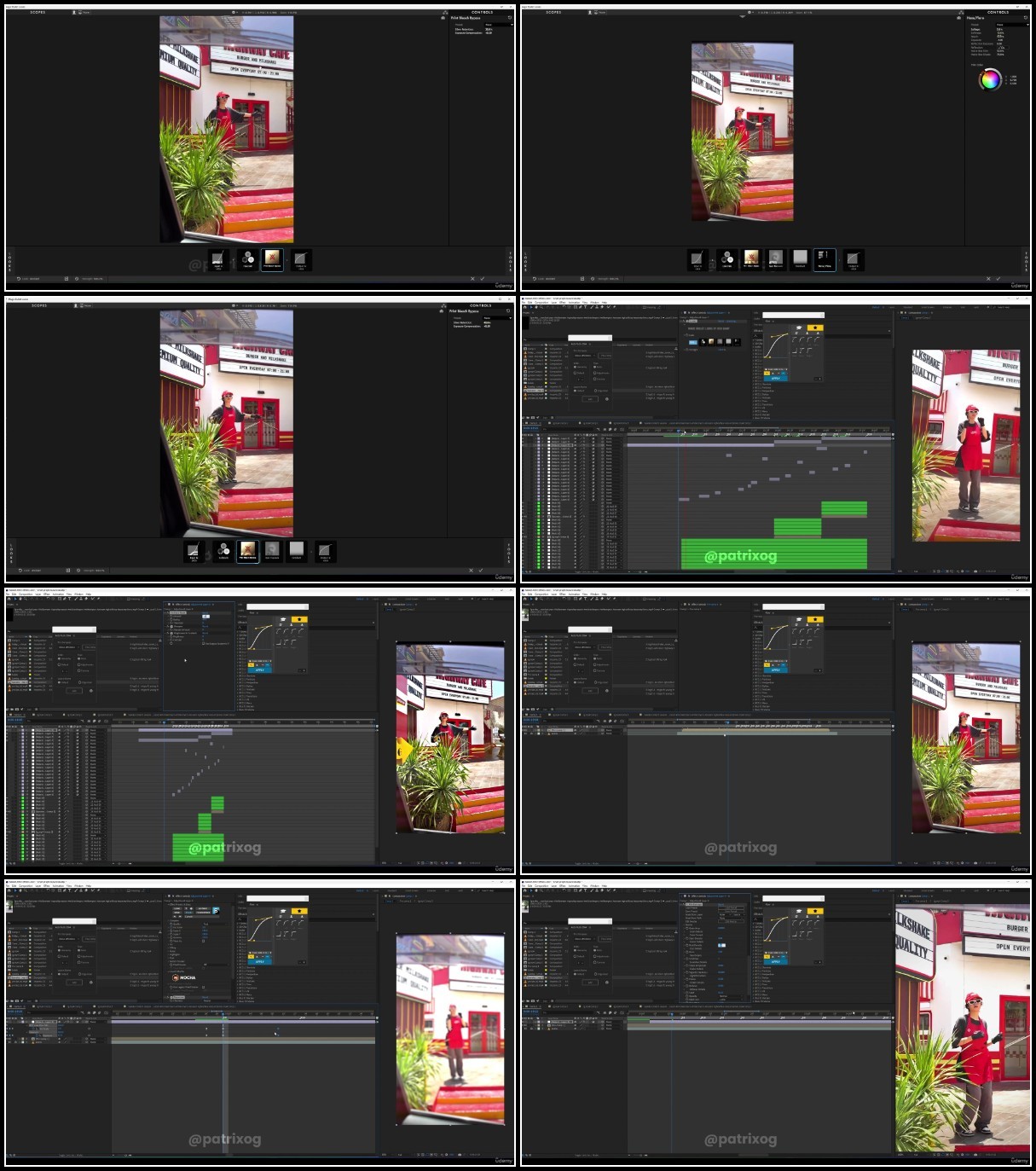
Creating Smooth Slow-Mo with Plugins
Adding Velocity Zooms
Creating Different Shake Effects
Applying CC (Color Correction) & Flash Effects
Requirements
1. After Effects software (version >2019)
2. Good PC or Laptop
3. RAM at least 8 Gb
Description
Welcome to the Basic Velocity Editing Course for Beginner!If you're new to After Effects, it might feel overwhelming at first—but don't worry! This course is designed to make velocity editing easy and fun while helping you build a strong foundation in After Effects. Velocity editing is one of the best ways to start learning motion, speed control, and syncing effects with music.In this course, we'll start by exploring the After Effects interface, making sure you understand the essential tools needed for smooth editing. You'll learn how to mark audio beats precisely, ensuring your edits stay perfectly in sync with the music. We'll also cover creating buttery smooth slow-motion using plugins, so your edits look clean and professional.You'll dive into velocity zooms to add depth and energy to your videos, as well as different shake effects to enhance motion and make your edits feel more dynamic. Plus, we'll go over color correction (CC) and flash effects, adding the finishing touches to your videos.To make things even easier, I'll provide all the plugins and software recommendations you need to follow along. By the end of this course, you'll be ready to create smooth, professional-looking velocity edits with confidence!
Overview
Section 1: Introduction
Lecture 1 Overview
Lecture 2 Message
Lecture 3 After Effects Interface, Essential Basics and Keyboard shortcuts
Section 2: How to Mark Audio Beats Precisely
Lecture 4 Beat Marking
Section 3: Graph
Lecture 5 Type of Graph
Section 4: Adding Smooth Slo-mo
Lecture 6 Twixtor
Section 5: Velocity Zooms
Lecture 7 Adding Velocity Zooms
Section 6: Making Velocity Using Multiple Clips
Lecture 8 Combine More Clips into Edit
Section 7: Shakes
Lecture 9 Shakes Basics
Lecture 10 Arranging Multiple Shakes
Section 8: Adding CC and Flashes
Lecture 11 Color Correction, Flashes and Flicker
Section 9: Hoping on Different Style
Lecture 12 Different Style and END
This course is perfect for beginners who want to learn velocity editing from scratch in After Effects. If you've never used After Effects before or feel overwhelmed by all the tools, don't worry—I'll guide you step by step.
TurboBit
RapidGator
https://rapidgator.net/file/2b015a5f5e3f4f80e06e2388f140502b/After.Effects.Basic.VeloCity.Course.rar
AlfaFile
FileFactory
We need your support!
Make a donation to help us stay online

Bitcoin (BTC)
bc1q08g9d22cxkawsjlf8etuek2pc9n2a3hs4cdrld

Bitcoin Cash (BCH)
qqvwexzhvgauxq2apgc4j0ewvcak6hh6lsnzmvtkem

Ethereum (ETH)
0xb55513D2c91A6e3c497621644ec99e206CDaf239

Litecoin (LTC)
ltc1qt6g2trfv9tjs4qj68sqc4uf0ukvc9jpnsyt59u

USDT (ERC20)
0xb55513D2c91A6e3c497621644ec99e206CDaf239

USDT (TRC20)
TYdPNrz7v1P9riWBWZ317oBgJueheGjATm
Information |
|||
 |
Users of GUESTS are not allowed to comment this publication. | ||