


Linux Debug Training (Part-1)
Category: Tutorials
- views: 153
- date: 7 February 2025
- posted by: AD-TEAM
Linux Debug Training (Part-1)
Published 12/2024
MP4 | Video: h264, 1920x1080 | Audio: AAC, 44.1 KHz
Language: English | Size: 1.93 GB | Duration: 3h 58m
Master Linux debugging tools and methodologies covering both userspace and kernel space
What you'll learn
Gain hands-on experience with a wide range of Linux debugging tools and methodologies which covers both userspace and kernel space
Understand techniques to identify and fix memory issues, performance bottleneck and system errors for more robust and efficient software development.
Acquire specialized skills to debug the Linux based application, including analysis of coredumps, using GDB and binutils
Build a strong foundation in debugging real-world issues and advance your career in Linux development, embedded systems, DevOps, or kernel engineering.
Requirements
Basic understanding of the Linux operating system and familiarity with the Linux command line are recommended.
Description
Linux is at the heart of our modern world. From the devices we carry in our pockets to the systems that power industries, Linux, and particularly embedded Linux, plays a pivotal role. It drives the technology behind smart home devices, medical equipment, automotive systems, and so much more. These systems aren't just conveniences—they're critical to how we live, work, and innovate.But with great complexity comes great challenges. Debugging these systems is an intricate process that requires a deep understanding of tools and techniques. The stakes are high—whether it's ensuring a life-saving device operates flawlessly or guaranteeing the safety of an autonomous vehicle.Acquiring these debugging skills is no easy feat. It demands not only technical expertise but also hands-on experience with the tools and processes that define the Linux ecosystem. And that's where this course steps in.This course brings together all the essential material in one place, simplifying the complex and equipping you with the skills you need to excel. You'll master tools like GDB, learn to analyze core dumps, and understand how to debug segmentation faults and shared libraries. Whether you're troubleshooting a single device or an entire system, these skills will set you apart.By the end of this journey, you'll be prepared to tackle the toughest debugging challenges in the Linux world, contributing to the technologies that shape our lives. Ready to dive in?
Overview
Section 1: Linux Debug Training (Part-1) Introduction
Lecture 1 Introduction
Section 2: Linux Operating System Architecture
Lecture 2 Linux OS Architecture
Lecture 3 32-bit User space address
Lecture 4 32-bit Kernel space address
Lecture 5 64-bit User space address
Lecture 6 64-bit Kernel space address
Lecture 7 Memory Management Unit
Lecture 8 Page fault handling
Lecture 9 Virtual address mapping
Lecture 10 Process and Threads
Lecture 11 ELF file format
Lecture 12 Shared Libraries
Lecture 13 Scheduling in Linux
Lecture 14 System Calls and Exceptions
Lecture 15 Interrupts
Lecture 16 Deferred Interrupt handling
Lecture 17 References
Section 3: Basic Linux Analysis and Observability Tools
Lecture 18 Basic Linux Analysis and Observability Tools Introduction
Lecture 19 Pseudo filesystems in Linux
Lecture 20 Monitoring tools in Linux
Lecture 21 Process Monitoring tools
Lecture 22 Memory Monitoring tools
Lecture 23 CPU and I/O Monitoring tools
Lecture 24 Network Monitoring tools
Lecture 25 References
Section 4: Application Debugging
Lecture 26 Introduction
Lecture 27 Binutils
Lecture 28 GDB introduction
Lecture 29 GDB command line options
Lecture 30 GDB commands cheat-sheet
Lecture 31 Remote debugging with GDB
Lecture 32 Extending GDB with Python
Lecture 33 Debugging shared libraries
Lecture 34 Libsegfault library
Lecture 35 Core dumps and analysis with GDB
Lecture 36 References
Section 5: Memory Issues in Linux Applications
Lecture 37 Memory Management and common memory issues
Lecture 38 Memory debugging tools - Static Code Analysis and Valgrind
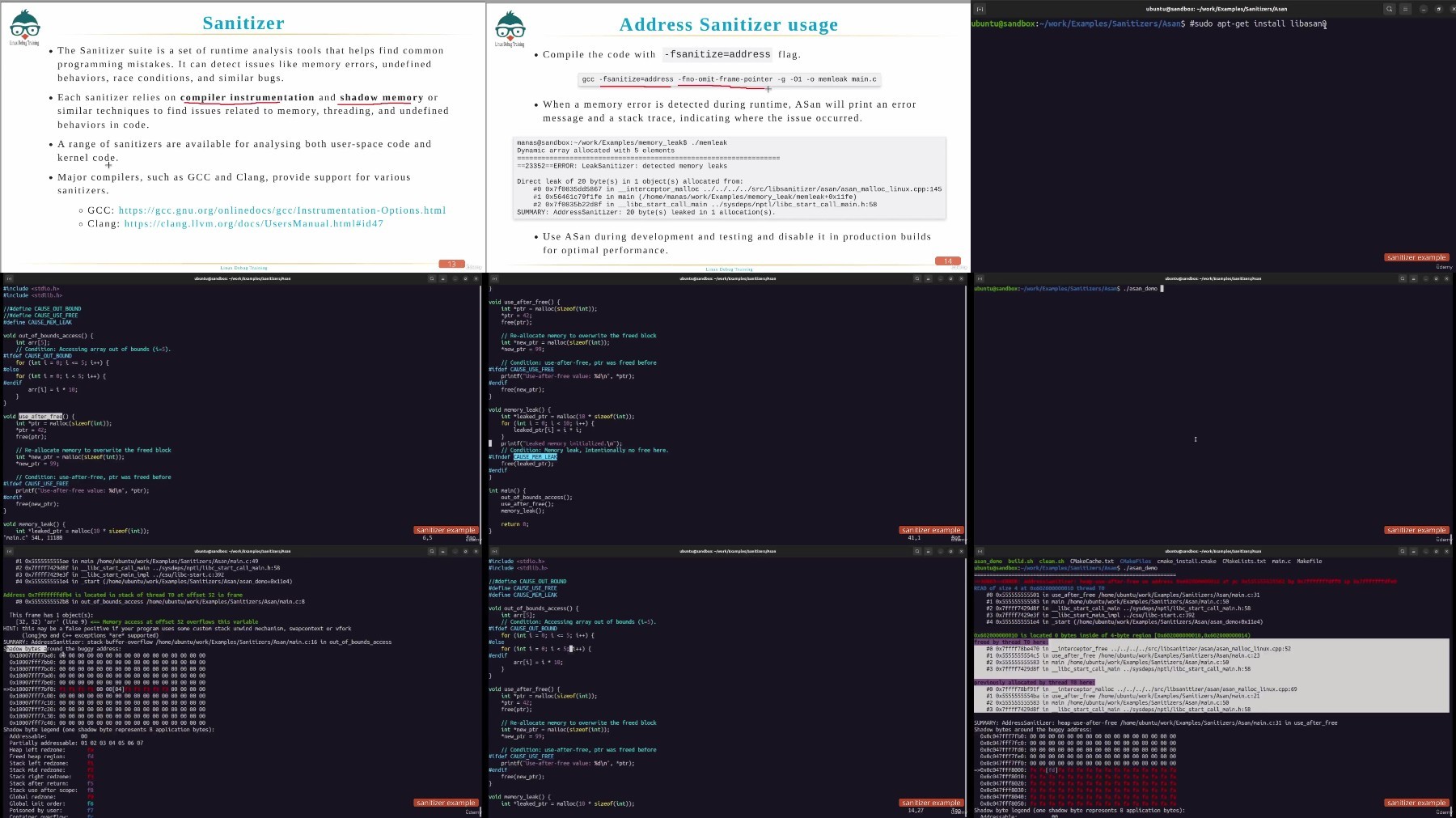
Lecture 39 Sanitizer - Address Sanitizer (ASan)
Lecture 40 Sanitizer - Memory Sanitizer, Thread Sanitizer and Undefined Behavior Sanitizer
Lecture 41 Libefence
Lecture 42 Best practices for Memory Management
Section 6: Linux Debug Training (Part-1) Closure
Lecture 43 Closing remarks
Linux application developers,Linux Kernel developers,Embedded System engineers,System administrator,DevOps Engineers,Site reliability engineers (SREs),Students and Enthusiasts
We need your support!
Make a donation to help us stay online

Bitcoin (BTC)
bc1q08g9d22cxkawsjlf8etuek2pc9n2a3hs4cdrld

Bitcoin Cash (BCH)
qqvwexzhvgauxq2apgc4j0ewvcak6hh6lsnzmvtkem

Ethereum (ETH)
0xb55513D2c91A6e3c497621644ec99e206CDaf239

Litecoin (LTC)
ltc1qt6g2trfv9tjs4qj68sqc4uf0ukvc9jpnsyt59u

USDT (ERC20)
0xb55513D2c91A6e3c497621644ec99e206CDaf239

USDT (TRC20)
TYdPNrz7v1P9riWBWZ317oBgJueheGjATm
Information |
|||
 |
Users of GUESTS are not allowed to comment this publication. | ||