


Learn 2D Animation
Category: Tutorials
- views: 357
- date: 13 January 2025
- posted by: AD-TEAM
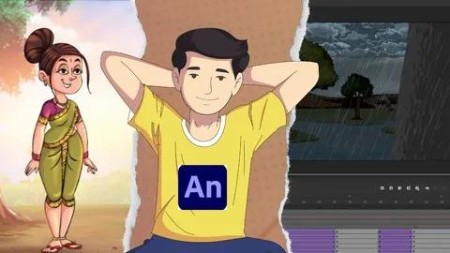
Learn 2D Animation
Published 1/2025
MP4 | Video: h264, 1920x1080 | Audio: AAC, 44.1 KHz
Language: English | Size: 721.27 MB | Duration: 1h 9m
Learn everything you need for 2D animation in Adobe Animate: Character Designing, Background, Animation and Compositing
What you'll learn
Master character and background design, animation, compositing, layout, and rendering to create professional-quality 2D animations.
Master animation in Adobe Animate by learning keyframing, twining, and motion design to create dynamic, professional 2D animations.
Learn to create stunning 2D animated videos for YouTube and Instagram, mastering storytelling, motion design, and audience engagement.
Rig your character by setting up controllers for eye blinks, hand poses, and facial expressions using bones, layers, and keyframes for smooth animation.
Combine layers, effects, and animations in Adobe Animate for seamless compositing, and export your story as high-quality video or interactive content.
Create captivating 2D animations by mastering design, storytelling, and motion techniques for dynamic, professional-quality videos.
Requirements
Computer: A PC or Mac with 8GB RAM, an i5 processor, and 256GB storage for smooth animation.
Animation Software: Install programs like Adobe Animate
Description
In this course, you're going to learn everything about animating with Adobe Animate. Step-by-step, we'll cover everything you need to know from opening the program for the very first time to finalizing and exporting your finished animation. You'll learn all of the tools, as well as how and when to use them. More importantly, we'll go over the 12 Principles of Animation that every animator has to know. Finally, we'll tackle animation, from building a character to animating scenes with symbols.Why learn from us?Raghuraj Singh is a professional 2D animator who has worked on TV films such as Chotha Bheem. His students love him, and we're sure you're going to enjoy this class.Raghuraj Singh down the most complicated steps of animating in Adobe Animate, so you can easily start animating on your own!Raghuraj Singh is the founder of Be Creative Media Online, and has taught over one million students worldwide with our top-rated courses. We only partner with the best instructors, so you'll know that you're getting a great course with this one!Our 30-day 100% money-back guarantee!We want you to be happy. If there's any reason you aren't enjoying the course, and getting what you expected, we'll refund your money.
Overview
Section 1: Introduction
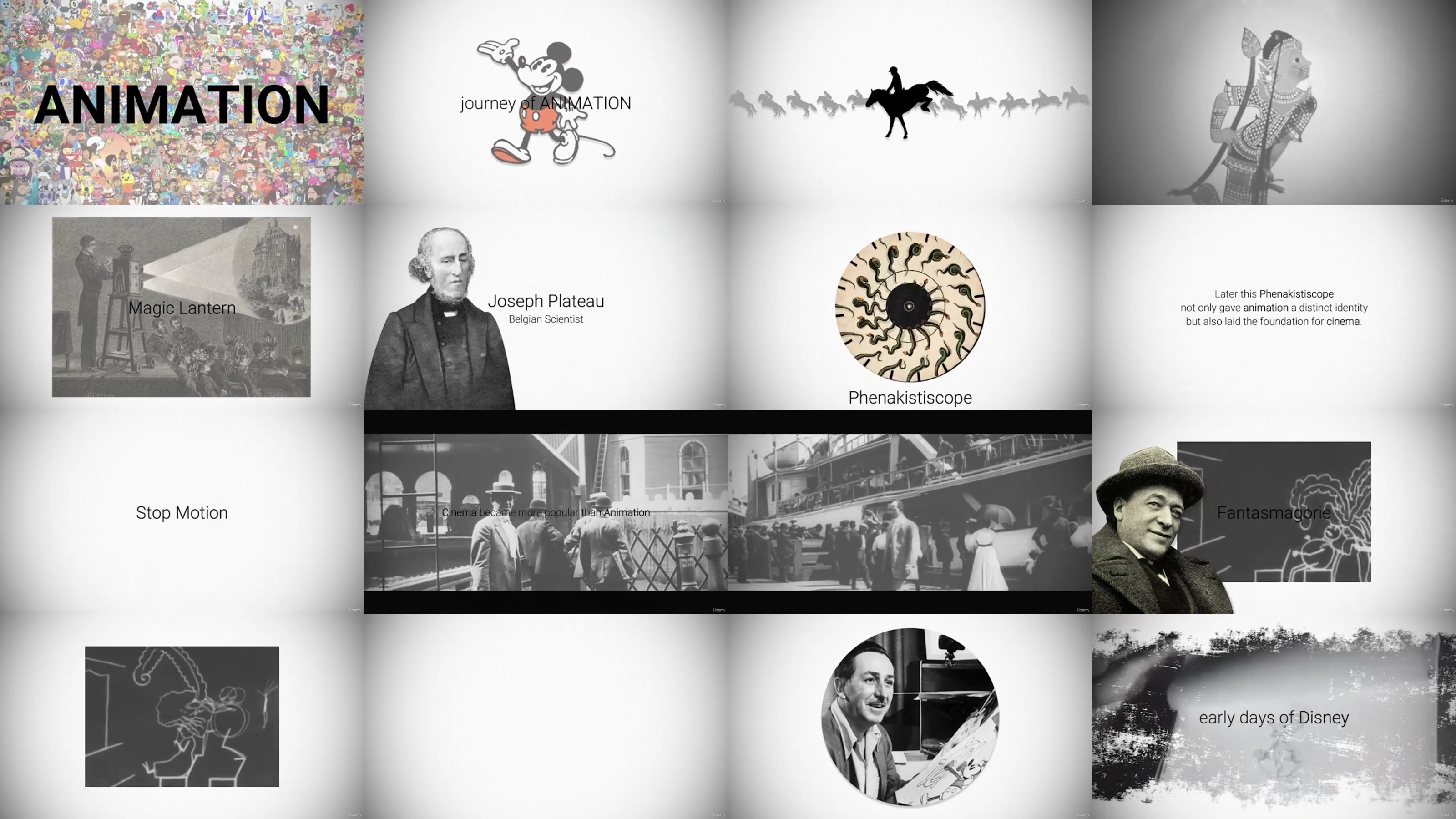
Lecture 1 History of Animation
Lecture 2 Course Introduction
Section 2: Basic Techniques: Line & Shapes
Lecture 3 Introduction to Software: Understanding Basic Shapes and Their Applications
Lecture 4 Create Shapes using the Line tool & Basics Shapes
Lecture 5 #1 - Helping Video - Color Tool
Lecture 6 #2 - Helping Video - Group And Ungroup
Lecture 7 How to Trace a Character with Lines and Fill Colors
Lecture 8 #3 - Helping Video - Layers
Lecture 9 How to trace character with line tool
Lecture 10 Character Design in single group
Section 3: Character & Background Designing
Lecture 11 Basic Steps for Designing Your Character
Lecture 12 How to design your character
Lecture 13 How to design Background
Section 4: Basic Animation Techniques
Lecture 14 Learn Character Rigging
Lecture 15 Learn how to design characters for Animation (Rigging)
Lecture 16 #4 Helping Video - Back to Basics in Animation
Lecture 17 Introducing the Animation Tools: Timeline, Frame, Keyframe & Tween, Symbol
Lecture 18 How to create Lip-sync Animation
Lecture 19 How to make eye blink animation
Lecture 20 #5 Helping Video - How to create characters for animation
Lecture 21 How to Animate a character walk cycle
Lecture 22 How to animate a talking character
Lecture 23 How to animate a talking character 2
Lecture 24 Animating with Frames and Keyframes
Section 5: Basic techniques of creating Animation Projects
Lecture 25 Scene Compositing
Lecture 26 CAMERA ANGLE - PAN
Lecture 27 CAMERA ANGLE - Zoom in - Zoom out
Lecture 28 CAMERA ANGLE - Dolly
Beginners eager to explore the world of 2D animation can learn the basics of design, motion, and storytelling.,Students or graduates of animation programs aiming to refine their skills and master advanced 2D animation techniques.,Industry professionals seeking to stay current with the latest trends, tools, and techniques in 2D animation.,Self-taught artists looking to refine their animation techniques and gain a deeper understanding of 2D animation.
RapidGator
AlfaFile
TurboBit
We need your support!
Make a donation to help us stay online

Bitcoin (BTC)
bc1q08g9d22cxkawsjlf8etuek2pc9n2a3hs4cdrld

Bitcoin Cash (BCH)
qqvwexzhvgauxq2apgc4j0ewvcak6hh6lsnzmvtkem

Ethereum (ETH)
0xb55513D2c91A6e3c497621644ec99e206CDaf239

Litecoin (LTC)
ltc1qt6g2trfv9tjs4qj68sqc4uf0ukvc9jpnsyt59u

USDT (ERC20)
0xb55513D2c91A6e3c497621644ec99e206CDaf239

USDT (TRC20)
TYdPNrz7v1P9riWBWZ317oBgJueheGjATm
Information |
|||
 |
Users of GUESTS are not allowed to comment this publication. | ||