


Monitoring Azure Resources and Web Applications with SCOM (2016) by Greg Shields
Category: Tutorials
- views: 39
- date: 8 January 2025
- posted by: AD-TEAM

489.35 MB | 00:07:12 | mp4 | 1280X720 | 16:9
Genre:eLearning |Language:English
Files Included :
01 Course Overview.mp4 (5.28 MB)
01 Introduction.mp4 (17.29 MB)
01 Introduction.mp4 (8.5 MB)
02 Configure TCP Port Monitoring.mp4 (19.77 MB)
03 Configure Web Application Availability Monitoring.mp4 (24.31 MB)
04 Configure Web Application Transaction Monitoring.mp4 (18.34 MB)
05 Add Client Perspective to Distributed Applications.mp4 (12.77 MB)
06 What This Module Covered.mp4 (3.54 MB)
01 Introduction.mp4 (5.13 MB)
02 Prepare for Global Service Monitor.mp4 (6.13 MB)
03 Start Global Service Monitor Subscription.mp4 (6.45 MB)
04 Configure Web Application Availability Tests.mp4 (12.39 MB)
05 Configure a Visual Studio Web Test.mp4 (8.96 MB)
06 Monitor Test Alerts and Dashboards.mp4 (7.69 MB)
07 What This Module Covered.mp4 (4.34 MB)
01 Introduction.mp4 (7.24 MB)
02 Understand SCOM APM's Two Approaches.mp4 (2.18 MB)
03 Update APM Management Pack.mp4 (3.01 MB)
04 Check Client-side Monitoring Capability.mp4 (15.08 MB)
05 Configure NET APM Monitoring.mp4 (26.05 MB)
06 Validate APM Client Enabled.mp4 (11.69 MB)
07 Troubleshoot Behaviors with Application Diagnostics.mp4 (12.74 MB)
08 Generate Reports with Application Advisor.mp4 (8.85 MB)
09 What This Module Covered.mp4 (5.64 MB)
01 Introduction.mp4 (4.93 MB)
02 Create an Application Insights Resource.mp4 (7.15 MB)
03 Enable Application Insights on Azure Resources.mp4 (9.38 MB)
04 Configure SCOM NET APM Monitoring with Application Insights.mp4 (11.84 MB)
05 Monitor On-premises Web Applications with Application Insights.mp4 (10.66 MB)
06 What This Module Covered.mp4 (3.1 MB)
01 Introduction.mp4 (7.97 MB)
02 Enable Diagnostics on Azure Resources.mp4 (15.38 MB)
03 Understand the Azure Management Pack.mp4 (12.02 MB)
04 Connect Azure Subscription and Configure Monitoring.mp4 (23.02 MB)
05 Monitor Azure Resources in SCOM.mp4 (16.09 MB)
06 Enable Log Data Grooming.mp4 (9.07 MB)
07 Override Disabled Azure Monitors and Rules.mp4 (8.56 MB)
08 Construct Distributed Applications.mp4 (6.52 MB)
09 What This Module Covered.mp4 (7.06 MB)
01 Introduction.mp4 (9.64 MB)
02 Understand OMS Solution Pricing and Subscriptions.mp4 (10.2 MB)
03 Create an OMS Workspace and Add Solutions.mp4 (10.52 MB)
04 Connect Azure VMs to Log Analytics.mp4 (4.04 MB)
05 Connect SCOM 2016 to OMS Workspace.mp4 (11.97 MB)
06 Validate Log Analytics Connection.mp4 (16.39 MB)
07 Explore OMS Monitoring Data.mp4 (13.96 MB)
08 What This Module Covered.mp4 (5.06 MB)
scom-2016-monitoring-azure-resources.zip (1.45 MB)]
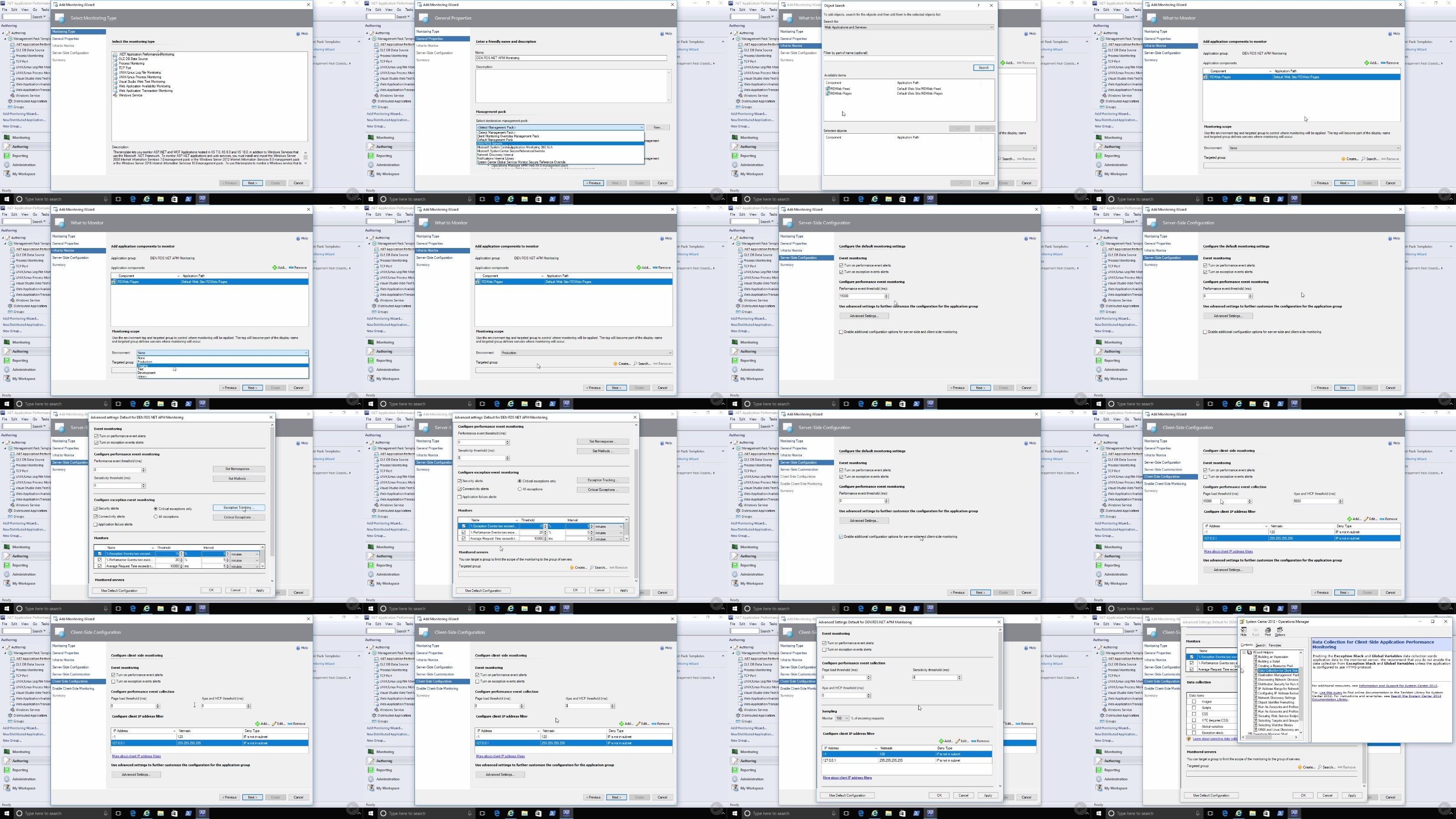
Screenshot
We need your support!
Make a donation to help us stay online

Bitcoin (BTC)
bc1q08g9d22cxkawsjlf8etuek2pc9n2a3hs4cdrld

Bitcoin Cash (BCH)
qqvwexzhvgauxq2apgc4j0ewvcak6hh6lsnzmvtkem

Ethereum (ETH)
0xb55513D2c91A6e3c497621644ec99e206CDaf239

Litecoin (LTC)
ltc1qt6g2trfv9tjs4qj68sqc4uf0ukvc9jpnsyt59u

USDT (ERC20)
0xb55513D2c91A6e3c497621644ec99e206CDaf239

USDT (TRC20)
TYdPNrz7v1P9riWBWZ317oBgJueheGjATm
Information |
|||
 |
Users of GUESTS are not allowed to comment this publication. | ||