


Office Scripts In Excel: Automating Tasks
Category: Tutorials
- views: 124
- date: 4 January 2025
- posted by: AD-TEAM

Office Scripts In Excel: Automating Tasks
.MP4, AVC, 1280x720, 30 fps | English, AAC, 2 Ch | 41m | 94.1 MB
Instructor: George Mount
This course is designed for Excel power users who want to ELEVATE their skills in the evolving landscape of Microsoft's business intelligence and productivity tools. Office Scripts represents a crucial advancement in Excel automation, bridging the gap between traditional spreadsheet functionality and modern, web-based data processing capabilities.
Throughout this course, Excel MVP George Mount shows you how Office Scripts fits into the expansive, web-based ecosystem of Excel and Microsoft BI tools, empowering you to design more powerful, flexible, and interconnected data solutions. By leveraging Office Scripts, you will enhance your ability to create sophisticated, scalable solutions that integrate seamlessly with broader digital workflows and platforms.
Learning objectives
- Differentiate between Office Scripts and VBA for Excel automation to understand their respective use cases and advantages.
- Demonstrate how to set up and use the Script Recorder to automate tasks in Excel.
- Develop scripts that automate common Excel tasks such as data entry, formatting, and sorting.
- Apply the main() function in Office Scripts to create and execute custom scripts effectively.
- Create and debug a script to address a specific challenge, demonstrating practical problem-solving skills in scripting.
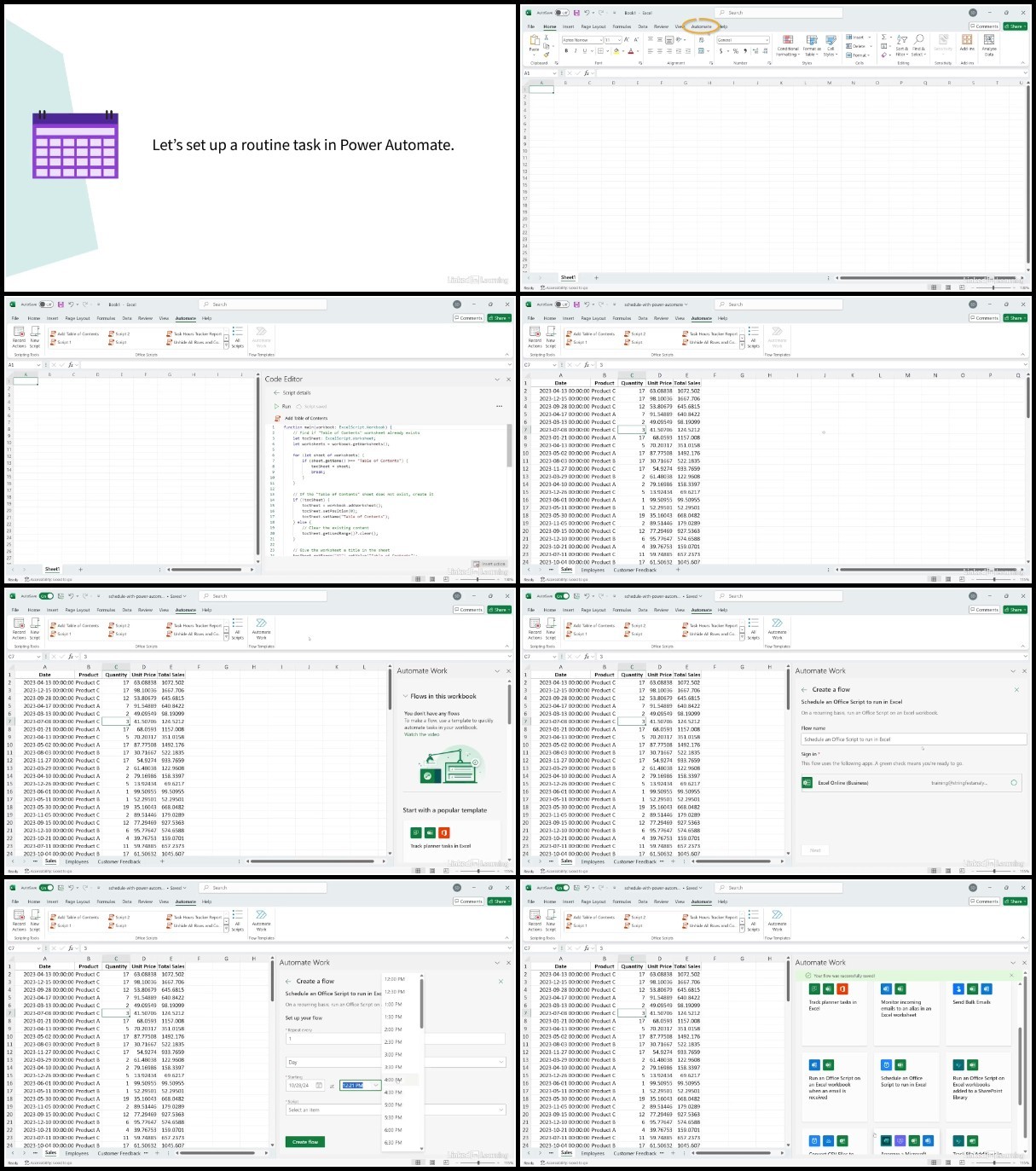
- Integrate Office Scripts with Power Automate to automate workflows across applications, enhancing productivity.
- Plan next steps for further development and application of Office Scripts skills learned in the course.
More Info
We need your support!
Make a donation to help us stay online

Bitcoin (BTC)
bc1q08g9d22cxkawsjlf8etuek2pc9n2a3hs4cdrld

Bitcoin Cash (BCH)
qqvwexzhvgauxq2apgc4j0ewvcak6hh6lsnzmvtkem

Ethereum (ETH)
0xb55513D2c91A6e3c497621644ec99e206CDaf239

Litecoin (LTC)
ltc1qt6g2trfv9tjs4qj68sqc4uf0ukvc9jpnsyt59u

USDT (ERC20)
0xb55513D2c91A6e3c497621644ec99e206CDaf239

USDT (TRC20)
TYdPNrz7v1P9riWBWZ317oBgJueheGjATm
Information |
|||
 |
Users of GUESTS are not allowed to comment this publication. | ||