


Excel 2013: Advanced Formatting Techniques
Category: Tutorials
- views: 86
- date: 30 December 2024
- posted by: AD-TEAM
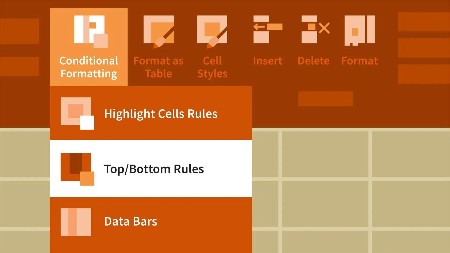
Excel 2013: Advanced Formatting Techniques
MP4 | Video: 720p | Duration: 2:58:46 | English | Subtitles: VTT | 549.5 MB
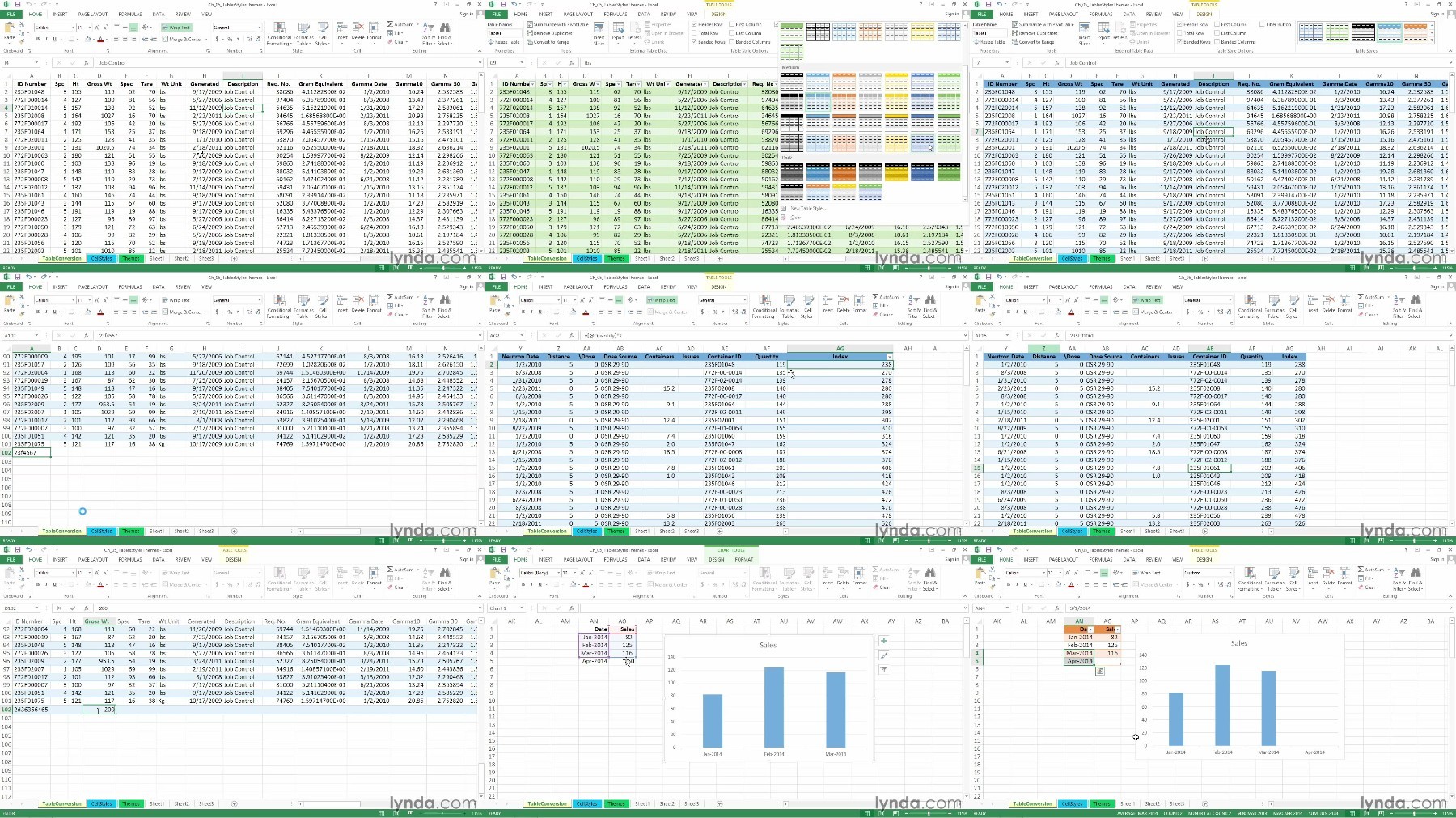
Get simple, powerful tips for making spreadsheet information readable and understandable in Excel 2013. Dennis Taylor shows how to emphasize specific cells with fonts, borders, and color; adjust the positioning of cell contents; format numeric data; and add style and readability to worksheets. You'll also learn how to add pictures to worksheets and discover automation techniques that take the drudgery out of formatting even the largest amounts of data.
Topics include:
- Adjusting fonts, cell borders, and fills
- Aligning text
- Indenting data
- Setting special formats for dates, times, phone numbers, zip codes, and more
- Creating formats based on formulas with conditional formatting
- Applying styles and themes
- Adjusting row heights and column widths
- Adding background images and pictures
- Outlining data
- Printing double-spaced data
We need your support!
Make a donation to help us stay online

Bitcoin (BTC)
bc1q08g9d22cxkawsjlf8etuek2pc9n2a3hs4cdrld

Bitcoin Cash (BCH)
qqvwexzhvgauxq2apgc4j0ewvcak6hh6lsnzmvtkem

Ethereum (ETH)
0xb55513D2c91A6e3c497621644ec99e206CDaf239

Litecoin (LTC)
ltc1qt6g2trfv9tjs4qj68sqc4uf0ukvc9jpnsyt59u

USDT (ERC20)
0xb55513D2c91A6e3c497621644ec99e206CDaf239

USDT (TRC20)
TYdPNrz7v1P9riWBWZ317oBgJueheGjATm
Information |
|||
 |
Users of GUESTS are not allowed to comment this publication. | ||