


Supercharged Code Editing with Vim and Neovim
Category: Tutorials
- views: 111
- date: 22 December 2024
- posted by: AD-TEAM
Supercharged Code Editing with Vim and Neovim
.MP4, AVC, 1920x1080, 30 fps | English, AAC, 2 Ch | 2h 54m | 473 MB
Instructor: Jayson Lennon
Learn to use Vim and Neovim with your favorite IDEs and the terminal. You'll learn all the productivity-boosting shortcuts, macros, and techniques that will give you real mastery of code editing!
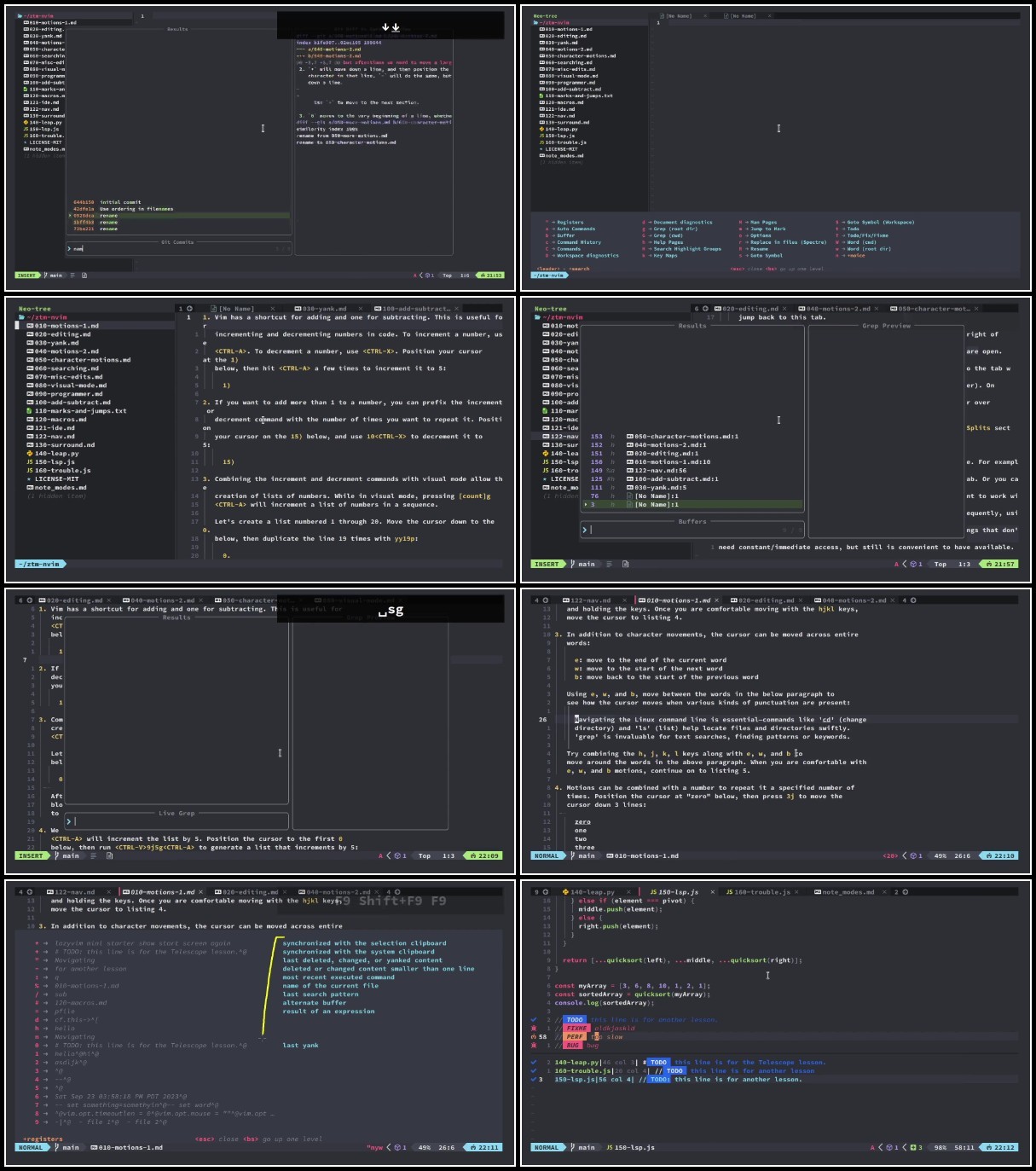
This course makes learning Vim and Neovim easy! Using the Vim plugin via your existing IDE (such as VSCode) and Neovim in the terminal, you'll come to understand the power of Vim and Neovim and be able to wield their power to navigate and edit code as fast as you can type!
What you'll learn
- Learn how to use Neovim in the terminal, which offers productivity boosts that are impossible to do in existing IDEs
- Increase your code editing and navigation speed using Vim shortcuts in VSCode or your preferred IDE
- Navigate and edit code more efficiently so you can work smarter, not harder
- Supercharge your coding sessions by learning to be more focused on your code and less distracted
- Bulk edit your code using macros
- How to use the productivity boosting aspects of Vim via the plugin (no terminal required)
Why Learn Neovim and Vim?
All code editors have a small selection of keyboard shortcuts to perform common tasks like saving files, copying and pasting text, and sometimes using multiple cursors.
However, the bulk of code editing and navigation still requires you to use the mouse, even though writing code is done using the keyboard.
Annoying, right!?
Now imagine a coding experience where every action, from navigating through lines to making intricate edits, happens completely using the keyboard, without the need for a mouse.
That's what you'll learn to do in this Vim and Neovim course!
Your coding will be supercharged because there will no longer be a need to stop coding, grab the mouse, navigate around (and inevitably mis-click!), and then get back to coding. With shortcuts you can edit and navigate uninterrupted and as fast as you can type.
More Info
We need your support!
Make a donation to help us stay online

Bitcoin (BTC)
bc1q08g9d22cxkawsjlf8etuek2pc9n2a3hs4cdrld

Bitcoin Cash (BCH)
qqvwexzhvgauxq2apgc4j0ewvcak6hh6lsnzmvtkem

Ethereum (ETH)
0xb55513D2c91A6e3c497621644ec99e206CDaf239

Litecoin (LTC)
ltc1qt6g2trfv9tjs4qj68sqc4uf0ukvc9jpnsyt59u

USDT (ERC20)
0xb55513D2c91A6e3c497621644ec99e206CDaf239

USDT (TRC20)
TYdPNrz7v1P9riWBWZ317oBgJueheGjATm
Information |
|||
 |
Users of GUESTS are not allowed to comment this publication. | ||