


Mastering Copilot for Windows 365
Category: Tutorials
- views: 118
- date: 18 December 2024
- posted by: AD-TEAM

Mastering Copilot for Windows 365
Published 10/2024
Duration: 5h56m | .MP4 1280x720, 30 fps(r) | AAC, 44100 Hz, 2ch | 3.3 GB
Genre: eLearning | Language: English
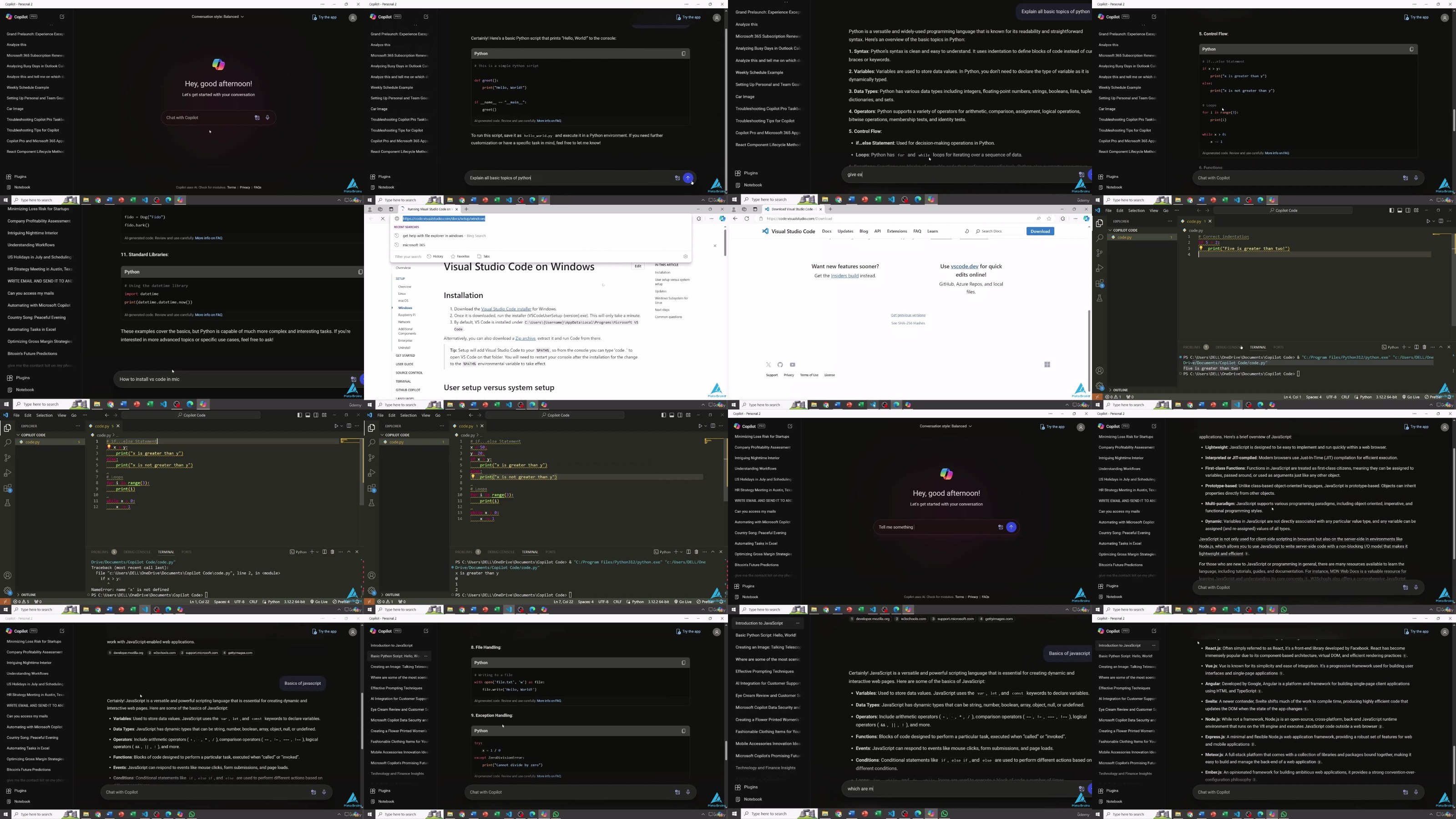
Boost productivity with Copilot for Windows 365, mastering AI-powered tools, automation, data management, and security.
What you'll learn
Set up and customize Copilot for Windows 365.
Navigate and personalize the Copilot interface.
Automate tasks using AI tools in Copilot.
Integrate Copilot with Microsoft 365 apps.
Use AI for enhanced decision-making.
Manage and analyze data with Copilot tools.
Improve productivity with AI-powered workflows.
Implement security measures in Copilot.
Create custom scripts and macros in Excel with Copilot.
Create custom scripts and macros in Excel with Copilot.
Troubleshoot and maintain Copilot functionalities effectively.
Requirements
Basic familiarity with Windows OS
Access to Microsoft 365 and Copilot
Internet connection for setup and integration
No prior AI experience required – beginners welcome!
Description
Unlock the full potential of
Copilot for Windows 365
with this comprehensive course designed for both beginners and advanced users. Whether you are looking to streamline your workflow or enhance your productivity, this course has everything you need to harness the power of AI within the Windows 365 ecosystem.
Starting with an introduction to
Copilot's features and capabilities
, you'll be guided through setup, configuration, and navigation tips to ensure a smooth onboarding experience. We'll dive into personalizing your Copilot experience, from customizing workflows and integrating personal tools to leveraging AI-powered personalization. As you progress, you'll learn advanced design configurations, how to use
scripts and macros in Excel
, and explore Copilot's capabilities in
data management
and analytics.
Throughout the course, you'll uncover how
Copilot's AI tools
can enhance decision-making through predictive analytics and scenario-based support. A dedicated section on
security management
ensures you know how to protect your data and collaborate securely. By the end of the course, you will also complete a practical project on implementing a Copilot-powered workflow, further refining your understanding of Copilot's role in modern productivity solutions.
Whether you're a professional aiming to enhance your efficiency or a team leader seeking advanced automation, this course will equip you with the skills to thrive in the
Microsoft 365 AI-driven ecosystem
.
Who this course is for:
Professionals looking to enhance productivity with AI tools
Microsoft 365 users seeking automation skills
Team leaders aiming to streamline workflows
Beginners interested in AI-powered solutions
IT administrators managing Microsoft ecosystems
Data analysts looking for advanced decision-making tools
More Info
https://fikper.com/IDqj5XvCOy/Udemy.-.Mastering.Copilot.for.Windows.365.part1.rar.html
https://fikper.com/wLv3evH1aE/Udemy.-.Mastering.Copilot.for.Windows.365.part2.rar.html
https://rapidgator.net/file/036b48d842fc31a1976ca9e5d1054e5b/Udemy.-.Mastering.Copilot.for.Windows.365.part1.rar
https://rapidgator.net/file/2b02839d5fe7fb57bf0f61c6eda56bc6/Udemy.-.Mastering.Copilot.for.Windows.365.part2.rar
https://nitroflare.com/view/4E3099AA90B29F7/Udemy.-.Mastering.Copilot.for.Windows.365.part1.rar
https://nitroflare.com/view/741F96BBAB6FD57/Udemy.-.Mastering.Copilot.for.Windows.365.part2.rar
We need your support!
Make a donation to help us stay online

Bitcoin (BTC)
bc1q08g9d22cxkawsjlf8etuek2pc9n2a3hs4cdrld

Bitcoin Cash (BCH)
qqvwexzhvgauxq2apgc4j0ewvcak6hh6lsnzmvtkem

Ethereum (ETH)
0xb55513D2c91A6e3c497621644ec99e206CDaf239

Litecoin (LTC)
ltc1qt6g2trfv9tjs4qj68sqc4uf0ukvc9jpnsyt59u

USDT (ERC20)
0xb55513D2c91A6e3c497621644ec99e206CDaf239

USDT (TRC20)
TYdPNrz7v1P9riWBWZ317oBgJueheGjATm
Information |
|||
 |
Users of GUESTS are not allowed to comment this publication. | ||