


Access 2016: Advanced Tips and Tricks
Category: Tutorials
- views: 73
- date: 11 December 2024
- posted by: AD-TEAM
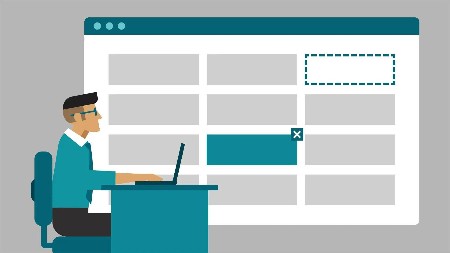
Access 2016: Advanced Tips and Tricks
MP4 | Video: 720p | Duration: 2:40:43 | English | Subtitles: VTT | 576.4 MB
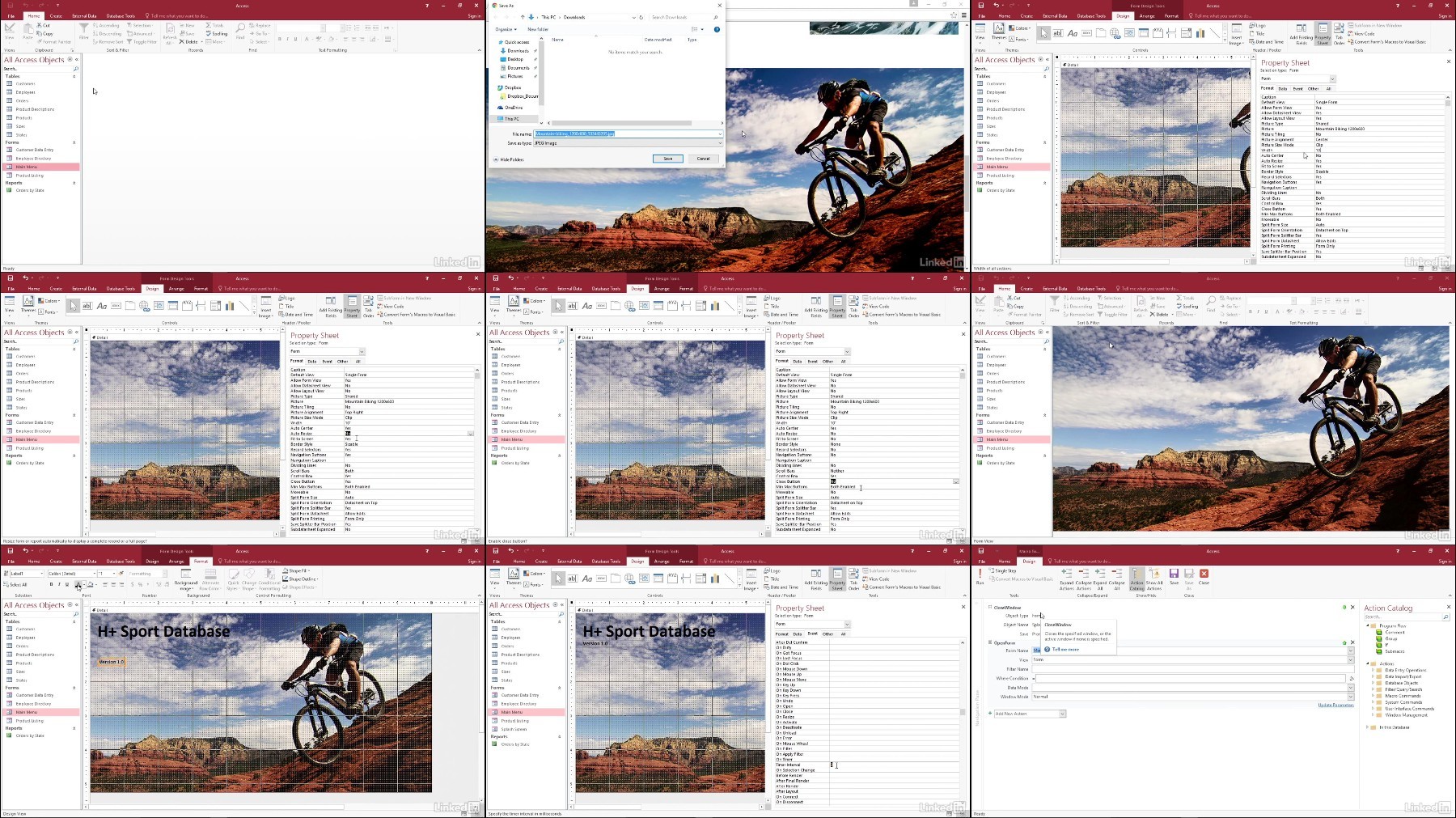
These tips and techniques will help Access developers create a better user experience and transform a boring database into a fast, efficient, and even fun environment. Access expert Adam Wilbert shows how to remove typical Access interface elements (like the Welcome screen) for a better startup experience, and borrow some tricks from web design to make your database more attractive and interactive. Plus, learn how to clean up a cluttered navigation pane, leverage hidden system objects, filter long lists with cascading combo boxes, and build in contextual help and keyboard shortcuts that your power users will thank you for.
Topics include:
- Creating an AutoExec macro
- Creating a kiosk experience
- Working with hidden objects: queries, tables, and more
- Splitting a database into back and front ends
- Creating a dynamic reporting tool
- Adding shortcuts and other aids to end users
- Writing custom VBA functions
- Packaging and distributing your Access application
We need your support!
Make a donation to help us stay online

Bitcoin (BTC)
bc1q08g9d22cxkawsjlf8etuek2pc9n2a3hs4cdrld

Bitcoin Cash (BCH)
qqvwexzhvgauxq2apgc4j0ewvcak6hh6lsnzmvtkem

Ethereum (ETH)
0xb55513D2c91A6e3c497621644ec99e206CDaf239

Litecoin (LTC)
ltc1qt6g2trfv9tjs4qj68sqc4uf0ukvc9jpnsyt59u

USDT (ERC20)
0xb55513D2c91A6e3c497621644ec99e206CDaf239

USDT (TRC20)
TYdPNrz7v1P9riWBWZ317oBgJueheGjATm
Information |
|||
 |
Users of GUESTS are not allowed to comment this publication. | ||