


AutoCAD: Interface
Category: Tutorials
- views: 518
- date: 11 December 2024
- posted by: AD-TEAM
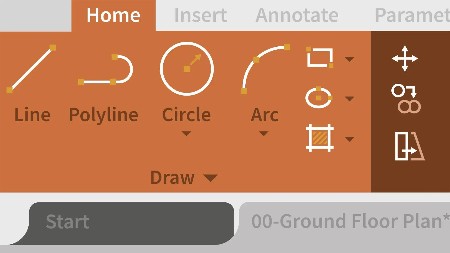
AutoCAD: Interface
.MP4, AVC, 1280x720, 30 fps | English, AAC, 2 Ch | 1h 1m | 172 MB
Instructor: Shaun Bryant
Work more productively in AutoCAD 2021 by learning about ways to work faster and smarter with the user interface. In this course, instructor Shaun Bryant goes beyond the basics as he explores how to work with some of the more involved user interface elements of this powerful designing and drafting software. Shaun covers how to use keyboard shortcuts, navigate drawings, create precise drawings, and work with object properties and layer states. The course offers training that helps prepare you to use AutoCAD in any industry including architecture, engineering, construction, manufacturing, and product design.
Topics include:
Exploring the AutoCAD 2021 interface
Working with the file tabs
Using the navigation bar and shortcut menu
Using AutoCAD keyboard shortcuts
Navigating drawings
Working with the ViewCube
Working with coordinates
Drawing accurately
Using dynamic input and direct distance entry (DDE)
Changing the linetype scale
Using hide and isolate
Working with layers
More Info

We need your support!
Make a donation to help us stay online

Bitcoin (BTC)
bc1q08g9d22cxkawsjlf8etuek2pc9n2a3hs4cdrld

Bitcoin Cash (BCH)
qqvwexzhvgauxq2apgc4j0ewvcak6hh6lsnzmvtkem

Ethereum (ETH)
0xb55513D2c91A6e3c497621644ec99e206CDaf239

Litecoin (LTC)
ltc1qt6g2trfv9tjs4qj68sqc4uf0ukvc9jpnsyt59u

USDT (ERC20)
0xb55513D2c91A6e3c497621644ec99e206CDaf239

USDT (TRC20)
TYdPNrz7v1P9riWBWZ317oBgJueheGjATm
Information |
|||
 |
Users of GUESTS are not allowed to comment this publication. | ||