


Mastering Real-Time Unity Lighting
Category: Tutorials
- views: 73
- date: 7 December 2024
- posted by: AD-TEAM
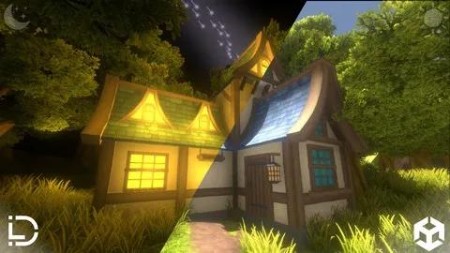
Mastering Real-Time Unity Lighting
Published 11/2024
MP4 | Video: h264, 1920x1080 | Audio: AAC, 44.1 KHz
Language: English | Size: 2.30 GB | Duration: 1h 30m
Learn lighting, optimization, animations, and game design to create immersive real-time environments in Unity.
What you'll learn
Master real-time lighting in Unity, including sunrise and sunset systems.
Create optimized terrains, glowing materials, and 3D sound effects.
Customize environments with advanced animations and post-processing.
Understand Unity's build settings for publishing professional games.
Requirements
No prior Unity experience required. Beginners welcome!
A basic understanding of computer navigation
A PC or Mac capable of running Unity.
Unity Hub and Unity installed (we'll guide you).
Description
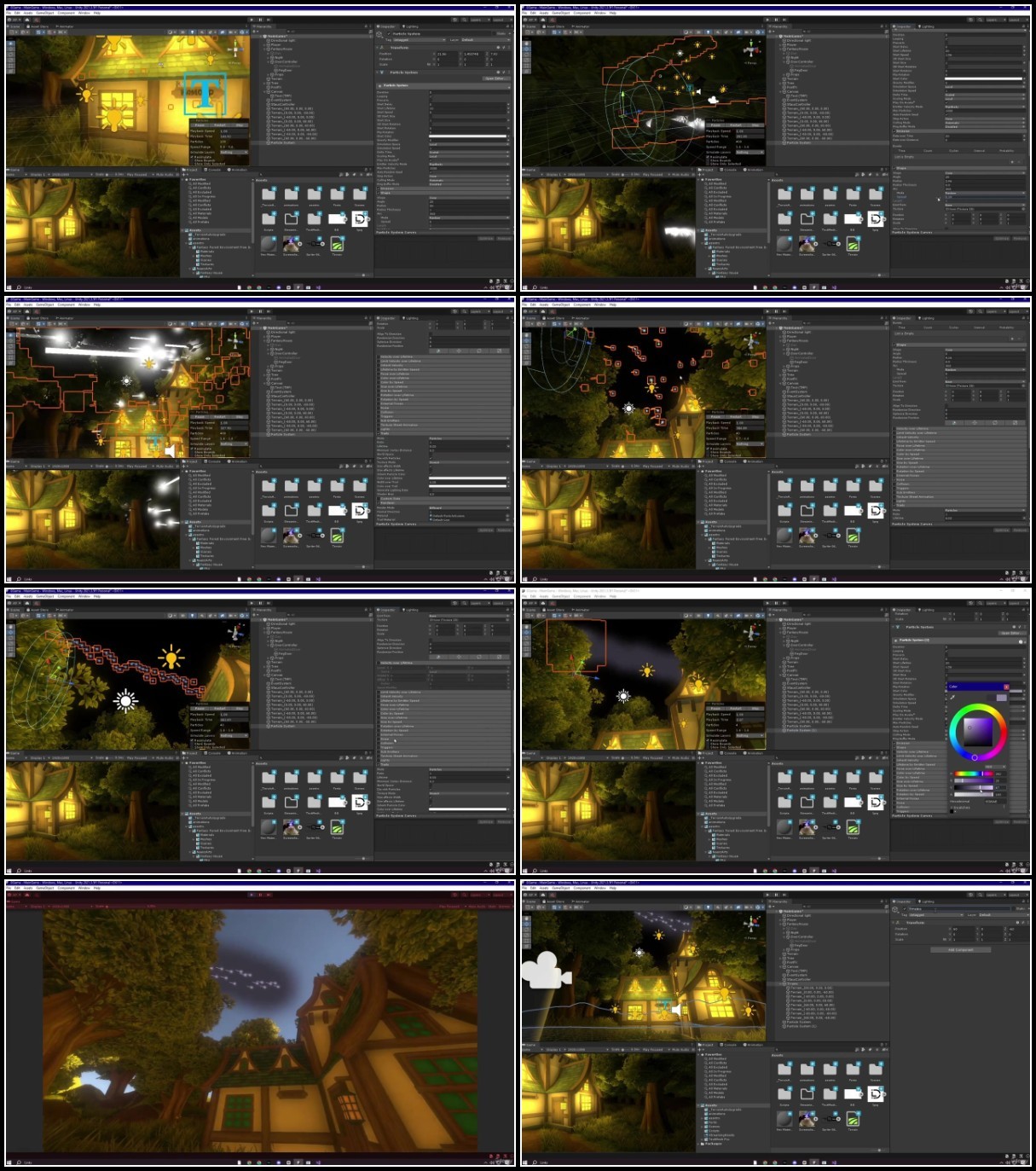
Unlock the power of Unity to create stunning real-time environments with optimized lighting, animations, and immersive design. This comprehensive course takes you step-by-step through essential Unity techniques, empowering you to build and optimize professional-quality environments for your game projects. From realistic terrains to dynamic sunrises and sunsets, glowing windows, optimized particle systems, and vibrant post-processing effects, this course has it all.Whether you're a beginner or an intermediate developer, you'll gain the skills and confidence needed to create visually captivating and functional game worlds. Learn how to bring your ideas to life using Unity's powerful tools and resources while optimizing performance to ensure smooth gameplay experiences.In this course, you'll discover how to:Source high-quality assets, fonts, and audio from Unity's Asset Store.Sculpt, paint, and refine terrains to create lifelike landscapes.Master lighting techniques, including advanced sunrises, sunsets, and shadow optimization.Customize skyboxes with dynamic sky colors, fog, and gradient transitions.Create glowing emissive materials for night scenes, such as illuminated house windows.Use 3D space sound effects and optimize them for immersive gameplay.Add stunning particle effects and fine-tune post-processing settings.Beyond visuals, the course also covers Unity basics like attaching scripts, using prefabs, fixing materials, and building polished projects with customized splash screens, icons, and performance metrics.By the end of this course, you'll have the skills to design, optimize, and bring stunning 3D environments to life—perfect for any game project. Whether you're just starting out or leveling up your skills, this course will help you shine as a Unity developer.
Overview
Section 1: Introduction
Lecture 1 Introduction and Getting Started
Lecture 2 Unity Basics: Terrain Spawning and Player Controller
Lecture 3 Asset Importing and Material Fixes
Section 2: Setting Up the Environment
Lecture 4 Environment Setup
Lecture 5 Real-Time Lighting Part 1: Initial Setup
Lecture 6 Real-Time Lighting Part 2: Coding
Lecture 7 Setting the Script in Unity
Lecture 8 Adjusting the Script in Unity
Section 3: Advanced Environment Enhancements
Lecture 9 Emissive Materials
Lecture 10 Making House Windows Glow at Night
Lecture 11 Point Lights and Shadows
Lecture 12 Optimizing Point Lights
Lecture 13 Adding 3D Sound Effects
Lecture 14 Post-Processing Setup
Lecture 15 3D Text Setup
Lecture 16 Adjusting Environment Details
Section 4: Interactivity and Animations
Lecture 17 Door Animations
Lecture 18 Triggering Animations with Input
Section 5: Optimization and Final Touches
Lecture 19 Game Settings and Build Optimization
Lecture 20 Adding FPS Indicators
Lecture 21 Creating Your Own Sound Effects
Section 6: Advanced Systems
Lecture 22 Terrain Techniques
Lecture 23 Particle Systems
Section 7: Finalization
Lecture 24 Final Build And Testing
Aspiring game developers wanting to master Unity lighting.,Beginners eager to create professional real-time environments.,Intermediate developers seeking optimization techniques for better performance.
We need your support!
Make a donation to help us stay online

Bitcoin (BTC)
bc1q08g9d22cxkawsjlf8etuek2pc9n2a3hs4cdrld

Bitcoin Cash (BCH)
qqvwexzhvgauxq2apgc4j0ewvcak6hh6lsnzmvtkem

Ethereum (ETH)
0xb55513D2c91A6e3c497621644ec99e206CDaf239

Litecoin (LTC)
ltc1qt6g2trfv9tjs4qj68sqc4uf0ukvc9jpnsyt59u

USDT (ERC20)
0xb55513D2c91A6e3c497621644ec99e206CDaf239

USDT (TRC20)
TYdPNrz7v1P9riWBWZ317oBgJueheGjATm
Information |
|||
 |
Users of GUESTS are not allowed to comment this publication. | ||