


Practical Python Cli: Develop A Note-Taking Application
Category: Tutorials
- views: 84
- date: 6 December 2024
- posted by: AD-TEAM
Practical Python Cli: Develop A Note-Taking Application
Published 11/2024
MP4 | Video: h264, 1920x1080 | Audio: AAC, 44.1 KHz
Language: English | Size: 591.30 MB | Duration: 1h 19m
Master Python by Building a Command-Line Note-Taking App with Practical Programming Techniques
What you'll learn
Build a fully functional Python CLI note-taking application from scratch.
Implement key CLI features like adding, deleting, and searching notes using Python
Organize and structure Python projects using industry best practices.
Collaborate using Git and GitHub workflows, including branching and pull requests.
Requirements
Basic understanding of Python (variables, functions, and loops).
Access to a computer with Python installed (Windows, Mac, or Linux).
No prior CLI experience needed; everything will be taught step by step.
Optional: Familiarity with Git and GitHub is helpful but not required.
Description
Unlock the Power of Python: Build a Practical CLI Note-Taking ApplicationAre you ready to take your Python programming skills to the next level while working on a real-world project? This course provides a step-by-step guide to creating a functional command-line interface (CLI) note-taking application using Python. Whether you're a complete beginner eager to master the basics or an intermediate developer looking to refine your skills, this course is designed to meet your needs.In this hands-on course, you will:Learn to Structure Python CLI Projects: Discover how to organize your code effectively, ensuring scalability and readability.Develop Core Application Features: Implement essential functionalities like saving, retrieving, editing, and organizing notes in your CLI app.Master Key Python Concepts: Gain practical experience with file handling, error management, and modular programming techniques.Throughout the course, you'll work on building a fully functional CLI-based note-taking application from scratch. This project-based approach ensures that you not only understand theoretical concepts but also know how to apply them in real-world scenarios.By the end of the course, you'll have a polished application to showcase in your portfolio and the confidence to tackle more advanced Python projects. Enroll now to start your Python journey and build your first practical, real-world application!Join thousands of learners in mastering Python through this comprehensive, engaging, and SEO-optimized course. Don't wait—start coding today!
Overview
Section 1: Introduction
Lecture 1 What is a readme ?
Lecture 2 Cloning and Exploring the repoistory with Github CLI
Lecture 3 Viewing and Editing the Readme with VIM
Lecture 4 Exploring the project structure with command tree
Lecture 5 Setting up the python note taking cli app
Section 2: Section02
Lecture 6 Structure Readme with a framework with markdown
Lecture 7 Explaining the description wih a readme file
Lecture 8 Features section of the readme file
Lecture 9 Instalation lectures with readme
Lecture 10 Usage examples and other sections of a readme
Section 3: Section03
Lecture 11 How to manage documentation workflows
Lecture 12 Editing the readme on a seperate branch
Lecture 13 Writing descritpive commit messages
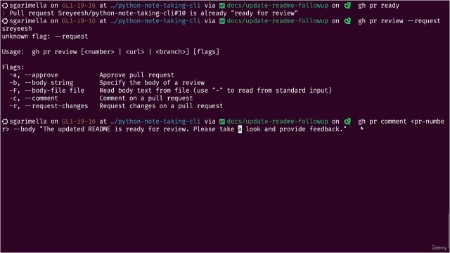
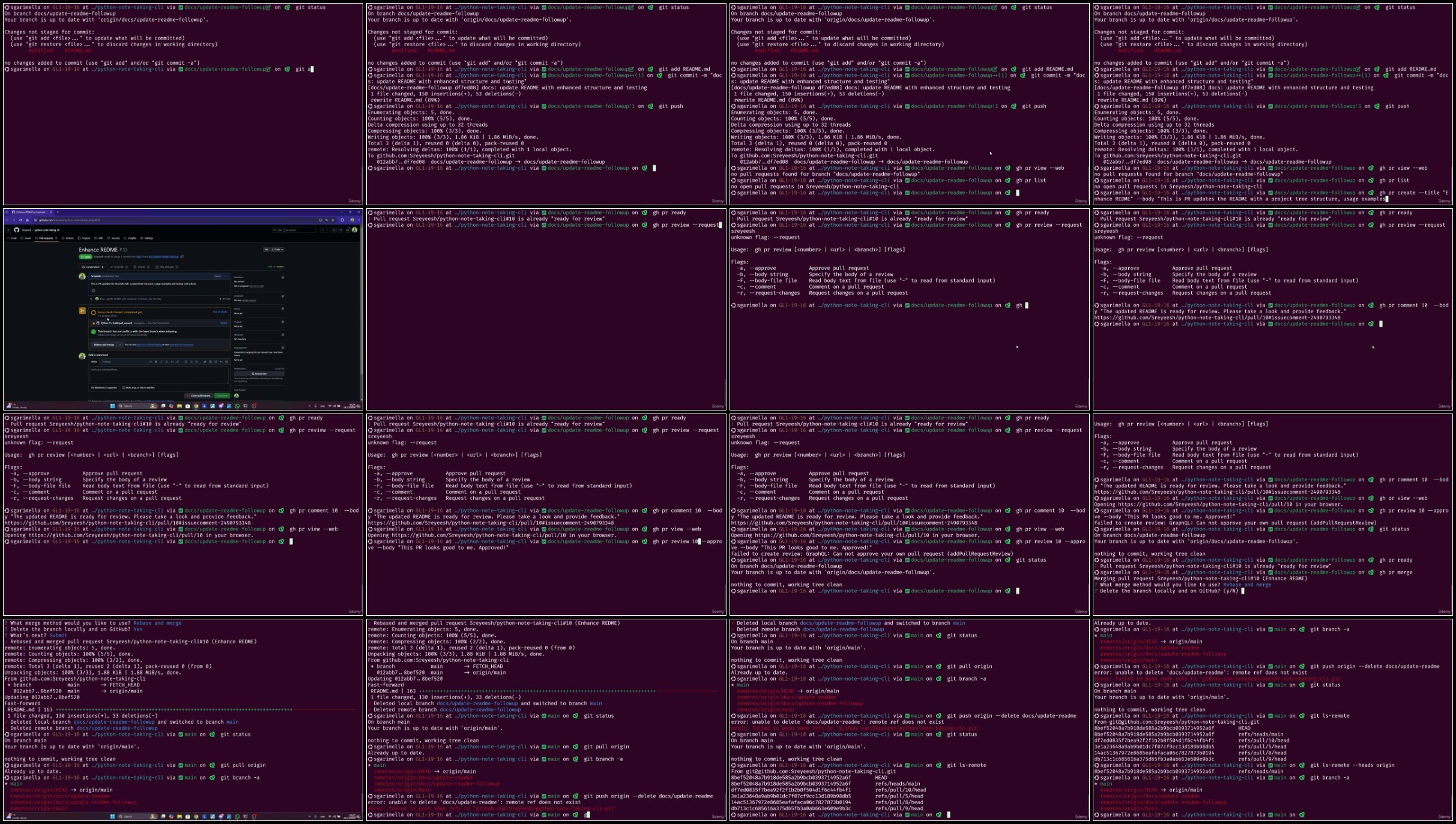
Lecture 14 Pull requests with Github CLI
Section 4: Section04
Lecture 15 Collabrating in the development workflow
Section 5: Section05
Lecture 16 How to understand feedback and address changes
Lecture 17 Updating the readme
Lecture 18 Using git status to changes in the project
Section 6: Section06
Lecture 19 Manual testing with pytest
Section 7: Section07
Lecture 20 Final Project workflows with pytest and pytest coverage
Lecture 21 Final test with pytest
Lecture 22 Finalizing the whole project after tests passed
Lecture 23 Finalizing changes to do a pull request on a seperate branch and conclusion
Python beginners who want to develop practical, real-world projects.,Developers looking to enhance their skills with CLI application development.,Students who want to learn project organization and GitHub workflows.,Anyone interested in building functional, easy-to-use tools for productivity.
Download
Fikper
RapidGator
NitroFlare
Fikper
RapidGator
NitroFlare
Rapidgator links are free direct download only for my subscriber, other hosts are free download for free users
We need your support!
Make a donation to help us stay online

Bitcoin (BTC)
bc1q08g9d22cxkawsjlf8etuek2pc9n2a3hs4cdrld

Bitcoin Cash (BCH)
qqvwexzhvgauxq2apgc4j0ewvcak6hh6lsnzmvtkem

Ethereum (ETH)
0xb55513D2c91A6e3c497621644ec99e206CDaf239

Litecoin (LTC)
ltc1qt6g2trfv9tjs4qj68sqc4uf0ukvc9jpnsyt59u

USDT (ERC20)
0xb55513D2c91A6e3c497621644ec99e206CDaf239

USDT (TRC20)
TYdPNrz7v1P9riWBWZ317oBgJueheGjATm
Information |
|||
 |
Users of GUESTS are not allowed to comment this publication. | ||