


SOLIDWORKS - Introduction to Finite Element Analysis (FEA)
Category: Tutorials
- views: 104
- date: 3 December 2024
- posted by: AD-TEAM
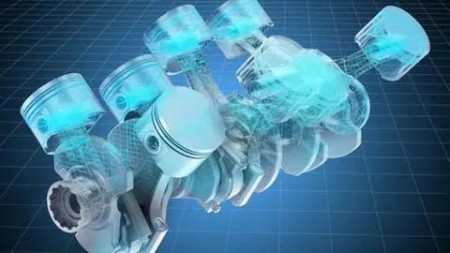
SOLIDWORKS - Introduction to Finite Element Analysis (FEA)
Duration: 2h 32m | .MP4 1280x720, 30 fps(r) | AAC, 44100 Hz, 2ch | 1.32 GB
Genre: eLearning | Language: English
Tools and techniques of FEA simulation
What you'll learn
Setting up simulation
Preparing geometry
Defining fixtures and loads
Creating mesh
Running simulation
Results analysis
Creating XY plots
Creating report
Planar symmetry
Circular symmetry
Requirements
Basics knowledge of Solidworks
Solidworks 2016 or newer version
Description
This course introduces how to set up a model for Finite Element Analysis, run the analysis, and interpret the results to optimize your SOLIDWORKS models. Upon completing this course, you'll have basic skills foundation to carry out FEA. There is no requirement of previous knowledge in Finite Element Analysis (FEA) or Finite Element Method (FEM).
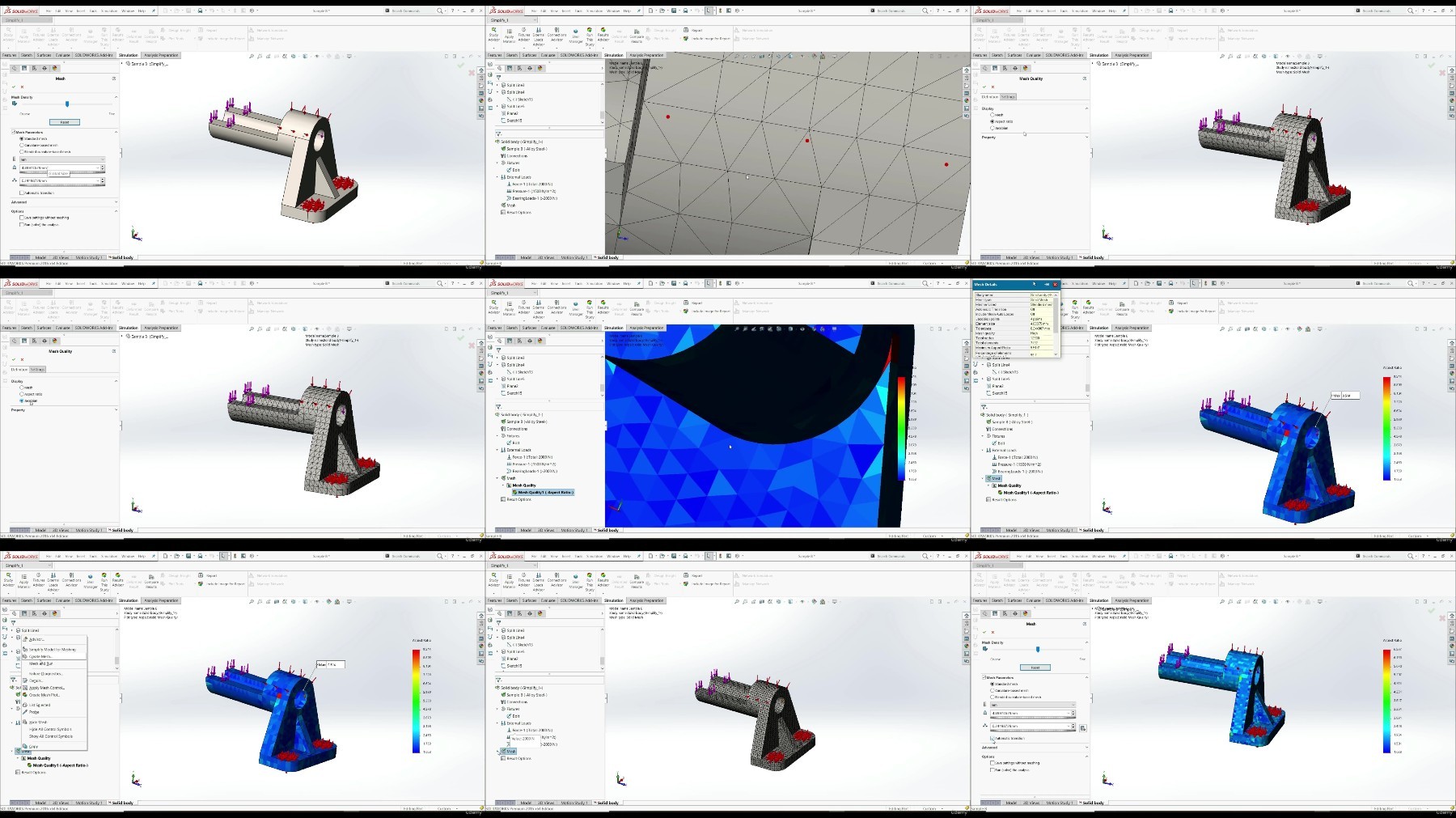
In the first part of this course you will learn how to set up a simulation, how to prepare a model, how to define fixture and loads, how to create a mesh, how to run simulation and how to analyse results of Stress, Displacement and Strain of the Solid body.
As well you will learn how to define your own mesh, how to run multiple simulations, how to calculate stresses and strain at specific point of the model, how to create XY plots, how to re-modify model depending on the simulation results and how to create reports of simulation study.
In the second part chapter is shown how to analyse planar symmetrical and circular symmetrical models using advanced tools. Those tools are huge help in saving time and memory.
This course will equip you with basic tools and techniques of Finite Element Analysis as well some basic theory of Finite Element Analysis. So the target students beginners and students with intermediate knowledge. For advanced students I recommend taking course that goes more in depth.
Who this course is for:
Beginners and intermediate students who wants to learn Finite Element Analysis
More Info
Rapidgator links are free direct download only for my subscriber, other hosts are free download for free users
Fikper
FileAxa
RapidGator
TurboBit
We need your support!
Make a donation to help us stay online

Bitcoin (BTC)
bc1q08g9d22cxkawsjlf8etuek2pc9n2a3hs4cdrld

Bitcoin Cash (BCH)
qqvwexzhvgauxq2apgc4j0ewvcak6hh6lsnzmvtkem

Ethereum (ETH)
0xb55513D2c91A6e3c497621644ec99e206CDaf239

Litecoin (LTC)
ltc1qt6g2trfv9tjs4qj68sqc4uf0ukvc9jpnsyt59u

USDT (ERC20)
0xb55513D2c91A6e3c497621644ec99e206CDaf239

USDT (TRC20)
TYdPNrz7v1P9riWBWZ317oBgJueheGjATm
Information |
|||
 |
Users of GUESTS are not allowed to comment this publication. | ||