


Beginning Qt 5 C++ GUI Development : The Fundamentals
Category: Tutorials
- views: 128
- date: 30 November 2024
- posted by: AD-TEAM
Beginning Qt 5 C++ GUI Development : The Fundamentals
.MP4, AVC, 1700 kbps, 1280x720 | English, AAC, 128 kbps, 2 Ch | 14h 30m | 12.44 GB
Created by Daniel Gakwaya
A Step by Step Guide to Building Cross Platform C++ GUI Applications with Qt for Beginners
What you'll learn
The fundamentals of working with Qt to build C++ Gui Applications
Working with Qt Widget Classes
Working with Dialog Classes
Using the Qt Resource System
Styling Qt Applications
Working with Networks to fetch HTTP Data
Working with the File System
Model View Architecture
Requirements
Basic knowledge of working with Computers
Open mind and strong willingness to learn how to build Qt C++ Gui applications
Basic understanding of programming will be useful but not required
This course will take you from zero to a level where you can write any Qt C++ Gui application you may want. It is aimed at complete beginners but people with varying levels of experience wishing to learn Qt C++ Gui will equally find it useful.
Qt is second to none in the field of building cross platform GUI application based on C++. It can currently be used to build software that runs on virtually any platform out there: Windows, Mac, Linux, Android, IOS and even embedded systems. You basically build your software once and all you have to do is build it for your desired platform and voila !
The course starts with a complete beginner to both C++ and Qt in mind, and we take you through the the process of getting your environment set up on your platform of choice :
We do a live install of Qt Creator on Windows
We do a live install of Qt Creator on Linux
We guide you though how you would install Qt Creator on a Mac
We guide you through Qt Creator showing you the tools that work together to get your application built
We then take you on a tour of the C++ programming language, covering the concepts deemed important to start working with Qt to build your shinny GUI applications. You don't need to be a C++ wizard to start writing your applications using Qt. One of the goals behind Qt itself is to be as easy to use as possible, helping you to focus on your application logic rather than the C++ complex plumbing. This does not mean that you can do with zero C++ knowledge though. That's why we take you on a tour to cover the basic concepts of the language covering topics like:
Running your first console application and understanding the main function
Streams that help you write and read data from your C++ applications
Variables and Data Types
Basic C++ Operators and Control flow where among other things you learn about if clauses and loops
Build an app to guess numbers and put together the concepts learned so far
C++ Functions
C++ classes
Building your first Qt C++ GUI Application
Building a GUI Version of your Number guessing game
We then visit the fascinating concept signals and slots in Qt where you learn the most flexible way to respond to events :
We'll explore lambda functions in C++ in general, we'll need them to use their SIGNAL SLOT syntax
We explore different ways to connect signals to slots in Qt
We then do a concept enforcing demo for you to try them out
Next we dive in the Qt Widgets section and visit some of the most important widget classes in Qt :
QWiget
QMainWindow
QMessageBox
QPushButton
QLineEdit
QTextEdit
QLabel
QHBoxLayout, QVBoxLayout, QGridLayout
We visit size policies and stretches and how they help tie the knots in your layouts
QCheckBox and QRadioButton
QList
QComboBox
QListWidget
QTabWidget
QMenu, QToolBar, QAction
Dialogs are explored next , we look at QDialog and how to build your own custom dialog class from scratch , QDialogButtonBox, QMessageBox, QFontDialog, QFileDialog, QInputDialog and how they add a layer of interactivity to your Qt GUI applications.
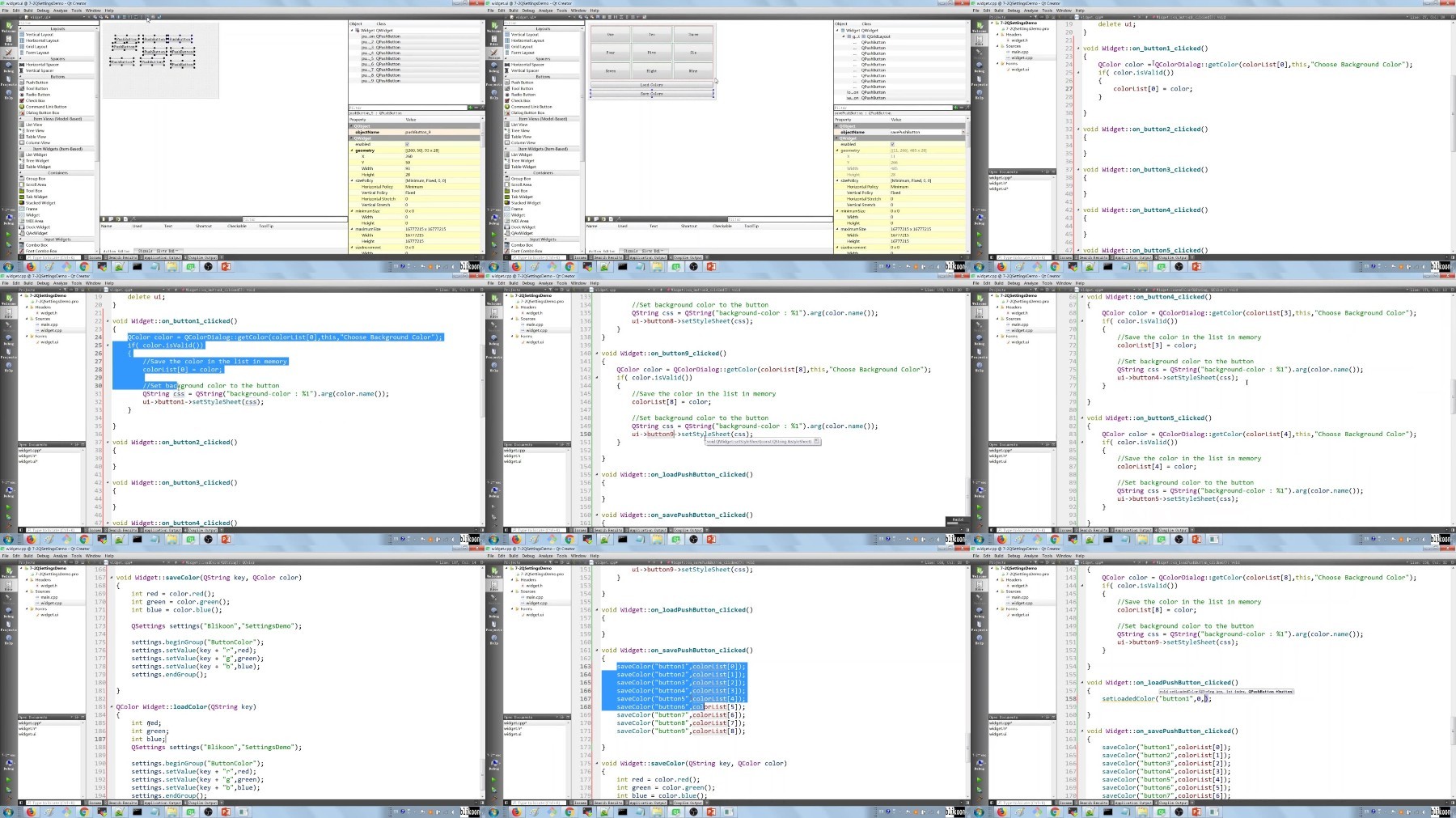
We then go on and explore how to work with the Qt Resource System , Styling your Qt applications with QStyle, QPalette and Style Sheets, Saving your application settings with QSetting, Working with Files and Directories using QFile and QDir and we wrap up the course with a tour of the network capabilities of Qt where we :
See the different classes that are available to work with networks in Qt
Build an application to download web pages in our Qt Applications
Build an application to consume Rest APIs in your Qt Applications
This course was designed to help you succeed in becoming a Qt Gui application developer regardless of your current level of expertise. The only requirement is to bring in an open mind and a strong willingness to learn. Now, please check out some of the preview videos andl let's get you STARTED building cross platform GUI applications using Qt.
Who this course is for:
Anyone willing to Build Cross Platform Gui Software using Qt
Complete Beginners
Anyone willing to get a job building Qt Gui Applications
Students and Researchers willing to use Qt Gui features in their projects
More Info
Fikper
https://fikper.com/iqamJv0P64/Qt.5.C++.part1.rar.html
https://fikper.com/PePMgMC3SD/Qt.5.C++.part2.rar.html
https://fikper.com/lZawOB6yPt/Qt.5.C++.part3.rar.html
FileAxa
https://fileaxa.com/45hdx2zb5yg7/Qt.5.C%2B%2B.part1.rar
https://fileaxa.com/okgmqp89v7c0/Qt.5.C%2B%2B.part2.rar
https://fileaxa.com/l2c3jq32dboz/Qt.5.C%2B%2B.part3.rar
RapidGator
https://rapidgator.net/file/cdb404120062f7509cec9430c15957f5/Qt.5.C__.part1.rar
https://rapidgator.net/file/838d467aa3486969524a595847638b46/Qt.5.C__.part2.rar
https://rapidgator.net/file/5d52d9f94b4a2d30dcd7b20496cbe828/Qt.5.C__.part3.rar
TurboBit
https://turbobit.net/gieh4sv59b2s/Qt.5.C%2B%2B.part1.rar.html
https://turbobit.net/apozso0yikal/Qt.5.C%2B%2B.part2.rar.html
https://turbobit.net/ntjrogyppr2s/Qt.5.C%2B%2B.part3.rar.html
We need your support!
Make a donation to help us stay online

Bitcoin (BTC)
bc1q08g9d22cxkawsjlf8etuek2pc9n2a3hs4cdrld

Bitcoin Cash (BCH)
qqvwexzhvgauxq2apgc4j0ewvcak6hh6lsnzmvtkem

Ethereum (ETH)
0xb55513D2c91A6e3c497621644ec99e206CDaf239

Litecoin (LTC)
ltc1qt6g2trfv9tjs4qj68sqc4uf0ukvc9jpnsyt59u

USDT (ERC20)
0xb55513D2c91A6e3c497621644ec99e206CDaf239

USDT (TRC20)
TYdPNrz7v1P9riWBWZ317oBgJueheGjATm
Information |
|||
 |
Users of GUESTS are not allowed to comment this publication. | ||