


Motion Design Jump Start - Your First Typography Animation
Category: Tutorials
- views: 137
- date: 29 November 2024
- posted by: AD-TEAM
Motion Design Jump Start - Your First Typography Animation
Published 11/2024
MP4 | Video: h264, 1920x1080 | Audio: AAC, 44.1 KHz
Language: English | Size: 409.10 MB | Duration: 0h 31m
A Beginner's Guide to Typography in Adobe After Effects
What you'll learn
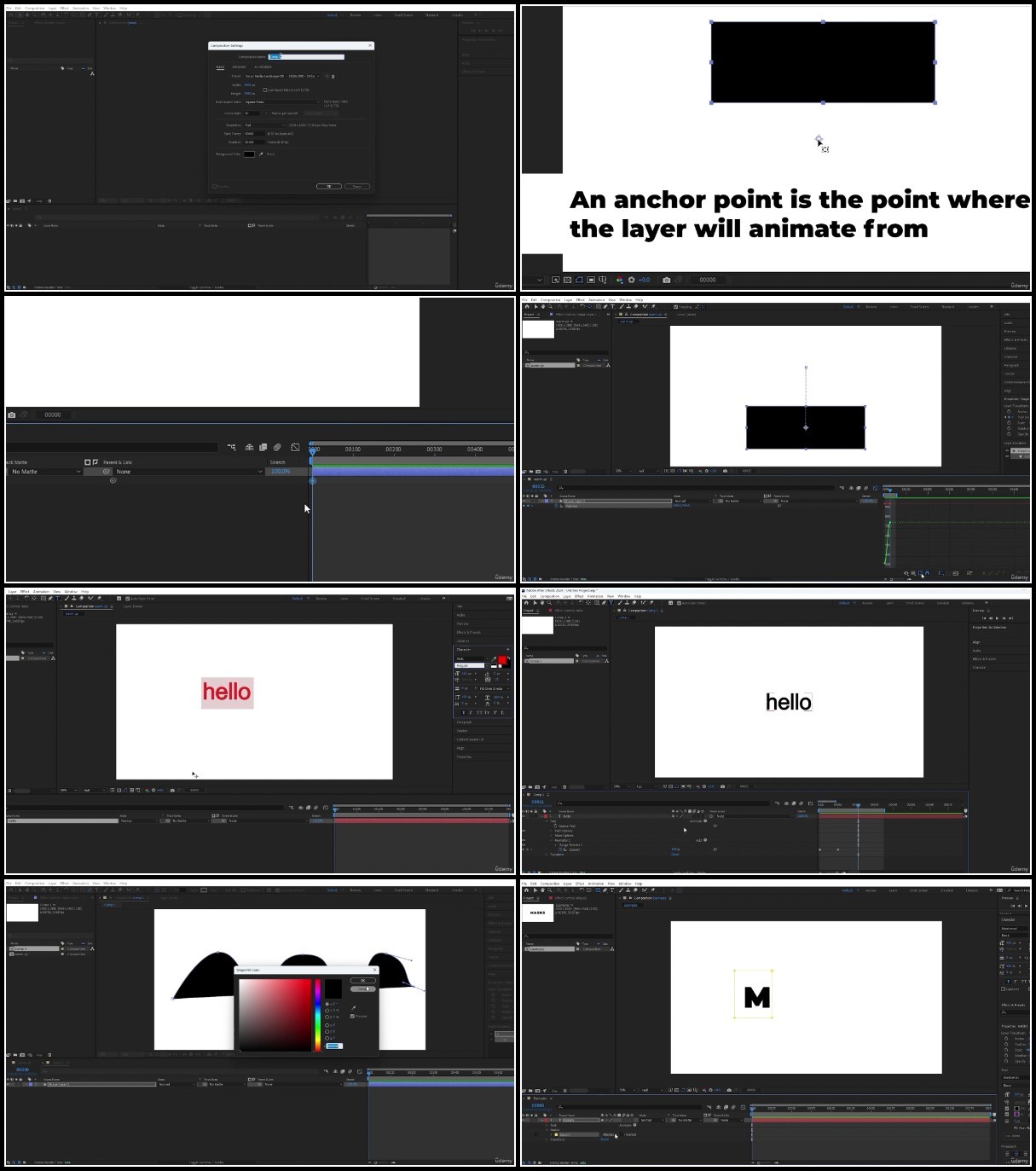
Learn how to animate text using the position and scale properties
How to use the speed graph editor
How to use an expression
Learn other techniques such as masks, color palettes, pre-comps, layer styles, etc
Requirements
Tools required for this course are Adobe After Effects and Adobe Media Encoder
Description
This class is for students that want to create their first typography animation. This class is a great introduction to motion design, animation, and Adobe After Effects.In this class you'll learn how to:Animate textAnimate using the position and scale propertiesUse the spreed graph editorUse masksUse an expressionAn easy way to choose a color paletteOther techniques such as backgrounds, pre-comps, layer styles, etc.How to export your animation to share in the project galleryYou'll be creating:A typography animation using the techniques taught in this classYou can complete the class project by following these steps:Follow along with my video lessonsThen take what you've learned and apply it to your own typography animationDownload the completed project file on the projects & resources page, it might help if you get stuck on a lessonWhat You Need: Adobe After EffectsAdobe Media Encoder to exportTo share your class project follow these steps:Export your animation in mp4 formatUpload your video to a video-sharing platform such as YouTube or VimeoI suggest setting your video to "Unlisted" if you do not want it shared publiclyOn the projects share the link to your videoAdobe, After Effects, and Media Encoder are either registered trademarks or trademarks of Adobe Systems Incorporated in the United States and/or other countries.
Overview
Section 1: Introduction
Lecture 1 Introduction
Lecture 2 Getting Started
Section 2: Intro to Adobe After Effects
Lecture 3 Intro to Adobe After Effects
Section 3: Lessons
Lecture 4 Create a New Composition
Lecture 5 Animate the Position
Lecture 6 The loopOut Expression
Lecture 7 Using Masks to Offset
Lecture 8 Pre-Comp & Loop the Animation
Lecture 9 Offset the Pre-Comp
Lecture 10 Create a Colour Palette
Lecture 11 Apply the Colours
Lecture 12 The Stroke Layer Style
Lecture 13 Fixing my Mistake
Lecture 14 Export Using Adobe Media Encoder
Section 4: Create A Gradient Background
Lecture 15 Gradient Background
Section 5: Other Text Animation Lessons
Lecture 16 Text on a Path
Lecture 17 Scale Animation
Section 6: Outro/Congratulations
Lecture 18 Outro
This class is for beginners that want to create their first typography animation. This class is a great introduction to motion design, animation, and Adobe After Effects.
We need your support!
Make a donation to help us stay online

Bitcoin (BTC)
bc1q08g9d22cxkawsjlf8etuek2pc9n2a3hs4cdrld

Bitcoin Cash (BCH)
qqvwexzhvgauxq2apgc4j0ewvcak6hh6lsnzmvtkem

Ethereum (ETH)
0xb55513D2c91A6e3c497621644ec99e206CDaf239

Litecoin (LTC)
ltc1qt6g2trfv9tjs4qj68sqc4uf0ukvc9jpnsyt59u

USDT (ERC20)
0xb55513D2c91A6e3c497621644ec99e206CDaf239

USDT (TRC20)
TYdPNrz7v1P9riWBWZ317oBgJueheGjATm
Information |
|||
 |
Users of GUESTS are not allowed to comment this publication. | ||