


Windows Server Active Directory And Group Policy Setup
Category: Tutorials
- views: 163
- date: 26 November 2024
- posted by: AD-TEAM

Windows Server Active Directory And Group Policy Setup
Published 10/2024
MP4 | Video: h264, 1920x1080 | Audio: AAC, 44.1 KHz
Language: English | Size: 1.16 GB | Duration: 2h 0m
Active Directory, Group Policy, Firewall, Network List Manager Policy
What you'll learn
Test the account on the client
Understand Windows Server preparation steps
Configure the server correctly with IP address and hostname
Make a doman controller
Join the active directory domain
Add a domain-wide user account
Requirements
Basic IT Knowledge
Keen interest
Description
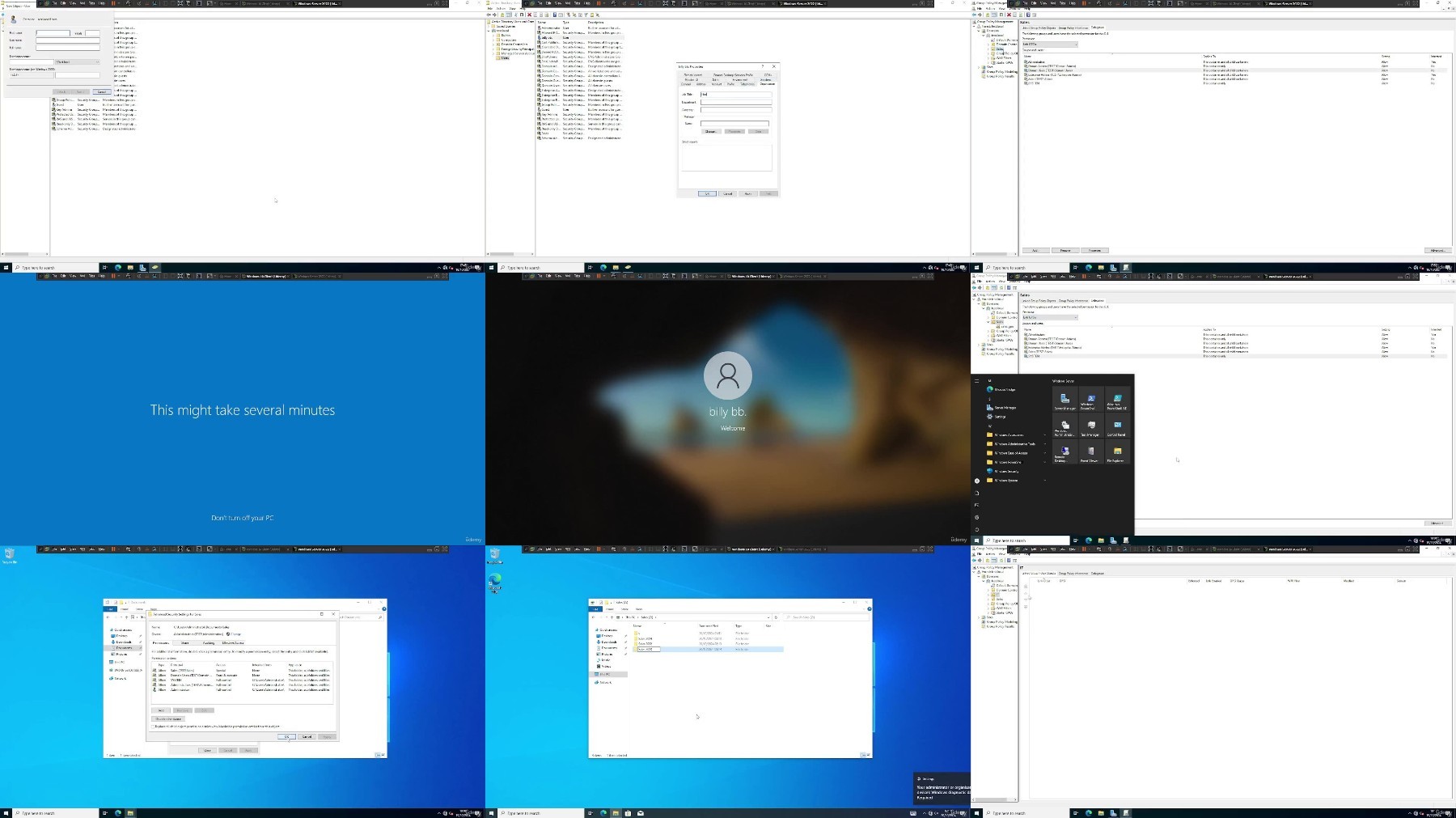
Windows Server Active Directory we will be using many different tools and features here, starting with the installation of both the client and server and then the preparation so firewall off on both the client and the server, network set to private on the client and the server, correct IP settings, a nice hostname on both and pinging from each. Next we will be installing Active Directory Domain Services (AD DS) on the server and than we will promoting it to a domain controller. We will be joining the client to the server using the rename advanced tab and we will also add a domain user that can be logged onto the client with. We can be adding the organisation information in active directory of domain user accounts and even who their line manager is and their job title.We will be applying a folder share for each user group so they will have access to their department share only and we will be thinking of the file permissions and what they should have access to given their roles.This course will enable you to have a deep understanding of Windows Server administration and many widely used tools within windows server.
Overview
Section 1: Introduction
Lecture 1 Introduction
Section 2: Basics and preparation of server and client
Lecture 2 Install and prepare Operating Systems
Lecture 3 Install Active Directory
Section 3: Different User Shares and Advanced Group Poilcy
Lecture 4 Domain join, creating and testing domain user and making OU share GPO
Lecture 5 Dymanic User Shares
Lecture 6 Advanced Group Policy
Beginner System Admin,IT Technician's,IT Administrator
FileAxa
RapidGator
FileStore
TurboBit
We need your support!
Make a donation to help us stay online

Bitcoin (BTC)
bc1q08g9d22cxkawsjlf8etuek2pc9n2a3hs4cdrld

Bitcoin Cash (BCH)
qqvwexzhvgauxq2apgc4j0ewvcak6hh6lsnzmvtkem

Ethereum (ETH)
0xb55513D2c91A6e3c497621644ec99e206CDaf239

Litecoin (LTC)
ltc1qt6g2trfv9tjs4qj68sqc4uf0ukvc9jpnsyt59u

USDT (ERC20)
0xb55513D2c91A6e3c497621644ec99e206CDaf239

USDT (TRC20)
TYdPNrz7v1P9riWBWZ317oBgJueheGjATm
Information |
|||
 |
Users of GUESTS are not allowed to comment this publication. | ||