


Mastering Gradients in Adobe Illustrator
Category: Tutorials
- views: 134
- date: 22 November 2024
- posted by: AD-TEAM
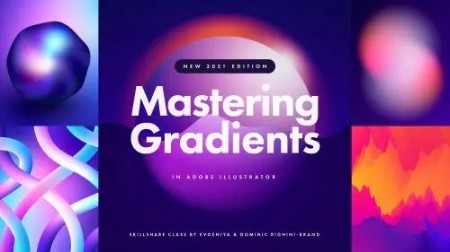
Mastering Gradients in Adobe Illustrator
Duration: 3h 48m | .MP4 1280x720, 30 fps(r) | AAC, 48000 Hz, 2ch | 1.52 GB
Genre: eLearning | Language: English
Level up your gradient skills with our special tips, tricks & techniques ranging from beginner to advanced Illustrator levels!
I'm Evgeniya Righini-Brand, and with this class I invite you to master gradients in Adobe Illustrator. Whether you're going for a vibrant and dramatic look, or something more subtle and dreamy, something minimalistic or elaborate and experimental, gradients create a sense of depth, allowing you to change the feel of any design, object and environment!
This class is suitable for anyone who loves gradients, and I'll walk you through everything you need to know to make awesome gradient-based designs suitable for both digital and print projects.
In this in-depth class you'll learn:
How to choose the right colours to create beautiful smooth transitions and avoid murky gradients and colour banding;
How to unlock the full potential of Linear, Radial & Freeform Fill Gradients, including how to use multiple gradient fills and how to apply gradients to editable type;
How to make the most out of different types of Stroke Gradients;
Experimental techniques for creating gradients by using Gradient Meshes, Blends and Opacity Masks;
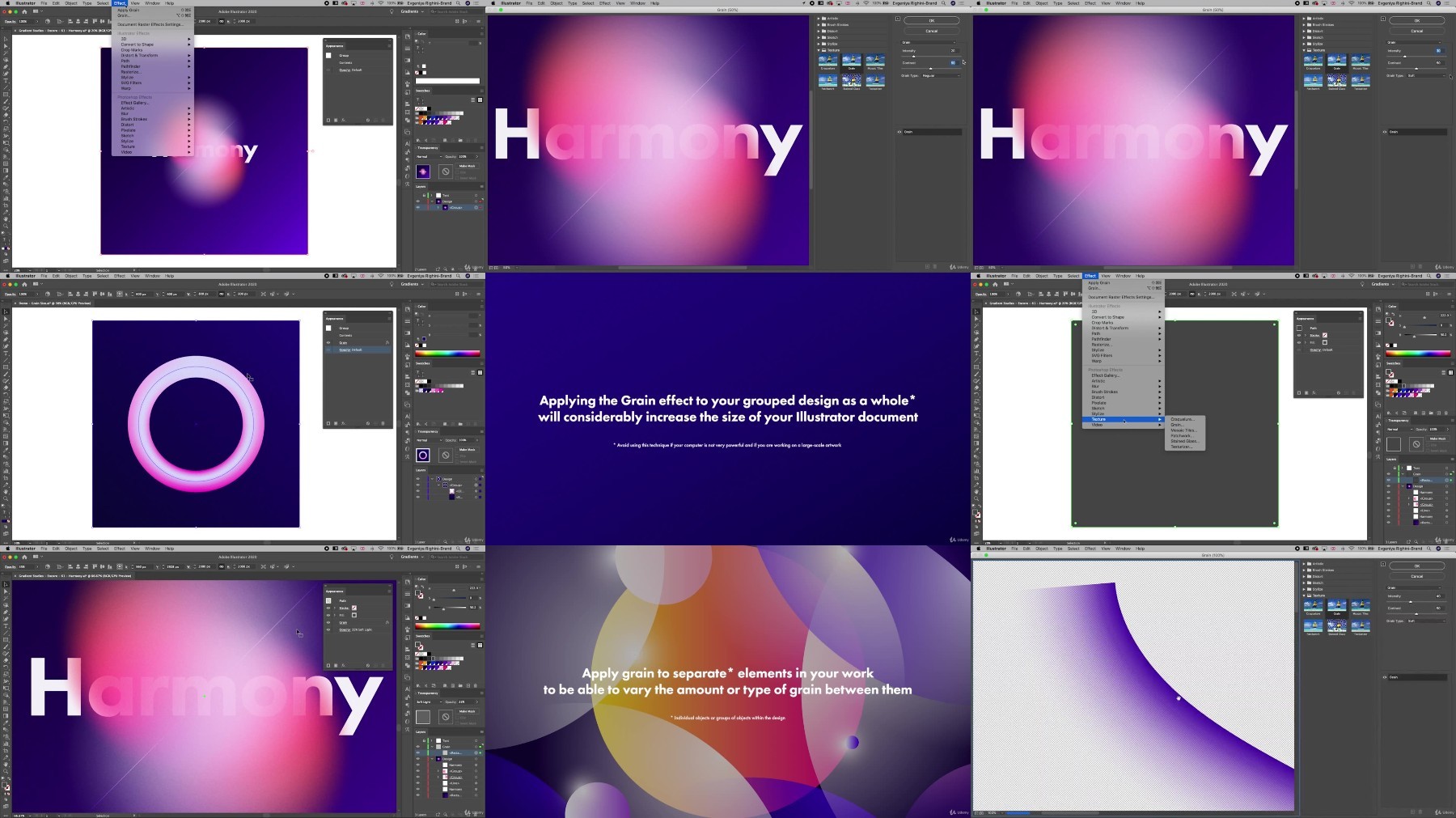
Techniques for taking your gradient designs a step further to get a perfect colouring, silky smooth transitions & a beautiful textured look;
How to create and use gradient assets, such as Gradient Swatches, Graphic Styles & Gradient Brushes to speed up your workflow or to sell as digital assets;
How to prepare your work for print & digital use.
I'm super excited to see your gradient experiments! Join now and let's make something awesome!
This class was recorded in Illustrator CC 2020, but most of the covered tools and techniques can be used in older versions of Illustrator just as well, and so far there has been no significant changes to the tools used in this class in newer Illustrator versions.
Giveaway 2021:
To celebrate this massive class update we will be hosting a giveaway in which you can win 1 out of 5 Gradient Design Kits which include gradient swatches, graphic styles and gradient brushes and one lucky winner will also receive 1 year of Skillshare Premium Membership!
To participate:
watch the updated class;
leave a review for this class or update your previous review;
post a project in this class or update your old project with some new experiments;
and follow us here on Skillshare.
If you have participated in our original contest back in 2017 when we published the first edition of this class, you are more than welcome to enter this giveaway as well!
Entry deadline is at noon EST on Monday, March 29th 2021. The winners will be drawn at random and announced the following day!
I cannot wait to see your entries, and good luck!
Research:
Gradients — research & inspiration board on Pinterest
Recommended classes:
Creating Trendy Abstract Patterns in Illustrator — a foundation class about using various tools in Illustrator and creating vector patterns, which would also look awesome if coloured in gradients.
Creating & Using Custom 3D Objects in Illustrator — learn how to make a range of exciting 3D objects in Illustrator which you can then art-map using the gradients to make them even more awesome.
Creating Trendy Designs with Abstract Patterns in Illustrator — learn about design composition and different approaches to designing and illustrating with patterns, mix it with gradients and you'll get something super cool;)
Fikper
https://fikper.com/7GVQjhHoro/Mastering.Gradients.in.Adobe.Illustrator.part1.rar.html
https://fikper.com/ykfuqZpPZb/Mastering.Gradients.in.Adobe.Illustrator.part2.rar.html
RapidGator
https://rapidgator.net/file/6ba78b762779756680ae34259a3cc2b1/Mastering.Gradients.in.Adobe.Illustrator.part1.rar
https://rapidgator.net/file/bb532b78c6a26536026ebf6385d8eed6/Mastering.Gradients.in.Adobe.Illustrator.part2.rar
FileStore
TurboBit
https://turbobit.net/4a5h2hz70fiu/Mastering.Gradients.in.Adobe.Illustrator.part1.rar.html
https://turbobit.net/mmva1o8rkjni/Mastering.Gradients.in.Adobe.Illustrator.part2.rar.html
We need your support!
Make a donation to help us stay online

Bitcoin (BTC)
bc1q08g9d22cxkawsjlf8etuek2pc9n2a3hs4cdrld

Bitcoin Cash (BCH)
qqvwexzhvgauxq2apgc4j0ewvcak6hh6lsnzmvtkem

Ethereum (ETH)
0xb55513D2c91A6e3c497621644ec99e206CDaf239

Litecoin (LTC)
ltc1qt6g2trfv9tjs4qj68sqc4uf0ukvc9jpnsyt59u

USDT (ERC20)
0xb55513D2c91A6e3c497621644ec99e206CDaf239

USDT (TRC20)
TYdPNrz7v1P9riWBWZ317oBgJueheGjATm
Information |
|||
 |
Users of GUESTS are not allowed to comment this publication. | ||