


Podman For The Absolute Beginners - Hands-On Devops
Category: Tutorials
- views: 150
- date: 19 November 2024
- posted by: AD-TEAM
Podman For The Absolute Beginners - Hands-On Devops
Published 10/2024
MP4 | Video: h264, 1920x1080 | Audio: AAC, 44.1 KHz
Language: English | Size: 1.35 GB | Duration: 3h 53m
Master containerization using Podman through lectures, practical demonstrations, quizzes, and hands-on coding exercises
What you'll learn
Getting started to Containerization
Deploy and Configure Podman on various platforms
Basic Podman Commands with Hands-On Exercises
Core Podman Terminologies - Image, Container, Network, Volume and Pods
Understand and Build container images using Containerfiles/Dockerfiles - Hands-on
Build and Deploy Custom Python based application as Capstone Project
Getting started with Pods in Podman
Requirements
Basic Unix/Linux Knowledge (Good to have)
Basic System Administrator Skills
Description
Podman is an open platform that provides tools to manage containers, images and pods. It offers the flexibility, accessibility, and security features that makes Podman an attractive option for managing containers.What's in this course?This "Podman for the Absolute Beginners - Hands-On DevOps" course is designed for everyone and provides a detailed overview of Podman essentials using a systematic and hands-on approach. It delves into fundamental concepts including images, containers, volumes, networks and Pods. You will also gain hands-on proficiency in creating optimized Containerfiles or Dockerfiles for containerizing applications and learn how to run and manage multiple containers as groups using the concept of Pods. Each course topic includes lectures to clarify the concept, demonstrations to show them in action, and finally, an assignment to test your understanding and solidify your learning.If you're new to Podman, don't worry—this course starts from the basics and builds on gradually to intermediate topics.Legal Notice:Podman is developed by Red Hat® is a registered trademarks of Red Hat, Inc. in the United States and other countries. This course is not certified, accredited, affiliated with, nor endorsed by Red Hat Inc.Course Structure:LecturesDemosQuizzesAssignmentsCourse Contents:Introduction to PodmanPodman Vs DockerSetting up Podman CLI and Podman DesktopUnderstanding Podman ArchitecturePodman DocumentationContainer ImagesContainer RegistriesPodman ContainersBuilding an Image with a Containerfile/DockerfileNetworking in PodmanVolumes in PodmanMulti-Stage Containerfile/DockerfileContainerizing Applications (Sample Project using Python)Pods in PodmanAll sections in this course feature live demonstrations. Enrolled users are encouraged to set up their own Podman environment, engage in the exercises, and learn through hands-on experience!
Overview
Section 1: Introduction to Podman
Lecture 1 Course Introduction
Lecture 2 Topic Introduction - Introduction to Podman
Lecture 3 Introduction to Containerization
Lecture 4 Core Containerization Concepts
Lecture 5 Podman Introduction
Lecture 6 Podman Architecture
Lecture 7 Podman Building blocks
Lecture 8 Podman vs Docker
Lecture 9 Demonstration - Podman Documentation Walkthrough
Lecture 10 Summary
Section 2: Getting Started with Podman
Lecture 11 Topic Introduction - Getting Started with Podman
Lecture 12 Podman Installation Methods
Lecture 13 Demonstration - Installing Podman on Linux
Lecture 14 Demonstration - Introduction to Podman Commands
Lecture 15 Demonstration - Podman Desktop on Mac
Lecture 16 Demonstration - Podman Desktop on Windows
Lecture 17 Summary
Section 3: Working with Images in Podman
Lecture 18 Topic Introduction - Working with Images in Podman
Lecture 19 Overview of Container Images
Lecture 20 Container Registries (Docker Hub & Quay.io)
Lecture 21 Demonstration - Docker Hub
Lecture 22 Managing Images with Podman CLI
Lecture 23 Demonstration - Managing Images with Podman CLI
Lecture 24 Summary
Section 4: Working with Containers in Podman
Lecture 25 Topic Introduction - Working with Containers in Podman
Lecture 26 Overview of Containers in Podman
Lecture 27 Managing Containers with Podman CLI
Lecture 28 Demonstration - Managing Containers with Podman CLI
Lecture 29 Demonstration - Rootless Containers
Lecture 30 Summary
Section 5: Building Image with Containerfile
Lecture 31 Topic Introduction - Building image with Containerfile
Lecture 32 Understanding Containerfile
Lecture 33 Demonstration - Creating a Containerfile/Dockerfile
Lecture 34 Demonstration - Validating Containerfile and building images
Lecture 35 Demonstration - Running a Container from our own image
Lecture 36 Summary
Section 6: Networking in Podman
Lecture 37 Topic Introduction - Networking in Podman
Lecture 38 Overview of Networking in Podman
Lecture 39 Managing networks with Podman Commands
Lecture 40 Demonstration - Networking in Podman with rootful containers
Lecture 41 Demonstration - Networking in Podman with rootless containers
Lecture 42 Summary
Section 7: Volumes in Podman
Lecture 43 Topic Introduction - Volumes in Podman
Lecture 44 Data Storage in Containers
Lecture 45 Volumes in Podman
Lecture 46 Managing volumes with Podman CLI
Lecture 47 Demonstration - Managing volumes with Podman CLI
Lecture 48 Demonstration - Persisting data with Podman using Named volumes
Lecture 49 Demonstration - Persisting data with Podman using Bind Mounts
Lecture 50 Summary
Section 8: Containerizing Applications (Sample Application)
Lecture 51 Topic Introduction - Containerizing Applications
Lecture 52 Demonstration - Creating Containerfile for our application
Lecture 53 Demonstration - Multi-stage Builds
Lecture 54 Demonstration - Publishing Image to a Registry
Lecture 55 Demonstration - Real time application deployment
Lecture 56 Summary
Section 9: Pods in Podman
Lecture 57 Topic Introduction - Pods in Podman
Lecture 58 Overview of pods in Podman
Lecture 59 Managing pods with Podman CLI
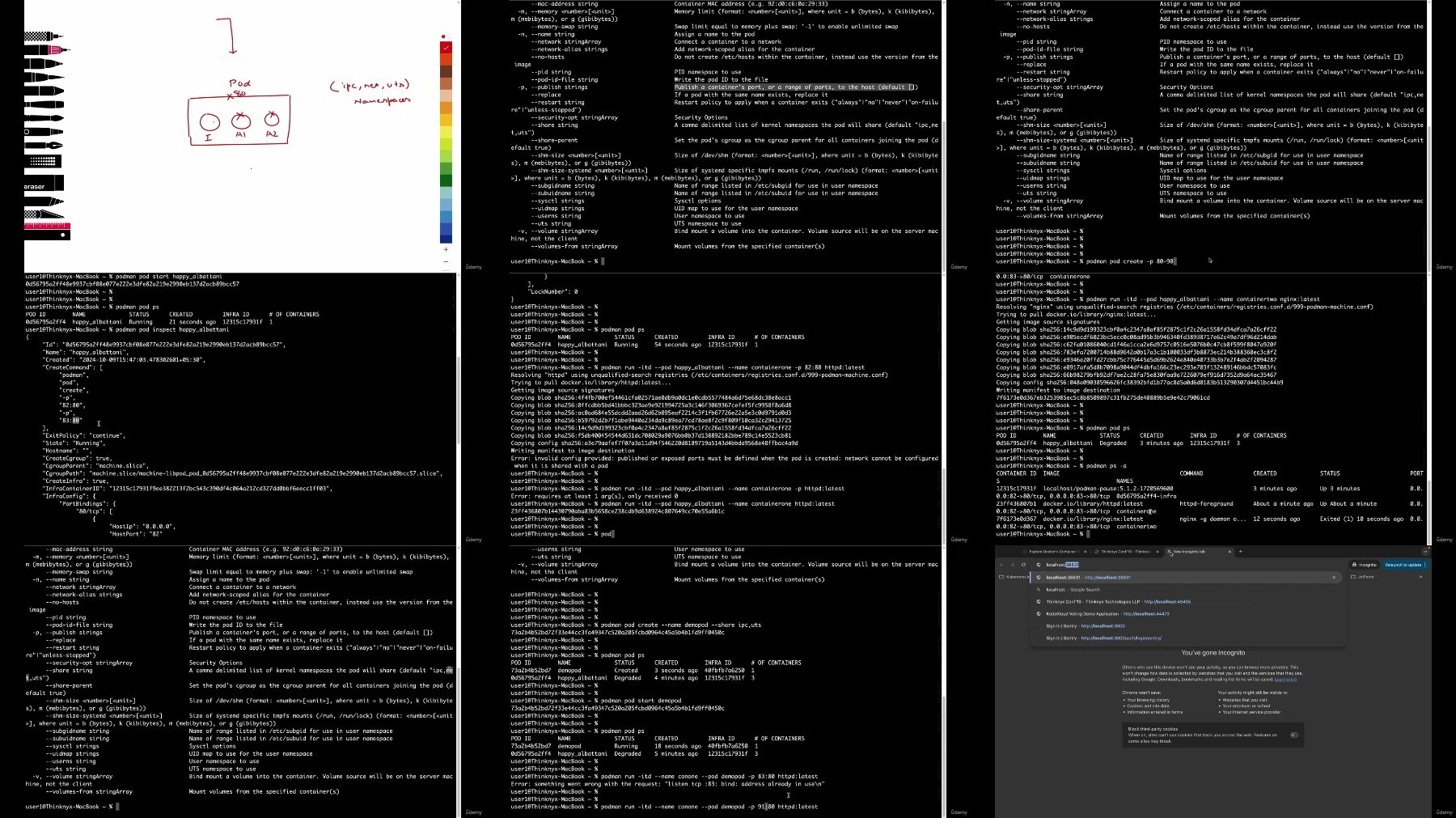
Lecture 60 Demonstration - Managing pods with Podman CLI
Lecture 61 Demonstration - Accessing Containers within a Pod in Podman
Lecture 62 Summary
System Administrators or System Engineers,DevOps Administrators or DevOps Engineers,Cloud Administrators or Cloud Engineers,Application Developers and Testers
DDownload
RapidGator
FileStore
TurboBit
We need your support!
Make a donation to help us stay online

Bitcoin (BTC)
bc1q08g9d22cxkawsjlf8etuek2pc9n2a3hs4cdrld

Bitcoin Cash (BCH)
qqvwexzhvgauxq2apgc4j0ewvcak6hh6lsnzmvtkem

Ethereum (ETH)
0xb55513D2c91A6e3c497621644ec99e206CDaf239

Litecoin (LTC)
ltc1qt6g2trfv9tjs4qj68sqc4uf0ukvc9jpnsyt59u

USDT (ERC20)
0xb55513D2c91A6e3c497621644ec99e206CDaf239

USDT (TRC20)
TYdPNrz7v1P9riWBWZ317oBgJueheGjATm
Information |
|||
 |
Users of GUESTS are not allowed to comment this publication. | ||