


Design User Interface for LinkedIn & Amazon with Figma
Category: Tutorials
- views: 109
- date: 13 November 2024
- posted by: AD-TEAM

Design User Interface for LinkedIn & Amazon with Figma
Genre: eLearning | MP4 | Video: h264, 1280x720 | Audio: AAC, 44.1 KHz
Language: English | Size: 1.78 GB | Duration: 4h 30m
Advanced fast-paced Figma course for UI UX Design, User Experience Design, User Interface Design & Web Design
What you'll learn
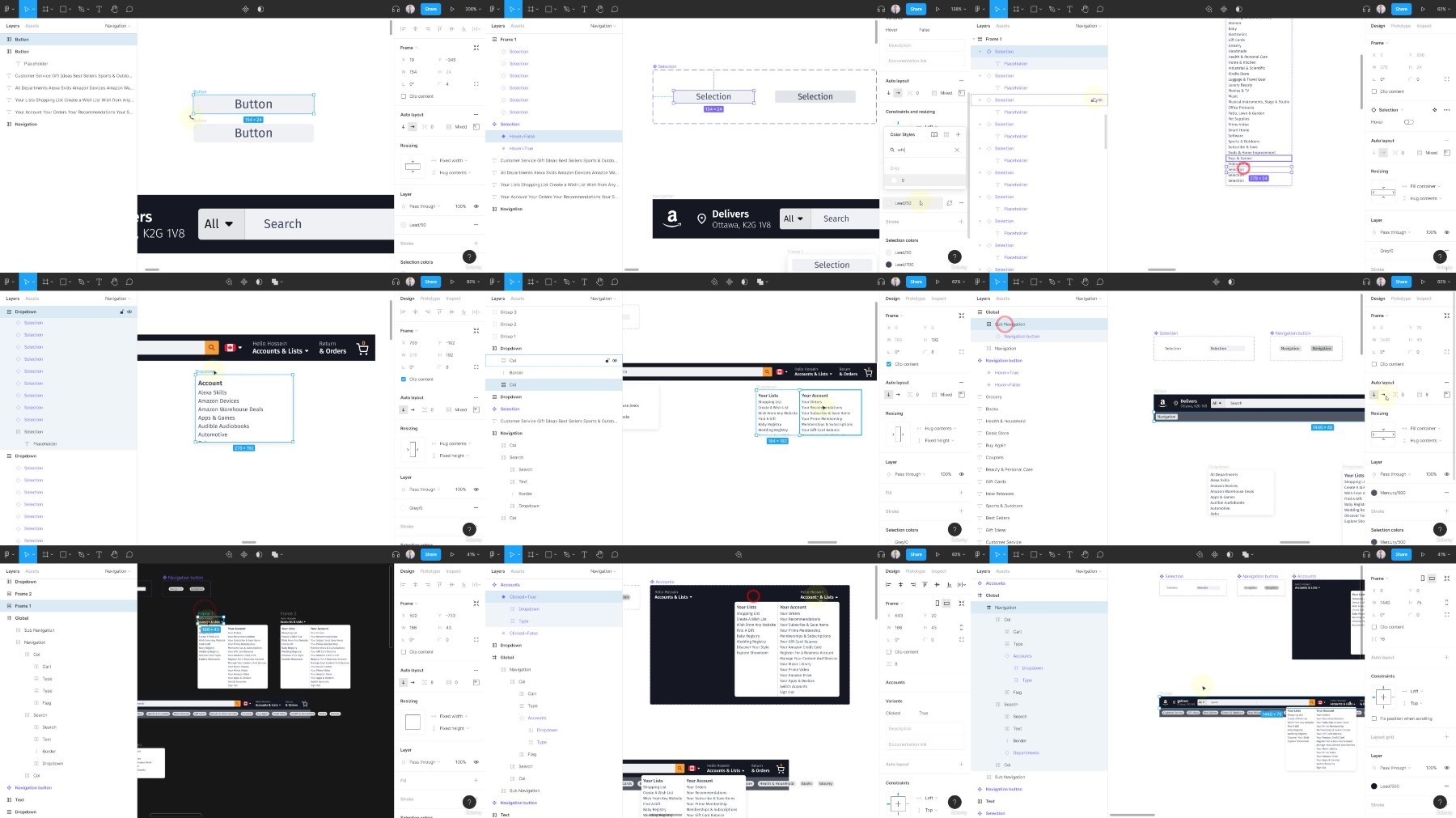
Transform your static components into interactive UI elements
Design complex nested components with Auto Layout & Variants
Learn automated ways to re-use components & utilize Figma plugins
Learn how to design Figma UI components with blazing speed
Add Amazon & LinkedIn Figma projects to your design portfolio
Learn Figma in an advanced accelerated path
Requirements
Solid understanding of Figma
Description
By completing this advanced accelerated Figma course, you will feel confident adding 2 real world projects like Amazon & LinkedIn to your portfolio.
The course is suitable for students who have a solid foundation in Figma. Students who are already familiar with Figma can greatly benefit from this course by learning cutting edge Figma skills. At the beginning of each section, you will have the full access to download the Figma source files. We will dive right into designing projects in no time.
Amazon Project
Design scalable and reusable color systems
Breakdown the Amazon project into smaller UI components and re-use them in Figma
Create a prototype in Figma by combining Amazon UI components
Learn how to sync data to your Amazon UI components
LinkedIn Project
Design LinkedIn UI components with Auto Layout and Variants
Combine LinkedIn UI components into a working prototype in Figma
Transform static components into interactive components
Learn how to re-use components & styles to design the LinkedIn project efficiently
Other important topics that you will learn
Design complex Figma auto layouts and nested interactive components
Generate color palettes and typographic items in a automated way
Utilize Figma plugins to improve your design workflow
Learn how to design and deliver better products with blazing speed
Build enterprise level design systems and UI components
Learn how to resolve UI issues as we build the components and prototypes together
FileAxa
DDownload
RapidGator
FileStore
TurboBit
We need your support!
Make a donation to help us stay online

Bitcoin (BTC)
bc1q08g9d22cxkawsjlf8etuek2pc9n2a3hs4cdrld

Bitcoin Cash (BCH)
qqvwexzhvgauxq2apgc4j0ewvcak6hh6lsnzmvtkem

Ethereum (ETH)
0xb55513D2c91A6e3c497621644ec99e206CDaf239

Litecoin (LTC)
ltc1qt6g2trfv9tjs4qj68sqc4uf0ukvc9jpnsyt59u

USDT (ERC20)
0xb55513D2c91A6e3c497621644ec99e206CDaf239

USDT (TRC20)
TYdPNrz7v1P9riWBWZ317oBgJueheGjATm
Information |
|||
 |
Users of GUESTS are not allowed to comment this publication. | ||