


Master Raw Editing In Affinity Photo
Category: Tutorials
- views: 106
- date: 26 October 2024
- posted by: AD-TEAM

Master Raw Editing In Affinity Photo
Published 10/2024
MP4 | Video: h264, 1920x1080 | Audio: AAC, 44.1 KHz
Language: English | Size: 967.99 MB | Duration: 1h 0m
Use the Develop Persona to make your RAW photos shine!
What you'll learn
You will learn how to edit RAW images in Affinity Photo
You will learn how to use the Develop Persona
You will learn when to use the Develop Persona vs. Photo Persona
You will learn how to batch process RAW images in Affinity Photo
Requirements
No prior experience is needed
Description
Welcome to your masterclass for editing RAW images in Affinity Photo!Using RAW images is the best way to improve your photography. That's because RAW images (unlike typical JPEG images) are uncompressed. This means they have significantly better dynamic range than typical images. With better dynamic range, you can restore detail in the shadows and highlights of your image.But there's one problem: when you first open a RAW photo, it looks terrible! The lighting is dull, and the colors look muddy.That's where this course comes in. In this course, you will learn everything you need to make RAW photos look their best. And once you know how to edit RAW images, you can dramatically improve the lighting and color in your photography.To edit RAW photos, you will learn how to use Affinity Photo's Develop Persona. In the Develop Persona, you can edit RAW images in their uncompressed state.But we won't stop at the Develop Persona! After we restore detail in the shadows and highlights of a RAW image, we will take the image into the Photo Persona to continue improving it. In the Photo Persona, we can use masks and adjustment layers to make targeted edits.And to finish the course, you will learn how to do batch processing. Batch processing allows you to edit multiple RAW images at the same time, so it's extremely useful for when you need to edit an entire photoshoot!I know you're going to love this course! The tutorials are a lot of fun, and you will learn so much. So if you're ready to take your Affinity Photo skills to the next level, then please join me in the course! :)
Overview
Section 1: Course Introduction
Lecture 1 Welcome!
Lecture 2 Download the Exercise Files
Section 2: RAW Editing for Beginners
Lecture 3 Histogram
Lecture 4 RAW Benefits
Lecture 5 Photo Persona vs. Develop Persona
Lecture 6 Basic RAW Edit
Lecture 7 Slider Tips
Lecture 8 Slider Deep Dive
Section 3: Intermediate RAW Editing
Lecture 9 Default Tone Curve
Lecture 10 Clipping Indicators
Lecture 11 Editing Trick
Lecture 12 Before & After
Lecture 13 Lens Panel
Lecture 14 Clean Up Workspace
Lecture 15 Develop Options
Section 4: Practice Projects
Lecture 16 Waterfall Portrait: Develop Persona
Lecture 17 Waterfall Portrait: Photo Persona
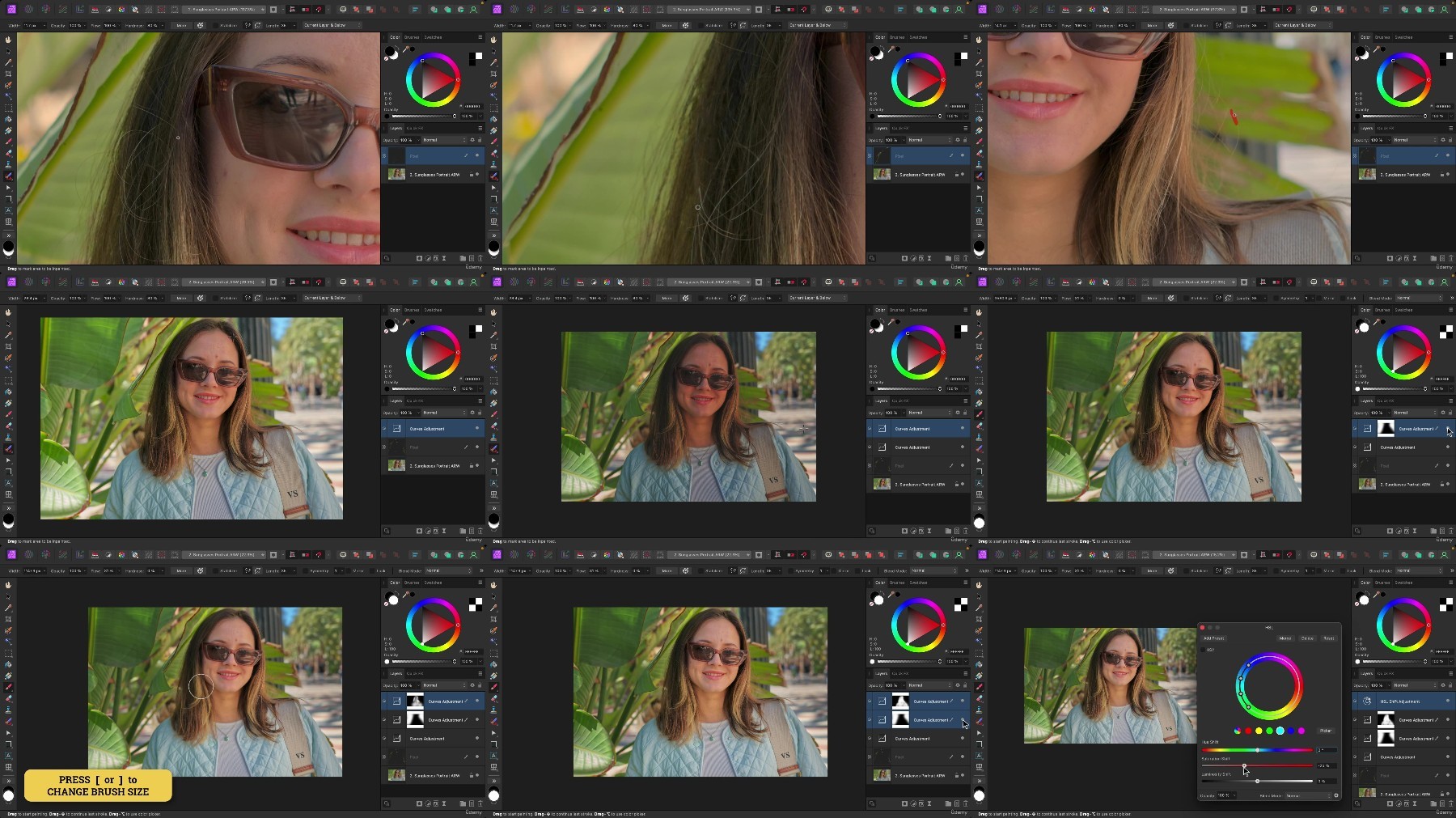
Lecture 18 Sunglasses Portrait: Develop Persona
Lecture 19 Sunglasses Portrait: Photo Persona
Section 5: Batch Processing
Lecture 20 Preset Method
Lecture 21 Macro Method
Lecture 22 Course Conclusion
This course is for anyone that wants to edit RAW images in Affinity Photo.
What you'll learn
You will learn how to edit RAW images in Affinity Photo
You will learn how to use the Develop Persona
You will learn when to use the Develop Persona vs. Photo Persona
You will learn how to batch process RAW images in Affinity Photo
Requirements
No prior experience is needed
Description
Welcome to your masterclass for editing RAW images in Affinity Photo!Using RAW images is the best way to improve your photography. That's because RAW images (unlike typical JPEG images) are uncompressed. This means they have significantly better dynamic range than typical images. With better dynamic range, you can restore detail in the shadows and highlights of your image.But there's one problem: when you first open a RAW photo, it looks terrible! The lighting is dull, and the colors look muddy.That's where this course comes in. In this course, you will learn everything you need to make RAW photos look their best. And once you know how to edit RAW images, you can dramatically improve the lighting and color in your photography.To edit RAW photos, you will learn how to use Affinity Photo's Develop Persona. In the Develop Persona, you can edit RAW images in their uncompressed state.But we won't stop at the Develop Persona! After we restore detail in the shadows and highlights of a RAW image, we will take the image into the Photo Persona to continue improving it. In the Photo Persona, we can use masks and adjustment layers to make targeted edits.And to finish the course, you will learn how to do batch processing. Batch processing allows you to edit multiple RAW images at the same time, so it's extremely useful for when you need to edit an entire photoshoot!I know you're going to love this course! The tutorials are a lot of fun, and you will learn so much. So if you're ready to take your Affinity Photo skills to the next level, then please join me in the course! :)
Overview
Section 1: Course Introduction
Lecture 1 Welcome!
Lecture 2 Download the Exercise Files
Section 2: RAW Editing for Beginners
Lecture 3 Histogram
Lecture 4 RAW Benefits
Lecture 5 Photo Persona vs. Develop Persona
Lecture 6 Basic RAW Edit
Lecture 7 Slider Tips
Lecture 8 Slider Deep Dive
Section 3: Intermediate RAW Editing
Lecture 9 Default Tone Curve
Lecture 10 Clipping Indicators
Lecture 11 Editing Trick
Lecture 12 Before & After
Lecture 13 Lens Panel
Lecture 14 Clean Up Workspace
Lecture 15 Develop Options
Section 4: Practice Projects
Lecture 16 Waterfall Portrait: Develop Persona
Lecture 17 Waterfall Portrait: Photo Persona
Lecture 18 Sunglasses Portrait: Develop Persona
Lecture 19 Sunglasses Portrait: Photo Persona
Section 5: Batch Processing
Lecture 20 Preset Method
Lecture 21 Macro Method
Lecture 22 Course Conclusion
This course is for anyone that wants to edit RAW images in Affinity Photo.
We need your support!
Make a donation to help us stay online

Bitcoin (BTC)
bc1q08g9d22cxkawsjlf8etuek2pc9n2a3hs4cdrld

Bitcoin Cash (BCH)
qqvwexzhvgauxq2apgc4j0ewvcak6hh6lsnzmvtkem

Ethereum (ETH)
0xb55513D2c91A6e3c497621644ec99e206CDaf239

Litecoin (LTC)
ltc1qt6g2trfv9tjs4qj68sqc4uf0ukvc9jpnsyt59u

USDT (ERC20)
0xb55513D2c91A6e3c497621644ec99e206CDaf239

USDT (TRC20)
TYdPNrz7v1P9riWBWZ317oBgJueheGjATm
Information |
|||
 |
Users of GUESTS are not allowed to comment this publication. | ||