


Smartsheet For Project Management - Introductory Course
Category: Tutorials
- views: 158
- date: 17 October 2024
- posted by: AD-TEAM
Smartsheet For Project Management - Introductory Course
Published 9/2024
MP4 | Video: h264, 1920x1080 | Audio: AAC, 44.1 KHz
Language: English | Size: 482.47 MB | Duration: 1h 7m
An Introductory Course for learners interested in using Smartsheet for Project Management.
What you'll learn
An Introductory Course for learners interested in using Smartsheet for Project Management.
The Course provides an overview on various features that Smartsheet offers for effective Project Management.
Completing this course will enable learners to gain a fair knowledge about using Smartsheet for Project Management.
Learners can pursue next steps to further advance their skills by using several advanced features that Smartsheet offers.
Requirements
No prior experience Required.
Description
Smartsheet is an effective, user friendly tool for Project Management. Smartsheet is compatible with browsers running on PC, Mac, and Linux operating systems. Smartsheet can also be used on mobile devices. In this Course, we will cover the below topics:Smartsheet IntroductionSmartsheet Interface and NavigationCreation of Sheets, Projects, Forms, and WorkflowsProject Management featuresReporting and DashboardsThe course includes demonstration of formatting rows, columns, inclusion of formula, creation of sheets, creation of Projects, features for collaboration, and overall end to end project management.Being open to learn, adapt, and embrace changes will go a long way in being successful as a Project Manager. It is also necessary to develop the right blend of Technical and Soft skills to be successful.While there are several tools and Products available for Project Management, irrespective of whether you are a seasoned Project manager or someone just beginning to manage projects, having knowledge and experience of several tools will make you a versatile player.By the end of the course, you should be able to efficiently manage projects using Smartsheet, streamline workflows, collaborate effectively with team members, and create insightful reports and dashboards that help keep your projects on track. Happy Learning!
Overview
Section 1: Introduction
Lecture 1 Introduction
Lecture 2 Smartsheet - Certifications
Lecture 3 Smartsheet - Interface
Lecture 4 Smartsheet - Sample Project
Lecture 5 Smartsheet - Project creation
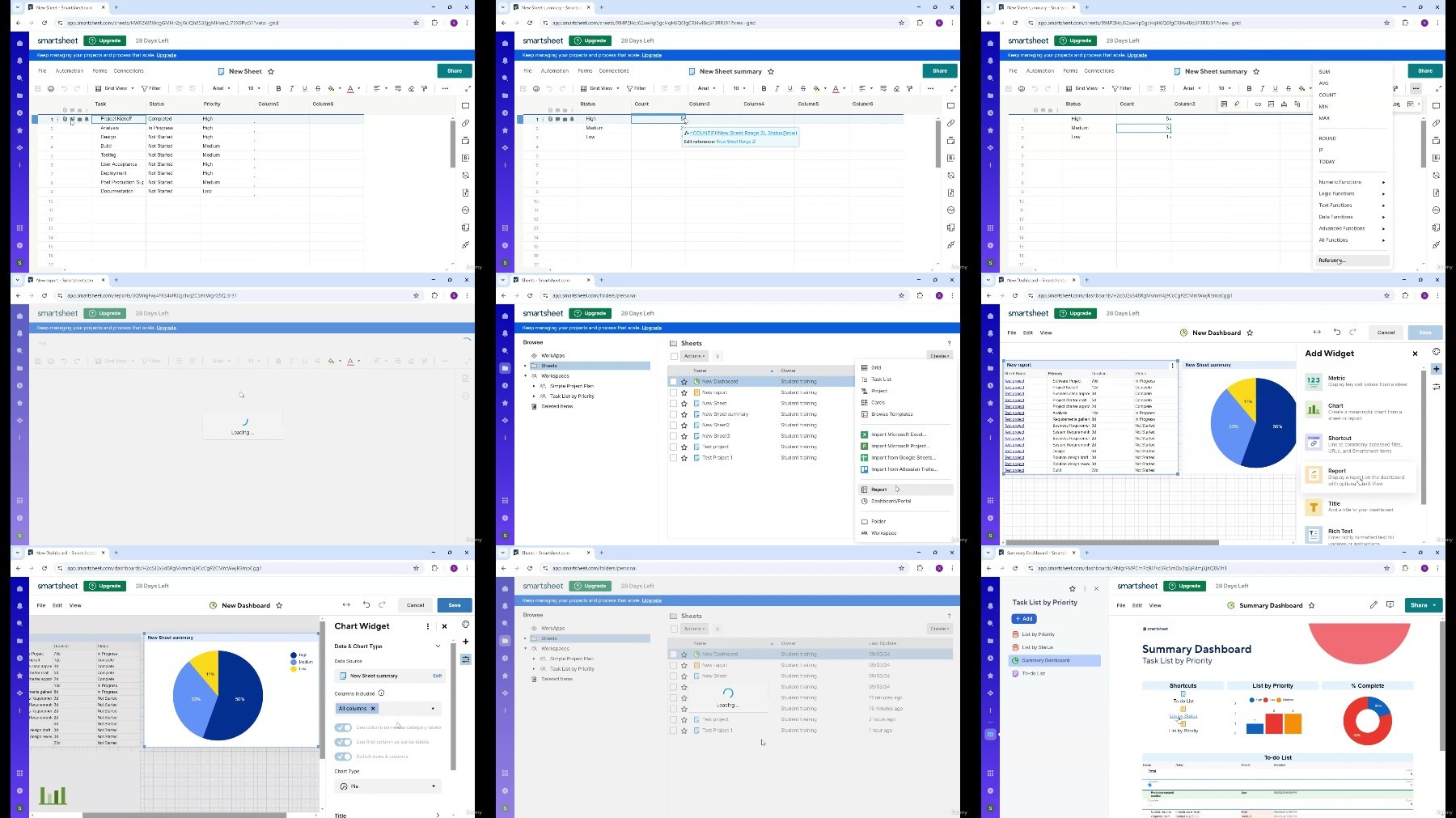
Lecture 6 Smartsheet - Reports and Dashboards
An Introductory Course for learners interested in using Smartsheet for Project Management.
What you'll learn
An Introductory Course for learners interested in using Smartsheet for Project Management.
The Course provides an overview on various features that Smartsheet offers for effective Project Management.
Completing this course will enable learners to gain a fair knowledge about using Smartsheet for Project Management.
Learners can pursue next steps to further advance their skills by using several advanced features that Smartsheet offers.
Requirements
No prior experience Required.
Description
Smartsheet is an effective, user friendly tool for Project Management. Smartsheet is compatible with browsers running on PC, Mac, and Linux operating systems. Smartsheet can also be used on mobile devices. In this Course, we will cover the below topics:Smartsheet IntroductionSmartsheet Interface and NavigationCreation of Sheets, Projects, Forms, and WorkflowsProject Management featuresReporting and DashboardsThe course includes demonstration of formatting rows, columns, inclusion of formula, creation of sheets, creation of Projects, features for collaboration, and overall end to end project management.Being open to learn, adapt, and embrace changes will go a long way in being successful as a Project Manager. It is also necessary to develop the right blend of Technical and Soft skills to be successful.While there are several tools and Products available for Project Management, irrespective of whether you are a seasoned Project manager or someone just beginning to manage projects, having knowledge and experience of several tools will make you a versatile player.By the end of the course, you should be able to efficiently manage projects using Smartsheet, streamline workflows, collaborate effectively with team members, and create insightful reports and dashboards that help keep your projects on track. Happy Learning!
Overview
Section 1: Introduction
Lecture 1 Introduction
Lecture 2 Smartsheet - Certifications
Lecture 3 Smartsheet - Interface
Lecture 4 Smartsheet - Sample Project
Lecture 5 Smartsheet - Project creation
Lecture 6 Smartsheet - Reports and Dashboards
An Introductory Course for learners interested in using Smartsheet for Project Management.
We need your support!
Make a donation to help us stay online

Bitcoin (BTC)
bc1q08g9d22cxkawsjlf8etuek2pc9n2a3hs4cdrld

Bitcoin Cash (BCH)
qqvwexzhvgauxq2apgc4j0ewvcak6hh6lsnzmvtkem

Ethereum (ETH)
0xb55513D2c91A6e3c497621644ec99e206CDaf239

Litecoin (LTC)
ltc1qt6g2trfv9tjs4qj68sqc4uf0ukvc9jpnsyt59u

USDT (ERC20)
0xb55513D2c91A6e3c497621644ec99e206CDaf239

USDT (TRC20)
TYdPNrz7v1P9riWBWZ317oBgJueheGjATm
Information |
|||
 |
Users of GUESTS are not allowed to comment this publication. | ||