


Qlik Sense Theme Api For Beginners
Category: Tutorials
- views: 134
- date: 17 October 2024
- posted by: AD-TEAM
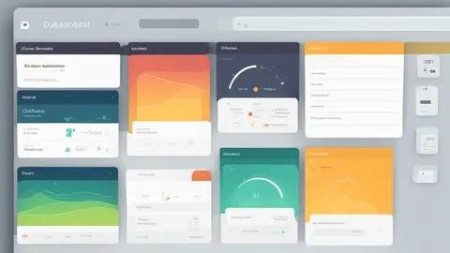
Qlik Sense Theme Api For Beginners
Published 9/2024
MP4 | Video: h264, 1920x1080 | Audio: AAC, 44.1 KHz
Language: English | Size: 963.36 MB | Duration: 1h 25m
Efficient & easy way of implementing and create thema for qlik sense cloud & qlik sense enterprise
What you'll learn
Easily integrate Theme into Qlik Sense and make it interactive pages
Create Dashboards and customize them as per your liking
Create custom Theme for Qlik Sense using simple CSS
Create Theme & implementation for Qlik enterprise & qlik cloud
Requirements
Good understanding of Basic jаvascript, HTML, CSS related to web development will be a great advantage
Qlik sense basic i.e basic understanding of frontend, backend, qlik pre loaded visualization,variables etc.
Description
In this course you will learn to make CSS-based styling efficiently and easily, you will learn about Theme APIs which can be implemented in Qlik Sense Dashboard, which can be useful.Qlik Sense themes enable you to customize the visual appearance of your Qlik Sense applications by defining styles for various elements such as colours, fonts, and layout. This customisation is achieved through the Theme API, which provides a set of options for modifying the look and feel of your dashboards and visualizations.Qlik Sense comes with four default themes (Sense Classic, Sense Focus, Sense Breeze, and Qlik Horizon) and in addition to these you can create custom themes based on your company standards.With custom themes you can precisely style an app by changing the colors, adding images and backgrounds as well as specifying the font sizes and font colors on a global or granular basis throughout your app. You can also define color palettes to be used and customize the specifications for margins, padding and spacing.A custom theme is a collection of files stored in a folder. It must contain a definition (QEXT) file, a main JSON file, and optionally any other assets you might need to support the custom theme, such as CSS files, custom font files and images.These are widely used, so in these videos, you are going to use these API to meet development challenges.NOTE: New section names Quick Overview for API is added for quick & better understanding of the important API.HOPE YOU LEARN & DEVELOP BEAUTIFUL PAGES FOR YOUR ORGANIZATION.
Overview
Section 1: Introduction
Lecture 1 Introduction
Lecture 2 Introduction to Theme API
Section 2: Implement Theme API
Lecture 3 Filterpane CSS
Lecture 4 Object CSS
Lecture 5 Tab Container Object CSS
Lecture 6 Create Qlik Sense Theme
Lecture 7 JSON File in Qlik Theme - Part 1
Lecture 8 JSON File in Qlik Theme - Part 2
Lecture 9 Apply Custom Fonts
Lecture 10 Thank You & Tips
Qlik Sense Developers,Qlik View Developers,Web Developers
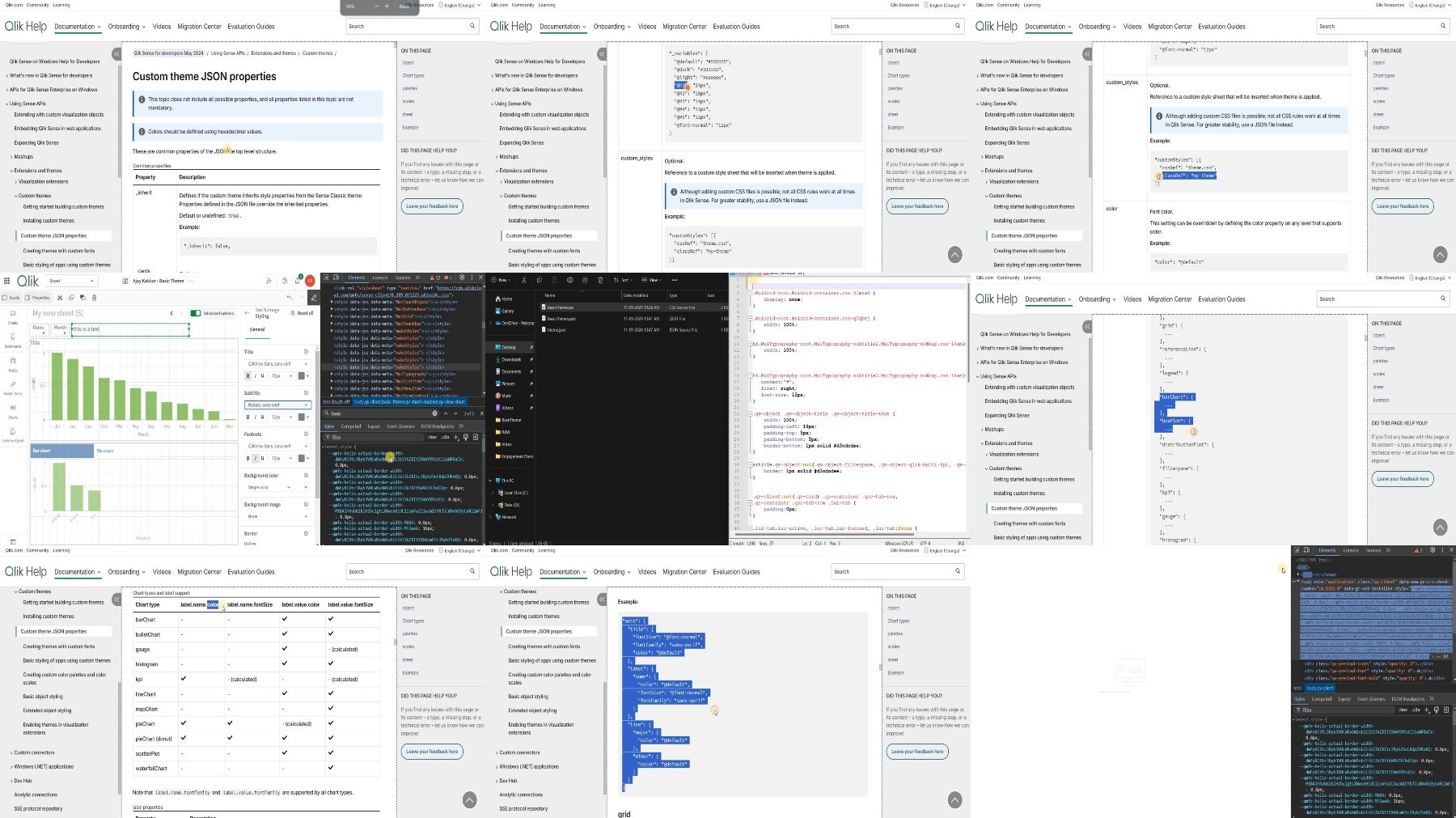
What you'll learn
Easily integrate Theme into Qlik Sense and make it interactive pages
Create Dashboards and customize them as per your liking
Create custom Theme for Qlik Sense using simple CSS
Create Theme & implementation for Qlik enterprise & qlik cloud
Requirements
Good understanding of Basic jаvascript, HTML, CSS related to web development will be a great advantage
Qlik sense basic i.e basic understanding of frontend, backend, qlik pre loaded visualization,variables etc.
Description
In this course you will learn to make CSS-based styling efficiently and easily, you will learn about Theme APIs which can be implemented in Qlik Sense Dashboard, which can be useful.Qlik Sense themes enable you to customize the visual appearance of your Qlik Sense applications by defining styles for various elements such as colours, fonts, and layout. This customisation is achieved through the Theme API, which provides a set of options for modifying the look and feel of your dashboards and visualizations.Qlik Sense comes with four default themes (Sense Classic, Sense Focus, Sense Breeze, and Qlik Horizon) and in addition to these you can create custom themes based on your company standards.With custom themes you can precisely style an app by changing the colors, adding images and backgrounds as well as specifying the font sizes and font colors on a global or granular basis throughout your app. You can also define color palettes to be used and customize the specifications for margins, padding and spacing.A custom theme is a collection of files stored in a folder. It must contain a definition (QEXT) file, a main JSON file, and optionally any other assets you might need to support the custom theme, such as CSS files, custom font files and images.These are widely used, so in these videos, you are going to use these API to meet development challenges.NOTE: New section names Quick Overview for API is added for quick & better understanding of the important API.HOPE YOU LEARN & DEVELOP BEAUTIFUL PAGES FOR YOUR ORGANIZATION.
Overview
Section 1: Introduction
Lecture 1 Introduction
Lecture 2 Introduction to Theme API
Section 2: Implement Theme API
Lecture 3 Filterpane CSS
Lecture 4 Object CSS
Lecture 5 Tab Container Object CSS
Lecture 6 Create Qlik Sense Theme
Lecture 7 JSON File in Qlik Theme - Part 1
Lecture 8 JSON File in Qlik Theme - Part 2
Lecture 9 Apply Custom Fonts
Lecture 10 Thank You & Tips
Qlik Sense Developers,Qlik View Developers,Web Developers
We need your support!
Make a donation to help us stay online

Bitcoin (BTC)
bc1q08g9d22cxkawsjlf8etuek2pc9n2a3hs4cdrld

Bitcoin Cash (BCH)
qqvwexzhvgauxq2apgc4j0ewvcak6hh6lsnzmvtkem

Ethereum (ETH)
0xb55513D2c91A6e3c497621644ec99e206CDaf239

Litecoin (LTC)
ltc1qt6g2trfv9tjs4qj68sqc4uf0ukvc9jpnsyt59u

USDT (ERC20)
0xb55513D2c91A6e3c497621644ec99e206CDaf239

USDT (TRC20)
TYdPNrz7v1P9riWBWZ317oBgJueheGjATm
Information |
|||
 |
Users of GUESTS are not allowed to comment this publication. | ||