


Microsoft Power BI for Project Planning and Control
Category: Tutorials
- views: 208
- date: 17 October 2024
- posted by: AD-TEAM
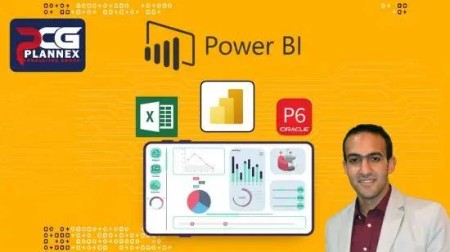
Microsoft Power BI for Project Planning and Control
MP4 | Video: h264, 1280x720 | Audio: AAC, 44.1 KHz, 2 Ch
Genre: eLearning | Language: English + srt | Duration: 33 lectures (5h 18m) | Size: 2.52 GB
Microsoft Power BI for Project Planning and Control -ENGLISH
What you'll learn:
explain the main tools
how to link you project data direct from primavera or excel
draw cash flow & s-curve
learn advanced options in power queries and DAX formula
create interactive reports to show the project's status
create public link and share it with your colleague
how to solve the expected issues during using the app
explain how to add a the project layout in smart way
update the report during the project duration
Requirements
the basic skills in using excel and primavera
Description
If you are working in the project management field and interested in MICROSOFT POWER BI and always need to have insight into the project progress, you are in the right place.
The POWER BI has become one of the most important tools to analyze and visualize the data, many companies use it with the project, program, portfolio, and entire organization because it facilitates the connection between thousands and millions of data and represents it in an interactive dashboard.
One of the best advantage of this program that there is a free version available without limited time, also Microsoft make an update every month and adding more new feature which will support your work.
Why you purchase this course? the answer is, this course builds on actual work experience in using this app in the construction field and it includes the best practice to put you on the right track, also I provide frequent updates.
–––––––––––––––––––––
Through this course, we will go gradually in using the app starting with the main tools and tabs by using the demo file with the app.
And of course, we will learn how to download the free version and create an account and a free domain to signup if you don't have a company account.
Then we will start directly using one of the project samples in Primavera and see how to export the data to EXCEL and connect it with the POWER BI.
and we know your time is very important, so we will learn the tools and visual in the practical example directly without wasting your time, and these skills include for e.g:
linked Primavera and excel with the POWER BI.
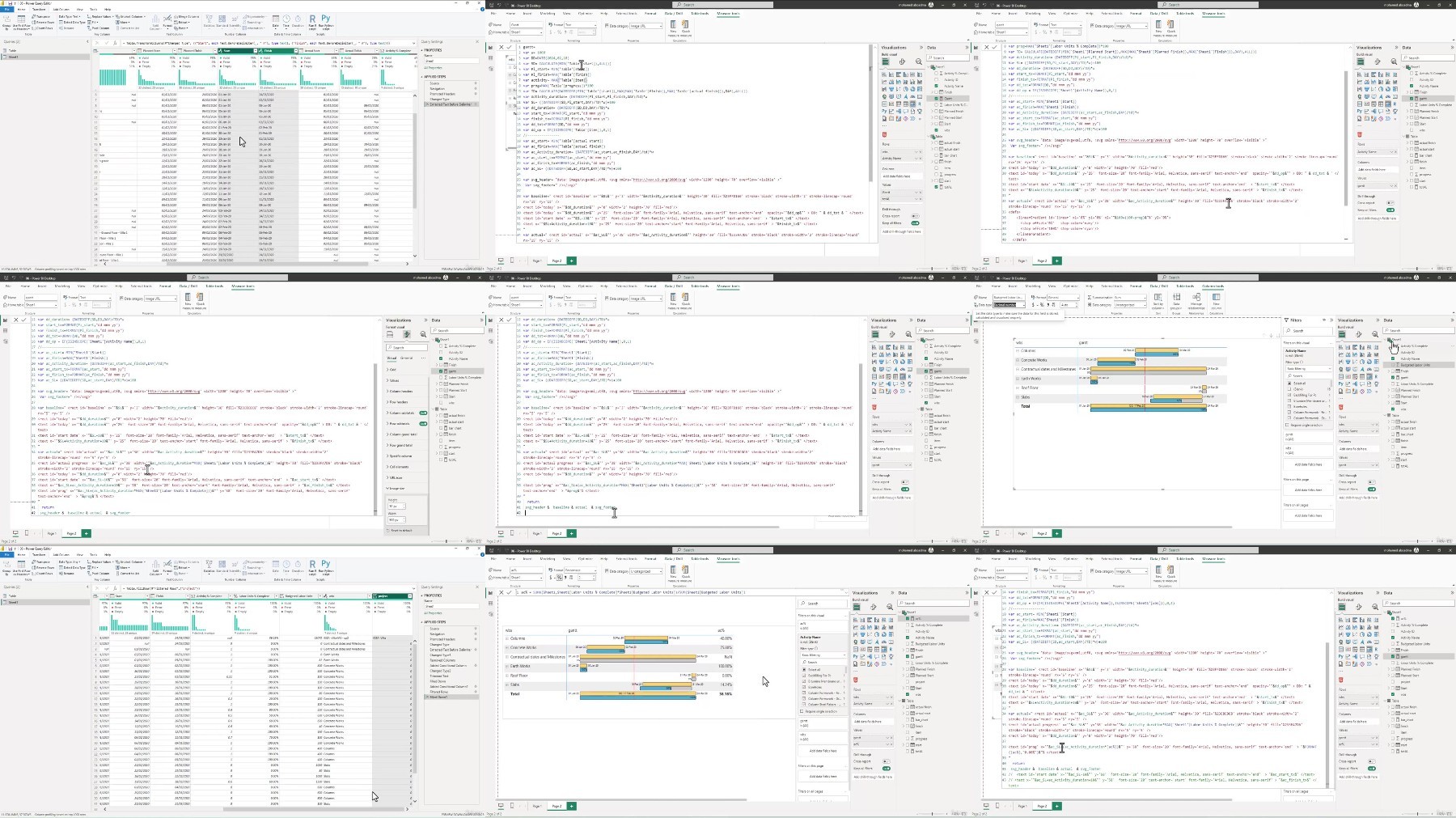
how to edit the tables and data in POWER QUERY.
create DATE TABLE and the related functions and DAX formula to facilities the link with other tables.
export the cash flow & s-curve from the primavera and the visual related to it.
export the resources from primavera and apply the UNIPIVOIT on the data to integrate it in the dashboard.
the different types of filters and how to deal with them.
the different types of relationships and how to use them.
how to make an index in the POWER BI for the different types of data.
how to reflect the updated time schedule.
how to show the progress image in interactive ways.
solving the comment issues while using the app.
use the SYNOPTIC PANAL to add key plans and layout from AutoCAD after some adjustment to represent the project status.
using the different KPIs.
Share the dashboard with an online link with your manager
in addition to many tools to be professional users in this app.
–––––––––––––––––-
Welcome to my course in advance and don't hesitate to contact me for more information, you can find my linkedin with my profile
Who this course is for
planning &control engineer
project managers
PMOs department
anyone related to construction projects who want to show a report in new way
https://ddownload.com/a23nkqv95lgs/Udemy_Microsoft_Power_BI_for_Project_Planning_and_Control.part1.rar
https://ddownload.com/phmv4ihoyvwi/Udemy_Microsoft_Power_BI_for_Project_Planning_and_Control.part2.rar
https://ddownload.com/1adawykvn0ci/Udemy_Microsoft_Power_BI_for_Project_Planning_and_Control.part3.rar
https://ddownload.com/cvyy6eftbrfv/Udemy_Microsoft_Power_BI_for_Project_Planning_and_Control.part4.rar
https://rapidgator.net/file/bdfa7e676cb207dcd7b787b62f9c838e/Udemy_Microsoft_Power_BI_for_Project_Planning_and_Control.part1.rar
https://rapidgator.net/file/b5d02f50f0598b33684fb37cf063dd6c/Udemy_Microsoft_Power_BI_for_Project_Planning_and_Control.part2.rar
https://rapidgator.net/file/e24af609bd268c8fbefa9193167714dc/Udemy_Microsoft_Power_BI_for_Project_Planning_and_Control.part3.rar
https://rapidgator.net/file/e496d63fc8744ff680c73edd54473d2d/Udemy_Microsoft_Power_BI_for_Project_Planning_and_Control.part4.rar
https://turbobit.net/1bwraam1r6fh/Udemy_Microsoft_Power_BI_for_Project_Planning_and_Control.part1.rar.html
https://turbobit.net/0iarism17k0i/Udemy_Microsoft_Power_BI_for_Project_Planning_and_Control.part2.rar.html
https://turbobit.net/bw75ouwu5c67/Udemy_Microsoft_Power_BI_for_Project_Planning_and_Control.part3.rar.html
https://turbobit.net/8ao7foyj2t3u/Udemy_Microsoft_Power_BI_for_Project_Planning_and_Control.part4.rar.html
What you'll learn:
explain the main tools
how to link you project data direct from primavera or excel
draw cash flow & s-curve
learn advanced options in power queries and DAX formula
create interactive reports to show the project's status
create public link and share it with your colleague
how to solve the expected issues during using the app
explain how to add a the project layout in smart way
update the report during the project duration
Requirements
the basic skills in using excel and primavera
Description
If you are working in the project management field and interested in MICROSOFT POWER BI and always need to have insight into the project progress, you are in the right place.
The POWER BI has become one of the most important tools to analyze and visualize the data, many companies use it with the project, program, portfolio, and entire organization because it facilitates the connection between thousands and millions of data and represents it in an interactive dashboard.
One of the best advantage of this program that there is a free version available without limited time, also Microsoft make an update every month and adding more new feature which will support your work.
Why you purchase this course? the answer is, this course builds on actual work experience in using this app in the construction field and it includes the best practice to put you on the right track, also I provide frequent updates.
–––––––––––––––––––––
Through this course, we will go gradually in using the app starting with the main tools and tabs by using the demo file with the app.
And of course, we will learn how to download the free version and create an account and a free domain to signup if you don't have a company account.
Then we will start directly using one of the project samples in Primavera and see how to export the data to EXCEL and connect it with the POWER BI.
and we know your time is very important, so we will learn the tools and visual in the practical example directly without wasting your time, and these skills include for e.g:
linked Primavera and excel with the POWER BI.
how to edit the tables and data in POWER QUERY.
create DATE TABLE and the related functions and DAX formula to facilities the link with other tables.
export the cash flow & s-curve from the primavera and the visual related to it.
export the resources from primavera and apply the UNIPIVOIT on the data to integrate it in the dashboard.
the different types of filters and how to deal with them.
the different types of relationships and how to use them.
how to make an index in the POWER BI for the different types of data.
how to reflect the updated time schedule.
how to show the progress image in interactive ways.
solving the comment issues while using the app.
use the SYNOPTIC PANAL to add key plans and layout from AutoCAD after some adjustment to represent the project status.
using the different KPIs.
Share the dashboard with an online link with your manager
in addition to many tools to be professional users in this app.
–––––––––––––––––-
Welcome to my course in advance and don't hesitate to contact me for more information, you can find my linkedin with my profile
Who this course is for
planning &control engineer
project managers
PMOs department
anyone related to construction projects who want to show a report in new way
https://ddownload.com/a23nkqv95lgs/Udemy_Microsoft_Power_BI_for_Project_Planning_and_Control.part1.rar
https://ddownload.com/phmv4ihoyvwi/Udemy_Microsoft_Power_BI_for_Project_Planning_and_Control.part2.rar
https://ddownload.com/1adawykvn0ci/Udemy_Microsoft_Power_BI_for_Project_Planning_and_Control.part3.rar
https://ddownload.com/cvyy6eftbrfv/Udemy_Microsoft_Power_BI_for_Project_Planning_and_Control.part4.rar
https://rapidgator.net/file/bdfa7e676cb207dcd7b787b62f9c838e/Udemy_Microsoft_Power_BI_for_Project_Planning_and_Control.part1.rar
https://rapidgator.net/file/b5d02f50f0598b33684fb37cf063dd6c/Udemy_Microsoft_Power_BI_for_Project_Planning_and_Control.part2.rar
https://rapidgator.net/file/e24af609bd268c8fbefa9193167714dc/Udemy_Microsoft_Power_BI_for_Project_Planning_and_Control.part3.rar
https://rapidgator.net/file/e496d63fc8744ff680c73edd54473d2d/Udemy_Microsoft_Power_BI_for_Project_Planning_and_Control.part4.rar
https://turbobit.net/1bwraam1r6fh/Udemy_Microsoft_Power_BI_for_Project_Planning_and_Control.part1.rar.html
https://turbobit.net/0iarism17k0i/Udemy_Microsoft_Power_BI_for_Project_Planning_and_Control.part2.rar.html
https://turbobit.net/bw75ouwu5c67/Udemy_Microsoft_Power_BI_for_Project_Planning_and_Control.part3.rar.html
https://turbobit.net/8ao7foyj2t3u/Udemy_Microsoft_Power_BI_for_Project_Planning_and_Control.part4.rar.html
We need your support!
Make a donation to help us stay online

Bitcoin (BTC)
bc1q08g9d22cxkawsjlf8etuek2pc9n2a3hs4cdrld

Bitcoin Cash (BCH)
qqvwexzhvgauxq2apgc4j0ewvcak6hh6lsnzmvtkem

Ethereum (ETH)
0xb55513D2c91A6e3c497621644ec99e206CDaf239

Litecoin (LTC)
ltc1qt6g2trfv9tjs4qj68sqc4uf0ukvc9jpnsyt59u

USDT (ERC20)
0xb55513D2c91A6e3c497621644ec99e206CDaf239

USDT (TRC20)
TYdPNrz7v1P9riWBWZ317oBgJueheGjATm
Information |
|||
 |
Users of GUESTS are not allowed to comment this publication. | ||