


Automation Anywhere 360/A2019 - Complete Rpa Training Course
Category: Tutorials
- views: 80
- date: 30 September 2024
- posted by: AD-TEAM

Automation Anywhere 360/A2019 - Complete Rpa Training Course
Last updated 2/2023
MP4 | Video: h264, 1280x720 | Audio: AAC, 44.1 KHz
Language: English (US) | Size: 1.73 GB | Duration: 5h 12m
Learn Robotic Process Automation (RPA) with Automation Anywhere (Automation 360) from scratch - Build 7 Robots
What you'll learn
Design, develop and implement RPA task bots
Setup Automation Anywhere on computer
Confidently tackle the Automation Anywhere actions that are most commonly used
Understand and develop Cognitive Bot
Requirements
A Windows computer/Mac with Windows installed and internet connection.
Description
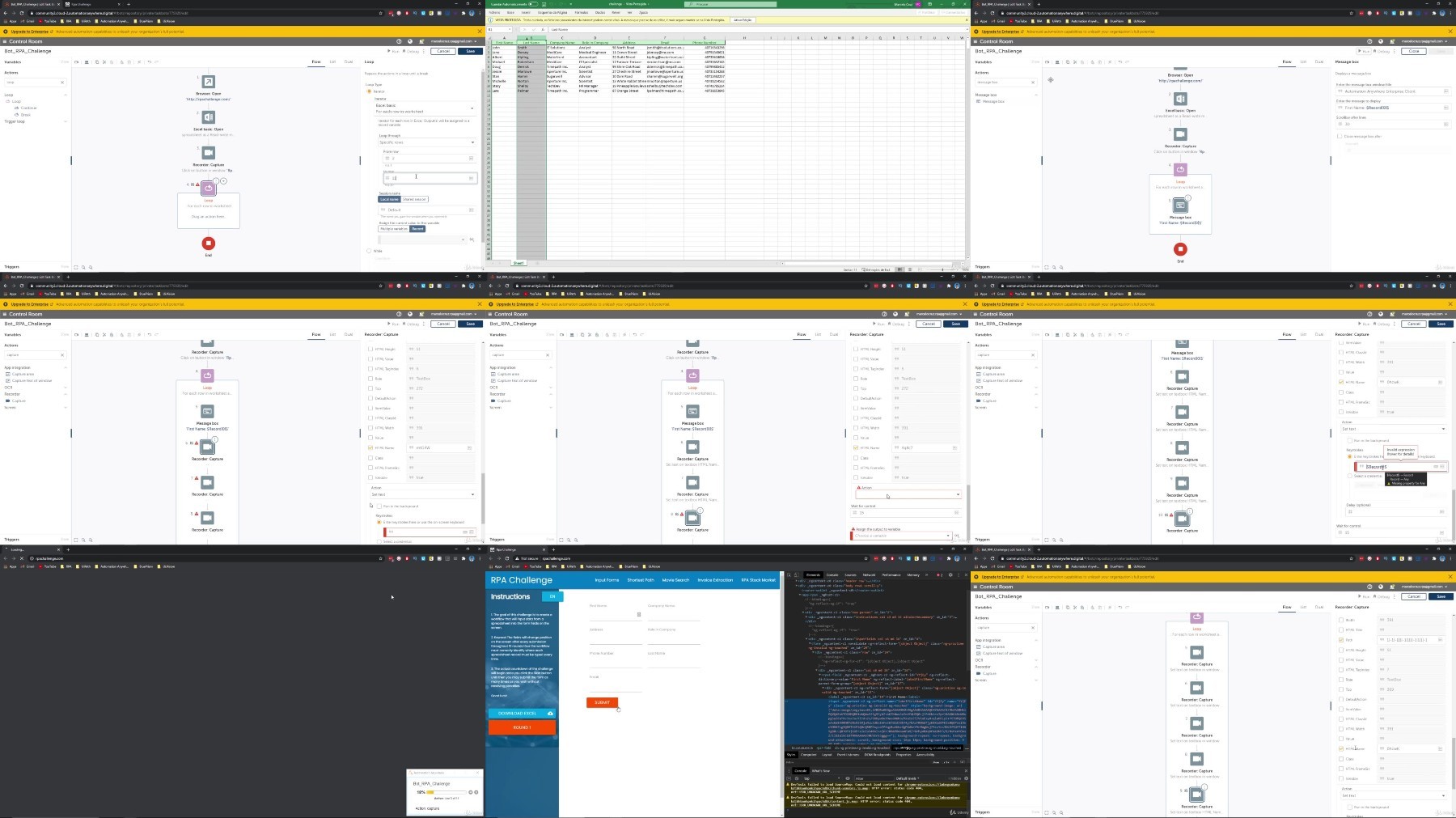
Welcome to the Automation Anywhere 360/A2019 - Complete RPA Training Course, where you will learn how to develop RPA bots with the newest Automation Anywhere Automation 360, the version that replaces the A2019 one, from scratch!We start off by learning what RPA (Robotic Process Automation) is, installing and setting up Automation Anywhere on our machine and then building our first robot. Then we will explore Automation Anywhere Control Room, learning about the user interface to get a basic understanding. Once we cover all the basics, like variables, triggers, we then will take a deep dive into building 7 robots ranging in complexity from beginner to advanced, covering different types of automations, like web automation, data extraction, etc.In last, we will have the final project, where will be explained an practical exercise. You will have the chance to solve it by yourself and then in the last lecture we will solve the exercise together.In this course I will provide you with technical skills and Automation Anywhere bot demos that will allow you to more confidently create software robots including:Automation Anywhere setup Explore the Automation Anywhere Control RoomUnderstand the basics about task bot developmentRecorderWeb AutomationSolve the famous RPA ChallengePDF Data ScrapingCreate forms tasksAssistant bot to the userEmail AutomationAutomation Anywhere CredentialsExcel AutomationException/Error Handling with try, catch and finally blocksControl flow with conditionsUnderstand and develop IQBot, bot that uses AI and Machine LearningFinal ProjectBy the end of this course you will be more confident using the computer to create software robots with the Automation Anywhere RPA tool, from the more simplest automations, to even the more complex.
Who this course is for:
Anyone who wants to save time, reduce errors and improve efficiency by automating common tasks;,For those who want to learn RPA;,RPA Enthusiasts;,RPA Developers;
For More Courses Visit & Bookmark Your Preferred Language Blog
From Here: - - - - - - - -
What you'll learn
Design, develop and implement RPA task bots
Setup Automation Anywhere on computer
Confidently tackle the Automation Anywhere actions that are most commonly used
Understand and develop Cognitive Bot
Requirements
A Windows computer/Mac with Windows installed and internet connection.
Description
Welcome to the Automation Anywhere 360/A2019 - Complete RPA Training Course, where you will learn how to develop RPA bots with the newest Automation Anywhere Automation 360, the version that replaces the A2019 one, from scratch!We start off by learning what RPA (Robotic Process Automation) is, installing and setting up Automation Anywhere on our machine and then building our first robot. Then we will explore Automation Anywhere Control Room, learning about the user interface to get a basic understanding. Once we cover all the basics, like variables, triggers, we then will take a deep dive into building 7 robots ranging in complexity from beginner to advanced, covering different types of automations, like web automation, data extraction, etc.In last, we will have the final project, where will be explained an practical exercise. You will have the chance to solve it by yourself and then in the last lecture we will solve the exercise together.In this course I will provide you with technical skills and Automation Anywhere bot demos that will allow you to more confidently create software robots including:Automation Anywhere setup Explore the Automation Anywhere Control RoomUnderstand the basics about task bot developmentRecorderWeb AutomationSolve the famous RPA ChallengePDF Data ScrapingCreate forms tasksAssistant bot to the userEmail AutomationAutomation Anywhere CredentialsExcel AutomationException/Error Handling with try, catch and finally blocksControl flow with conditionsUnderstand and develop IQBot, bot that uses AI and Machine LearningFinal ProjectBy the end of this course you will be more confident using the computer to create software robots with the Automation Anywhere RPA tool, from the more simplest automations, to even the more complex.
Who this course is for:
Anyone who wants to save time, reduce errors and improve efficiency by automating common tasks;,For those who want to learn RPA;,RPA Enthusiasts;,RPA Developers;
For More Courses Visit & Bookmark Your Preferred Language Blog
From Here: - - - - - - - -
We need your support!
Make a donation to help us stay online

Bitcoin (BTC)
bc1q08g9d22cxkawsjlf8etuek2pc9n2a3hs4cdrld

Bitcoin Cash (BCH)
qqvwexzhvgauxq2apgc4j0ewvcak6hh6lsnzmvtkem

Ethereum (ETH)
0xb55513D2c91A6e3c497621644ec99e206CDaf239

Litecoin (LTC)
ltc1qt6g2trfv9tjs4qj68sqc4uf0ukvc9jpnsyt59u

USDT (ERC20)
0xb55513D2c91A6e3c497621644ec99e206CDaf239

USDT (TRC20)
TYdPNrz7v1P9riWBWZ317oBgJueheGjATm
Information |
|||
 |
Users of GUESTS are not allowed to comment this publication. | ||