


Mitsubishi Gt Designer 3
Category: Tutorials
- views: 147
- date: 16 September 2024
- posted by: AD-TEAM
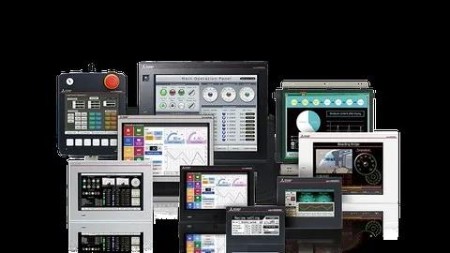
Mitsubishi Gt Designer 3
Published 8/2024
MP4 | Video: h264, 1920x1080 | Audio: AAC, 44.1 KHz
Language: English | Size: 809.60 MB | Duration: 1h 47m
This course will give a person with no prior experience the basic tools necessary to create a HMI program from scratch.
What you'll learn
• By the end of this course, you will be able to create a Mitsubishi GT Designer 3 HMI program from scratch.
Students will be exposed HMI functionalities and all basic will be covered
• Students will be confident enough to be able to create a HMI program and learn offset functions in HMI
Students will know more about scripting on GT Designer 3
Requirements
We will start from pretty basic level. You will get familiarize with software package and navigate around
Description
Mastering PLC Programming with Mitsubishi GX Works 3Are you ready to take your industrial automation skills to the next level? Join us for an immersive journey into HMI programming using Mitsubishi Electric's GT Designer 3 software, the industry standard for advanced HMI programmingCourse Overview:In this comprehensive course, you will dive deep into the world of Mitsubishi GOT HMIs, gaining hands-on experience and practical knowledge that will empower you to design, program, and troubleshoot complex automation systems. Whether you are a beginner looking to build a solid foundation or an experienced engineer aiming to refine your skills, this course offers something for everyone.What You'll Learn:1. Introduction to HMIs: Understand the fundamentals of HMIs, their components, and their role in industrial automation. 2. GT Designer 3 Basics: Master the GT Designer 3 environment, including project setup, navigation, and configuration of HMI hardware.3. Programming Essentials: Learn the essentials of lHMI programming such as lamps, switches, numeric and text input/displays, scripting features, background actions and specialty features.Why Choose This Course?- Hands-On Experience: Gain practical, hands-on experience with Mitsubishi HMIs and GT Designer 3 software in a simulated industrial environment. - Career Advancement: Enhance your resume with valuable HMI programming skills sought after by industries worldwide.Who Should Attend?This course is ideal for industrial engineers, technicians, automation specialists, and anyone interested in mastering PLC programming with Mitsubishi GT Designer 3Duration:The course spans 1 hours plus, to ensure a thorough understanding of Mitsubishi HMI programming principles.Join Us Today:Don't miss this opportunity to elevate your skills and advance your career in industrial automation. Enroll now and embark on your journey to becoming a proficient HMI programmer with Mitsubishi GT Designer 3!
Overview
Section 1: Course Overview
Lecture 1 Introduction
Section 2: HMI Upload Downloads
Lecture 2 HMI Upload - Download
Section 3: HMI Programming
Lecture 3 System Menu Overview
Lecture 4 Project Menu Overview
Lecture 5 Object: Switch
Lecture 6 Object: Lamp
Lecture 7 Object: Numeric Display/Entry
Lecture 8 Object: Text Display/Entry
Lecture 9 Object: Date/Time Display
Lecture 10 Object: Comment Display
Lecture 11 Object: Part Display
Lecture 12 Object: Part Movement
Lecture 13 Object: Alarm Display
Lecture 14 Object: Graph
Section 4: Project Functions
Lecture 15 Script
Lecture 16 Device Data Transfer
Lecture 17 Trigger Action
Lecture 18 Time Action
Industrial Automation Engineer,Controls Engineer,Maintenance Technicians,Beginner who is keen to dive into the Automation world and curious how interface is developed,PLC Technician
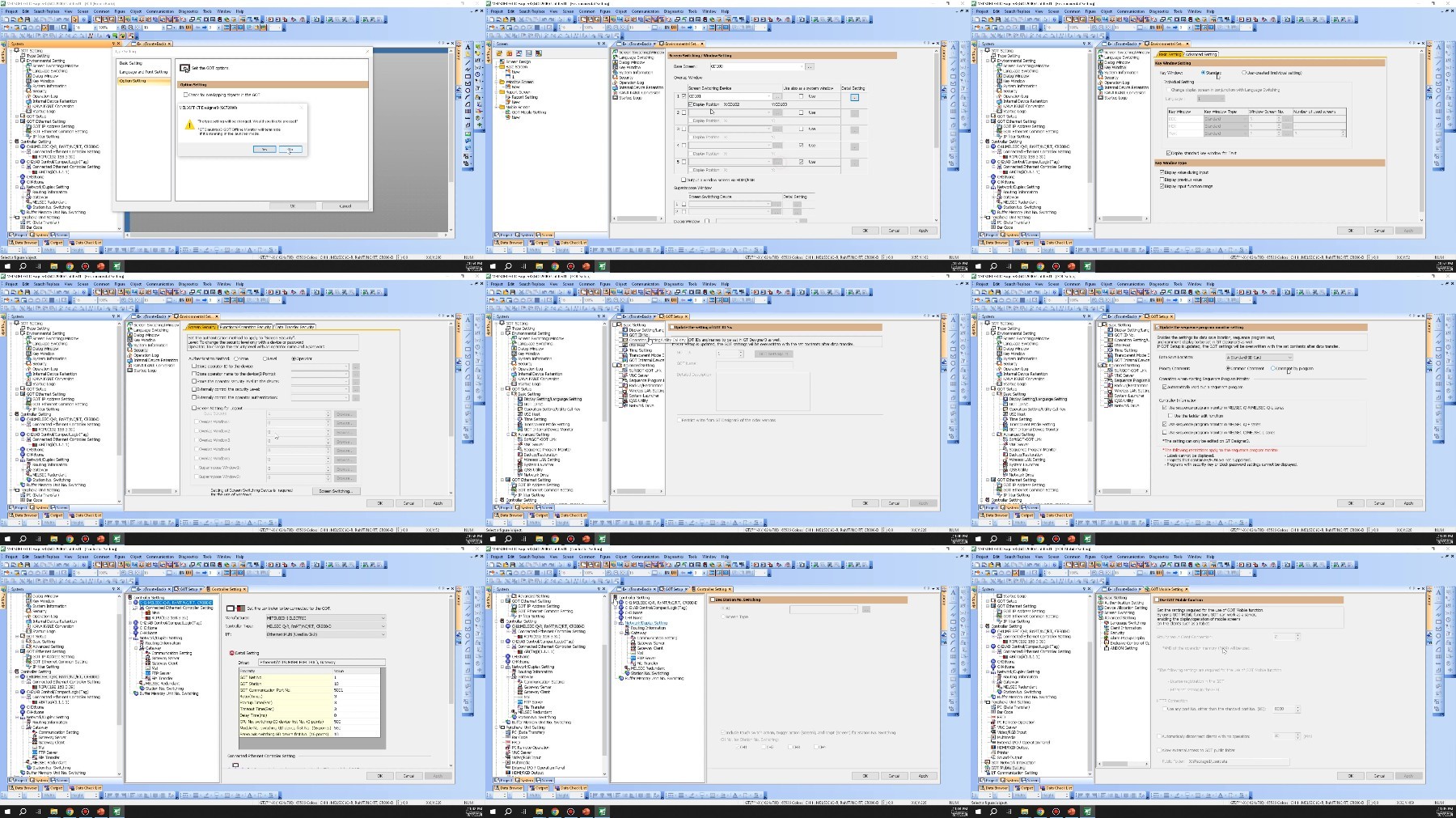
What you'll learn
• By the end of this course, you will be able to create a Mitsubishi GT Designer 3 HMI program from scratch.
Students will be exposed HMI functionalities and all basic will be covered
• Students will be confident enough to be able to create a HMI program and learn offset functions in HMI
Students will know more about scripting on GT Designer 3
Requirements
We will start from pretty basic level. You will get familiarize with software package and navigate around
Description
Mastering PLC Programming with Mitsubishi GX Works 3Are you ready to take your industrial automation skills to the next level? Join us for an immersive journey into HMI programming using Mitsubishi Electric's GT Designer 3 software, the industry standard for advanced HMI programmingCourse Overview:In this comprehensive course, you will dive deep into the world of Mitsubishi GOT HMIs, gaining hands-on experience and practical knowledge that will empower you to design, program, and troubleshoot complex automation systems. Whether you are a beginner looking to build a solid foundation or an experienced engineer aiming to refine your skills, this course offers something for everyone.What You'll Learn:1. Introduction to HMIs: Understand the fundamentals of HMIs, their components, and their role in industrial automation. 2. GT Designer 3 Basics: Master the GT Designer 3 environment, including project setup, navigation, and configuration of HMI hardware.3. Programming Essentials: Learn the essentials of lHMI programming such as lamps, switches, numeric and text input/displays, scripting features, background actions and specialty features.Why Choose This Course?- Hands-On Experience: Gain practical, hands-on experience with Mitsubishi HMIs and GT Designer 3 software in a simulated industrial environment. - Career Advancement: Enhance your resume with valuable HMI programming skills sought after by industries worldwide.Who Should Attend?This course is ideal for industrial engineers, technicians, automation specialists, and anyone interested in mastering PLC programming with Mitsubishi GT Designer 3Duration:The course spans 1 hours plus, to ensure a thorough understanding of Mitsubishi HMI programming principles.Join Us Today:Don't miss this opportunity to elevate your skills and advance your career in industrial automation. Enroll now and embark on your journey to becoming a proficient HMI programmer with Mitsubishi GT Designer 3!
Overview
Section 1: Course Overview
Lecture 1 Introduction
Section 2: HMI Upload Downloads
Lecture 2 HMI Upload - Download
Section 3: HMI Programming
Lecture 3 System Menu Overview
Lecture 4 Project Menu Overview
Lecture 5 Object: Switch
Lecture 6 Object: Lamp
Lecture 7 Object: Numeric Display/Entry
Lecture 8 Object: Text Display/Entry
Lecture 9 Object: Date/Time Display
Lecture 10 Object: Comment Display
Lecture 11 Object: Part Display
Lecture 12 Object: Part Movement
Lecture 13 Object: Alarm Display
Lecture 14 Object: Graph
Section 4: Project Functions
Lecture 15 Script
Lecture 16 Device Data Transfer
Lecture 17 Trigger Action
Lecture 18 Time Action
Industrial Automation Engineer,Controls Engineer,Maintenance Technicians,Beginner who is keen to dive into the Automation world and curious how interface is developed,PLC Technician
We need your support!
Make a donation to help us stay online

Bitcoin (BTC)
bc1q08g9d22cxkawsjlf8etuek2pc9n2a3hs4cdrld

Bitcoin Cash (BCH)
qqvwexzhvgauxq2apgc4j0ewvcak6hh6lsnzmvtkem

Ethereum (ETH)
0xb55513D2c91A6e3c497621644ec99e206CDaf239

Litecoin (LTC)
ltc1qt6g2trfv9tjs4qj68sqc4uf0ukvc9jpnsyt59u

USDT (ERC20)
0xb55513D2c91A6e3c497621644ec99e206CDaf239

USDT (TRC20)
TYdPNrz7v1P9riWBWZ317oBgJueheGjATm
Information |
|||
 |
Users of GUESTS are not allowed to comment this publication. | ||