


Microsoft Forms Essential Training (2024)
Category: Tutorials
- views: 222
- date: 12 August 2024
- posted by: AD-TEAM

Microsoft Forms Essential Training (2024)
Published 7/2024
MP4 | Video: h264, 1920x1080 | Audio: AAC, 44.1 KHz
Language: English | Size: 271.31 MB | Duration: 1h 10m
Create surveys and quizzes to collect information easily.
What you'll learn
Creating a survey
Adding survey questions
Enabling file uploads
Creating a quiz
Controlling quiz appearance
Editing questions
Changing question order
Sharing forms
Viewing survey and quiz results
Analyzing results in Microsoft Forms
Requirements
No prior experience needed
Description
Learn how to create surveys and quizzes quickly and easily with Microsoft Forms, which comes bundled in the Office 365 suite. Instructor begins by demonstrating how to create a basic survey, covering various question types such as multiple choice, open-ended text, and rating scales. The lesson also includes adding ranking options and allowing file uploads, giving users flexibility in gathering different types of information.Moving on to quizzes, the instructor explains how to add quiz questions, assign point values, and adjust quiz options. This allows for the creation of assessments that can be used for educational or training purposes.After mastering the basics of survey and quiz creation, users learn more advanced features. These include editing forms, sharing them with other users for collaboration or distribution, and adjusting themes to match branding or personal preferences. The instructor also covers how to preview forms on different platforms, ensuring they look and function correctly across various devices. Finally, the course concludes with a crucial aspect of survey and quiz management: viewing and analyzing results. This skill enables users to interpret the data collected, draw insights, and make informed decisions based on the feedback or assessments gathered through Microsoft Forms.Throughout the course, emphasis is placed on the user-friendly nature of Microsoft Forms, making it accessible for both beginners and those looking to enhance their form-creation skills within the Office 365 environment.
Overview
Section 1: Introduction
Lecture 1 Learn to capture feedback from users with Microsoft Forms
Lecture 2 What you should know
Section 2: Creating a survey
Lecture 3 Create a survey
Lecture 4 Add a multiple-choice question
Lecture 5 Add a text question
Lecture 6 Add a rating question
Lecture 7 Add a date picker
Lecture 8 Add a ranking question
Lecture 9 Add a Likert scale question
Lecture 10 Add a Net Promoter Score question
Section 3: Creating a quiz
Lecture 11 Create a quiz
Lecture 12 Create a quiz question
Lecture 13 Change how quiz results are displayed
Section 4: Managing Surveys and Quizzes
Lecture 14 Copy, edit, or delete a question
Lecture 15 Require an answer to a question
Lecture 16 Change the order of form questions
Lecture 17 Create branches within a form
Lecture 18 Control how individuals can interact with a form
Lecture 19 Share a form with other users
Lecture 20 Close a form to further responses
Lecture 21 Change a form's theme
Lecture 22 Preview appearance of a form on different platforms
Lecture 23 Print a blank form
Section 5: Analyzing Survey and Quiz Results
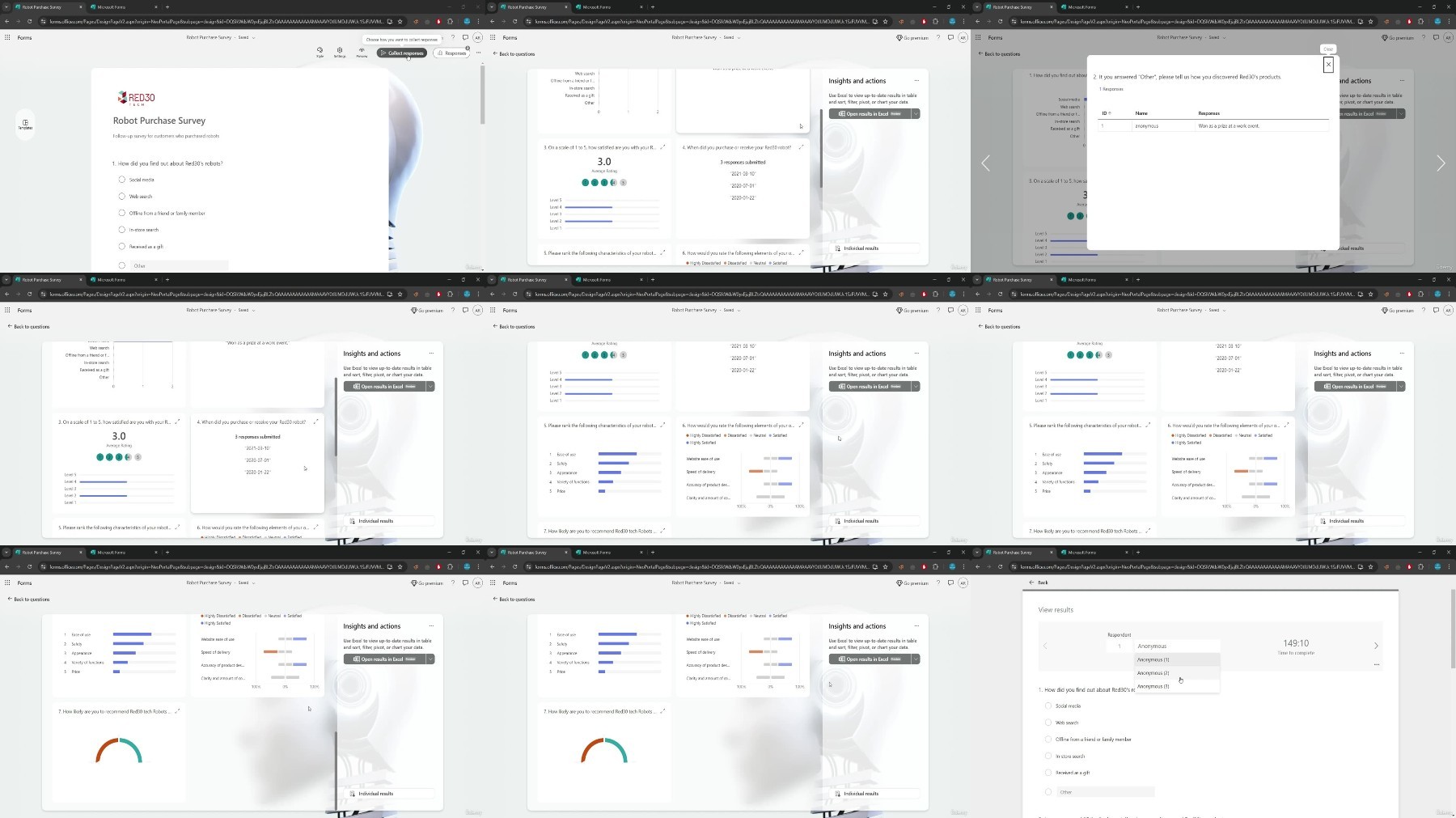
Lecture 24 View survey results
Lecture 25 View quiz results
Lecture 26 Customize quiz grading
Lecture 27 Post quiz results
Lecture 28 Analyze results in Excel
Those who want to learn Microsoft Forms from beginning to end
What you'll learn
Creating a survey
Adding survey questions
Enabling file uploads
Creating a quiz
Controlling quiz appearance
Editing questions
Changing question order
Sharing forms
Viewing survey and quiz results
Analyzing results in Microsoft Forms
Requirements
No prior experience needed
Description
Learn how to create surveys and quizzes quickly and easily with Microsoft Forms, which comes bundled in the Office 365 suite. Instructor begins by demonstrating how to create a basic survey, covering various question types such as multiple choice, open-ended text, and rating scales. The lesson also includes adding ranking options and allowing file uploads, giving users flexibility in gathering different types of information.Moving on to quizzes, the instructor explains how to add quiz questions, assign point values, and adjust quiz options. This allows for the creation of assessments that can be used for educational or training purposes.After mastering the basics of survey and quiz creation, users learn more advanced features. These include editing forms, sharing them with other users for collaboration or distribution, and adjusting themes to match branding or personal preferences. The instructor also covers how to preview forms on different platforms, ensuring they look and function correctly across various devices. Finally, the course concludes with a crucial aspect of survey and quiz management: viewing and analyzing results. This skill enables users to interpret the data collected, draw insights, and make informed decisions based on the feedback or assessments gathered through Microsoft Forms.Throughout the course, emphasis is placed on the user-friendly nature of Microsoft Forms, making it accessible for both beginners and those looking to enhance their form-creation skills within the Office 365 environment.
Overview
Section 1: Introduction
Lecture 1 Learn to capture feedback from users with Microsoft Forms
Lecture 2 What you should know
Section 2: Creating a survey
Lecture 3 Create a survey
Lecture 4 Add a multiple-choice question
Lecture 5 Add a text question
Lecture 6 Add a rating question
Lecture 7 Add a date picker
Lecture 8 Add a ranking question
Lecture 9 Add a Likert scale question
Lecture 10 Add a Net Promoter Score question
Section 3: Creating a quiz
Lecture 11 Create a quiz
Lecture 12 Create a quiz question
Lecture 13 Change how quiz results are displayed
Section 4: Managing Surveys and Quizzes
Lecture 14 Copy, edit, or delete a question
Lecture 15 Require an answer to a question
Lecture 16 Change the order of form questions
Lecture 17 Create branches within a form
Lecture 18 Control how individuals can interact with a form
Lecture 19 Share a form with other users
Lecture 20 Close a form to further responses
Lecture 21 Change a form's theme
Lecture 22 Preview appearance of a form on different platforms
Lecture 23 Print a blank form
Section 5: Analyzing Survey and Quiz Results
Lecture 24 View survey results
Lecture 25 View quiz results
Lecture 26 Customize quiz grading
Lecture 27 Post quiz results
Lecture 28 Analyze results in Excel
Those who want to learn Microsoft Forms from beginning to end
We need your support!
Make a donation to help us stay online

Bitcoin (BTC)
bc1q08g9d22cxkawsjlf8etuek2pc9n2a3hs4cdrld

Bitcoin Cash (BCH)
qqvwexzhvgauxq2apgc4j0ewvcak6hh6lsnzmvtkem

Ethereum (ETH)
0xb55513D2c91A6e3c497621644ec99e206CDaf239

Litecoin (LTC)
ltc1qt6g2trfv9tjs4qj68sqc4uf0ukvc9jpnsyt59u

USDT (ERC20)
0xb55513D2c91A6e3c497621644ec99e206CDaf239

USDT (TRC20)
TYdPNrz7v1P9riWBWZ317oBgJueheGjATm
Information |
|||
 |
Users of GUESTS are not allowed to comment this publication. | ||