


NavisWorks (2021) Quantification Course
Category: Tutorials
- views: 128
- date: 4 August 2024
- posted by: AD-TEAM

Navisworks 2021 Quantification Course
Last updated 3/2021
MP4 | Video: h264, 1280x720 | Audio: AAC, 44.1 KHz
Language: English | Size: 1.18 GB | Duration: 2h 7m
Navisworks 2021 : Learn Powerful 2D & 3D Takeoff
What you'll learn
Navisworks 2021
Quantification in Navisworks
3D Quantification
2D Quantification
Solve issues in Naviswork
CSI -16 Catalogue
CSI -48 Catalogue
Create your own custom catalogue
Model Takeoff
Virtual Takeoff
Tips and Tricks
Requirements
Navisworks installed in system
Description
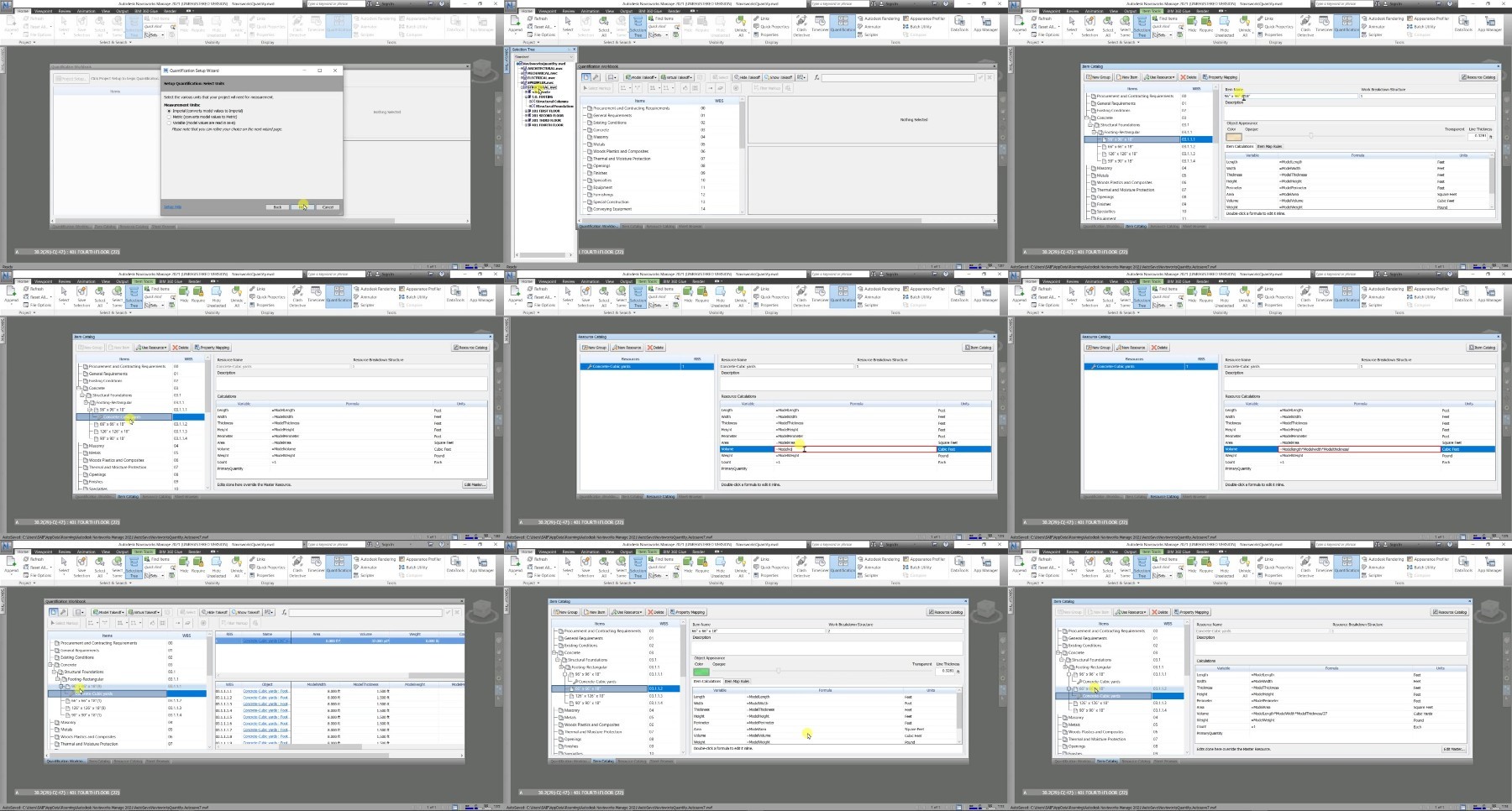
Be ready to learn the Quantification using the latest version Navisworks 2021.Quantification is a core piece of functionality of Navisworks. Naviswork is Bim software. Using a 3D model, you can create a highly accurate quantity takeoff in naviswork, that ties it physically to the model. This allows you to see items that have been accounted for—and those that have not—and make more accurate material estimates in navisworks. If you don't have a 3D model, don't worry ( I will provide you the 3D model with this course ). With this course, you will also learn how to take off a 2D sheet set as well. I will show you how to set up a takeoff workbook using the built-in catalogs in Navisworks (CSI and Uniformat), use your own custom catalogs, and perform model and virtual takeoffs. Plus, learn to perform 2D takeoffs from a DWF sheet set in Naviswork 2021.Use Navisworks software to improve BIM (Building Information Modeling) coordination.Combine design and construction data into a single model.Identify and resolve clash and interference problems before construction.Aggregate data from multiple trades to better control outcomes.Takeoff 3d objectsTakeoff 2d objectsUse Revit file for takeoffsThe best part is that you will learn everything related with 2D & 3D Takeoff and you can jump directly to the any section you want and learn the things from there but i will suggest you to go from lecture 1.
Overview
Section 1: Basics of Navisworks
Lecture 1 Naviswork Manage Versions
Lecture 2 Open a file in Navisworks
Lecture 3 Quantification Work Book
Lecture 4 Docking the dialog
Lecture 5 Using the wizard in Navisworks
Lecture 6 Manage tabs in Navisworks
Section 2: Catalogues in Navisworks
Lecture 7 All about CSI -16 catalogue
Lecture 8 CSI -48 Catalogue
Lecture 9 Using the Uniformat Catalogue
Lecture 10 Using the None Catalogue option
Lecture 11 Custom Catalogue
Lecture 12 Creating your own custom catalogue
Lecture 13 Custom catalogue in default catalogue Directory
Section 3: Navisworks Advance
Lecture 14 Adding resources in Navisworks
Lecture 15 Hide & Show Take off
Lecture 16 Appreances in Navisworks
Lecture 17 Virtual Take Off and Model Take Off
Lecture 18 Adding view point in Navisworks
Lecture 19 Selection Tree
Lecture 20 Selection in Navisworks
Lecture 21 Search option in Navisworks
Lecture 22 Combine sheets within Actual Model
Lecture 23 Take off elements from 2D elements
Lecture 24 Sheet Browser
Lecture 25 Select items in DWF
Lecture 26 Line & Polyline in Navisworks
Lecture 27 Area in Navisworks
Lecture 28 Bucket Fills Basics
Lecture 29 Advance Bucket in Navisworks
Civil Engineer,BIM Enigneer
What you'll learn
Navisworks 2021
Quantification in Navisworks
3D Quantification
2D Quantification
Solve issues in Naviswork
CSI -16 Catalogue
CSI -48 Catalogue
Create your own custom catalogue
Model Takeoff
Virtual Takeoff
Tips and Tricks
Requirements
Navisworks installed in system
Description
Be ready to learn the Quantification using the latest version Navisworks 2021.Quantification is a core piece of functionality of Navisworks. Naviswork is Bim software. Using a 3D model, you can create a highly accurate quantity takeoff in naviswork, that ties it physically to the model. This allows you to see items that have been accounted for—and those that have not—and make more accurate material estimates in navisworks. If you don't have a 3D model, don't worry ( I will provide you the 3D model with this course ). With this course, you will also learn how to take off a 2D sheet set as well. I will show you how to set up a takeoff workbook using the built-in catalogs in Navisworks (CSI and Uniformat), use your own custom catalogs, and perform model and virtual takeoffs. Plus, learn to perform 2D takeoffs from a DWF sheet set in Naviswork 2021.Use Navisworks software to improve BIM (Building Information Modeling) coordination.Combine design and construction data into a single model.Identify and resolve clash and interference problems before construction.Aggregate data from multiple trades to better control outcomes.Takeoff 3d objectsTakeoff 2d objectsUse Revit file for takeoffsThe best part is that you will learn everything related with 2D & 3D Takeoff and you can jump directly to the any section you want and learn the things from there but i will suggest you to go from lecture 1.
Overview
Section 1: Basics of Navisworks
Lecture 1 Naviswork Manage Versions
Lecture 2 Open a file in Navisworks
Lecture 3 Quantification Work Book
Lecture 4 Docking the dialog
Lecture 5 Using the wizard in Navisworks
Lecture 6 Manage tabs in Navisworks
Section 2: Catalogues in Navisworks
Lecture 7 All about CSI -16 catalogue
Lecture 8 CSI -48 Catalogue
Lecture 9 Using the Uniformat Catalogue
Lecture 10 Using the None Catalogue option
Lecture 11 Custom Catalogue
Lecture 12 Creating your own custom catalogue
Lecture 13 Custom catalogue in default catalogue Directory
Section 3: Navisworks Advance
Lecture 14 Adding resources in Navisworks
Lecture 15 Hide & Show Take off
Lecture 16 Appreances in Navisworks
Lecture 17 Virtual Take Off and Model Take Off
Lecture 18 Adding view point in Navisworks
Lecture 19 Selection Tree
Lecture 20 Selection in Navisworks
Lecture 21 Search option in Navisworks
Lecture 22 Combine sheets within Actual Model
Lecture 23 Take off elements from 2D elements
Lecture 24 Sheet Browser
Lecture 25 Select items in DWF
Lecture 26 Line & Polyline in Navisworks
Lecture 27 Area in Navisworks
Lecture 28 Bucket Fills Basics
Lecture 29 Advance Bucket in Navisworks
Civil Engineer,BIM Enigneer
We need your support!
Make a donation to help us stay online

Bitcoin (BTC)
bc1q08g9d22cxkawsjlf8etuek2pc9n2a3hs4cdrld

Bitcoin Cash (BCH)
qqvwexzhvgauxq2apgc4j0ewvcak6hh6lsnzmvtkem

Ethereum (ETH)
0xb55513D2c91A6e3c497621644ec99e206CDaf239

Litecoin (LTC)
ltc1qt6g2trfv9tjs4qj68sqc4uf0ukvc9jpnsyt59u

USDT (ERC20)
0xb55513D2c91A6e3c497621644ec99e206CDaf239

USDT (TRC20)
TYdPNrz7v1P9riWBWZ317oBgJueheGjATm
Information |
|||
 |
Users of GUESTS are not allowed to comment this publication. | ||