


How to implement volume builder into Your modeling Workflow
Category: Tutorials
- views: 176
- date: 4 August 2024
- posted by: AD-TEAM

How to implement volume builder into your modeling workflow
Published 7/2021
Duration: 1h | .MP4 1280x720, 30 fps(r) | AAC, 44100 Hz, 2ch | 978 MB
Genre: eLearning | Language: English
Volume builder in Cinema 4D
What you'll learn
Breaking down a reference image
Create holes in a simple matter
Work with splines
Use of symmetry modifier
Use of Volume Builder
Easy ways to add details to a mesh
Requirements
Basic knowledge in Cinema 4D
Description
The point of this class is that I´ll show you one way to implement the Cinema 4D Volume builder into your workflow
But there´s some more points that I´m going over.
We will go over
Breaking down a reference image.
Create holes in a simple matter
Work with splines
Use of symmetry modifier
Use of Volume Builder
Easy ways to add details to a mesh.
Volume builder is a very powerful tool used in Cinema 4D r21 and up, and in R23 you have the re-mesher as a complement for the Volume builder.
Using this when creating fast mock-ups or products in Cinema are therefore unbelievable.
3D modelling can sometime get repetitive and time consuming, therefore some parts of this class are speeded up. But hopefully you will be able to grasp the concept and pause the film as you work on it yourself.
I´ve followed hundreds of tutorials the last couple of years and find it way better when you stop following and work a little bit for oneself. So that you get comfortable with the tools and enjoys the process just a little bit.
As stated in the intro video I do think it will benefit you greatly if you have some basic knowledge of the UI of Cinema 4D. I do mention it sometimes and give some input but some other times I don´t. But again you are free to ask if there´s anything that you can´t follow on.
//Chris
Who this course is for:
Beginner Cinema 4D users
More Info
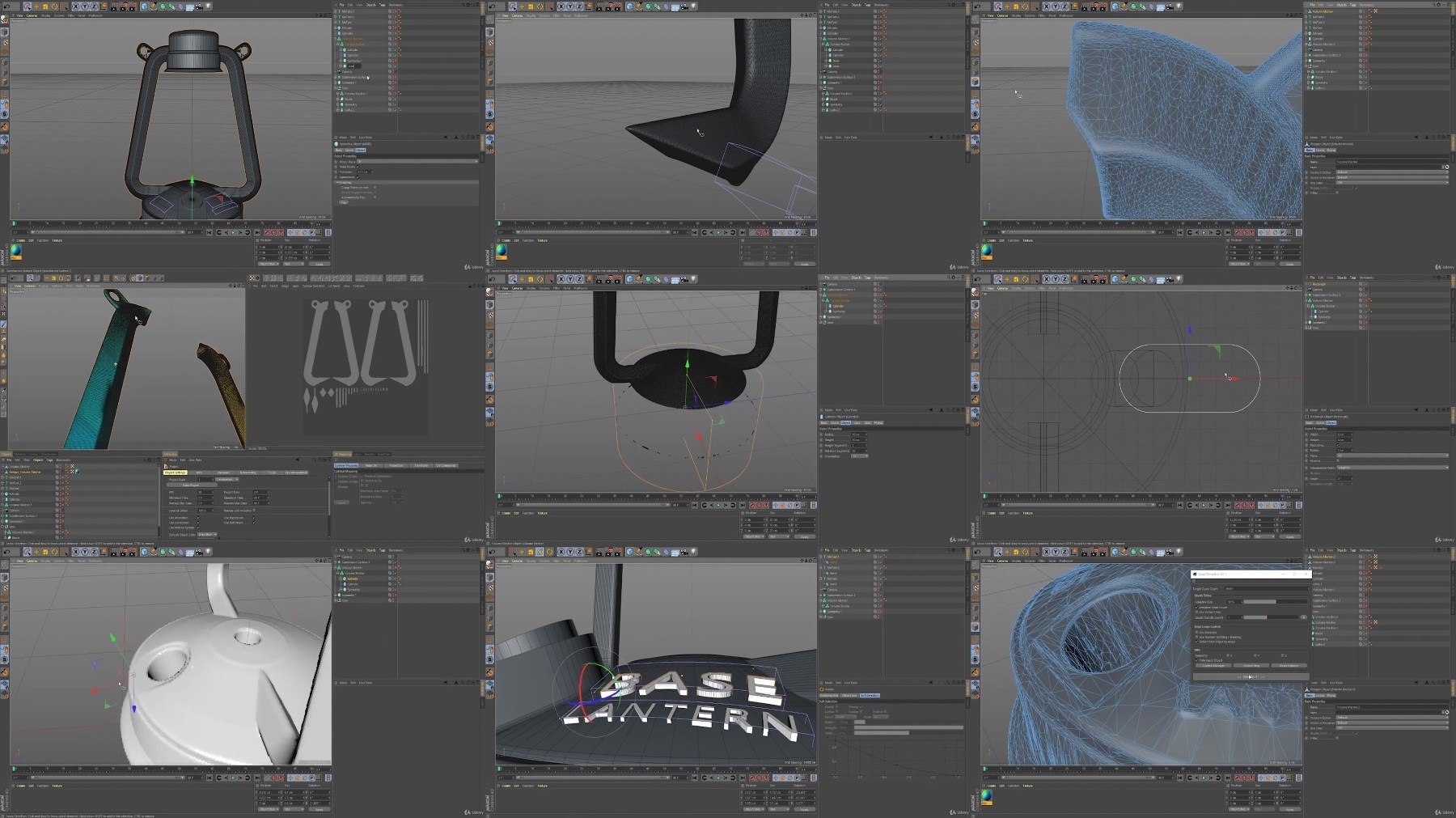
What you'll learn
Breaking down a reference image
Create holes in a simple matter
Work with splines
Use of symmetry modifier
Use of Volume Builder
Easy ways to add details to a mesh
Requirements
Basic knowledge in Cinema 4D
Description
The point of this class is that I´ll show you one way to implement the Cinema 4D Volume builder into your workflow
But there´s some more points that I´m going over.
We will go over
Breaking down a reference image.
Create holes in a simple matter
Work with splines
Use of symmetry modifier
Use of Volume Builder
Easy ways to add details to a mesh.
Volume builder is a very powerful tool used in Cinema 4D r21 and up, and in R23 you have the re-mesher as a complement for the Volume builder.
Using this when creating fast mock-ups or products in Cinema are therefore unbelievable.
3D modelling can sometime get repetitive and time consuming, therefore some parts of this class are speeded up. But hopefully you will be able to grasp the concept and pause the film as you work on it yourself.
I´ve followed hundreds of tutorials the last couple of years and find it way better when you stop following and work a little bit for oneself. So that you get comfortable with the tools and enjoys the process just a little bit.
As stated in the intro video I do think it will benefit you greatly if you have some basic knowledge of the UI of Cinema 4D. I do mention it sometimes and give some input but some other times I don´t. But again you are free to ask if there´s anything that you can´t follow on.
//Chris
Who this course is for:
Beginner Cinema 4D users
More Info
We need your support!
Make a donation to help us stay online

Bitcoin (BTC)
bc1q08g9d22cxkawsjlf8etuek2pc9n2a3hs4cdrld

Bitcoin Cash (BCH)
qqvwexzhvgauxq2apgc4j0ewvcak6hh6lsnzmvtkem

Ethereum (ETH)
0xb55513D2c91A6e3c497621644ec99e206CDaf239

Litecoin (LTC)
ltc1qt6g2trfv9tjs4qj68sqc4uf0ukvc9jpnsyt59u

USDT (ERC20)
0xb55513D2c91A6e3c497621644ec99e206CDaf239

USDT (TRC20)
TYdPNrz7v1P9riWBWZ317oBgJueheGjATm
Information |
|||
 |
Users of GUESTS are not allowed to comment this publication. | ||