


The Complete Autodesk NavisWorks Course (BIM Tool)
Category: Tutorials
- views: 177
- date: 9 July 2024
- posted by: AD-TEAM

The Complete Autodesk Navisworks Course (BIM Tool)
.MP4 | Video: 1280x720, 30 fps(r) | Audio: AAC, 44100 Hz, 2ch | 1.71 GB
Duration: 2 hours | Genre: eLearning Video | Language: English
Control your project outcomes by reviewing the project models with Autodesk Navisworks
What you'll learn
Manage 3D Construction Models and enable an effective review.
Learn more about Navisworks analysis and simulation tools
Create Construction 4D & 5D Simulation to check validity of construction schedules.
Perform clash detection tests to check integrity of the design.
Obtain takeoff data from models to create material estimates.
Requirements
Student should have basic knowledge about 3D Construction Design
Student should have basic knowledge about Task - Scheduling software such as Microsoft Project and Oracle Primavera
Description
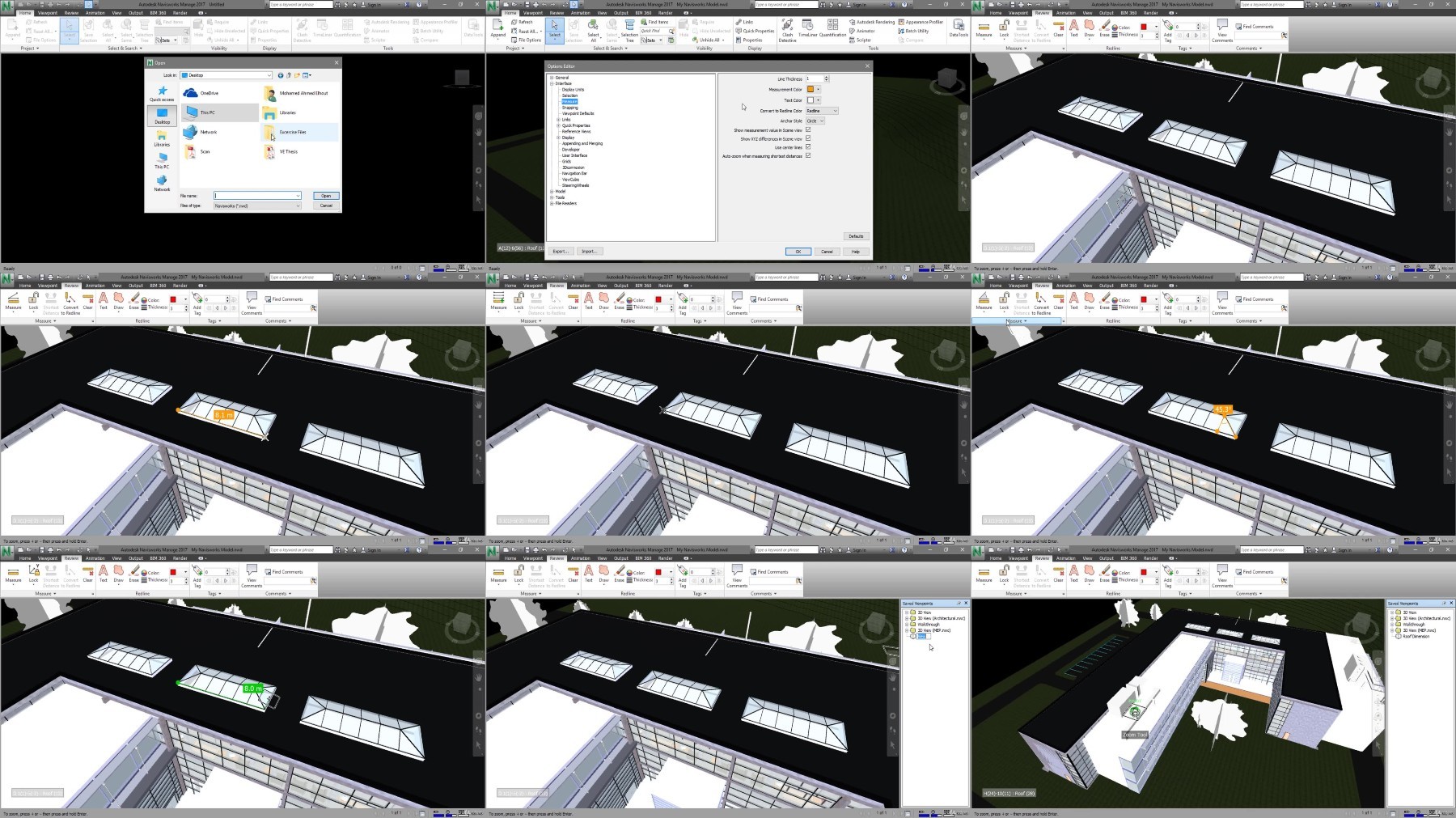
This complete Autodesk Navisworks course will instruct you in best approaches to combine 3D geometry from cross disciplines into one scene to enable effective model reviews. Through a hands-on curriculum, you will acquire the knowledge needed to review and markup the model, use TimeLiner, Animator, Scripter, Quantification, as well as the Clash Detective tools within the Autodesk Navisworks software.
With all of these BIM (Building Information Modeling) tools, Mohamed Elhout shows how to use the functionality of the Autodesk Navisworks Simulate, and Manage features, he will learn you how to open, review, quantify, and run object-interference checks on 3D models. You also will learn how to link to task-scheduling files and create 4D construction simulations. Using the Animator and Scripter tools, you will create interactive animations.
Who this course is for:
This Course is for Engineers and construction personnel who are newcomers to Navisworks or novice users and want to integrate designs into simulation world.
Manage 3D Construction Models and enable an effective review.
Learn more about Navisworks analysis and simulation tools
Create Construction 4D & 5D Simulation to check validity of construction schedules.
Perform clash detection tests to check integrity of the design.
Obtain takeoff data from models to create material estimates.
Requirements
Student should have basic knowledge about 3D Construction Design
Student should have basic knowledge about Task - Scheduling software such as Microsoft Project and Oracle Primavera
Description
This complete Autodesk Navisworks course will instruct you in best approaches to combine 3D geometry from cross disciplines into one scene to enable effective model reviews. Through a hands-on curriculum, you will acquire the knowledge needed to review and markup the model, use TimeLiner, Animator, Scripter, Quantification, as well as the Clash Detective tools within the Autodesk Navisworks software.
With all of these BIM (Building Information Modeling) tools, Mohamed Elhout shows how to use the functionality of the Autodesk Navisworks Simulate, and Manage features, he will learn you how to open, review, quantify, and run object-interference checks on 3D models. You also will learn how to link to task-scheduling files and create 4D construction simulations. Using the Animator and Scripter tools, you will create interactive animations.
Who this course is for:
This Course is for Engineers and construction personnel who are newcomers to Navisworks or novice users and want to integrate designs into simulation world.
We need your support!
Make a donation to help us stay online

Bitcoin (BTC)
bc1q08g9d22cxkawsjlf8etuek2pc9n2a3hs4cdrld

Bitcoin Cash (BCH)
qqvwexzhvgauxq2apgc4j0ewvcak6hh6lsnzmvtkem

Ethereum (ETH)
0xb55513D2c91A6e3c497621644ec99e206CDaf239

Litecoin (LTC)
ltc1qt6g2trfv9tjs4qj68sqc4uf0ukvc9jpnsyt59u

USDT (ERC20)
0xb55513D2c91A6e3c497621644ec99e206CDaf239

USDT (TRC20)
TYdPNrz7v1P9riWBWZ317oBgJueheGjATm
Information |
|||
 |
Users of GUESTS are not allowed to comment this publication. | ||