


Creative CSS Drawing Course : Make Art With CSS
Category: Tutorials
- views: 126
- date: 9 July 2024
- posted by: AD-TEAM
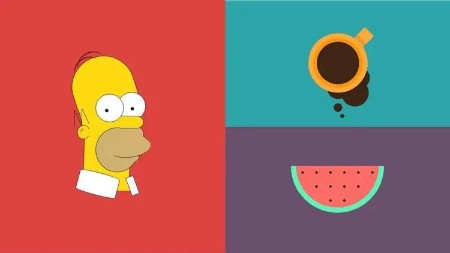
Creative CSS Drawing Course : Make Art With CSS
Last updated 2/2024
Duration: 5h3m | .MP4 1280x720, 30 fps(r) | AAC, 44100 Hz, 2ch | 1.57 GB
Genre: eLearning | Language: English
level up your CSS skills by learning how to create more than 20 drawings, shapes and logos using only CSS.
What you'll learn
how to create more than 20 well-known and original illustrations in CSS.
take your CSS skills to the next level using different creative approach.
how to use your CSS skills in a fun creative way.
Requirements
basic CSS skills are required like positioning elements, adding different styles, colors and so on
code editor and browser
Description
If you get bored in those regular CSS courses where the instructor just builds web pages and want to try something new that takes your CSS skills to the next level by using different creative approaches, or, if you just want to push all your CSS skills to their limits and learn how to use them to create shapes, drawings, and logos.then this course is for you!
I'm Ahmed Sadek, a full stack web developer and designer with more than 8 years of experience and I wanna welcome you to my Creative CSS Drawing course. This course will help you get the most out of your CSS skills; you will create more than 20 different shapes, logos and drawings. Some of them are complex in ways that are different from web pages, and the methods we'll use to solve these creative puzzles are also different. That means this course will help you open your mind to things you never knew you could create with CSS, and hopefully, you'll learn to see more of the fun, imaginative side of CSS in each lesson.
A very important heads-up, though: before taking this course you should have basic knowledge of CSS—things like positioning elements on the screen or adding borders and backgrounds.
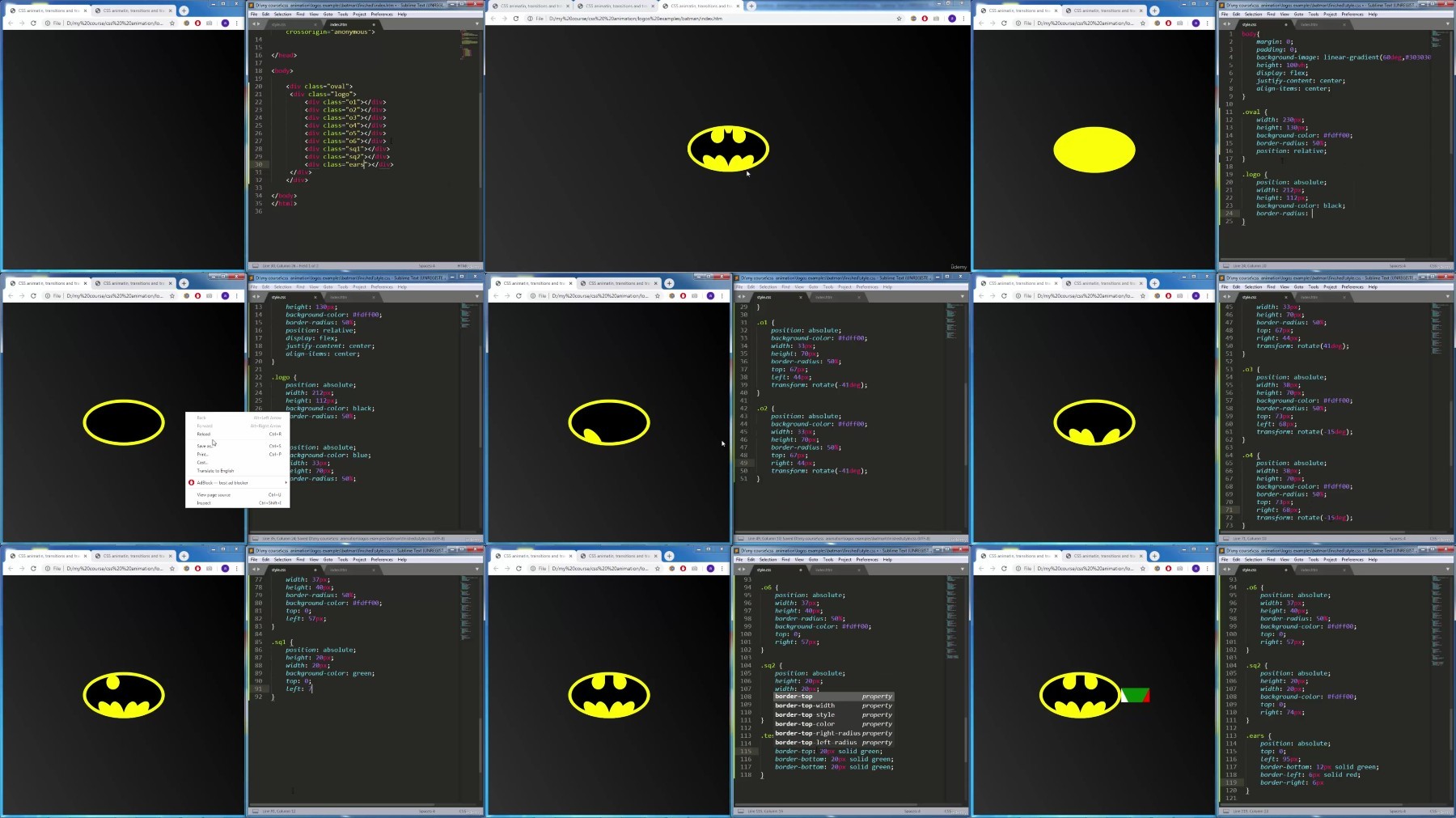
The drawings and logos we will create include some well-known items, like the Batman symbol, Captain America's shield, Homer Simpson, and logos for Adidas, Brackets (the code editor), Git, Google, Instagram, and Pepsi! We'll even do some original illustrations, like a camera, a donut, a diamond, a panda, and more!
Don't worry, though. You don't have to watch the lessons in any specific order to be able to follow along. You can just hop around and enjoy the lessons in the order that works best for you.
Who this course is for:
Web designers and developers who want to enhance their CSS skills in ways they probably never considered.
Anyone who has basic CSS skills and wants to have some fun learning how to illustrate and solve creative problems with CSS.
More Info
What you'll learn
how to create more than 20 well-known and original illustrations in CSS.
take your CSS skills to the next level using different creative approach.
how to use your CSS skills in a fun creative way.
Requirements
basic CSS skills are required like positioning elements, adding different styles, colors and so on
code editor and browser
Description
If you get bored in those regular CSS courses where the instructor just builds web pages and want to try something new that takes your CSS skills to the next level by using different creative approaches, or, if you just want to push all your CSS skills to their limits and learn how to use them to create shapes, drawings, and logos.then this course is for you!
I'm Ahmed Sadek, a full stack web developer and designer with more than 8 years of experience and I wanna welcome you to my Creative CSS Drawing course. This course will help you get the most out of your CSS skills; you will create more than 20 different shapes, logos and drawings. Some of them are complex in ways that are different from web pages, and the methods we'll use to solve these creative puzzles are also different. That means this course will help you open your mind to things you never knew you could create with CSS, and hopefully, you'll learn to see more of the fun, imaginative side of CSS in each lesson.
A very important heads-up, though: before taking this course you should have basic knowledge of CSS—things like positioning elements on the screen or adding borders and backgrounds.
The drawings and logos we will create include some well-known items, like the Batman symbol, Captain America's shield, Homer Simpson, and logos for Adidas, Brackets (the code editor), Git, Google, Instagram, and Pepsi! We'll even do some original illustrations, like a camera, a donut, a diamond, a panda, and more!
Don't worry, though. You don't have to watch the lessons in any specific order to be able to follow along. You can just hop around and enjoy the lessons in the order that works best for you.
Who this course is for:
Web designers and developers who want to enhance their CSS skills in ways they probably never considered.
Anyone who has basic CSS skills and wants to have some fun learning how to illustrate and solve creative problems with CSS.
More Info
We need your support!
Make a donation to help us stay online

Bitcoin (BTC)
bc1q08g9d22cxkawsjlf8etuek2pc9n2a3hs4cdrld

Bitcoin Cash (BCH)
qqvwexzhvgauxq2apgc4j0ewvcak6hh6lsnzmvtkem

Ethereum (ETH)
0xb55513D2c91A6e3c497621644ec99e206CDaf239

Litecoin (LTC)
ltc1qt6g2trfv9tjs4qj68sqc4uf0ukvc9jpnsyt59u

USDT (ERC20)
0xb55513D2c91A6e3c497621644ec99e206CDaf239

USDT (TRC20)
TYdPNrz7v1P9riWBWZ317oBgJueheGjATm
Information |
|||
 |
Users of GUESTS are not allowed to comment this publication. | ||