


Unity Hyper Casual Game - Exploring Hexa Sort Mechanics
Category: Tutorials
- views: 308
- date: 30 June 2024
- posted by: AD-TEAM
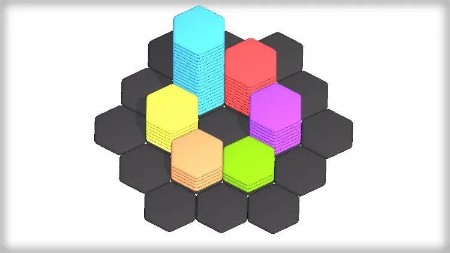
Unity Hyper Casual Game - Exploring Hexa Sort Mechanics
Published 6/2024
Duration: 2h16m | .MP4 1280x720, 30 fps(r) | AAC, 44100 Hz, 2ch | 1.1 GB
Genre: eLearning | Language: English
Learn & Create Various Mechanics from the Hyper Casual Mobile Game - Hexa Sort
What you'll learn
How to create a hexagonal grid using Unity's Grid Component.
Implementing symmetrical hexagonal grids for level design.
Controlling and manipulating hexagon stacks within the game environment.
Developing and implementing merging mechanics for hexagon stacks.
Techniques for identifying and solving common issues in game development.
Requirements
Basic Coding Knowledge (Loops, Coroutine, Actions will be used)
The will to Learn Advanced Game Development Concepts
Description
Hey Friend!
In this course, you will learn how to recreate various mechanics and effects from
Hexa Sort
, a famous and trending hypercasual mobile game.
We will start by creating a
Hexagonal Grid
using Unity's Grid Component. (Way simpler than creating our own system)
After you've clearly understood how this works, we will tackle
Procedural Hexagonal Grid Creation
, the basics actually.
We want to create a symmetrical hexagonal grid that we can then edit to
Create Levels.
You will also learn how to create levels, the quick way.
After creating our grid, we will tackle
Spawning Hexagon Stacks
and controlling them.
We will learn how to
Snap Those Stacks
on the grid and
Merge
everything when it makes sense.
The trickiest part of the system is, you guessed it, the
Merging Mechanic
. We need to
Iterate
over
Every Cell
that has been updated during the previous merge.
It might sound weird, but you'll know how to do that after completing the course!
I'm also going to include some lectures on the
Shader
in the
Main Menu
, because that's something I find cool.
And if you want me to
Explore More Hidden Gems
of this game, please let me know!
Ready to jump in? Enroll now!
Disclaimer : This is not a beginner course, you need to have some basic Unity & C# knowledge before starting this course.
It's best if you know about loops, coroutines & actions.
Who this course is for:
Aspiring Game Developers, new to game development and are looking to learn advanced game development right away.
Developers who have some experience with Unity and want to deepen their understanding of grid-based systems and procedural generation.
Game developers specifically interested in the hyper-casual genre and wanting to learn how to recreate mechanics from popular games in this category.
Individuals who develop games as a hobby or are working on indie game projects and are looking for new techniques and inspirations for their games.
More Info
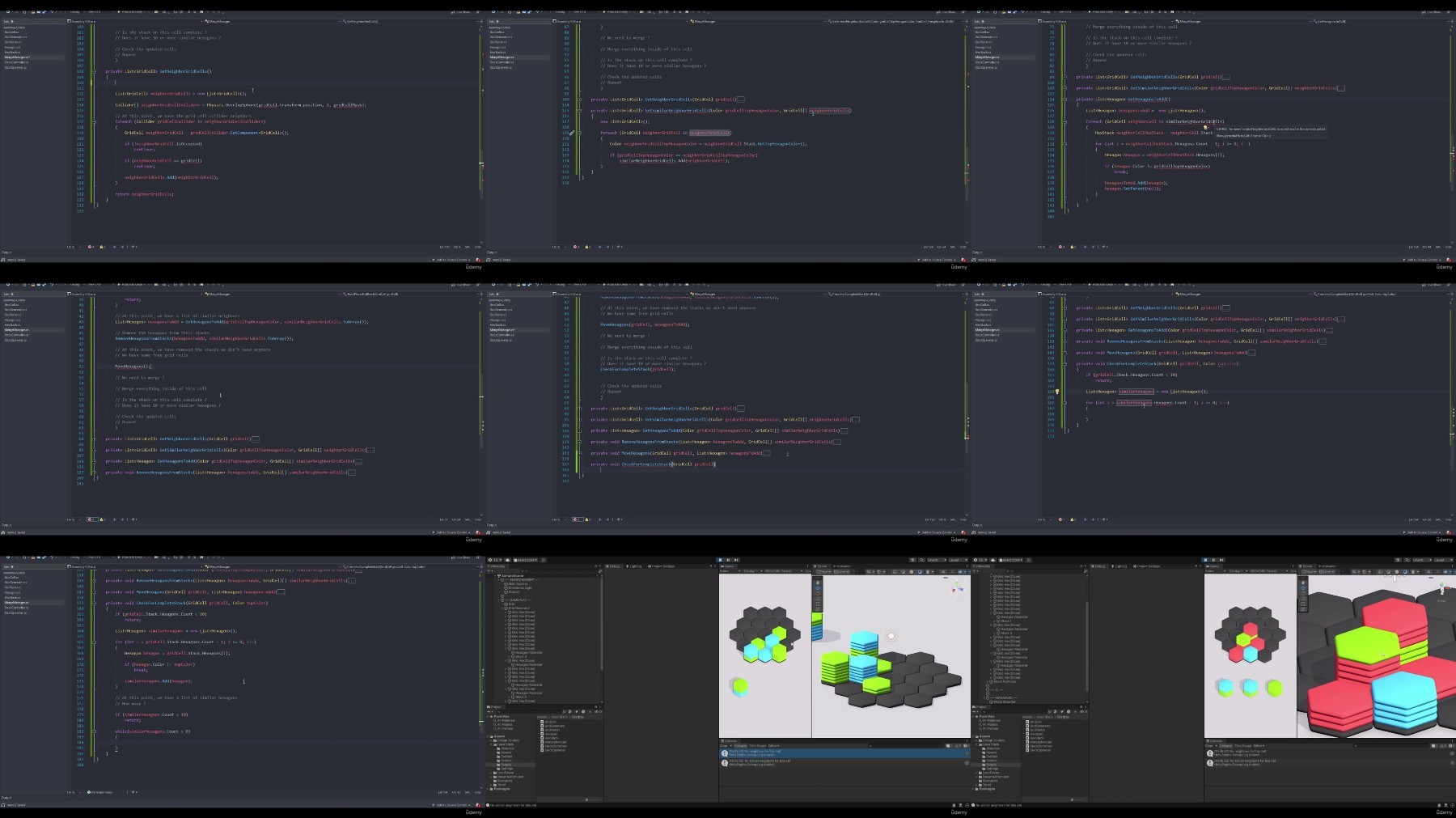
What you'll learn
How to create a hexagonal grid using Unity's Grid Component.
Implementing symmetrical hexagonal grids for level design.
Controlling and manipulating hexagon stacks within the game environment.
Developing and implementing merging mechanics for hexagon stacks.
Techniques for identifying and solving common issues in game development.
Requirements
Basic Coding Knowledge (Loops, Coroutine, Actions will be used)
The will to Learn Advanced Game Development Concepts
Description
Hey Friend!
In this course, you will learn how to recreate various mechanics and effects from
Hexa Sort
, a famous and trending hypercasual mobile game.
We will start by creating a
Hexagonal Grid
using Unity's Grid Component. (Way simpler than creating our own system)
After you've clearly understood how this works, we will tackle
Procedural Hexagonal Grid Creation
, the basics actually.
We want to create a symmetrical hexagonal grid that we can then edit to
Create Levels.
You will also learn how to create levels, the quick way.
After creating our grid, we will tackle
Spawning Hexagon Stacks
and controlling them.
We will learn how to
Snap Those Stacks
on the grid and
Merge
everything when it makes sense.
The trickiest part of the system is, you guessed it, the
Merging Mechanic
. We need to
Iterate
over
Every Cell
that has been updated during the previous merge.
It might sound weird, but you'll know how to do that after completing the course!
I'm also going to include some lectures on the
Shader
in the
Main Menu
, because that's something I find cool.
And if you want me to
Explore More Hidden Gems
of this game, please let me know!
Ready to jump in? Enroll now!
Disclaimer : This is not a beginner course, you need to have some basic Unity & C# knowledge before starting this course.
It's best if you know about loops, coroutines & actions.
Who this course is for:
Aspiring Game Developers, new to game development and are looking to learn advanced game development right away.
Developers who have some experience with Unity and want to deepen their understanding of grid-based systems and procedural generation.
Game developers specifically interested in the hyper-casual genre and wanting to learn how to recreate mechanics from popular games in this category.
Individuals who develop games as a hobby or are working on indie game projects and are looking for new techniques and inspirations for their games.
More Info
We need your support!
Make a donation to help us stay online

Bitcoin (BTC)
bc1q08g9d22cxkawsjlf8etuek2pc9n2a3hs4cdrld

Bitcoin Cash (BCH)
qqvwexzhvgauxq2apgc4j0ewvcak6hh6lsnzmvtkem

Ethereum (ETH)
0xb55513D2c91A6e3c497621644ec99e206CDaf239

Litecoin (LTC)
ltc1qt6g2trfv9tjs4qj68sqc4uf0ukvc9jpnsyt59u

USDT (ERC20)
0xb55513D2c91A6e3c497621644ec99e206CDaf239

USDT (TRC20)
TYdPNrz7v1P9riWBWZ317oBgJueheGjATm
Information |
|||
 |
Users of GUESTS are not allowed to comment this publication. | ||