


Acoustics 101 Pro : Advanced enclosure design
Category: Tutorials
- views: 93
- date: 27 June 2024
- posted by: AD-TEAM
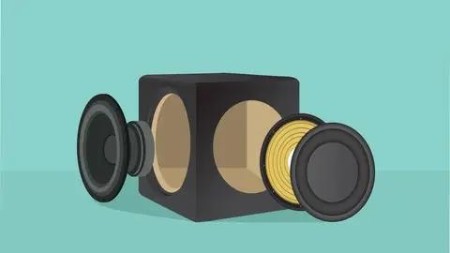
Acoustics 101 Pro : Advanced enclosure design
Duration: 6h 36m | .MP4 1280x720, 30 fps(r) | AAC, 44100 Hz, 2ch | 4.31 GB
Genre: eLearning | Language: English
Design and build sealed, ported, passive radiator, 4th order and 6th order bandpass enclosures
What you'll learn
Design sealed and bass reflex enclosure using WinISD
Design passive radiator boxes
Design 4th and 6th order bandpass enclosures
Design high output ported boxes
Use SketchUp to design basic enclosure in 3D
Quickly calculate panel dimensions for speaker boxes
Basic woodworking techniques for speaker building
Requirements
Acoustics 101 course taken
A laptop or desktop computer
You need Microsoft Excel installed or other application that can open *.xlsx files.
Description
Start designing more advanced enclosures
Finished Acoustics 101? Time to step it up a notch. While we are still going to revisit sealed and bass reflex enclosures, we are going to go deeper into the subject, and touch more advanced stuff. As a bonus, a high output ported enclosure is in the course as well. Besides these familiar enclosures, we going to see some new. Get ready to learn about passive radiator enclosures, 4th order and 6th order bandpass boxes.
Software
Yes, we are going to use software, WinISD. Popular software in the DIY audio community, with lots of features. Don't worry, you can download it for free. What you also get for free is a bunch of excel spreadsheets. These will be used to easily calculate the panel dimensions for each enclosure type. Even if you are not good at math, I'm confident you will find it easy.
3D Modeling
After the enclosures are modeled and the panel dimensions are calculated, we are going to use SketchUp to make 3D models of the enclosure. This has a number of benefits. You can visually check the proportions of the enclosure. You will double check if the panels fit together correctly. You can send someone the drawing with the dimensions. You can do all sorts of things if you expand on this subject. However, bear in mind that this is not a SketchUp course, and it covers only the basics and the stuff you need to make a 3D model of a speaker box.
Building and results
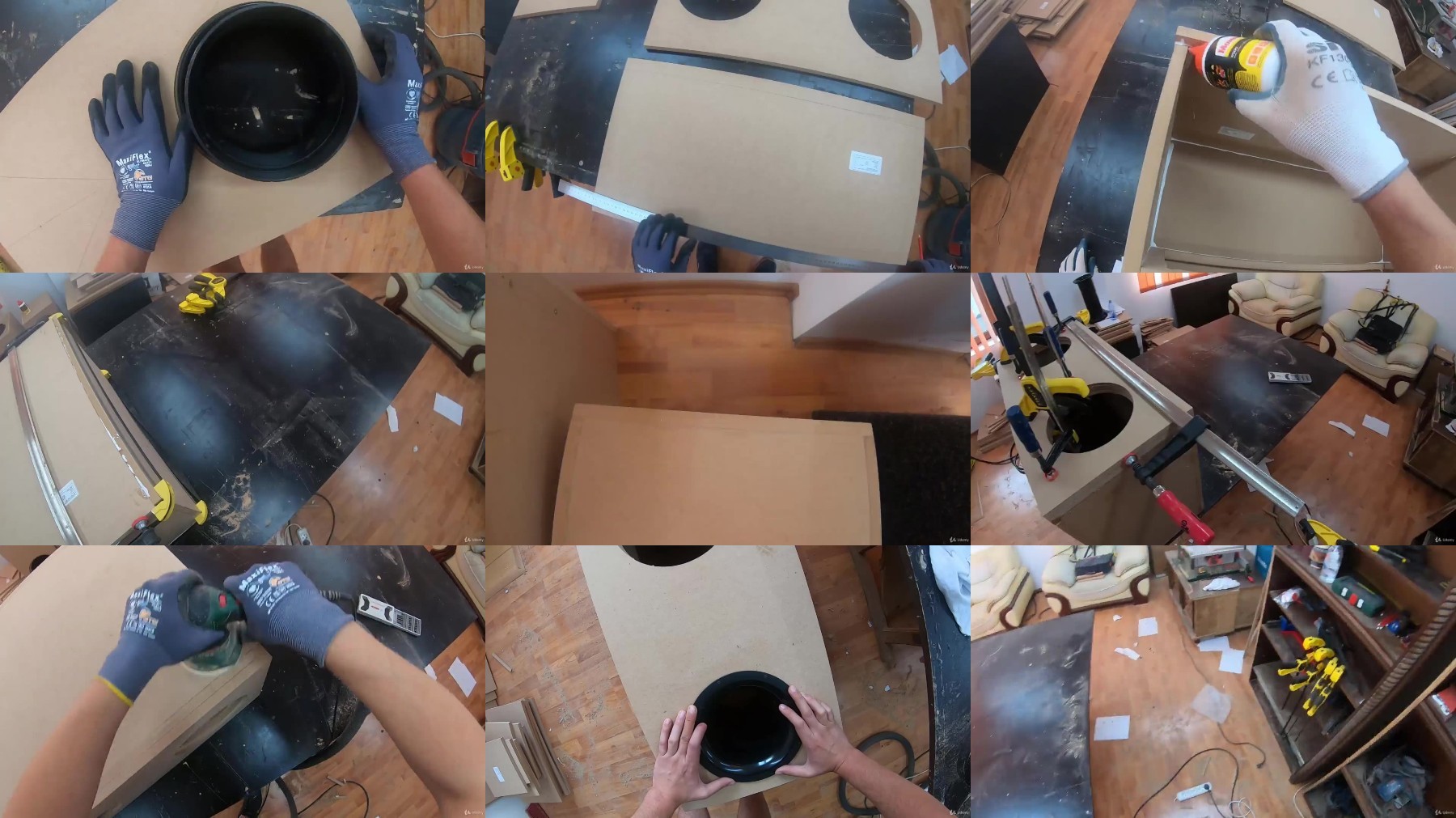
The final part of the course will be me showing you how I build each enclosure. I will describe what I do and you will learn some basic stuff about woodworking so you can build your own speaker boxes (tools required). Each enclosure will be measured and tested. If you have taken Acoustics 201 you will understand what I'm doing, but it's not mandatory. In the end we will compare how each enclosure stacks up to one another by judging the numbers.
Who this course is for:
Audiophiles who want to extend their knowledge about sound systems.
DIY-ers who want to build advanced enclosures.
More Info
https://rapidgator.net/file/a761e3123b595cdad715c0df3d73cd56/.Acoustics.101.Pro..Advanced.enclosure.design.part1.rar
https://rapidgator.net/file/d87aef252b8d3b3b5446426871afaa1c/.Acoustics.101.Pro..Advanced.enclosure.design.part2.rar
https://rapidgator.net/file/fd2babee4874f77cb7cb354676982341/.Acoustics.101.Pro..Advanced.enclosure.design.part3.rar
https://filestore.me/2dp2rwudxulz/.Acoustics.101.Pro..Advanced.enclosure.design.part1.rar
https://filestore.me/de5fwzwnadvg/.Acoustics.101.Pro..Advanced.enclosure.design.part2.rar
https://filestore.me/l5kpc1sz9v93/.Acoustics.101.Pro..Advanced.enclosure.design.part3.rar
What you'll learn
Design sealed and bass reflex enclosure using WinISD
Design passive radiator boxes
Design 4th and 6th order bandpass enclosures
Design high output ported boxes
Use SketchUp to design basic enclosure in 3D
Quickly calculate panel dimensions for speaker boxes
Basic woodworking techniques for speaker building
Requirements
Acoustics 101 course taken
A laptop or desktop computer
You need Microsoft Excel installed or other application that can open *.xlsx files.
Description
Start designing more advanced enclosures
Finished Acoustics 101? Time to step it up a notch. While we are still going to revisit sealed and bass reflex enclosures, we are going to go deeper into the subject, and touch more advanced stuff. As a bonus, a high output ported enclosure is in the course as well. Besides these familiar enclosures, we going to see some new. Get ready to learn about passive radiator enclosures, 4th order and 6th order bandpass boxes.
Software
Yes, we are going to use software, WinISD. Popular software in the DIY audio community, with lots of features. Don't worry, you can download it for free. What you also get for free is a bunch of excel spreadsheets. These will be used to easily calculate the panel dimensions for each enclosure type. Even if you are not good at math, I'm confident you will find it easy.
3D Modeling
After the enclosures are modeled and the panel dimensions are calculated, we are going to use SketchUp to make 3D models of the enclosure. This has a number of benefits. You can visually check the proportions of the enclosure. You will double check if the panels fit together correctly. You can send someone the drawing with the dimensions. You can do all sorts of things if you expand on this subject. However, bear in mind that this is not a SketchUp course, and it covers only the basics and the stuff you need to make a 3D model of a speaker box.
Building and results
The final part of the course will be me showing you how I build each enclosure. I will describe what I do and you will learn some basic stuff about woodworking so you can build your own speaker boxes (tools required). Each enclosure will be measured and tested. If you have taken Acoustics 201 you will understand what I'm doing, but it's not mandatory. In the end we will compare how each enclosure stacks up to one another by judging the numbers.
Who this course is for:
Audiophiles who want to extend their knowledge about sound systems.
DIY-ers who want to build advanced enclosures.
More Info
https://rapidgator.net/file/a761e3123b595cdad715c0df3d73cd56/.Acoustics.101.Pro..Advanced.enclosure.design.part1.rar
https://rapidgator.net/file/d87aef252b8d3b3b5446426871afaa1c/.Acoustics.101.Pro..Advanced.enclosure.design.part2.rar
https://rapidgator.net/file/fd2babee4874f77cb7cb354676982341/.Acoustics.101.Pro..Advanced.enclosure.design.part3.rar
https://filestore.me/2dp2rwudxulz/.Acoustics.101.Pro..Advanced.enclosure.design.part1.rar
https://filestore.me/de5fwzwnadvg/.Acoustics.101.Pro..Advanced.enclosure.design.part2.rar
https://filestore.me/l5kpc1sz9v93/.Acoustics.101.Pro..Advanced.enclosure.design.part3.rar
We need your support!
Make a donation to help us stay online

Bitcoin (BTC)
bc1q08g9d22cxkawsjlf8etuek2pc9n2a3hs4cdrld

Bitcoin Cash (BCH)
qqvwexzhvgauxq2apgc4j0ewvcak6hh6lsnzmvtkem

Ethereum (ETH)
0xb55513D2c91A6e3c497621644ec99e206CDaf239

Litecoin (LTC)
ltc1qt6g2trfv9tjs4qj68sqc4uf0ukvc9jpnsyt59u

USDT (ERC20)
0xb55513D2c91A6e3c497621644ec99e206CDaf239

USDT (TRC20)
TYdPNrz7v1P9riWBWZ317oBgJueheGjATm
Information |
|||
 |
Users of GUESTS are not allowed to comment this publication. | ||