


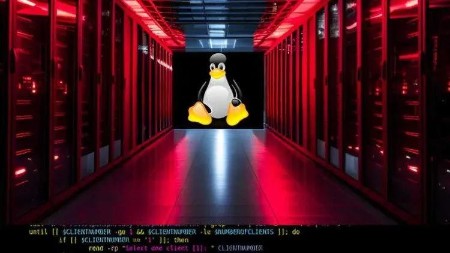
Linux Administration: Master Bash and Command Line Interface
Category: Tutorials
- views: 205
- date: 16 June 2024
- posted by: AD-TEAM
Linux Administration: Master Bash and Command Line Interface
Published 6/2024
Duration: 8h28m | .MP4 1280x720, 30 fps(r) | AAC, 44100 Hz, 2ch | 3.35 GB
Genre: eLearning | Language: English
Become a skilled Linux Power user, and develop Shell scripts and programs to Automate tasks and improve functionalities.
What you'll learn
You will gain the expertise of a competent Linux administrator, allowing you to perform roles in the field of Linux administration.
Gain expertise in network administration, mastering troubleshooting techniques for resolving networking issues and analyzing network traffic.
Learn Linux Administration and Shell Scripting and be able to write your own bash scripts to automate System Administration Tasks
You will Master the Command Line Interface CLI
Manage system files and packages
Manage system users, groups and permissions
Manage system processes, system services and Cron Jobs
Learn Text Processing and Regular Expression
Build a strong foundation in cryptography
Protect you own data using Encryption
Remote Servers Administration using SSH protocol
Transfer Files from servers using FTP and SFTP Protocols
Requirements
Basic IT knowledge in computer systems
Stable internet connection required to access course materials, and a computer system with a minimum of 4GB RAM.
Description
GNU/Linux Operating System is one of the biggest open source projects, and it is considered the backbone of the internet, driving the majority of web servers, data centers, super computers and serving as the standard for cloud computing, virtualization, and containerization technologies.
Given all these factors, mastering Linux is crucial for enhancing your career prospects, and this course will help you achieve this target.
By the end of this course, all Individuals whether they're recent graduates, career changers from other IT fields, or seasoned professionals, will master Linux Administration and Shell Scripting.
What you will learn in this course:
- Key Concepts about Linux File System.
- How to use the Command Line Interface.
- Scripting in Bash and how to Write Shell scripts to automate system administrative tasks.
- How to manage System files and System packages.
- Archiving And Compressing Files using tar, gzip, bzip2, 7zip.
- Data Manipulation and Text Processing using, sort, uniq, cut, tr, diff, comm.
- Data Manipulation and Regular Expression using awk, grep.
- How to install and use the advanced text editor VIM.
- How to manage System Users, Groups and their permissions.
- Managing Linux Processes and learn how to monitor, start and stop processes.
- Managing Linux Processes and learn how to background and foreground processes.
- Key Concepts about Linux services, Systemd, Systemd unit files, systemd timers.
- Managing Linux Services and learn how to create, start, stop and monitor systemd services
- How to manage System services and Cron jobs.
- Automate System Tasks using Cron Jobs
- Key Concepts about Cryptography.
- How to Secure your data using Encryption/Decryption.
- Key Concepts about Networking: OSI Model, Data Encapsulation, TCP Packets Flow and TCP-3-Way-Handshake.
- Linux Networking Administration.
- Network Troubleshooting.
- Analyzing network traffic.
- Key Concepts about SSH Protocol.
- Remote Servers Administration using SSH protocol.
- Setup and configuration of an SSH Server.
- Secure the SSH Server.
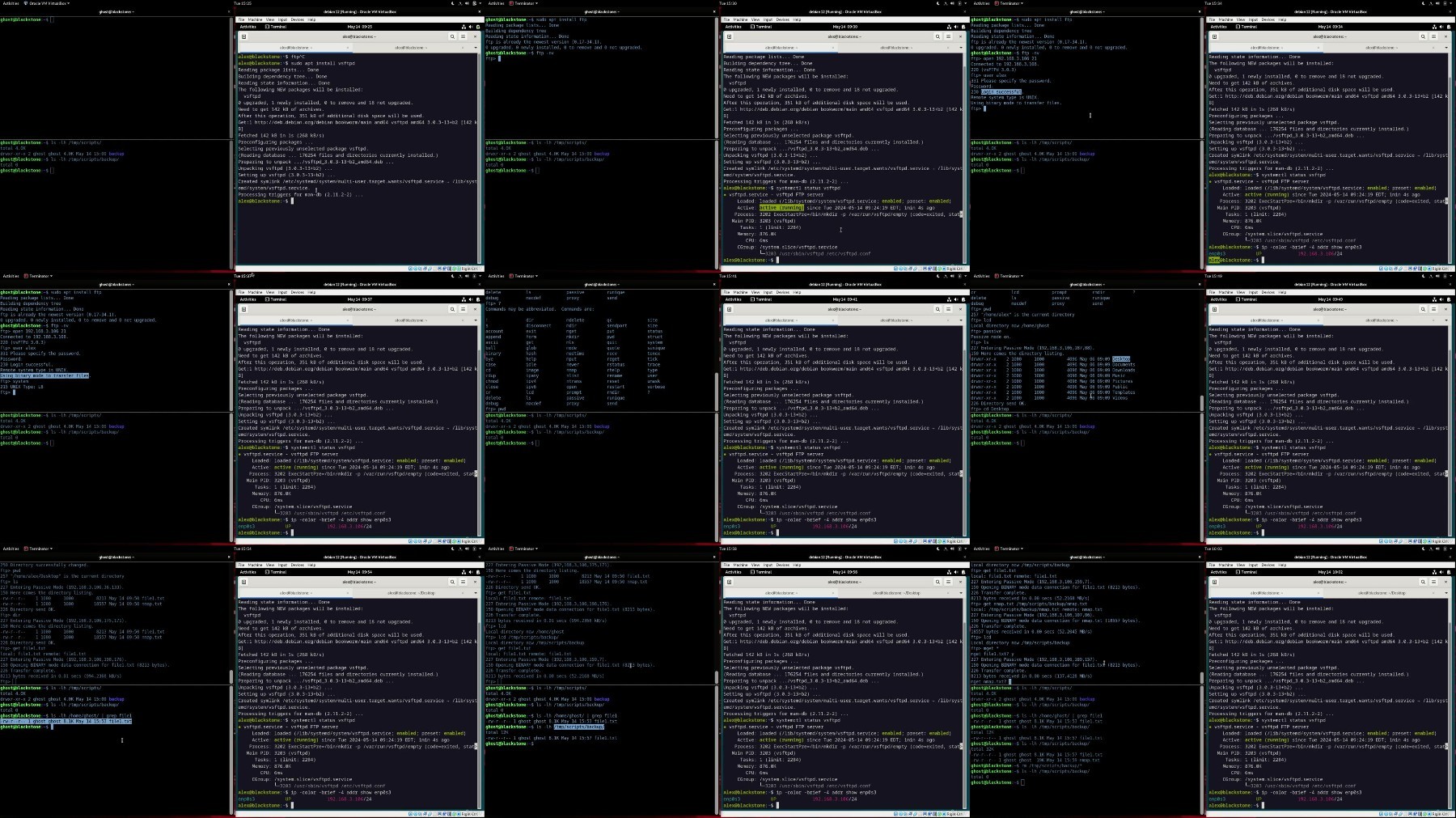
- Key Concepts about FTP and SFTP Protocols.
- Setup and configuration of an FTP Server.
- File Transfer using FTP Protocol.
- Setup and configuration of an SFTP Server.
- Secure File Transfer using SFTP Protocol.
Who this course is for:
Those looking to excel in Linux command Line skills including IT professionals, computer science students, software developers, and technology enthusiasts seeking to deepen their understanding of Linux systems.
Individuals aiming to be a master in Linux command line and Shell Scripting.
Individuals looking to begin a career in Linux, whether they're recent graduates, career changers from other IT fields, or seasoned professionals seeking to expand their skill set.
System administrators and network administrators seeking to enhance their proficiency in Linux administration.
Cyber Security analysts aspiring to attain expertise in Linux operating systems.
More Info
https://rapidgator.net/file/9eb409aa845f05744c2e18b1811c7398/Udemy_Linux_Administration_Master_Bash_and_Command_Line_Interface_2024-6.part1.rar
https://rapidgator.net/file/8d240e6524a86090f58f9567bd4cd6e3/Udemy_Linux_Administration_Master_Bash_and_Command_Line_Interface_2024-6.part2.rar
https://rapidgator.net/file/69255e7850199aefc66027bdda7057a4/Udemy_Linux_Administration_Master_Bash_and_Command_Line_Interface_2024-6.part3.rar
https://filestore.me/urm9aizs61e3/Udemy_Linux_Administration_Master_Bash_and_Command_Line_Interface_2024-6.part1.rar
https://filestore.me/3wlt9feuwy4g/Udemy_Linux_Administration_Master_Bash_and_Command_Line_Interface_2024-6.part2.rar
https://filestore.me/8dpsc4kfmhd9/Udemy_Linux_Administration_Master_Bash_and_Command_Line_Interface_2024-6.part3.rar
What you'll learn
You will gain the expertise of a competent Linux administrator, allowing you to perform roles in the field of Linux administration.
Gain expertise in network administration, mastering troubleshooting techniques for resolving networking issues and analyzing network traffic.
Learn Linux Administration and Shell Scripting and be able to write your own bash scripts to automate System Administration Tasks
You will Master the Command Line Interface CLI
Manage system files and packages
Manage system users, groups and permissions
Manage system processes, system services and Cron Jobs
Learn Text Processing and Regular Expression
Build a strong foundation in cryptography
Protect you own data using Encryption
Remote Servers Administration using SSH protocol
Transfer Files from servers using FTP and SFTP Protocols
Requirements
Basic IT knowledge in computer systems
Stable internet connection required to access course materials, and a computer system with a minimum of 4GB RAM.
Description
GNU/Linux Operating System is one of the biggest open source projects, and it is considered the backbone of the internet, driving the majority of web servers, data centers, super computers and serving as the standard for cloud computing, virtualization, and containerization technologies.
Given all these factors, mastering Linux is crucial for enhancing your career prospects, and this course will help you achieve this target.
By the end of this course, all Individuals whether they're recent graduates, career changers from other IT fields, or seasoned professionals, will master Linux Administration and Shell Scripting.
What you will learn in this course:
- Key Concepts about Linux File System.
- How to use the Command Line Interface.
- Scripting in Bash and how to Write Shell scripts to automate system administrative tasks.
- How to manage System files and System packages.
- Archiving And Compressing Files using tar, gzip, bzip2, 7zip.
- Data Manipulation and Text Processing using, sort, uniq, cut, tr, diff, comm.
- Data Manipulation and Regular Expression using awk, grep.
- How to install and use the advanced text editor VIM.
- How to manage System Users, Groups and their permissions.
- Managing Linux Processes and learn how to monitor, start and stop processes.
- Managing Linux Processes and learn how to background and foreground processes.
- Key Concepts about Linux services, Systemd, Systemd unit files, systemd timers.
- Managing Linux Services and learn how to create, start, stop and monitor systemd services
- How to manage System services and Cron jobs.
- Automate System Tasks using Cron Jobs
- Key Concepts about Cryptography.
- How to Secure your data using Encryption/Decryption.
- Key Concepts about Networking: OSI Model, Data Encapsulation, TCP Packets Flow and TCP-3-Way-Handshake.
- Linux Networking Administration.
- Network Troubleshooting.
- Analyzing network traffic.
- Key Concepts about SSH Protocol.
- Remote Servers Administration using SSH protocol.
- Setup and configuration of an SSH Server.
- Secure the SSH Server.
- Key Concepts about FTP and SFTP Protocols.
- Setup and configuration of an FTP Server.
- File Transfer using FTP Protocol.
- Setup and configuration of an SFTP Server.
- Secure File Transfer using SFTP Protocol.
Who this course is for:
Those looking to excel in Linux command Line skills including IT professionals, computer science students, software developers, and technology enthusiasts seeking to deepen their understanding of Linux systems.
Individuals aiming to be a master in Linux command line and Shell Scripting.
Individuals looking to begin a career in Linux, whether they're recent graduates, career changers from other IT fields, or seasoned professionals seeking to expand their skill set.
System administrators and network administrators seeking to enhance their proficiency in Linux administration.
Cyber Security analysts aspiring to attain expertise in Linux operating systems.
More Info
https://rapidgator.net/file/9eb409aa845f05744c2e18b1811c7398/Udemy_Linux_Administration_Master_Bash_and_Command_Line_Interface_2024-6.part1.rar
https://rapidgator.net/file/8d240e6524a86090f58f9567bd4cd6e3/Udemy_Linux_Administration_Master_Bash_and_Command_Line_Interface_2024-6.part2.rar
https://rapidgator.net/file/69255e7850199aefc66027bdda7057a4/Udemy_Linux_Administration_Master_Bash_and_Command_Line_Interface_2024-6.part3.rar
https://filestore.me/urm9aizs61e3/Udemy_Linux_Administration_Master_Bash_and_Command_Line_Interface_2024-6.part1.rar
https://filestore.me/3wlt9feuwy4g/Udemy_Linux_Administration_Master_Bash_and_Command_Line_Interface_2024-6.part2.rar
https://filestore.me/8dpsc4kfmhd9/Udemy_Linux_Administration_Master_Bash_and_Command_Line_Interface_2024-6.part3.rar
We need your support!
Make a donation to help us stay online

Bitcoin (BTC)
bc1q08g9d22cxkawsjlf8etuek2pc9n2a3hs4cdrld

Bitcoin Cash (BCH)
qqvwexzhvgauxq2apgc4j0ewvcak6hh6lsnzmvtkem

Ethereum (ETH)
0xb55513D2c91A6e3c497621644ec99e206CDaf239

Litecoin (LTC)
ltc1qt6g2trfv9tjs4qj68sqc4uf0ukvc9jpnsyt59u

USDT (ERC20)
0xb55513D2c91A6e3c497621644ec99e206CDaf239

USDT (TRC20)
TYdPNrz7v1P9riWBWZ317oBgJueheGjATm
Information |
|||
 |
Users of GUESTS are not allowed to comment this publication. | ||