


Mastering Outlook 365 - Expert
Category: Tutorials
- views: 79
- date: 9 May 2024
- posted by: AD-TEAM

Mastering Outlook 365 - Expert
Published 5/2024
Duration: 1h12m | .MP4 1280x720, 30 fps(r) | AAC, 44100 Hz, 2ch | 896 MB
Genre: eLearning | Language: English [/center]
Learn how to use expert-level features of Microsoft's powerful productivity tool
What you'll learn
Change options for language settings, read receipts, editor settings, and signatures
Customize Outlook panes and views
Work offline and set preferences for downloading headers and items
Manage RSS feeds
Create and use a new profile
Add and manage add-ins such as Viva Insights and DocuSign
Add Loop Components to a message
Create and save an email template in OFT format
Delegate folder access and set delegate permission levels
Use Advanced Find to search for words or set criteria
Create a search folder from default categories or a custom search folder
Reduce mailbox size and attachment sizes
Archive a message
Use Clean Up Conversations and Clean Up Folder to delete redundant messages
Assign retention policies for email folders and messages
Set Quick Actions options
Change calendar meeting and display options
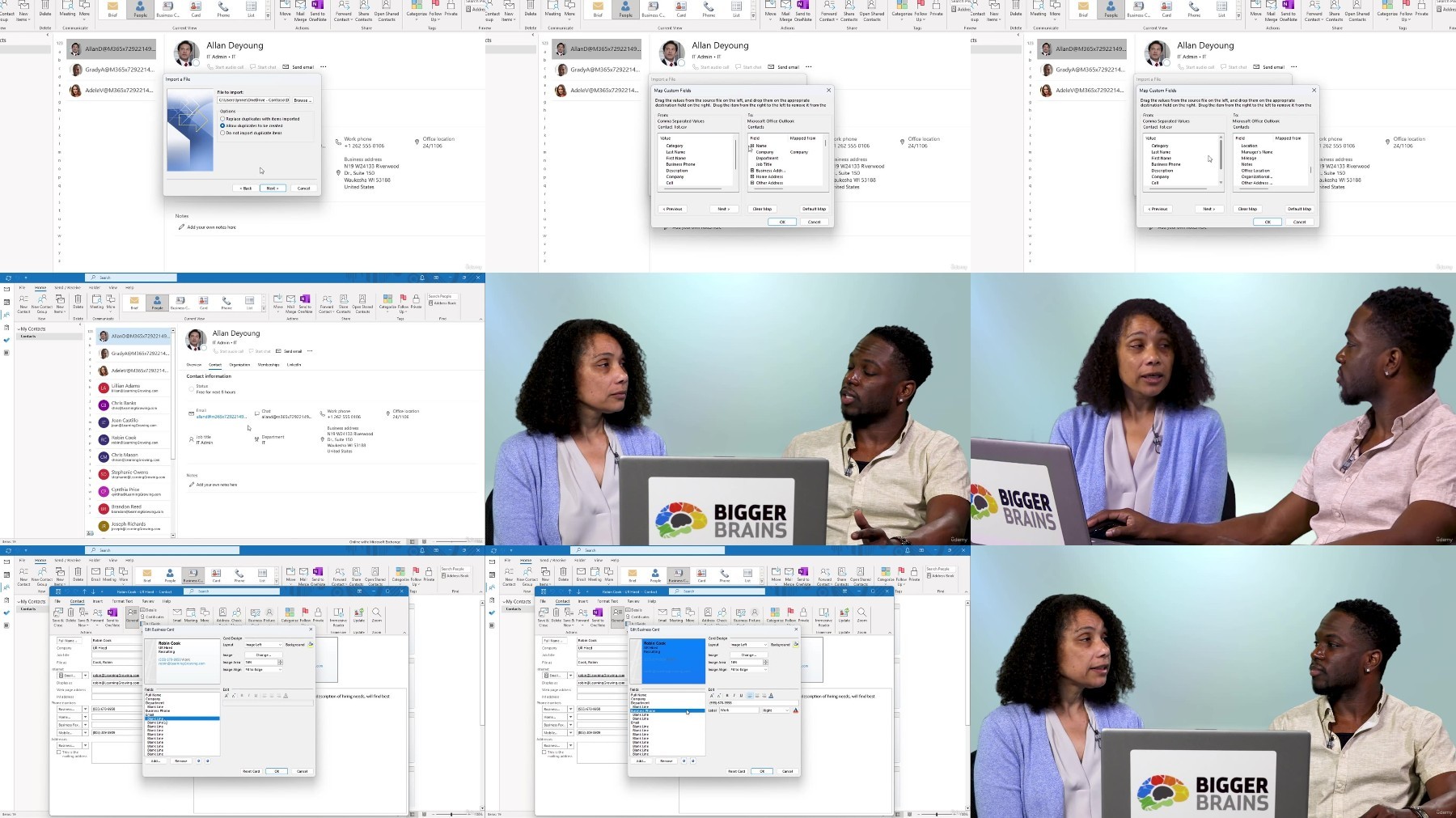
Import and export a contact list in CSV file format and map fields
Share contacts, business cards, and contact folders
Requirements
Basic knowledge of Outlook 365 will be beneficial.
Description
Learn how to optimize the features of Outlook 365 to skillfully organize messages and improve communication and scheduling.
In this course, Microsoft expert Vicky Drewa will show you how to use many of the advanced features built into Outlook to help you work with multiple users and accounts. These include setting up profiles, managing multiple accounts, delegating permission levels, and viewing shared folders. By reviewing the many options and settings available for email and calendars, you will be able to customize your Outlook environment so it works best for you. You'll also learn how to set preferences for working offline or on slow connections.
Are you looking for some time savers? Learning how to use add-ins, templates, and advanced search techniques will help you work more efficiently and effectively. Customizing flags and Quick Actions options will help you keep track of tasks based on your emails.
Wondering how to manage all your emails? Vicki will show you some great tips on cleaning up your Inbox using archiving and the Clean Up feature, as well as how to customize policies and retention settings for individual emails and folders. You also learn how to customize business cards and share contacts multiple ways.
Improve your Outlook expertise by becoming more proficient in using many of the tools and features Outlook has to offer.
Topics covered include:
Changing options for language settings, read receipts, editor settings, and signatures
Customizing Outlook panes and views
Managing RSS feeds
Adding and managing add-ins such as Viva Insights and DocuSign
Delegating folder access and setting delegate permission levels
Creating a search folder from default categories or a custom search folder
Reducing mailbox size and attachment sizes
Using Clean Up Conversations and Clean Up Folder to delete redundant messages
Assigning retention policies for email folders and messages
Changing calendar meeting and display options
Importing and exporting a contact list in CSV file format and map fields
Enjoy over 70 minutes of high-quality HD content in the "Uniquely Engaging"TM Bigger Brains Teacher-Learner style!
Who this course is for:
Users with an advanced understanding of Outlook's email, calendar, people, and task tools, who want to manage their account using advanced features and customization options.
More Info

Free search engine download: Mastering Outlook 365 - Expert
We need your support!
Make a donation to help us stay online

Bitcoin (BTC)
bc1q08g9d22cxkawsjlf8etuek2pc9n2a3hs4cdrld

Bitcoin Cash (BCH)
qqvwexzhvgauxq2apgc4j0ewvcak6hh6lsnzmvtkem

Ethereum (ETH)
0xb55513D2c91A6e3c497621644ec99e206CDaf239

Litecoin (LTC)
ltc1qt6g2trfv9tjs4qj68sqc4uf0ukvc9jpnsyt59u

USDT (ERC20)
0xb55513D2c91A6e3c497621644ec99e206CDaf239

USDT (TRC20)
TYdPNrz7v1P9riWBWZ317oBgJueheGjATm
Information |
|||
 |
Users of GUESTS are not allowed to comment this publication. | ||