


Ai Business Essentials Part 2: Microsoft Copilot
Category: Tutorials
- views: 153
- date: 4 May 2024
- posted by: AD-TEAM

Ai Business Essentials Part 2: Microsoft Copilot
Published 5/2024
MP4 | Video: h264, 1920x1080 | Audio: AAC, 44.1 KHz
Language: English
| Size: 2.14 GB[/center]
| Duration: 1h 40m
Use AI effectively in the workplace with Microsoft's Copilot
What you'll learn
Identify and access different versions of Copilot
Describe the core elements of a Large Language Model
Contrast results from ChatGPT with results from Copilot
Discuss the pros and cons of grounding responses in the web
Create prompts and w ork with the output
Identify best practices and prompt techniques
Compare the data security and feature differences between versions of Copilot
Use the sidebar Copilot in Microsoft edge
Work with Copilot in Windows
Create, modify, and analyze images using Copilot
Add and use plugins
Requirements
No prerequisites for taking this course.
Description
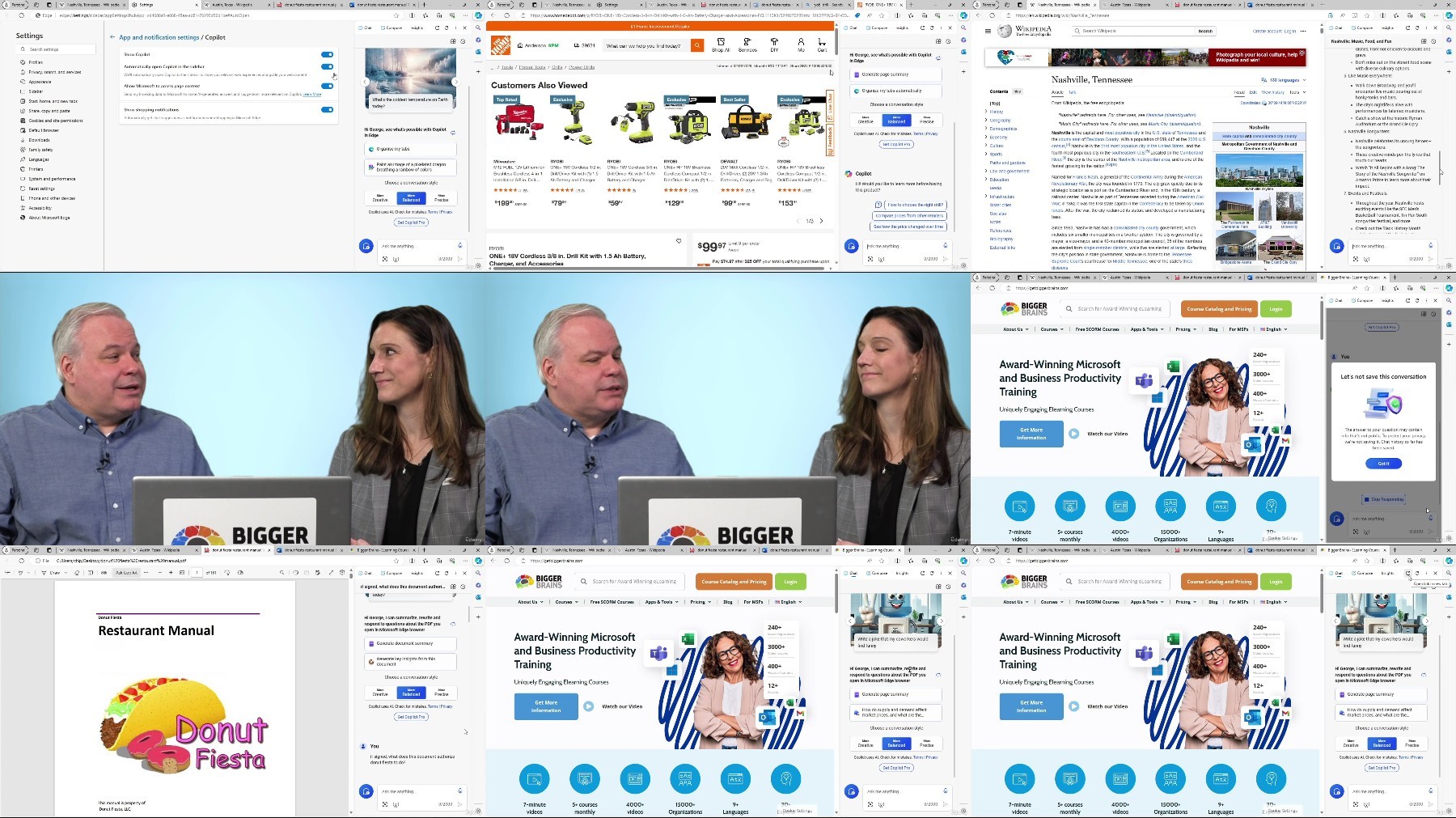
Learn how to utilize the features of both paid and free versions of Copilot and effectively use AI in your workplace.Chip Reaves, a Microsoft silver partner and an IT consultant with over 25 years of technology experience, will show you how to navigate and use Copilot. You'll learn how Copilot can assist you with many tasks like creating documents and emails, researching topics, or analyzing information. Beginning with the basics, you'll learn how to log in to Copilot, navigate the interface, create prompts, and work with the output. You'll see a comparison of data security and feature differences between versions of Copilot.Chip will demonstrate using the sidebar Copilot in Microsoft Edge (including its unique Compose mode) and working with Copilot in Windows. He'll show you how to "get visual" in Copilot by creating, modifying, and analyzing images and how to add and use plugins. He'll also give you some lists of best practices and good prompt techniques that will ensure you get the results you want.By the end of this course, you'll have the information you need to get started navigating Copilot and using its features as well as instruction on best practices and prompt techniques!Topics covered include:Identifying and accessing different versions of CopilotDescribing the core elements of a Large Language ModelContrasting results from ChatGPT with results from CopilotDiscussing the pros and cons of grounding responses in the webCreating prompts and working with the outputIdentifying best practices and prompt techniquesComparing the data security and feature differences between versions of CopilotUsing the sidebar Copilot in Microsoft edgeWorking with Copilot in WindowsCreating, modifying, and analyzing images using CopilotAdding and using pluginsEnjoy high-quality HD content in the "Uniquely Engaging"TM Bigger Brains Teacher-Learner style!
Overview
Section 1: Introduction to Copilot and LLMs
Lecture 1 Introduction
Lecture 2 Intro to Copilot
Lecture 3 Large Language Model Basics
Lecture 4 Building on ChatGPT – the CoPilot Model
Section 2: Using Copilot
Lecture 5 Getting Started with Copilot
Lecture 6 Create, Research, Analyze
Lecture 7 Copilot for Work, Pro, and 365
Lecture 8 Copilot in Microsoft Edge
Lecture 9 Edge Compose Mode
Lecture 10 Copilot in Windows
Section 3: Images and Plugins
Lecture 11 Create Images with Copilot
Lecture 12 Analyze Images with Copilot
Lecture 13 Plugins
Lecture 14 Practical Considerations
Anyone interested in learning to use Microsoft Copilot for business or personal use.
https://fikper.com/nvzrvuakYe/AI.Business.Essentials.Part.2.Microsoft.Copilot.z01.html
https://fikper.com/vc4gyBWxHB/AI.Business.Essentials.Part.2.Microsoft.Copilot.zip.html
https://rapidgator.net/file/47c5a0ad2bb229511b02ec42084a633f/AI.Business.Essentials.Part.2.Microsoft.Copilot.z01
https://rapidgator.net/file/3c564cc215e3439cbd6120552bfdad4b/AI.Business.Essentials.Part.2.Microsoft.Copilot.zip
Free search engine download: AI Business Essentials Part 2 Microsoft Copilot
We need your support!
Make a donation to help us stay online

Bitcoin (BTC)
bc1q08g9d22cxkawsjlf8etuek2pc9n2a3hs4cdrld

Bitcoin Cash (BCH)
qqvwexzhvgauxq2apgc4j0ewvcak6hh6lsnzmvtkem

Ethereum (ETH)
0xb55513D2c91A6e3c497621644ec99e206CDaf239

Litecoin (LTC)
ltc1qt6g2trfv9tjs4qj68sqc4uf0ukvc9jpnsyt59u

USDT (ERC20)
0xb55513D2c91A6e3c497621644ec99e206CDaf239

USDT (TRC20)
TYdPNrz7v1P9riWBWZ317oBgJueheGjATm
Information |
|||
 |
Users of GUESTS are not allowed to comment this publication. | ||