


Linux Shell Scripting: A Project-Based Approach to Learning
Category: Tutorials
- views: 188
- date: 17 April 2024
- posted by: AD-TEAM

Linux Shell Scripting: A Project-Based Approach to Learning
.MP4, AVC, 200 kbps, 1920x1080 | English, AAC, 128 kbps, 2 Ch | 10h 41m | 1.98 GB
Instructor: Jason Cannon
Learn how to shell script through project-based training (Bash Scripting, Bash Programming, Grep, Awk, and more)
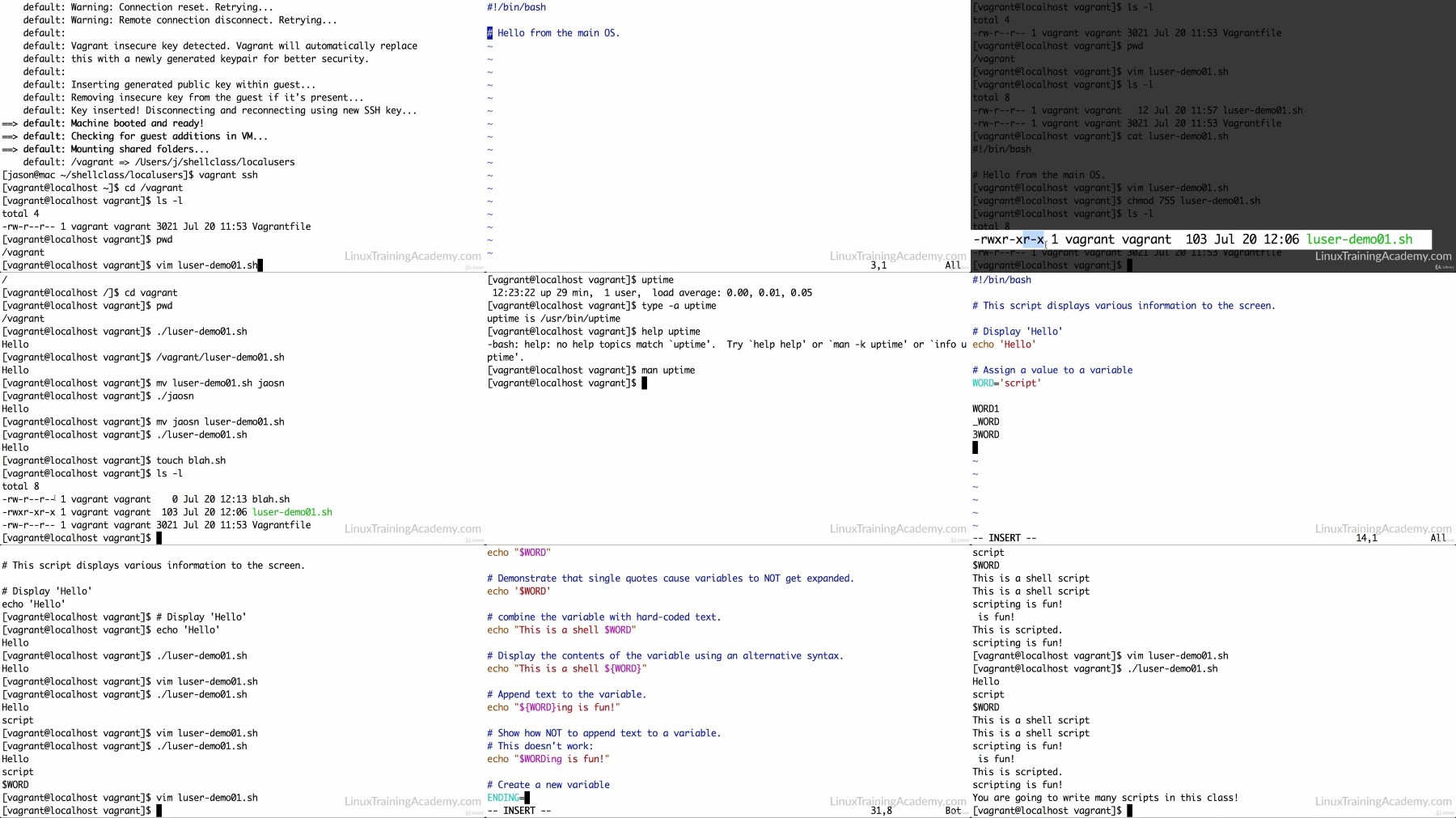
Have you tried to learn shell scripting on your own, but lack the structure you need to really improve your skills? Are you tired of picking up bits and pieces of information that you can't just seem to put together? Do you learn best by doing? If so, you're going to love this course. One of the biggest complaints I hear from students is that most of the courses they've taken in the past simply provide information without any context and without any idea of how to put that information to use! This course turns that old, frustrating, and outdated way of learning on its head. It's project-based, which means that, instead of learning bits and pieces of information, you'll write actual shell scripts that you can use in real-world situations. You get the chance to immediately put what you learn to use so that you fully understand and remember it. If you're ready to level-up your shell scripting skills, enroll now!
What You Will Learn
Name your shell scripts
Use the proper permissions on your shell scripts.
Create and use variables in your scripts.
Use shell built-in commands and operating system commands.
Make the most of special variables that are available to you in your scripts.
Make decisions by using if statements and performing several different kinds of tests
Check the exit statuses of commands (and why you need to)
Use cryptographic hash functions
Create random data so you can do things such as automatically generating strong passwords for user accounts.
Perform the same action or set of actions over a series of data, utilizing for loops, while loops, and infinite loops.
Control all types of input and output.
Accept standard input from a user as well as from another program.
Redirect standard output and standard errors.
Combine standard output and standard errors
Use command pipelining, perform text and string manipulation, and process command-line arguments
Creating functions and when to do so.
Parsing, analyzing, and reporting on log files, CSV files, and other data.
Writing scripts that execute commands on other systems.
More Info
https://voltupload.com/rxaugdql6lx4/Udemy.Linux.Shell.Scripting.a.Project.Based.Approach.to.Learning-AG.z01
https://voltupload.com/4i3trhrvsdrg/Udemy.Linux.Shell.Scripting.a.Project.Based.Approach.to.Learning-AG.zip
https://rapidgator.net/file/b7e63d551b3a16d57b6900fc8696c6ae/Udemy.Linux.Shell.Scripting.a.Project.Based.Approach.to.Learning-AG.z01
https://rapidgator.net/file/1c6efff0aa1883480ab01af4392ddf21/Udemy.Linux.Shell.Scripting.a.Project.Based.Approach.to.Learning-AG.zip
Free search engine download: Udemy Linux Shell Scripting a Project Based Approach to Learning-AG
We need your support!
Make a donation to help us stay online

Bitcoin (BTC)
bc1q08g9d22cxkawsjlf8etuek2pc9n2a3hs4cdrld

Bitcoin Cash (BCH)
qqvwexzhvgauxq2apgc4j0ewvcak6hh6lsnzmvtkem

Ethereum (ETH)
0xb55513D2c91A6e3c497621644ec99e206CDaf239

Litecoin (LTC)
ltc1qt6g2trfv9tjs4qj68sqc4uf0ukvc9jpnsyt59u

USDT (ERC20)
0xb55513D2c91A6e3c497621644ec99e206CDaf239

USDT (TRC20)
TYdPNrz7v1P9riWBWZ317oBgJueheGjATm
Information |
|||
 |
Users of GUESTS are not allowed to comment this publication. | ||