


Copilot in Excel 365 - Beginner
Category: Tutorials
- views: 125
- date: 11 April 2024
- posted by: AD-TEAM

Copilot in Excel 365 - Beginner
Published 4/2024
Duration: 44m | .MP4 1280x720, 30 fps(r) | AAC, 44100 Hz, 2ch | 749 MB
Genre: eLearning | Language: English [/center]
Copilot functionality within Excel
What you'll learn
The basics of Copilot's placement within Microsoft Office and basic licensing are covered and demonstrated along with other necessary information.
Copilot has several requirements that must be in place before it will function in Excel. These conditions are discussed and demonstrated.
Column calculations are added to a table, and summary calculations are added to worksheets. The rules for writing effective prompts are covered and demonstrated
PivotTables are examined and deconstructed to see how they work and what Copilot did to provide answers.
When Copilot leverages Excel's Conditional Formatting feature, the result is examined and deconstructed to see how Copilot did its work.
Copilot is asked to create different types of charts so that data summaries may be visualized.
Requirements
Excel Beginner or equivalent
Excel Intermediate (preferred)
Description
This course introduces Excel users to the basics of Excel Copilot. No previous experience with Copilot is required. This course starts by examining the licensing and work environment requirements to get started.
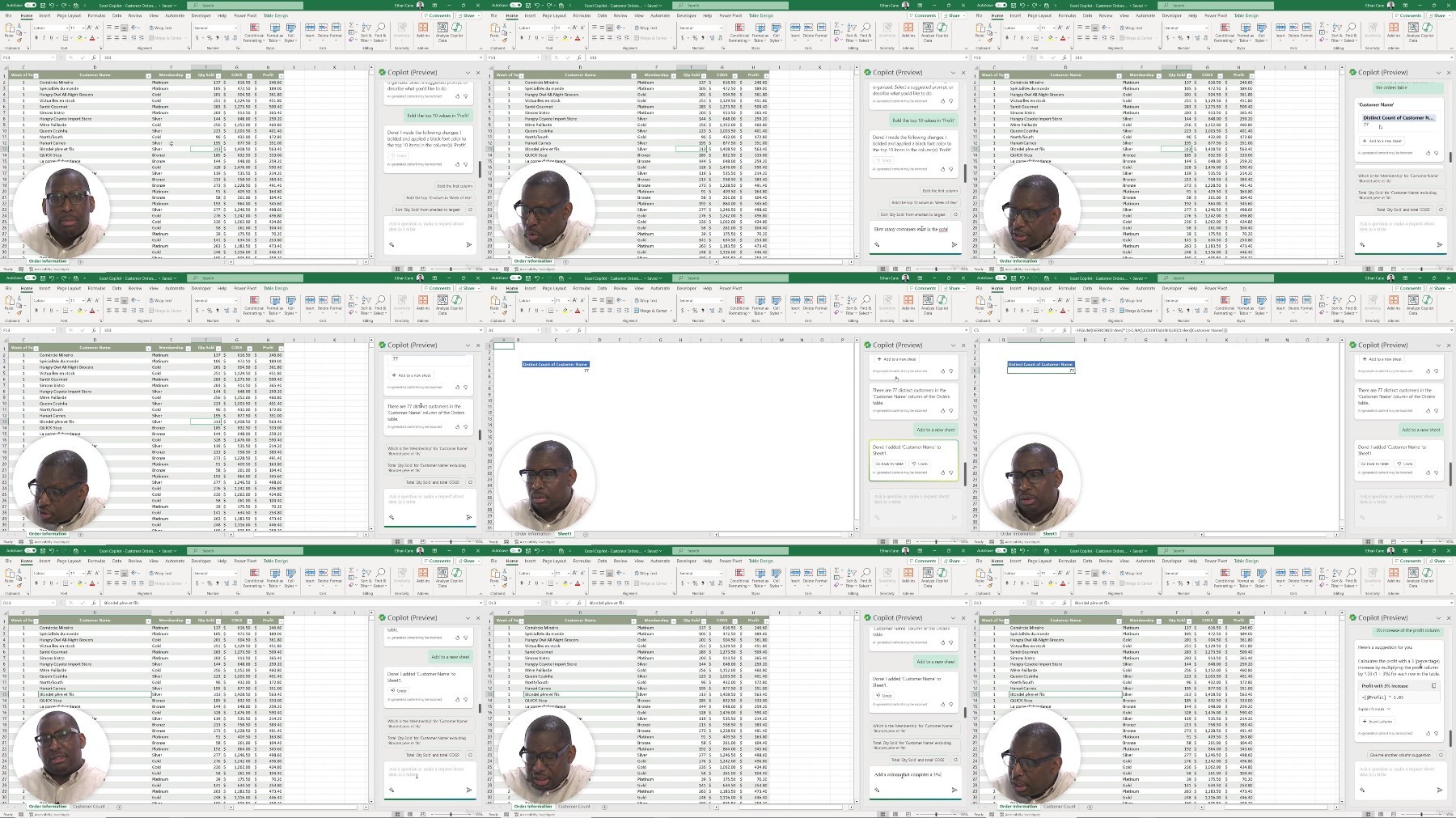
Students follow the instructor with the same data files that the instructor uses. The Copilot pane is explored, and its features examined.
Writing good prompts is explained and Copilot is asked to create calculated columns in tables, summary calculations on different worksheets, and data manipulation formulae to manage existing data.
Excel Copilot often creates PivotTables when it needs to filter or summarize data. This aspect of Copilot is explored and demonstrated. The output of Copilot is deconstructed to understand how Copilot answers questions of this type.
Formatting and styling data comes next. Copilot is asked to highlight data based on specific criteria. Dashboard style icons and formatting result. Formatting and styling are done with multiple criteria against different columns of data in a table. Copilot often leverages Excel's Conditional Formatting feature. The results are examined and changed, as necessary.
Finally, data is summarized and charted by Copilot. Copilot can use many chart types, and several are used in this course. Data shaping is explained and demonstrated, and the output of Copilot is examined.
Who this course is for:
Anybody interested in expanding upon existing Copilot or Excel knowledge.
More Info
Free search engine download: Copilot in Excel 365 - Beginner
We need your support!
Make a donation to help us stay online

Bitcoin (BTC)
bc1q08g9d22cxkawsjlf8etuek2pc9n2a3hs4cdrld

Bitcoin Cash (BCH)
qqvwexzhvgauxq2apgc4j0ewvcak6hh6lsnzmvtkem

Ethereum (ETH)
0xb55513D2c91A6e3c497621644ec99e206CDaf239

Litecoin (LTC)
ltc1qt6g2trfv9tjs4qj68sqc4uf0ukvc9jpnsyt59u

USDT (ERC20)
0xb55513D2c91A6e3c497621644ec99e206CDaf239

USDT (TRC20)
TYdPNrz7v1P9riWBWZ317oBgJueheGjATm
Information |
|||
 |
Users of GUESTS are not allowed to comment this publication. | ||