


Learn Ms-Dos Commands ( Windows Command Line Interface)
Category: Tutorials
- views: 138
- date: 11 April 2024
- posted by: AD-TEAM

Learn Ms-Dos Commands ( Windows Command Line Interface)
Published 2/2023
MP4 | Video: h264, 1280x720 | Audio: AAC, 44.1 KHz
Language: English
| Size: 421.46 MB[/center]
| Duration: 1h 19m
Learn MS-DOS from the beginning. Series of Commands With Practice making you a professional
What you'll learn
You Will Learn Working with Command Line Interface.
You will Learn the Fundamentals of MS-DOS Commands.
Learn everything there is to know about the windows command line (CMD).
This Course will help you to practice other Programming Languages from Command Line Interface
Requirements
Computer with Windows OS
curiosity to learn
Two Hours of Time to learn the course and 1 hour to practice
Knowledge of Computer Basics is an Added Advantage
Description
Enroll in a course on the MS-DOS operating system taught by a Coding Career Expert with over 15 years of programming experience.This course is designed to provide a comprehensive and practical step-by-step guide for learners who wish to enhance their IT skills, particularly in Computer Basics and Programming Languages. The lessons are of the highest quality and are presented in an easily understandable manner, making them an ideal choice for anyone seeking to improve their abilities. It is the perfect course, to begin with for those who want to learn these valuable skills.This course will begin with the basics of MS-DOS, such as introducing the Command Prompt and the various ways to open it. It will cover changing the time, date, and color of MS-DOS, working with files and folders through CMD, creating programs, and editing user accounts via CMD. Additionally, you will practice using the most useful commands in DOS, and much more. Finally, the course will guide you through creating directory structures and managing files within them.Don't wait any longer! Embark on your journey to learn MS-DOS today.This course is suitable for:Individuals who are keen to learn about the Windows command line (CMD)Students seeking to expand their knowledgeCoders, writers, or IT professionals who are eager to embark on their learning journeyIndividuals who work with large numbers of files or perform repetitive tasks
Overview
Section 1: Introduction to Ms-Dos Commands (Windows Command Line Interface)
Lecture 1 MS-DOS Basic Commands
Lecture 2 Working With Directories & Sub-Directories
Lecture 3 Working with Directory Command(dir)
Section 2: Enhance Your Command Prompt Skills
Lecture 4 Learn the 5 Useful DOS Commands
Lecture 5 How to Change Command Prompt Screen Text Color
Lecture 6 Learn the 3 Different Ways to Launch Command Prompt
Section 3: Test your MS-DOS Commands
Beginners & Students,Coders, Programmers or IT professionals who are eager to begin their journey.,Everyone who is eager to learn about the windows command line (CMD)!,Everybody who wants to get his IT Skills to the Next Level
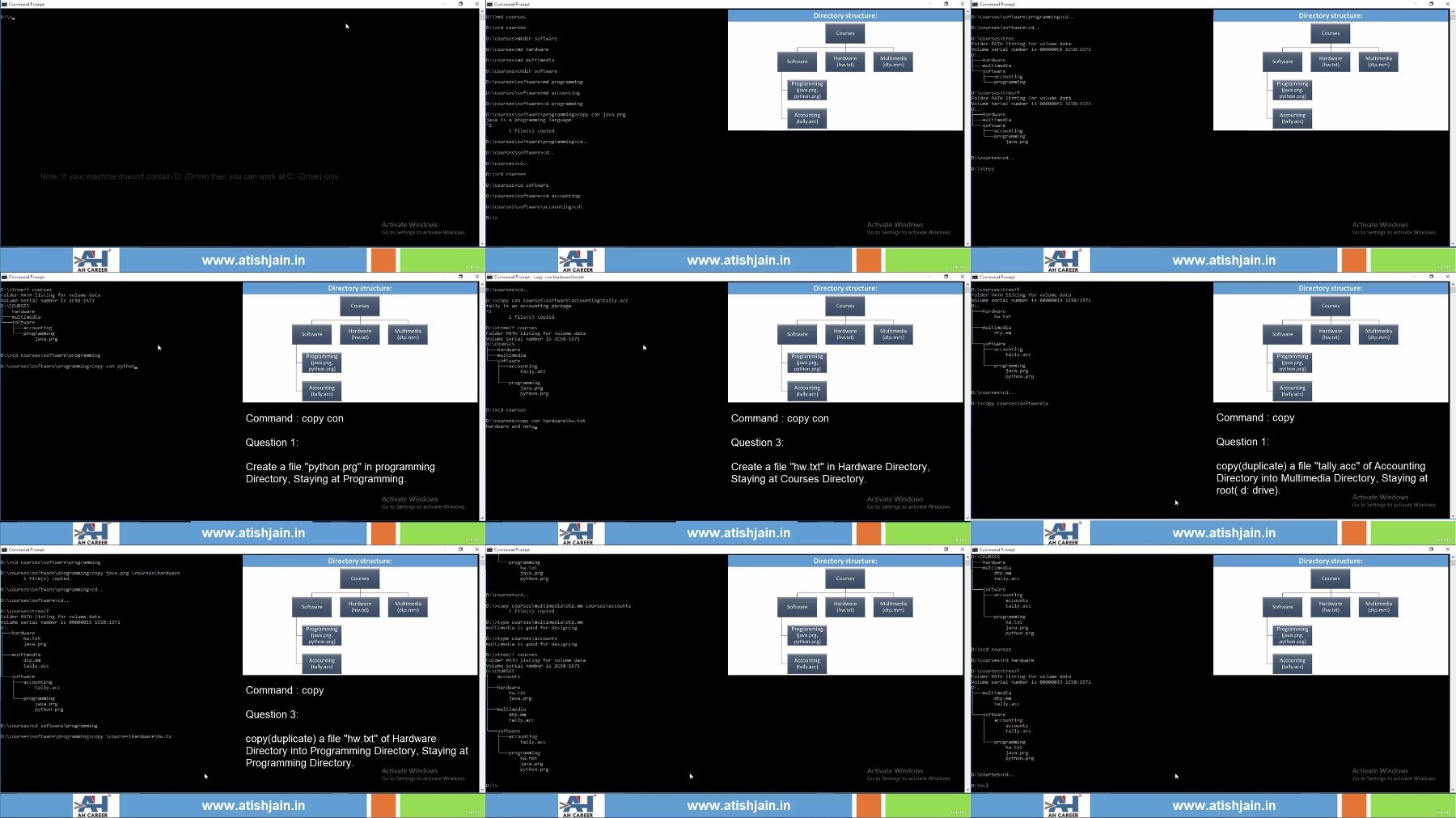
Free search engine download: Udemy - Learn Ms-Dos Commands ( Windows Command Line Interface) 2023-2
We need your support!
Make a donation to help us stay online

Bitcoin (BTC)
bc1q08g9d22cxkawsjlf8etuek2pc9n2a3hs4cdrld

Bitcoin Cash (BCH)
qqvwexzhvgauxq2apgc4j0ewvcak6hh6lsnzmvtkem

Ethereum (ETH)
0xb55513D2c91A6e3c497621644ec99e206CDaf239

Litecoin (LTC)
ltc1qt6g2trfv9tjs4qj68sqc4uf0ukvc9jpnsyt59u

USDT (ERC20)
0xb55513D2c91A6e3c497621644ec99e206CDaf239

USDT (TRC20)
TYdPNrz7v1P9riWBWZ317oBgJueheGjATm
Information |
|||
 |
Users of GUESTS are not allowed to comment this publication. | ||