


Jumpstart The Raspberry Pi Pico
Category: Tutorials
- views: 138
- date: 8 April 2024
- posted by: AD-TEAM

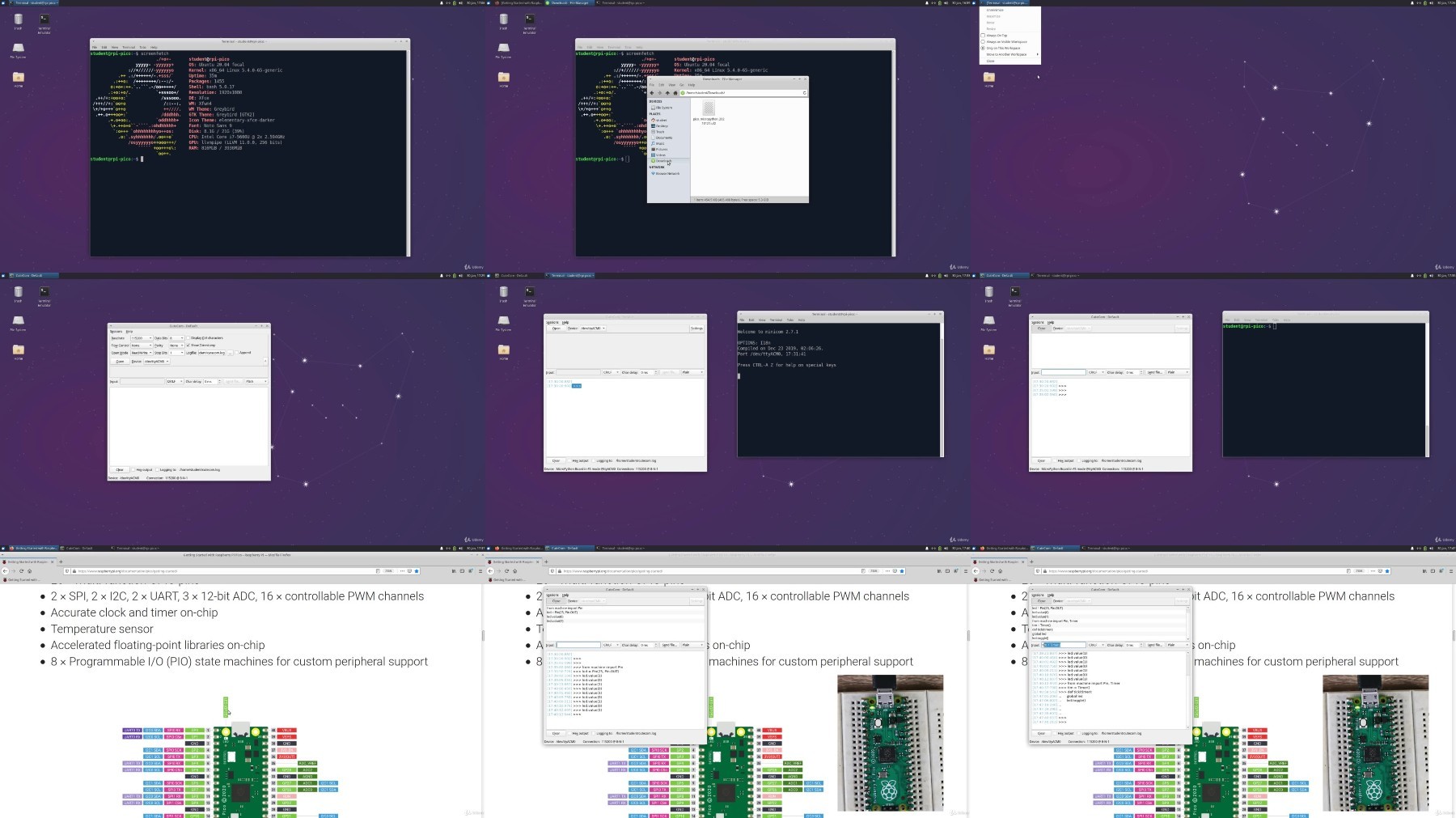
Jumpstart the Raspberry Pi Pico
.MP4, AVC, 1280x720, 30 fps | English, AAC, 2 Ch | 3h 16m | 1.08 GB
Instructor: Dr. Alexander Fell
A comprehensive Course for Beginners about all important Functionalities of the new Raspberry Pi Family Member
What you'll learn
Raspberry Pi Pico
MicroPython
Thonny in Windows and Linux
Communication Protocols of the Raspberry Pi Pico
Internal Peripheries of the Raspberry Pi Pico
Requirements
A fundamental knowledge about Python (Loops, Functions)
Fundamental knowledge about breadboards and wiring
Description
This course is specifically tailored to get you jump-started for the newest family member of the Raspberry Pi family: The Raspberry Pi Pico. After the software installation for your operating system (we show it in Windows and Linux), we immediately dive into topics such as
Timers and Counters
Pulse Width Modulation
Interrupts
Analog-to-Digital Converter (ADC)
Communication Protocols (SPI, I2C/TWI, UART)
How to connect other peripheries, sensors, and actuators (Example: Arduino) to the Raspberry Pi Pico?
First, each topic explains briefly, what the functionality does and how it works. That is followed by practical examples, tips and tricks, and exercises to try out the topic by yourself. To maximize the take-away from the course, the exercises provide hints and tips, in case you get stuck somewhere. If nothing works, even the solutions in well documented source code are provided for you to try and to modify.
In addition, we show practical examples, how to connect periphery to the Raspberry Pi Pico, while at the same time protect it against overvoltage, and how to use it with larger electrical components such as motors, so that you can enjoy your Raspberry Pi Pico as long as possible.
This course follows the motto: "Learning by Doing". So you will require a few hardware components to complete the course successfully. The list is mentioned in the first lecture, which is available for free. In addition, it is assumed that an enrolled student already has a bit of Python programming experience and knows how to write functions, loops, and how to import modules. If you already know any other programming language, you will feel also comfortable here and pick up Python on the fly.
This course is designed specifically for the Raspberry Pi Pico and offers everything in one single place. After completing this course, the successful student will have the experience to plan and implement own projects for the Raspberry Pi Pico and learned the fundamentals of omnipresent peripheries encountered in the domain of embedded systems.
Who this course is for:
Python Developers curious to try out the novel Raspberry Pi Pico
Entrepreneurs who want to launch a product or start-up
More Info
https://voltupload.com/qccz5faph63z/_Jumpstart_the_Raspberry_Pi_Pico_2022-7.z01
https://voltupload.com/udvjm135vn8n/_Jumpstart_the_Raspberry_Pi_Pico_2022-7.zip
https://rapidgator.net/file/d29fe1edaec4cf05ceb2993ecd3cb5cd/_Jumpstart_the_Raspberry_Pi_Pico_2022-7.z01
https://rapidgator.net/file/06b8d5681919c1b3b414adaf238ed536/_Jumpstart_the_Raspberry_Pi_Pico_2022-7.zip
Free search engine download: Udemy - Jumpstart the Raspberry Pi Pico 2022-7
We need your support!
Make a donation to help us stay online

Bitcoin (BTC)
bc1q08g9d22cxkawsjlf8etuek2pc9n2a3hs4cdrld

Bitcoin Cash (BCH)
qqvwexzhvgauxq2apgc4j0ewvcak6hh6lsnzmvtkem

Ethereum (ETH)
0xb55513D2c91A6e3c497621644ec99e206CDaf239

Litecoin (LTC)
ltc1qt6g2trfv9tjs4qj68sqc4uf0ukvc9jpnsyt59u

USDT (ERC20)
0xb55513D2c91A6e3c497621644ec99e206CDaf239

USDT (TRC20)
TYdPNrz7v1P9riWBWZ317oBgJueheGjATm
Information |
|||
 |
Users of GUESTS are not allowed to comment this publication. | ||