


Learn Master Slides On Powerpoint
Category: Tutorials
- views: 325
- date: 3 April 2024
- posted by: AD-TEAM
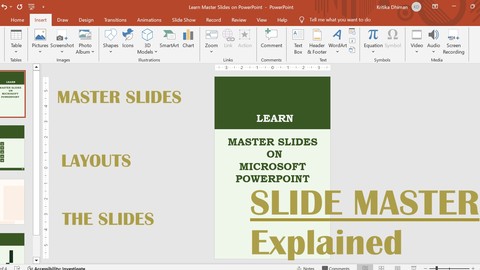
Learn Master Slides On Powerpoint
Published 4/2024
MP4 | Video: h264, 1920x1080 | Audio: AAC, 44.1 KHz
Language: English
| Size: 582.02 MB[/center]
| Duration: 0h 59m
Improve your presentation skills and learn to effectively use Master Slides PowerPoint
What you'll learn
Creating own Design templates in Powerpoint
Learn use and designing of Master Slides for professional and personal use
Create outstanding Theme based Slide designs
Improve Design skills and enhance creativity
Requirements
Basic Knowledge of powerpoint
Description
Whether you're a student or a professional, creating presentations isn't only for professionals. You can take your presentations from zero to a hundred with a few handy hacks and techniques and we're here to teach you how.In this course, you will learn everything about creating and designing presentations in Microsoft PowerPoint.Learn Microsoft PowerPoint, Presentation Skills, PowerPoint 365, and become a Master at Creating/Delivering Impressive PowerPoint presentations.Do you want to create a fully-animated business presentation?Do you want to feel more confident when delivering presentations to managementDo you want to create sophisticated and well-organized presentationsDo you want to get comfortable and confident with advanced animation featuresDo you want to create custom animations, transitions and logo openers in PowerPointWe will start with creating a simple and basic outline of slides, to designing objects, text, images, and videos at an advanced level to present your information.You will even learn how to create and design slides, objects, text, and graphics like a professional. You will also learn how to bring these elements into life using smooth and eye-catching animations and transitions.This course is an opportunity to beat the learning curve and stand out from the crowd.Lets do it!
Overview
Section 1: Introduction
Lecture 1 Open Master Slide in Presentation
Lecture 2 Introduction to Slides and Layouts
Lecture 3 Inserting Themes
Lecture 4 Navigation to Slide Master view
Section 2: Basics to Master Slide
Lecture 5 Format Background
Lecture 6 Working over Text
Lecture 7 Insert Logo
Lecture 8 Working with Master Layout
Lecture 9 Slide Size
Section 3: Creating a Master Slide from Scratch
Lecture 10 Creating a Title Slide
Lecture 11 Slide 2: Table of Content
Lecture 12 New Slide
Lecture 13 With Icons and Shapes
Lecture 14 Insert Picture Placeholder
Lecture 15 Timeline
Beginner, Intermediate
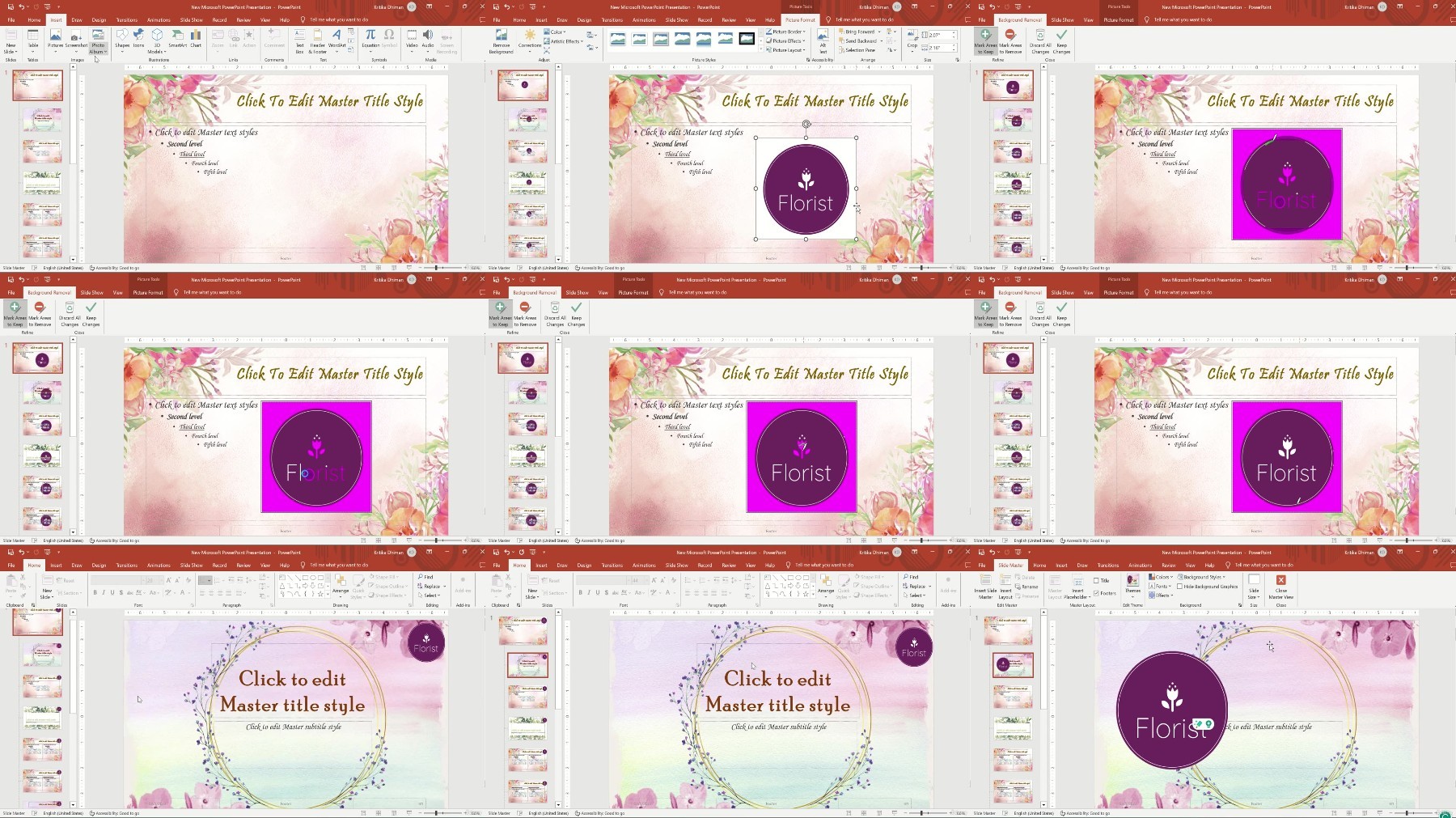
Free search engine download: Learn Master Slides on PowerPoint
We need your support!
Make a donation to help us stay online

Bitcoin (BTC)
bc1q08g9d22cxkawsjlf8etuek2pc9n2a3hs4cdrld

Bitcoin Cash (BCH)
qqvwexzhvgauxq2apgc4j0ewvcak6hh6lsnzmvtkem

Ethereum (ETH)
0xb55513D2c91A6e3c497621644ec99e206CDaf239

Litecoin (LTC)
ltc1qt6g2trfv9tjs4qj68sqc4uf0ukvc9jpnsyt59u

USDT (ERC20)
0xb55513D2c91A6e3c497621644ec99e206CDaf239

USDT (TRC20)
TYdPNrz7v1P9riWBWZ317oBgJueheGjATm
Information |
|||
 |
Users of GUESTS are not allowed to comment this publication. | ||