


Automate Data Processing & Transformations with Excel VBA
Category: Tutorials
- views: 127
- date: 3 April 2024
- posted by: AD-TEAM
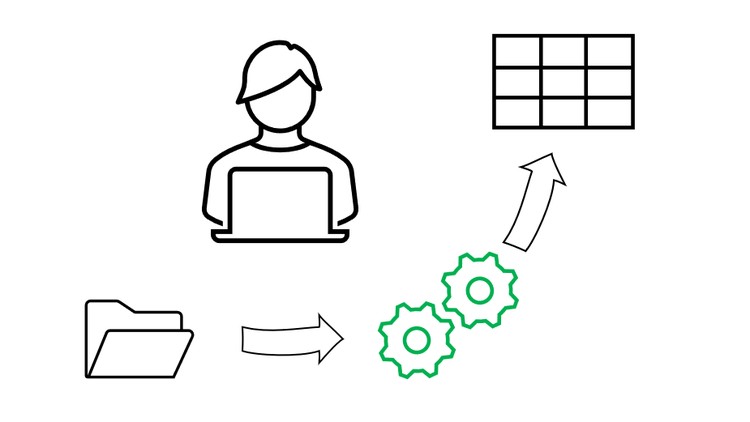
Automate Data Processing & Transformations with Excel VBA
.MP4, AVC, 1280x720, 30 fps | English, AAC, 2 Ch | 3h 16m | 1.15 GB
Instructor: Carl Walenciak
Work directly in VBA Editor to develop code that will automate your data processing and transformations.
What you'll learn
- Importing and exporting data
- Work with data directly in the Excel VBA Editor
- Develop a data preperation workflow
- Learn how to structure data for efficient transformation.
Requirements
- Access to Excel.
- Beginners knowledge of Excel VBA
- Understanding of Subroutines, Functions, Variables, If Statements and For Loops
Description
This course was developed with Excel in Microsoft 365, but what you learn here can be applied to any version of excel.
This course will cover an area that most leave out, working directly in the VBA editor to process and transform your data. We are going to work with Excel VBA like any other programming language such as Python or R, and not just like an add on to excel that just formatts your worksheets.
We will first start with a refresher on arrays and objects. Then we just jump into getting data from worksheets and other workbooks. In any business setting a lot of data you will receive will be in an excel workbook, so it is important that you can gather this data programmatically.
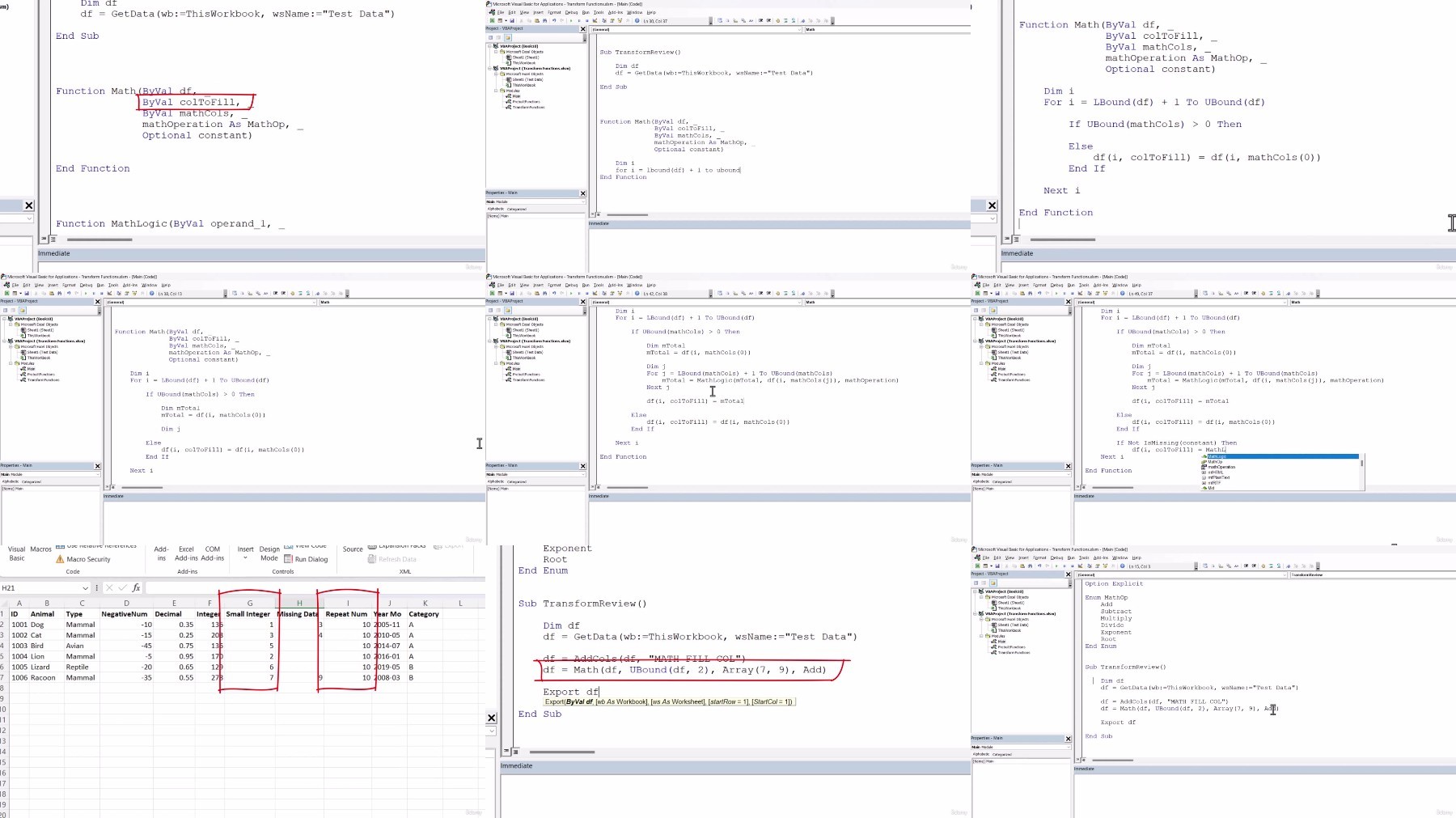
In our transformation section we will be building 14 functions to help process and transform your data. This will all be written from scratch. This section is meant to give you functions that you can immediately apply in your day job, but more importantly it will help you start thinking about how you can start building other functions to add to your tool box. We will then improve those functions by learning to work with header names instead of working with indexes.
Finally, we have your ERP project.This is where you will use what you learned to help solve a real life scenario that comes up a lot in business, data migration to a new ERP system.
Functions we will code:
- Get Data
- Export
- Absolute Value
- Sum Columns
- Add Columns
- Math
- Compare
- Copy Column
- Fill Column If
- Fill Column
- Fill Column If
- Swap Columns
- Stack Data
- Transpose
This is an intermediate Excel VBA course and students should be comfortable with the following concenpts:
- Modules
- Variables (including constants & enums)
- Functions and Subroutines
- If Statements
- For & For Each Loops
- Select Case
Who this course is for:
- Analyst who would like to automate there data processing task with Excel VBA.
- Someone with the beginners knowledge of Excel VBA who wants to take the next steps to advance their skills.
- Someone who has worked in other programming languages like python, who has only used libraries but would like to build functions from scratch and see the inner workings.
More Info
https://rapidgator.net/file/a4c22e91452db407a5e1fe30ef845a2e/Automate_Data_Processing__Transformations_with_Excel_VBA.z01
https://rapidgator.net/file/854bebeac24d1ea0501935be2ab65047/Automate_Data_Processing__Transformations_with_Excel_VBA.zip
https://voltupload.com/floy6q3ibzh0/Automate_Data_Processing__Transformations_with_Excel_VBA.z01
https://voltupload.com/72dqlvgadds6/Automate_Data_Processing__Transformations_with_Excel_VBA.zip
Free search engine download: Automate Data Processing & Transformations with Excel VBA
We need your support!
Make a donation to help us stay online

Bitcoin (BTC)
bc1q08g9d22cxkawsjlf8etuek2pc9n2a3hs4cdrld

Bitcoin Cash (BCH)
qqvwexzhvgauxq2apgc4j0ewvcak6hh6lsnzmvtkem

Ethereum (ETH)
0xb55513D2c91A6e3c497621644ec99e206CDaf239

Litecoin (LTC)
ltc1qt6g2trfv9tjs4qj68sqc4uf0ukvc9jpnsyt59u

USDT (ERC20)
0xb55513D2c91A6e3c497621644ec99e206CDaf239

USDT (TRC20)
TYdPNrz7v1P9riWBWZ317oBgJueheGjATm
Information |
|||
 |
Users of GUESTS are not allowed to comment this publication. | ||