


timeLAPSE 2.68 macOS
Category: Apps (SEO/Marketing/Design)
- views: 19
- date: 5 November 2026
- posted by: DrZero

File size: 5.26 MB
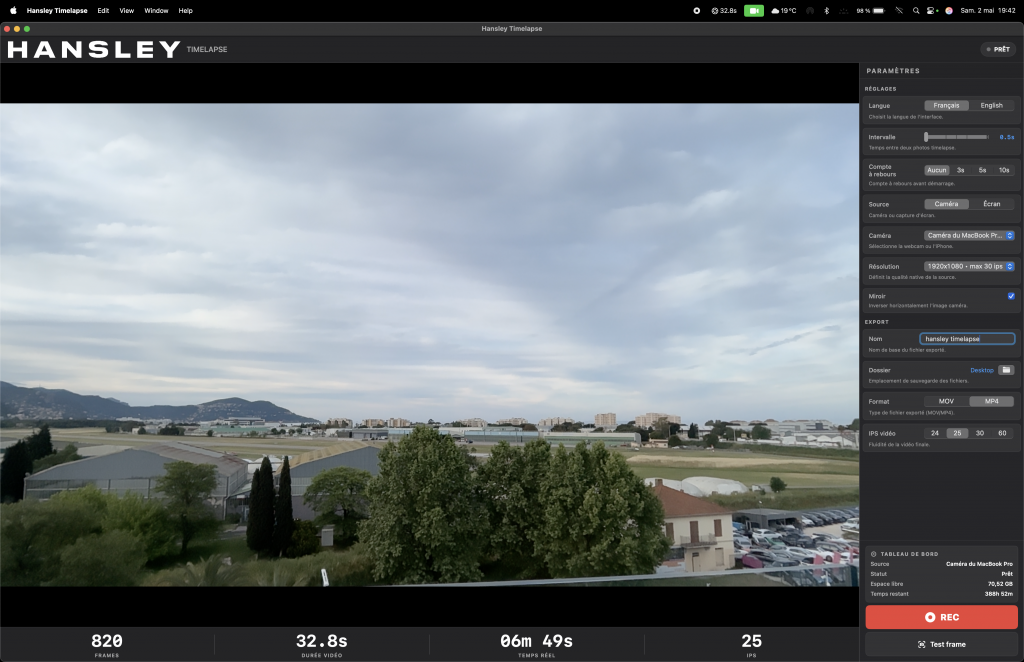
timeLAPSE will take a silent screenshot of your Mac's desktop automatically and periodically at an interval according to your setup, from between 10 seconds to 24 hours. All captured screenshots will be saved in a folder of your choosing. Then, these captured screenshots can be linked and compiled into a continuously played time-lapse video at any time.
timeLAPSE is ideal for computer security and educational usage like as a child computer behavior monitor, it's also very useful for medical care professionals, law enforcement personnel, journalist and researchers, to act as a computer event tracking and analyzing app.
You may even use it to create your attractive personal video diary or freelancer's invoice attachment and share it with friends and clients.
System Requirements
macOS 11.0 or later,
Supports Intel and Apple Silicon Macs
Screen :
What's New

HOMEPAGE
https://apps.apple.com/us/app/timelapse/id449502656?mt=12
Buy Premium Account From My Download Links & Get Fastest Speed.
We need your support!
Make a donation to help us stay online

Bitcoin (BTC)
bc1q08g9d22cxkawsjlf8etuek2pc9n2a3hs4cdrld

Bitcoin Cash (BCH)
qqvwexzhvgauxq2apgc4j0ewvcak6hh6lsnzmvtkem

Ethereum (ETH)
0xb55513D2c91A6e3c497621644ec99e206CDaf239

Litecoin (LTC)
ltc1qt6g2trfv9tjs4qj68sqc4uf0ukvc9jpnsyt59u

USDT (ERC20)
0xb55513D2c91A6e3c497621644ec99e206CDaf239

USDT (TRC20)
TYdPNrz7v1P9riWBWZ317oBgJueheGjATm
Information |
|||
 |
Users of GUESTS are not allowed to comment this publication. | ||